

Subscription includes
Support
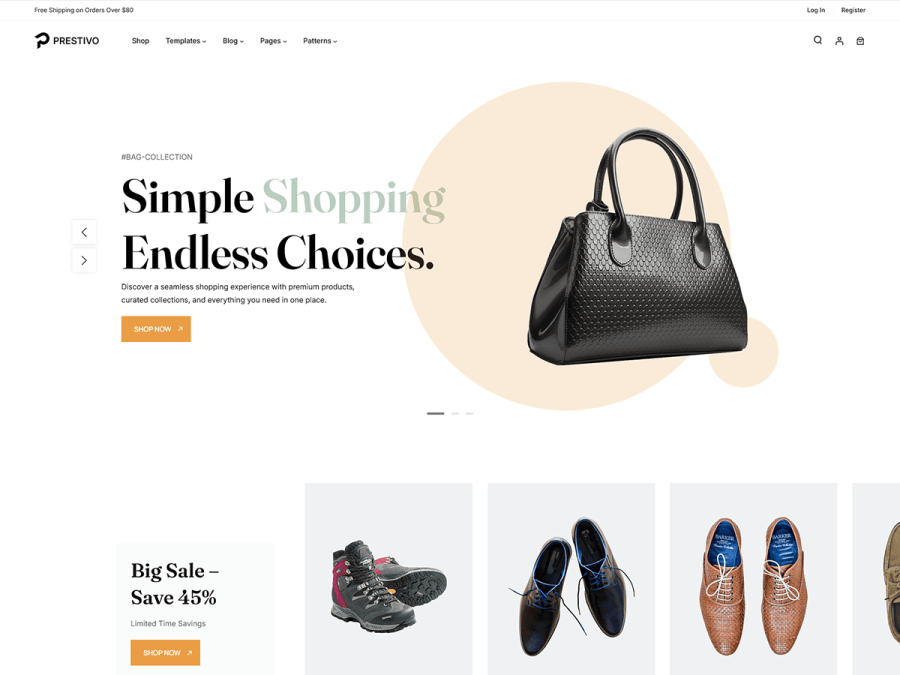
Prestivo is a WooCommerce block theme for store owners who want a clean, uncluttered shop and full control over how it looks. Every page, from the homepage to checkout, is a block template you edit in the WordPress Site Editor. You don’t need a page builder, a slider plugin, or a companion plugin.
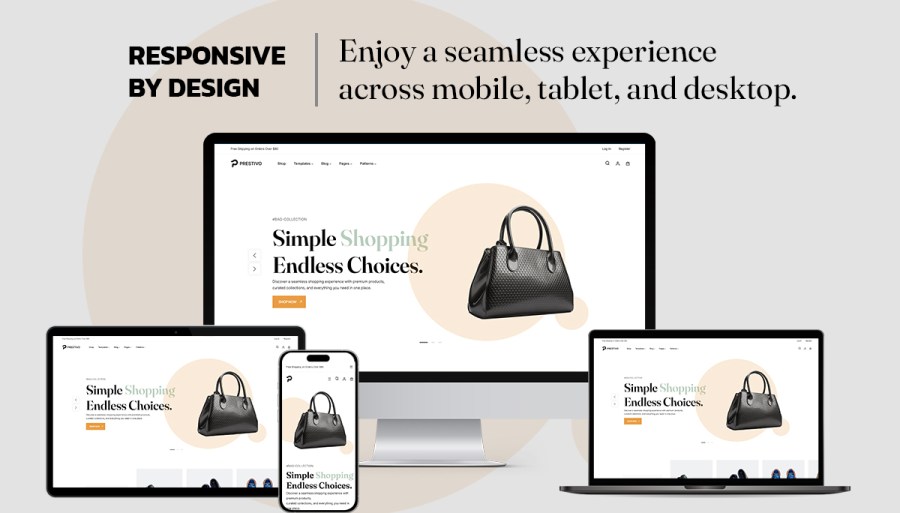
Prestivo suits fashion and apparel boutiques, accessories, and lifestyle shops, home, and décor stores, single-product brands, and content-led stores that sell through buying guides and articles. The demo is a clothing store, but every pattern and template can be edited, so the theme fits any catalog.
The shop and category pages come with filters for price, category, attributes, rating, and stock status, so customers can narrow a large catalog in a few clicks. Product search results and category pages have their own designed headers, so no page falls back to a plain default.
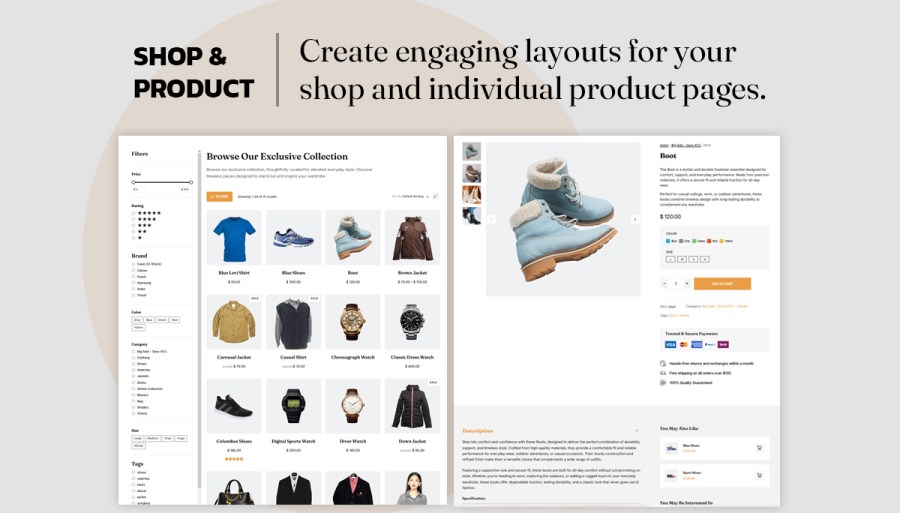
Choose between two product layouts, including a vertical gallery for stores with lots of photography. Product specifications, reviews, and a product FAQ answer questions on the page. Cross-sells, upsells, and related products help raise average order value.
When a customer adds a product, the mini cart drawer opens so they can keep shopping or check outright away. Add to cart buttons work with a keyboard and stay visible on touchscreens. Cart, checkout, order confirmation, and My Account are all block templates you can refine.
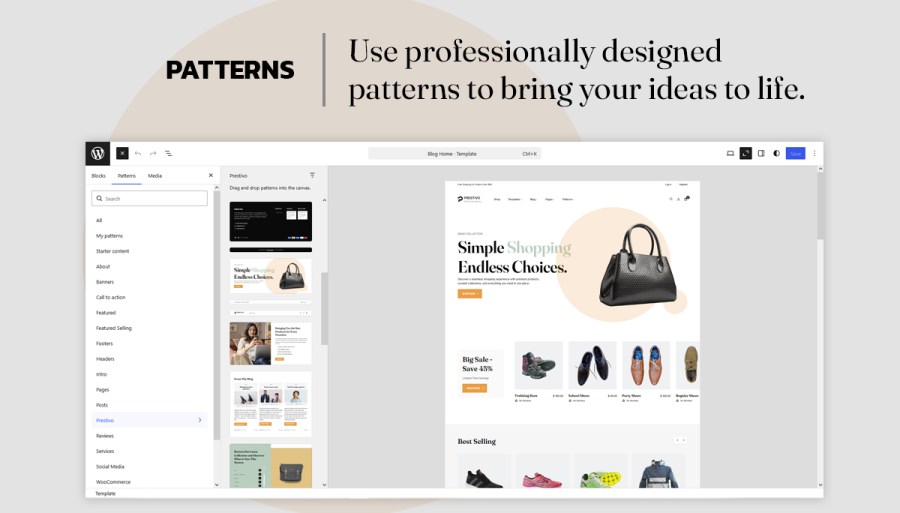
Patterns are ready-made sections you drop into any page and edit. Prestivo’s cover what an online store needs:
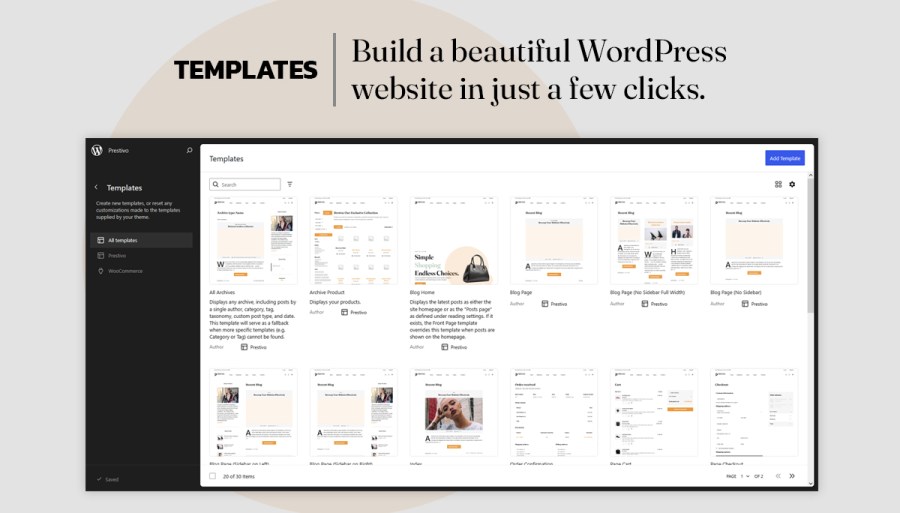
Templates control the layout of each type of page. Prestivo designs every one of them, so no page in your store falls back to a plain default:
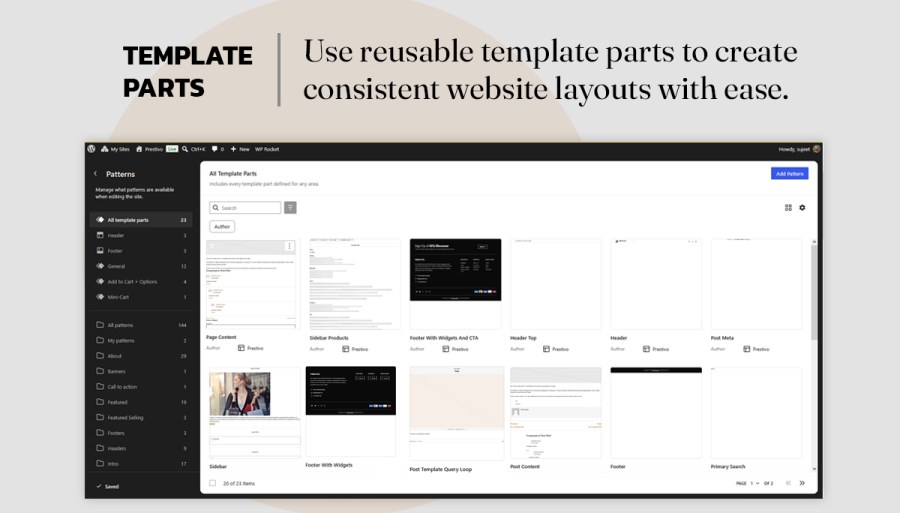
Template parts are reusable pieces, such as headers and footers. Edit one, and every page that uses it updates:
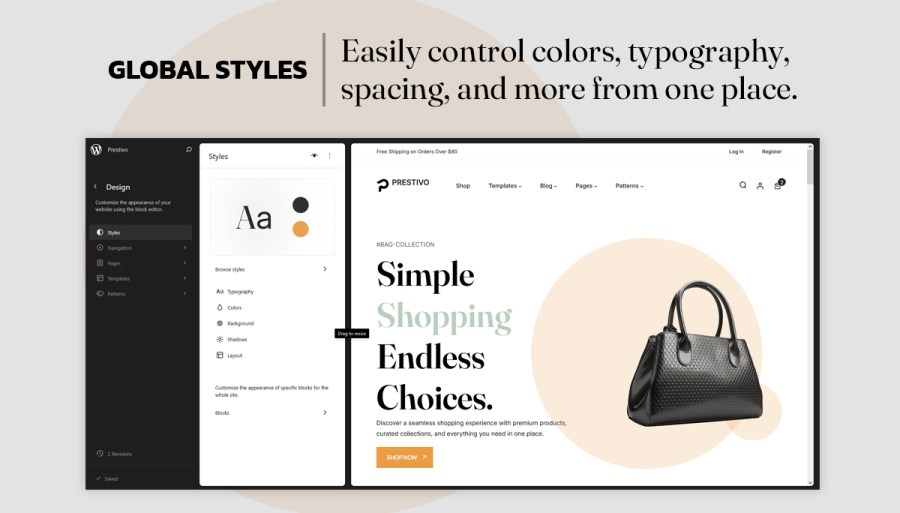
Prestivo includes two complete global styles. Open Styles in the Site Editor, choose Light or Dark, and every page follows, including WooCommerce pages.
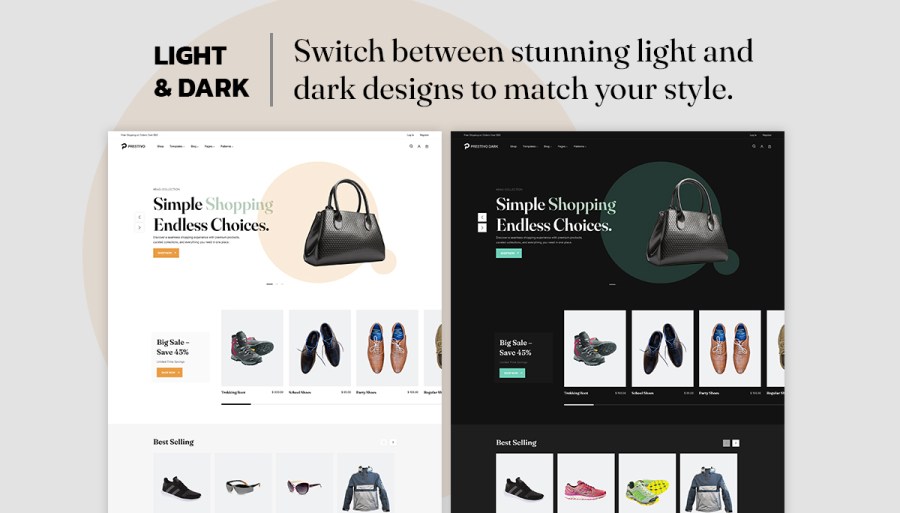
Both demo stores, Light, and Dark, are included in the theme, so you can start from a finished store instead of a blank page.
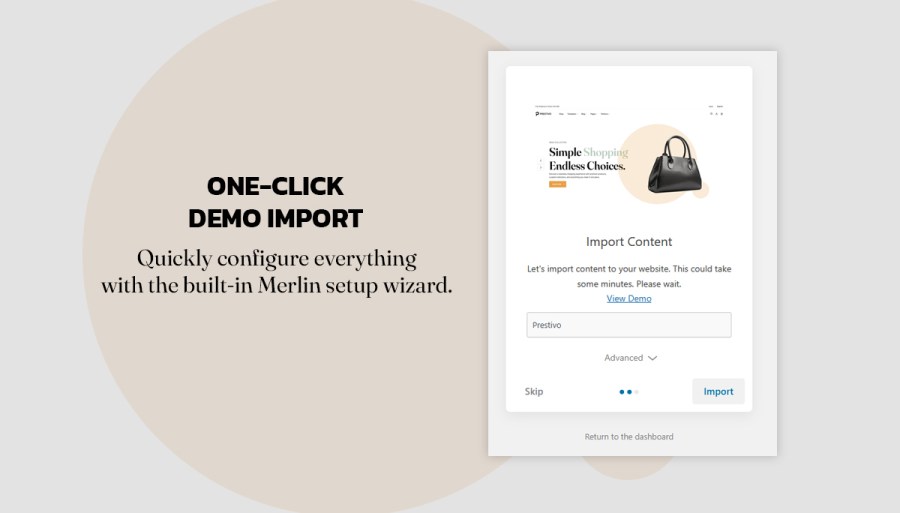
Go to Appearance > Prestivo, choose the Light or Dark demo, and select Import.
Prefer a guided setup? Open Appearance > Theme Setup. The wizard checks that WooCommerce is active, lets you choose a demo, and imports its pages, posts, products, menus, templates, and images in a few clicks. Your existing content is kept. Then replace the demo products and content with your own, and you’re ready to start selling.
Prestivo needs WordPress 7.0 or later, PHP 7.4 or later, and WooCommerce 10.0 or later. WooCommerce is the only required plugin. The demo’s Contact page uses Contact Form 7, which is optional. Payments, shipping, and email are set up in WooCommerce as usual.
Prestivo is built and supported by the Catch Themes team. If you have a question or run into a problem, open a support ticket from your WooCommerce.com account and we’ll help you get your store running. We listen to customer feedback and release regular updates to keep Prestivo compatible with the latest WordPress and WooCommerce versions.
WordPress 7.0 or later, PHP 7.4 or later, and WooCommerce 10.0 or later. Prestivo is tested with WooCommerce 11.3.
No. WooCommerce is the only plugin you need for the shop pages. The Contact page in the demo uses Contact Form 7, which is optional.
No. The demo is optional. You can start from the templates and patterns and add your own products.
No. The importer adds the demo pages, menus, templates, and images alongside your existing content. To start fresh, import on a new site.
Yes. Open Appearance > Editor > Styles and choose Light or Dark. Every page, including WooCommerce pages, follows the style you choose.
Prestivo uses the standard WooCommerce blocks and templates, so extensions that follow WooCommerce block standards will work with it. If you have a question about a specific extension, contact our support team before you buy.
Yes. The demo is a clothing store, but you can edit every pattern and template, so the theme works for accessories, home goods, single-product brands, and other catalogs.
Prestivo doesn't need a page builder or slider plugin, which are common causes of slow WooCommerce stores. The hero carousel is a built-in block, and it skips animations for visitors who prefer reduced motion.
Yes. Prestivo includes a translation file and supports right-to-left (RTL) languages.
Read the Prestivo documentation on WooCommerce.com, or open a support ticket from your WooCommerce.com account. Our team will help you with setup and any issues.
Categories
Extension information
Quality Checks
Countries