

Active installs
1K+
A assinatura inclui
Suporte
WooCommerce Product Video Plugin improves your product pages by adding engaging videos to the product gallery. Replace the featured image with a video or include videos in the product gallery alongside images or both.
Directly upload videos or embed from platforms such as YouTube, Vimeo, Dailymotion, Metacafe, and Facebook, making it easy to showcase your products in action.
You can display a single featured video or multiple videos in the product gallery. Videos can also appear on shop and listing pages, including through lightbox pop-ups for better visibility.
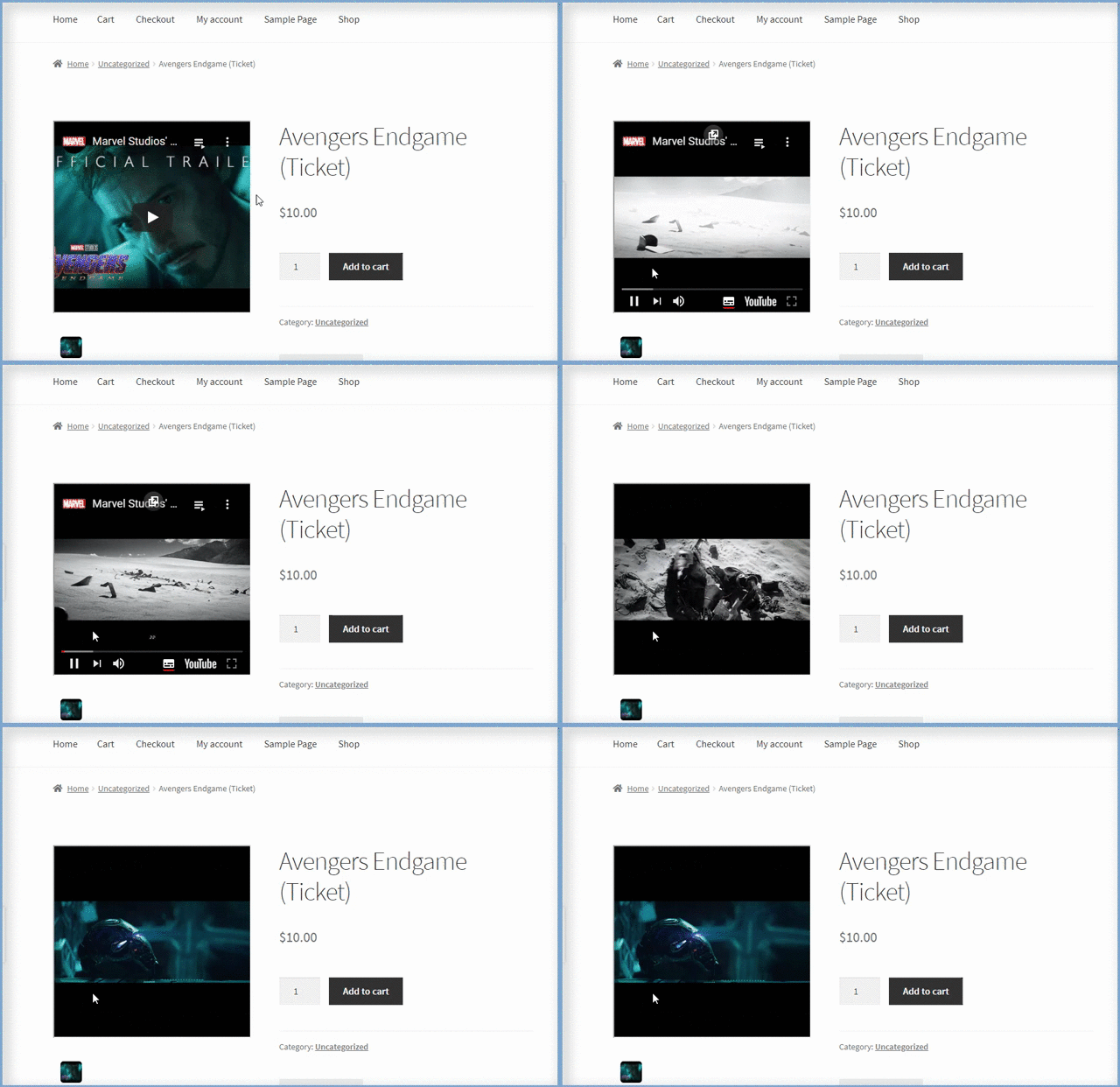
The WooCommerce Product Video Gallery Plugin lets you replace your product’s featured image with a video, creating a more engaging shopping experience. Easily upload or embed a featured product video from the backend and display it on the product page or in a pop-up for customers to watch instantly.
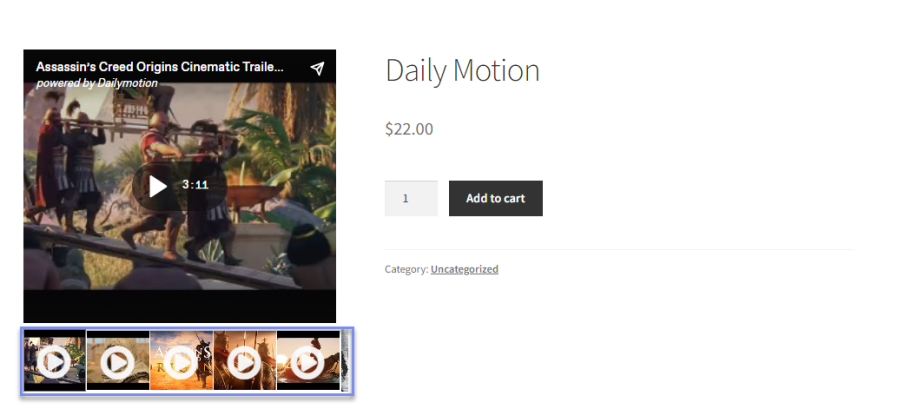
The WooCommerce Product Video Gallery plugin lets you showcase multiple product videos alongside images in your gallery. Displaying videos in the product gallery helps you engage customers visually, highlight product features, and create a more interactive shopping experience.
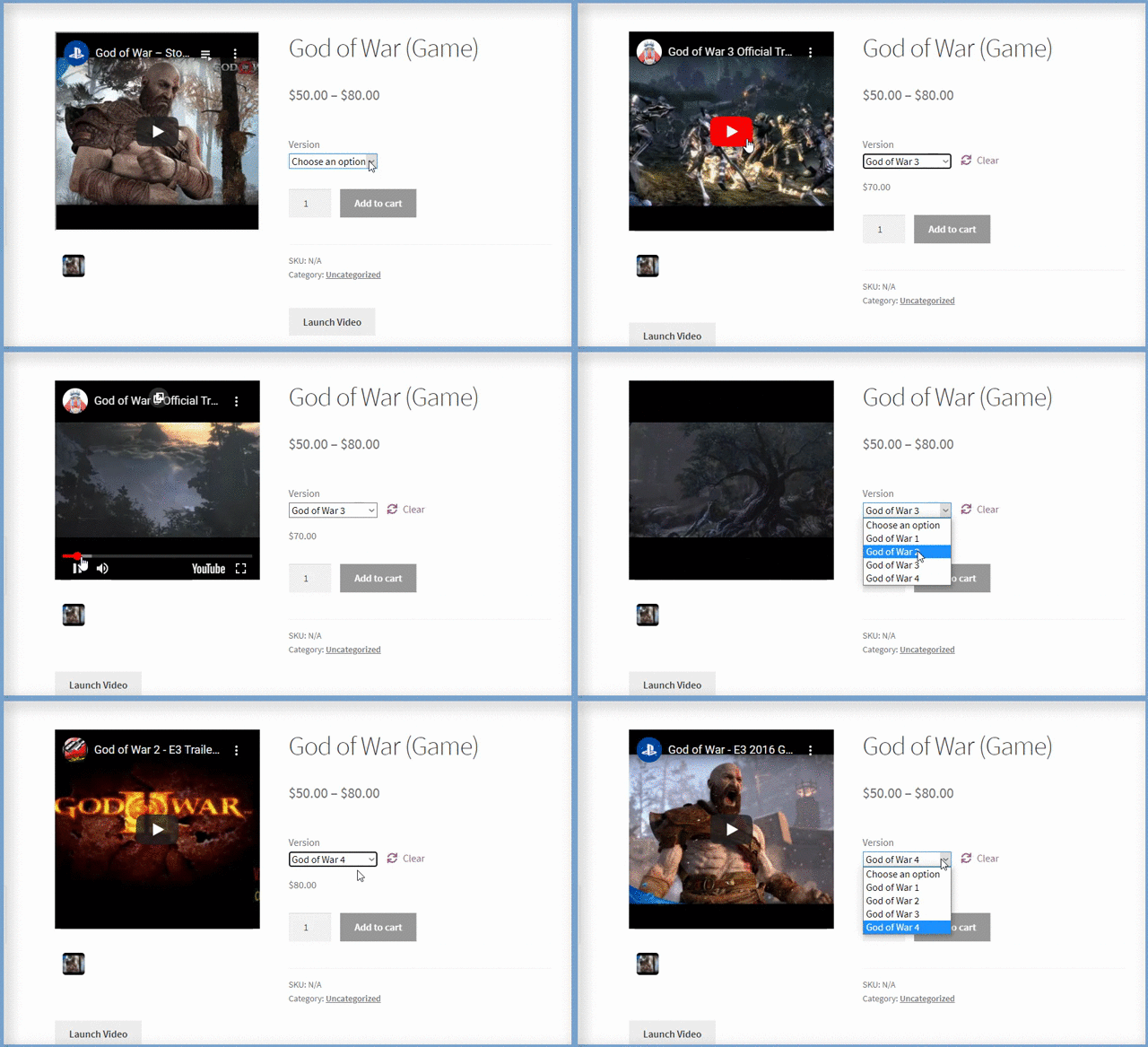
The WooCommerce Product Video Gallery Plugin lets you add unique videos for each product variation. Showcase the distinct features of every variation through videos, helping customers quickly understand differences and make informed buying decisions.
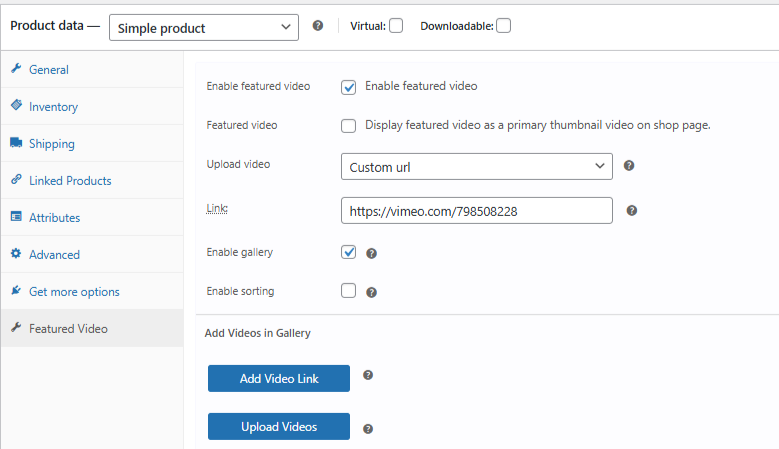
You can upload a video of your own or embed it from popular websites such as
By default, the WooCommerce product videos plugin allows you to upload videos in the default WordPress video formats, i.e., MP4, MKV, AVI, MOV, FLV, and WMV.
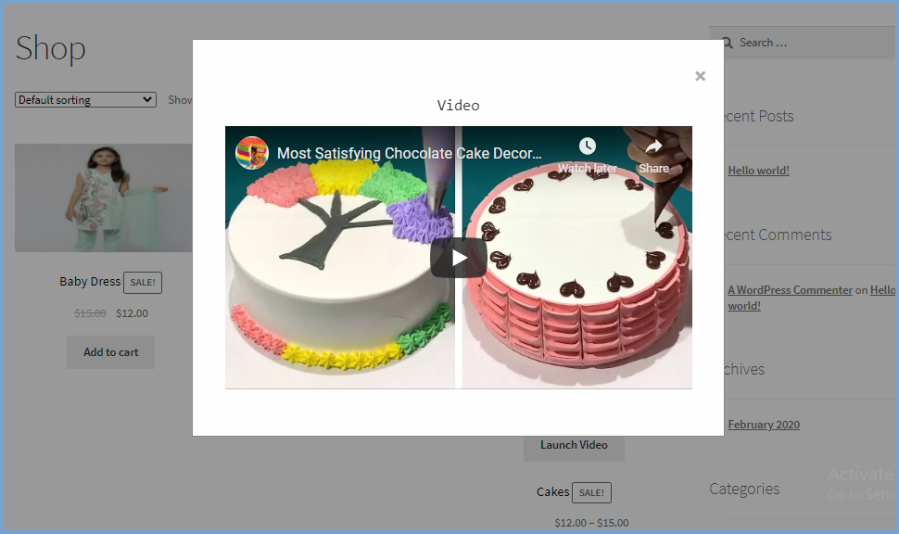
With the WooCommerce Product Video plugin, customers can watch videos in a stylish lightbox pop-up without leaving the page. By simply clicking the “Launch Video” button, the video plays right on the product page, making the shopping experience more interactive and convenient.
Easily display product videos on pages built with page builders like Elementor, Divi, and others using the provided shortcode. This lets you add featured or gallery videos anywhere on your site, giving customers a seamless and interactive shopping experience.

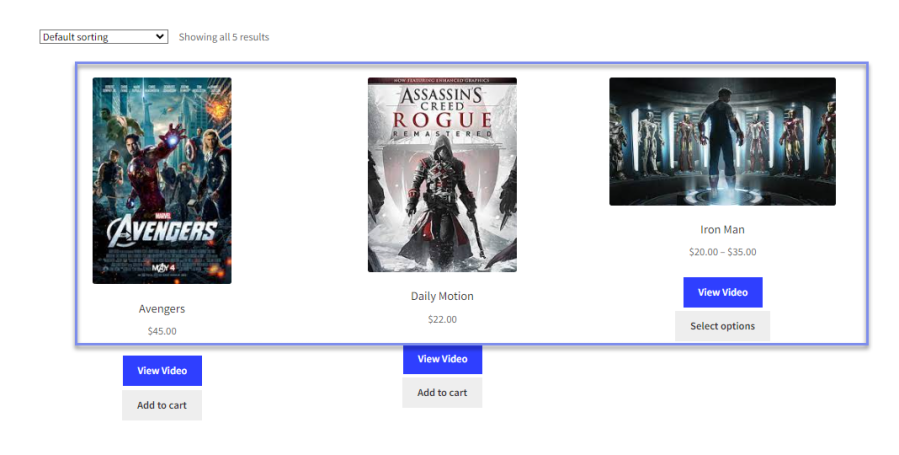
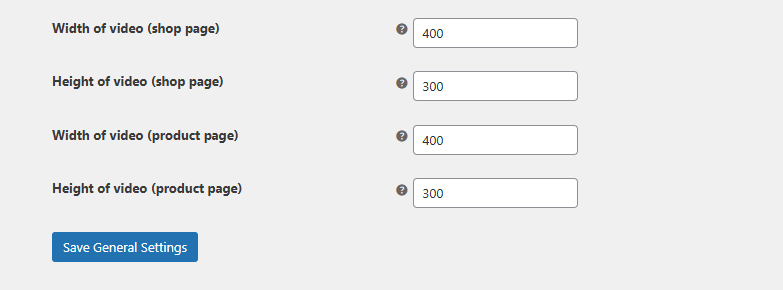
The WooCommerce Product Video Gallery Plugin lets you showcase videos directly on your shop and product pages. Display featured or gallery videos on listing pages or use a lightbox pop-up for seamless viewing.
The WooCommerce product featured video plugin lets you adjust video thumbnails in the product gallery. It helps enhance the videos visually and provides users with a comprehensive understanding of the video before they hit the play button.
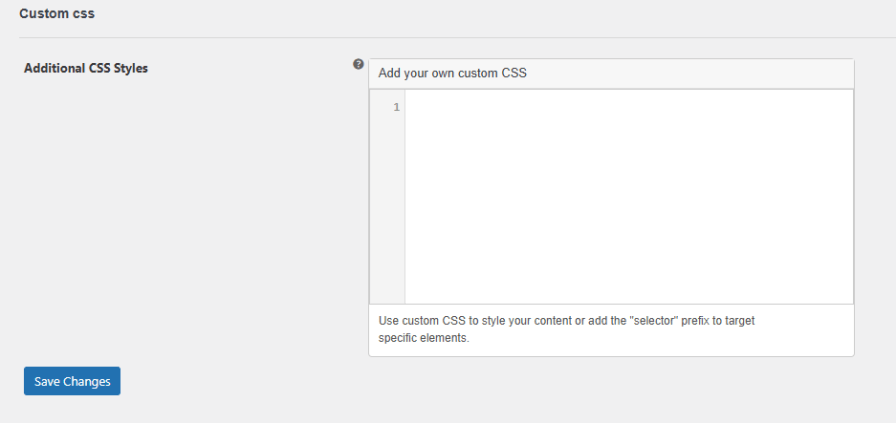
Customize the look of your product videos with custom CSS to match your store’s style. The WooCommerce Product Video Gallery Plugin lets you apply your own CSS for featured and gallery videos, ensuring a seamless and branded shopping experience.
Using the WooCommerce product video gallery plugin offers the following advantages:
Our plugins are designed to be highly versatile and also compatible with the most commonly used themes, browsers, builders, and mobile views. We understand the importance of flexibility and integration when it comes to enhancing your website’s functionality. Our plugins can effortlessly integrate with the following:
 |
DocumentationLooking for assistance? Check out the extensive documentation for a complete understanding of the WooCommerce Product Video Gallery plugin. View documentation |
 |
Questions and SupportFor Questions and Support: If you have inquiries before making a purchase or require assistance, don’t hesitate to contact our support team. |
The WooCommerce Product Video Plugin allows you to add featured or gallery videos to your product pages. These videos can be uploaded directly or embedded from platforms like YouTube, Vimeo, or Dailymotion to help customers better understand your products.
Yes, you can replace the product’s featured image with a video. The video can be displayed either directly on the page or in a pop-up lightbox when users click the “Launch Video” button.
Absolutely. You can include multiple videos alongside product images in the product gallery, allowing you to showcase your products from different angles or highlight various features.
Yes, the plugin allows you to add separate videos for each product variation. This is useful for showcasing differences between product types, such as color, size, or design.
You can upload your own videos or embed them from popular platforms like:
Uploaded videos can be in common formats like MP4, MKV, AVI, MOV, FLV, and WMV.
Yes, videos can be played in a stylish lightbox pop-up directly on the product or shop page. This allows customers to watch the video without navigating away from the page.
Yes, the plugin enables you to display featured videos on shop and listing pages to boost product visibility. You can also choose to display the default product image instead.
Yes, the WooCommerce product video plugin lets you upload custom thumbnails for product videos. This helps improve the appearance of your product gallery and encourages users to engage with the video content.
Yes, the WooCommerce Product Video Plugin is fully responsive and works well on all devices, including desktops, tablets, and smartphones.
You can add a video either by uploading a file from your computer or by embedding a video link from supported platforms. Both methods are supported in the plugin’s settings.
Extension information
Quality Checks
Países
Idiomas







