The WooCommerce 11.1 release includes several exciting enhancements and additions. Here’s what’s new and what’s updated.
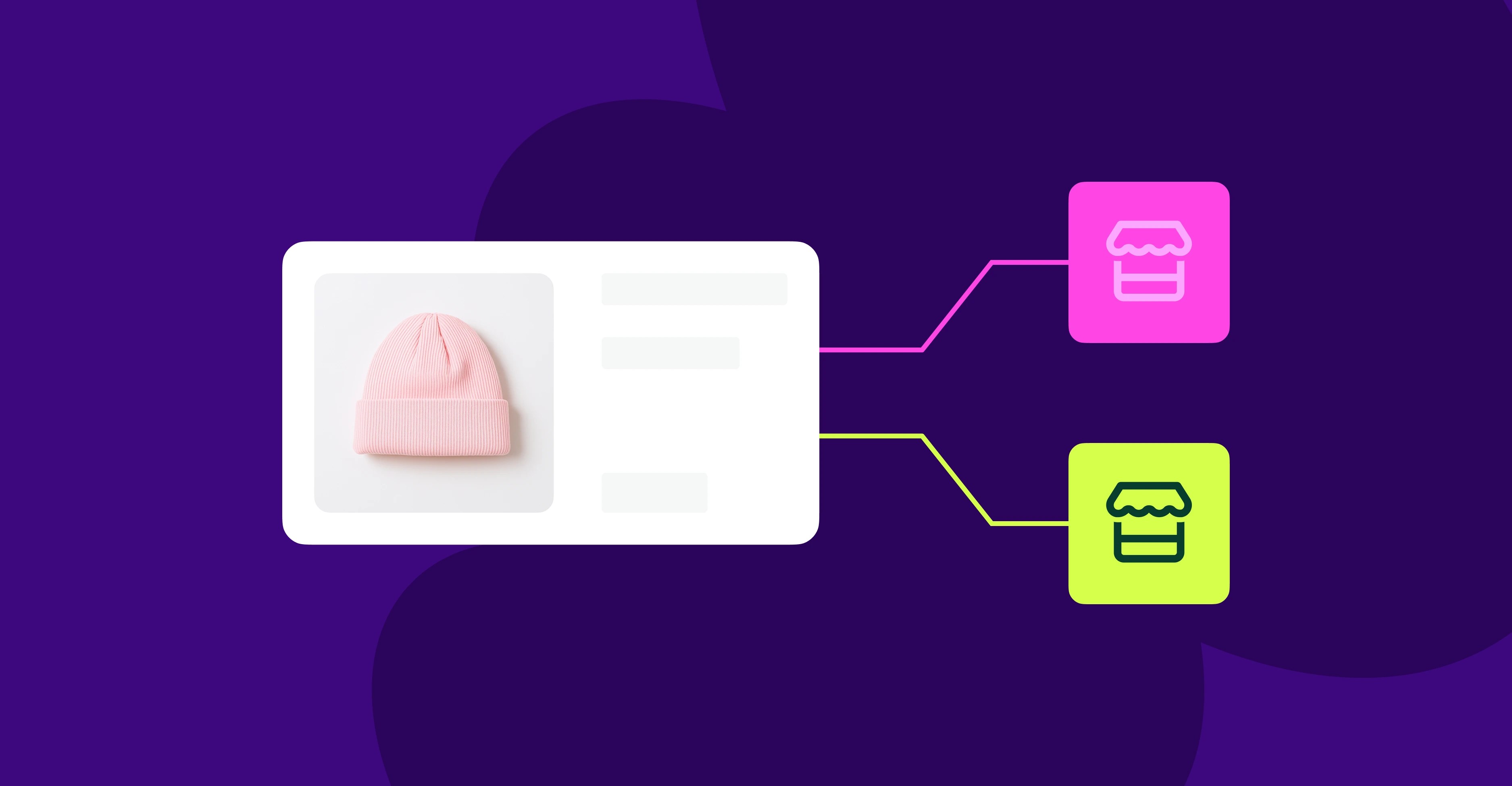
Variation galleries are now enabled
↑ Back to topWe’re retiring the old WooCommerce Additional Variation Images in favor of new Variation galleries. All stores can now add image galleries to their product variations natively, for free. No action is required — this is turned on automatically.
Right of order withdrawal for EU customers
↑ Back to topWhether you’re EU-based or are selling to EU customers, Article 11a of the Consumer Rights Directive mandates that you offer a clear, visible way for a customer to cancel an order electronically within a given grace period. WooCommerce 11.1 has launched that functionality to better serve EU customers.
To set it up, go to:
- WooCommerce > Settings > Advanced > Features, tick Order Withdrawal, and save. It’s off by default because it doesn’t apply to every store.
- The form goes live at
/my-account/withdraw-order. You can go to WooCommerce > Settings > Advanced > Page Setup to set up translation or create a different URL, if you’d like. The page works without a login, so anyone who checked out as a guest can still use it.
Once the customer clicks the Order Withdrawal link, they go to the form page and can review their details before submitting.
The withdrawal request doesn’t automatically cancel the order, change its status, or issue a refund. When a customer submits one, you’ll get a notification in your email and on the WooCommerce home screen. It’s then up to you to approve a refund, arrange the return, or email the customer with questions.
Note: Turning this feature on may help your store meet these requirements, but it does not guarantee compliance. For guidance specific to your business and your customers’ locations, please consult a legal professional.
Other updates with 11.1
↑ Back to top- No shipping address requirement for virtual products. We’ve updated the plugin so that virtual-only orders don’t require a billing address to complete checkout.
- Video support in the product gallery is in beta. We’re running an experiment providing support to locally uploaded videos. To opt in, go to WooCommerce > Settings > Advanced > Features > Product gallery videos. Share your feedback in the GitHub discussion.
- Developer updates, including unified block editor assets, changes to order item deletion, and more, can be found on our developer blog.
Get it now
↑ Back to topWooCommerce 11.1 is now available. Download it now or browse the update guide for more details on how to update.


About