
Sell anywhere with WooCommerce POS
WooCommerce POS makes selling in person simple. It works on any tablet — keeping your products, inventory, and orders all in one place.


Available in selected countries; see FAQ for more details.
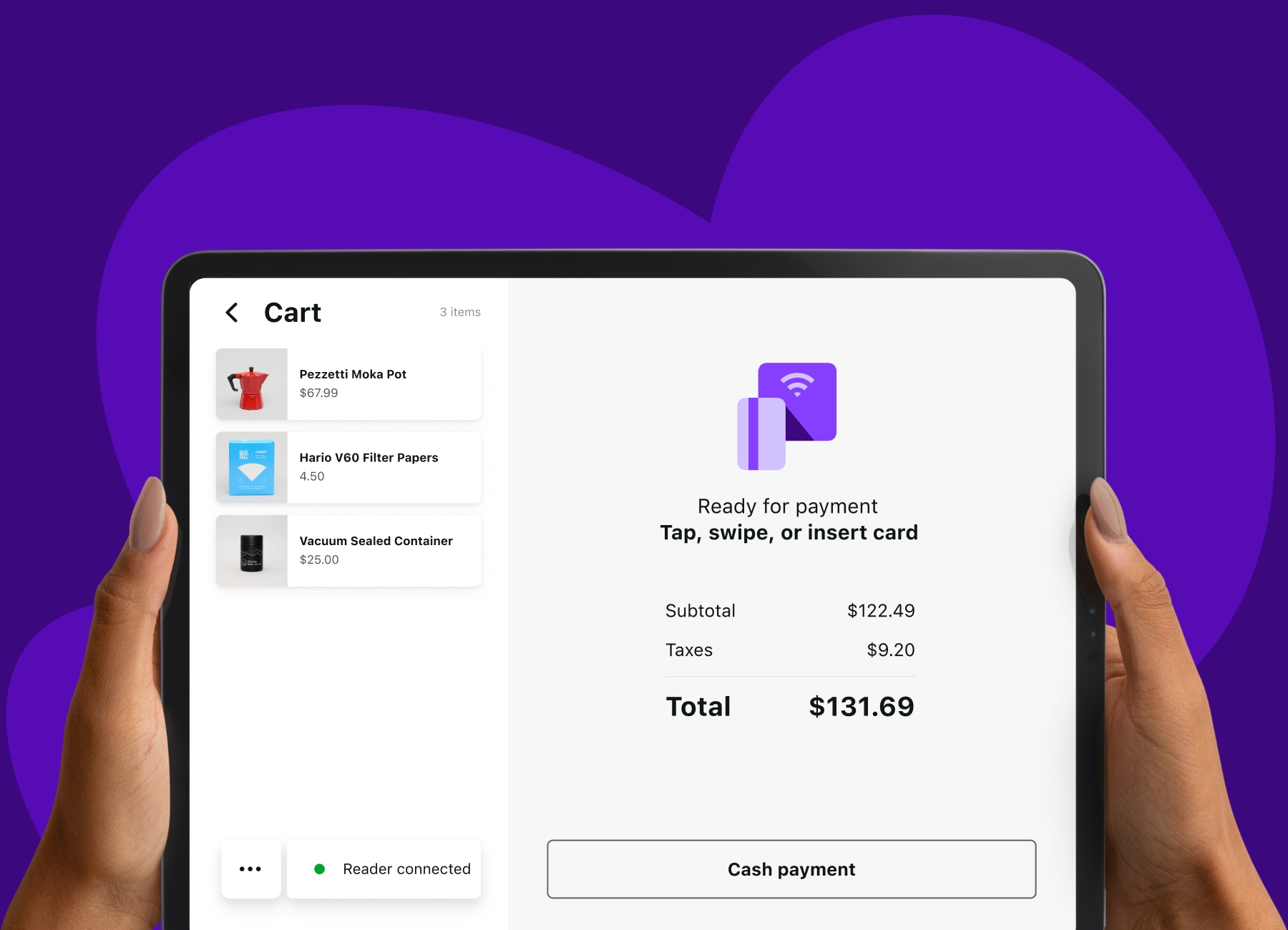
More places to sell —
one place to manage
WooCommerce POS lets you expand sales channels without adding new systems: every sale lands in your WooCommerce dashboard.
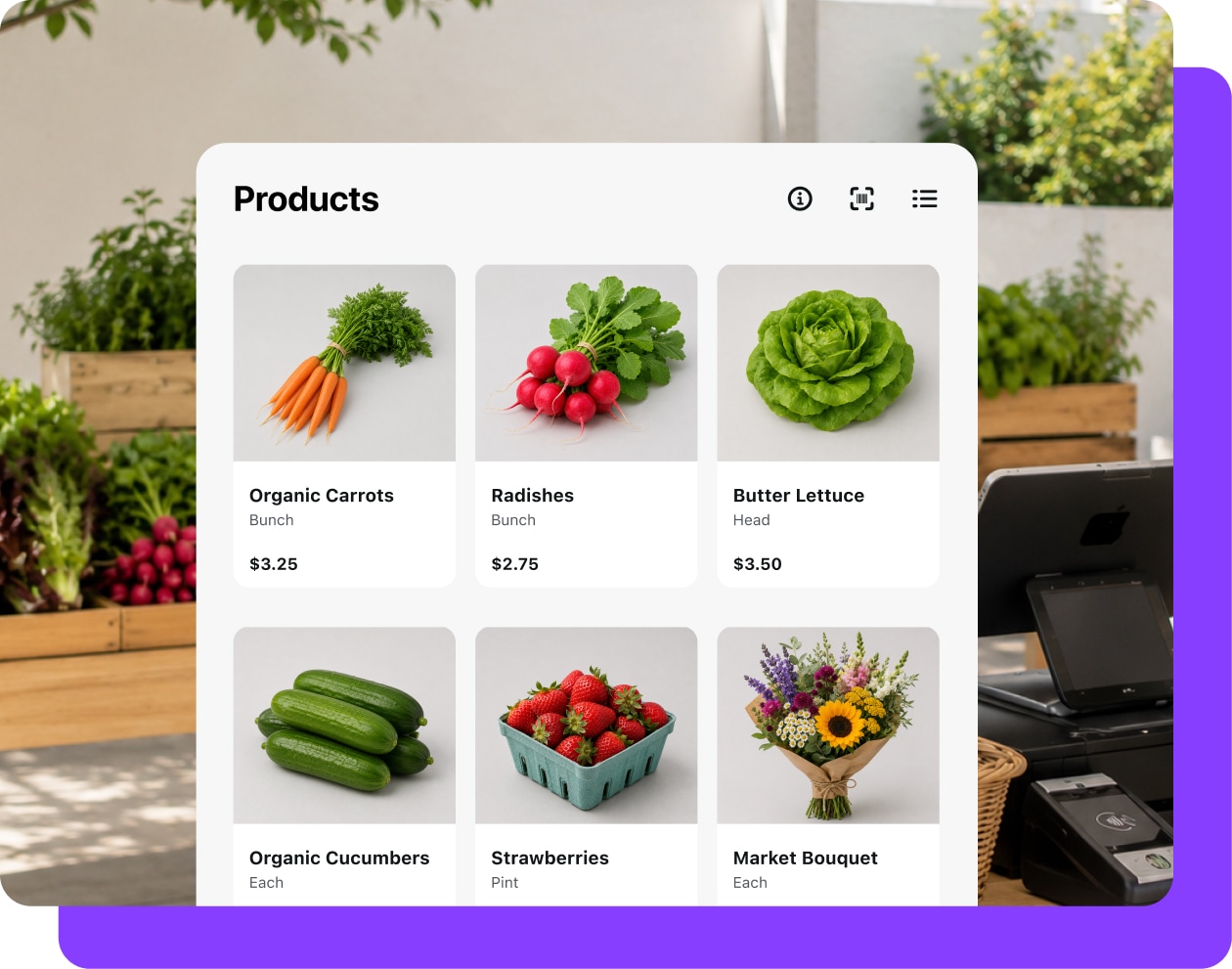
Popup and market sellers
You’ve got a WooCommerce store and a table at the local farmer’s market. Bring a tablet, tap to sell, and watch your business grow.
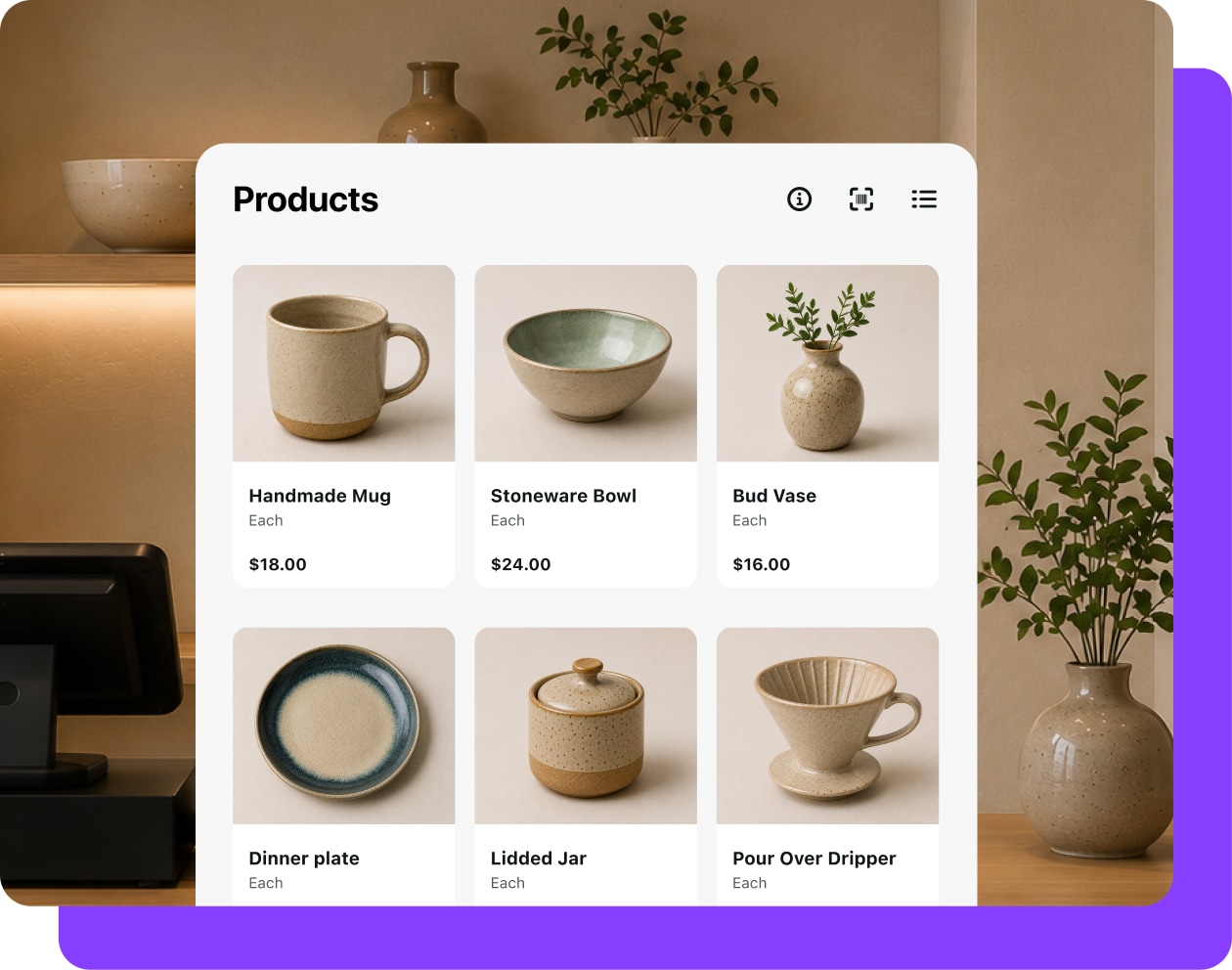
Brick-and-mortar shops
Have an online store and a physical shop? Keep your inventory synced, so you never oversell or need to manually adjust stock.
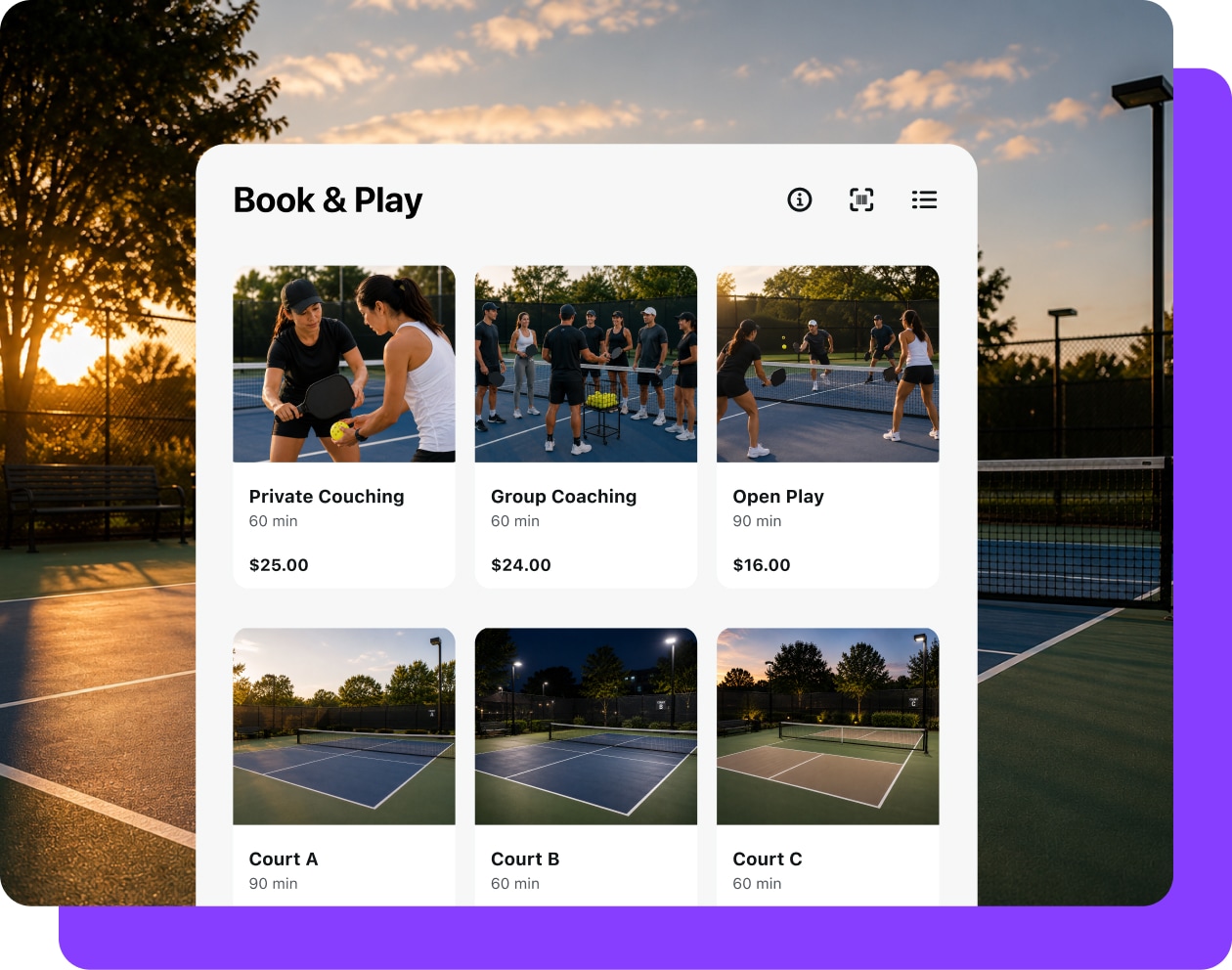
In-person events
You run classes, trainings, or programs, and take registrations online. Collect payments onsite, whether you’re at an event center or a park.
Sell
from your existing catalog
Your WooCommerce products show up automatically. Search, browse, or scan products with a Bluetooth barcode scanner.
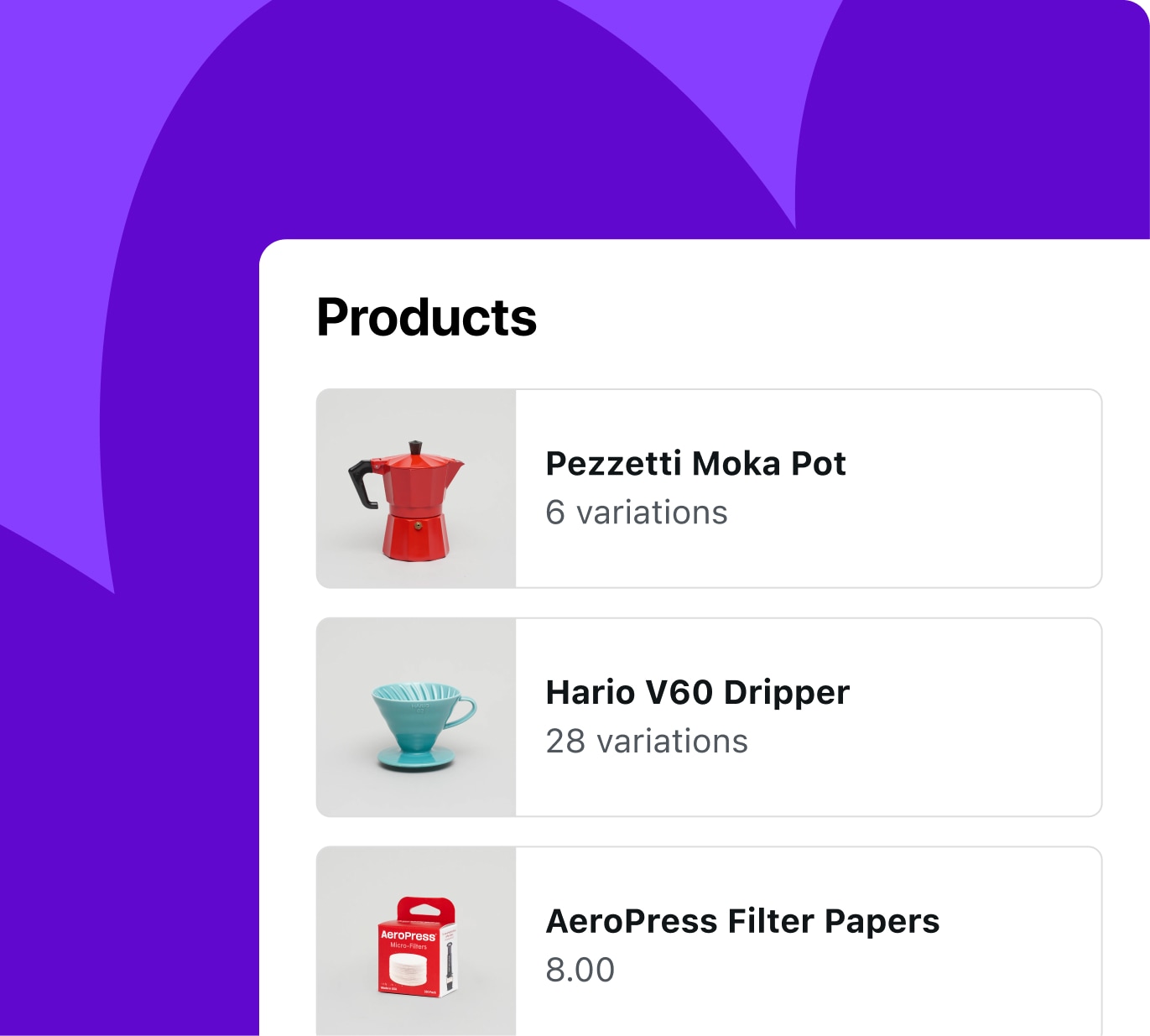
Sync
your inventory automatically
Your online stock updates in real time, no manual adjustments necessary.
Check out
in seconds
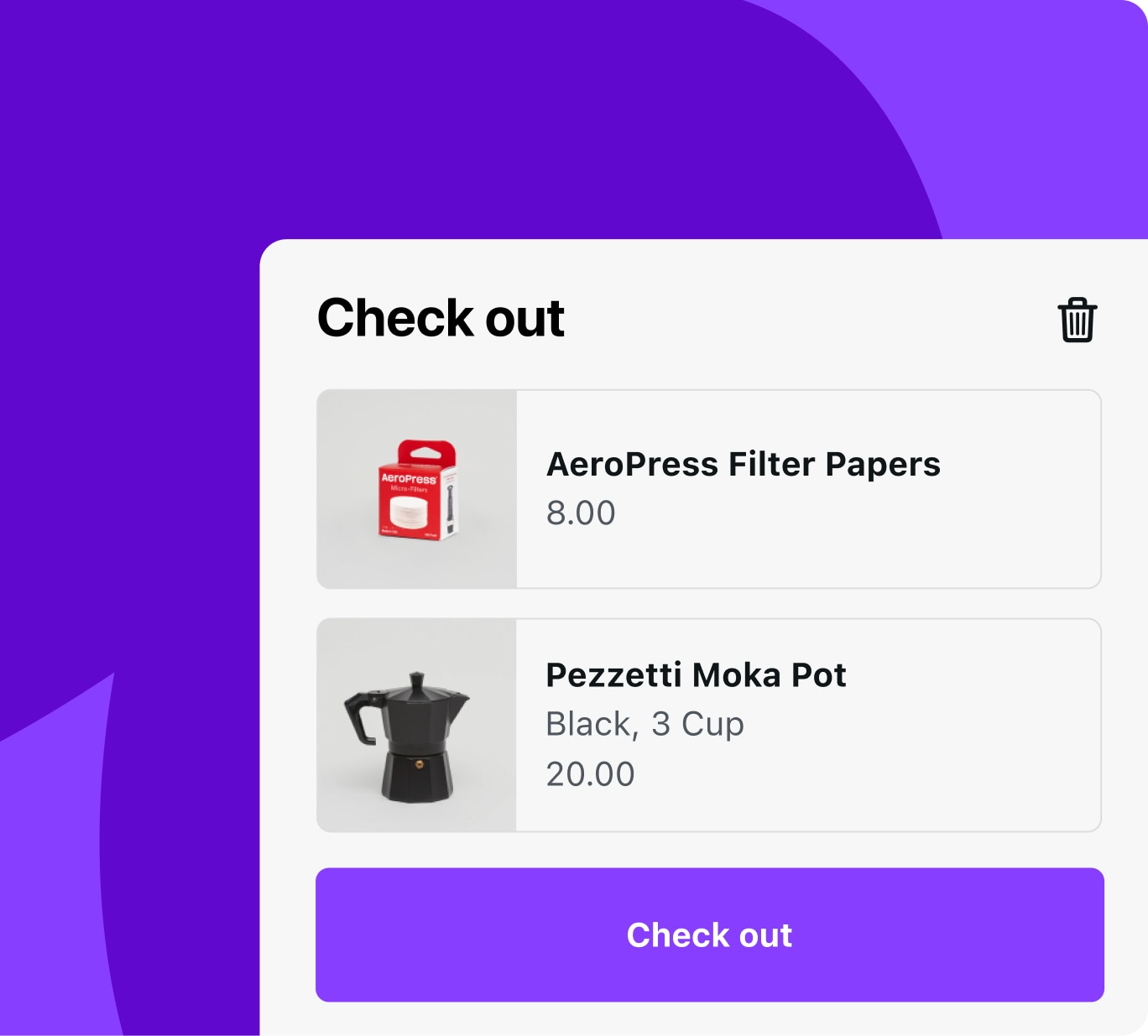
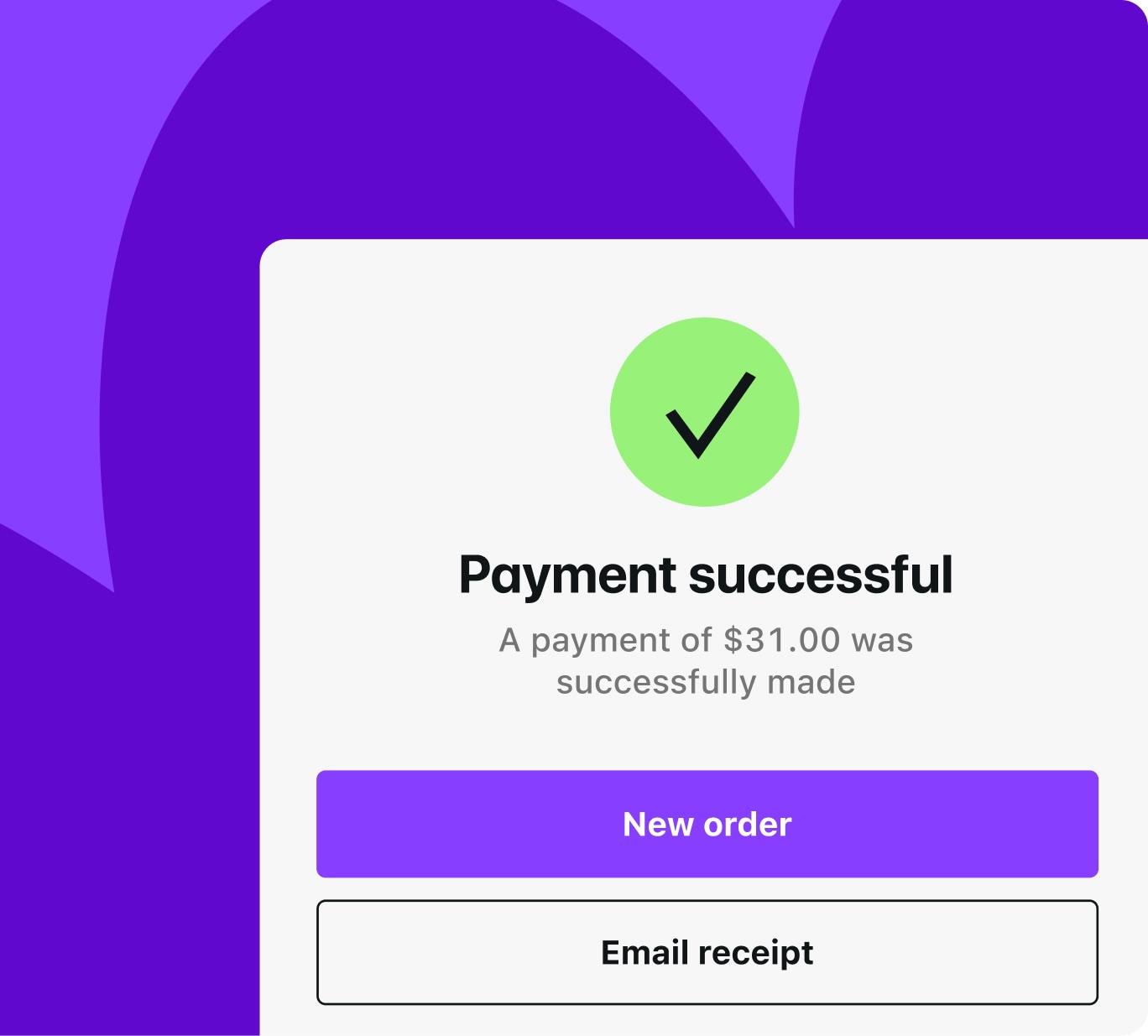
Tap to add to cart, take payment, automatically send an email receipt, and move on to your next sale.
Accept payments
with WooPayments or Stripe
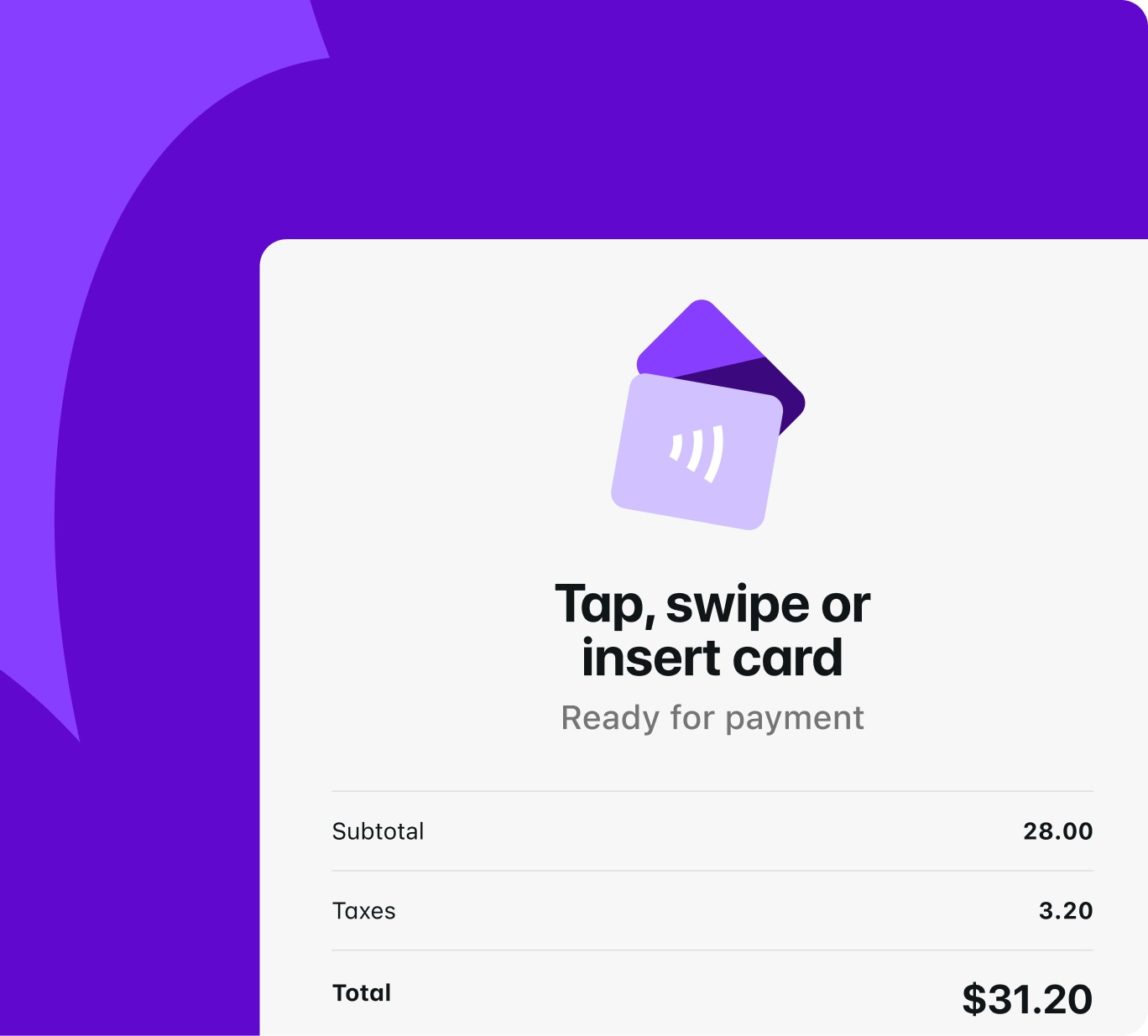
Take payments with the same provider that powers your online store, apply coupons, and even take cash.
Manage
every order in one dashboard
View in-person and online orders, process refunds for in-person orders, and configure settings — all in one dashboard.
How it works
Get up and
running fast
1
Step 1: Add WooPayments to your WooCommerce store. You can also use Stripe.
2
Step 2: On a tablet, download and open the WooCommerce Mobile App for iOS or Android. Tap the POS tab to switch into Point of Sale mode.
3
Step 3: Once WooPayments is set up, order a card reader from WooCommerce.com.
3
Step 3: Once WooPayments is set up, order a card reader from WooCommerce.com or use your Android phone as a wireless card reader (US and UK only).
4
Step 4: Start selling — your products load automatically. You can take payment by card or cash, and automatically email a receipt.


No surprise fees
With WooCommerce POS, you know exactly what you’re getting and what you’re paying for.
WooCommerce POS software
Free, included with the mobile app.
Included
Cash payments
No processing fee.
Free
In-person card transaction fee
Your standard transaction fees apply when accepting card payments through WooPayments or Stripe.
Standard rates
Card reader
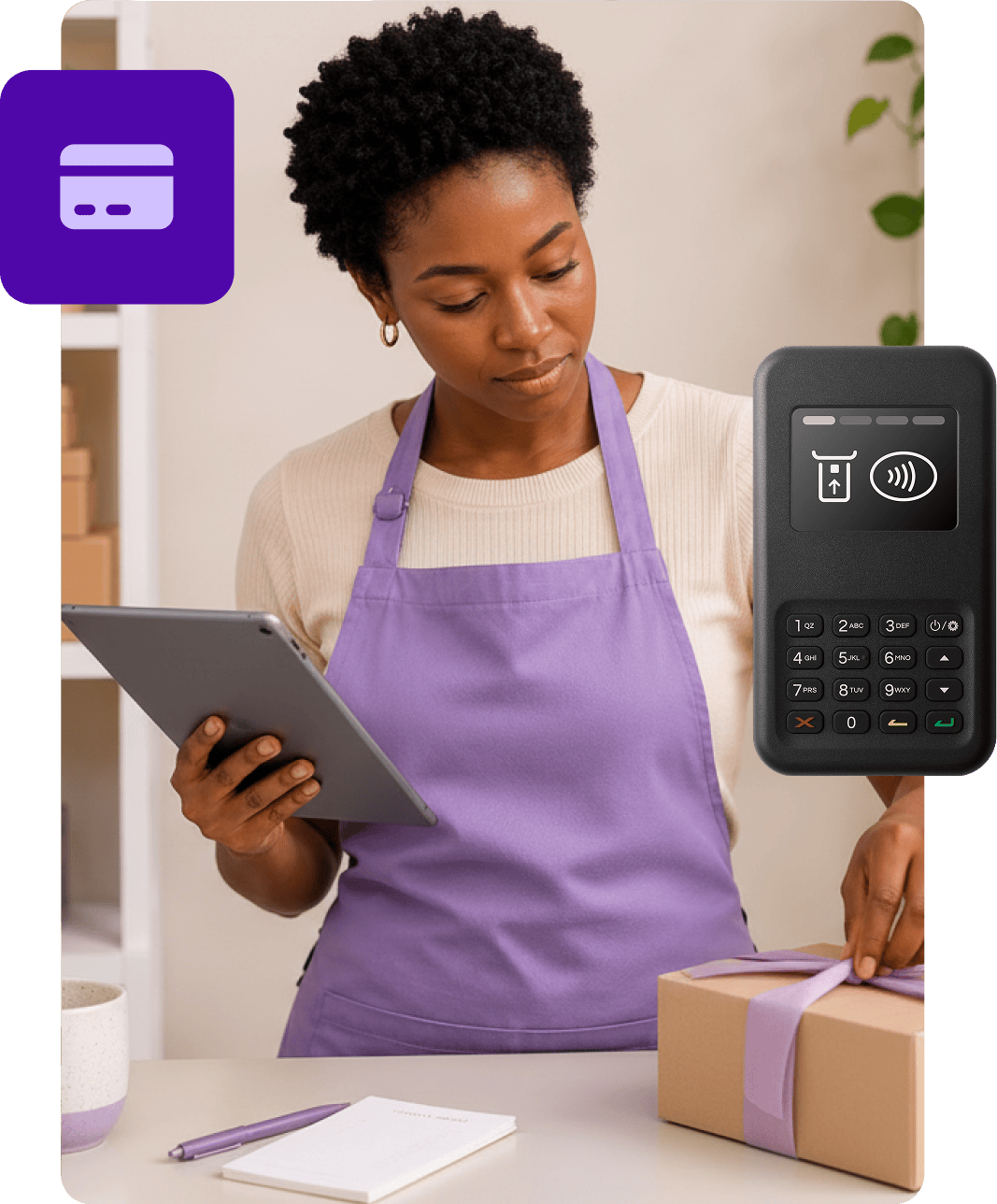
Pay $5 per month per active card reader; the M2 reader is available in the US and the WisePad 3 is available in Australia, Canada, Finland, Ireland, Luxembourg, the Netherlands, New Zealand, Singapore, and the UK.
$5/mo

FAQs
Availability and requirements
Where is WooCommerce POS available?
WooCommerce POS is available in Australia, Canada, Finland, Ireland, Luxembourg, the Netherlands, New Zealand, Singapore, the United States, and the United Kingdom. Your store address must match one of these regions, and use its native currency.
Is there a monthly fee?
The WooCommerce POS software is free, included with the Woo Mobile App. WooPayments has no setup or monthly software fees. If you use a card reader, there's a $5.00/£5.00 per active reader per month fee. Beyond that, you only pay per-transaction processing fees when accepting card payments.
What device do I need?
A tablet running iOS 17 or later, or Android 9 or later. For Android, the screen must be at least 674 x 800 dp. Most standard tablets (7" and larger) meet this requirement. POS is designed for tablets and is not currently supported on phones.
What extensions/plugins do I need?
You'll need WooCommerce version 9.6 or later, the Woo Mobile App version 21.8 or later, and either WooPayments or Stripe for payments processing.
Do I need a card reader?
If you want to accept card payments, yes (you can accept cash without any additional hardware). For card payments, you'll need WooPayments or Stripe, plus a Bluetooth card reader connected to your tablet.
Can I use a barcode scanner?
Yes! WooCommerce POS works with Bluetooth HID barcode scanners. Scanning a barcode adds the product directly to the cart. Camera-based scanning is not currently supported.
Features and functionality
Does WooCommerce POS support Tap to Pay?
Not yet, but it's on the roadmap. Right now, POS runs on tablets and accepts card payments through a card reader. We're working on bringing POS to phones, and Tap to Pay will be part of that.
How do in-person orders show up in my dashboard?
They appear with your online orders in WooCommerce, with full order details, payment status, and customer information. You can easily filter sales by channel.
Can I choose which products show in POS?
Yes; use the "Show in Point of Sale" toggle in the product editor. Products hidden from POS still appear in your online store.
What product types are supported?
Simple physical, variable, and virtual products are supported. Subscriptions and downloadable products are not supported at this time.
Can I process refunds?
Yes. Refunds for in-person orders can be processed through your WooCommerce dashboard or directly in the POS app.
Does WooCommerce POS work offline?
No; POS requires an active internet connection to sync products, create orders, and process payments.
What if I need receipt printing, cash drawers, or multi-location support?
We're actively expanding WooCommerce POS with more advanced retail capabilities, and features like these will continue to roll out over time.