

Subscription includes
Support
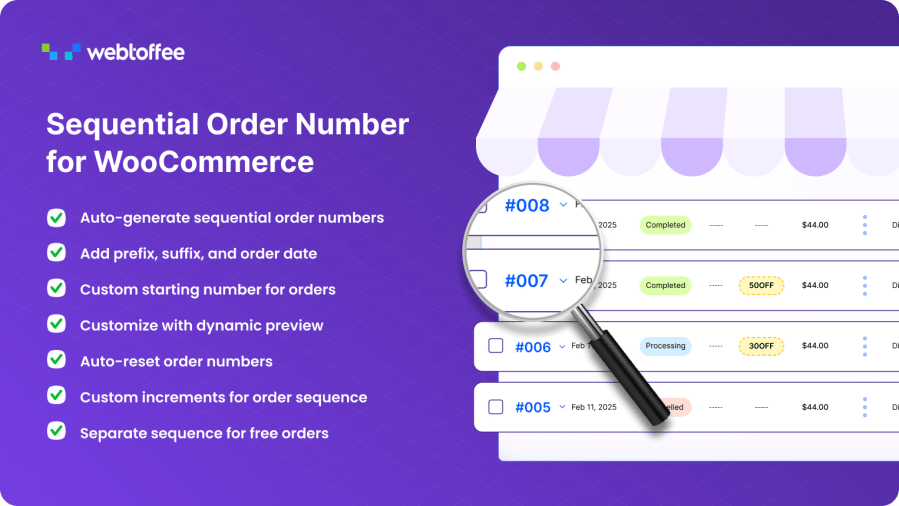
Customize your WooCommerce order numbers with a flexible, sequential order numbering system. Add prefixes, suffixes, and order dates to create clean, professional, and easily trackable order numbers.
| Clean Sequential Numbers: Replace default WooCommerce order numbers with clean, sequential numbers | Custom Formats: Create order number formats using prefixes, suffixes, and date formats |
| Custom Starting Number: Set a custom starting number for your order sequence | Custom Increments: Jump by 5, 10, or any value instead of the default 1 |
| Auto-Reset: Reset order numbers daily, monthly, or yearly | Separate Sequence: Maintain a separate order number sequence for free or zero-subtotal orders |
| Live Preview: Preview order numbers in real time as you configure the format | Order Tracking: Store owners can add order tracking for customers using a simple shortcode |
Custom Order Numbers for WooCommerce replaces the default WordPress Post IDs with structured and meaningful order numbers. You can define order sequences that match your business needs using letters, numbers, dates, or custom fields. Create formats like WT195, ORD1001, INV2025, or STORE0501 with just a few clicks.
The extension allows you to generate sequential order numbers, apply custom sequences, or reset numbers automatically. You can update existing orders or apply changes only to new ones, giving you complete control over WooCommerce custom order numbers and ensuring clear order tracking across your store.
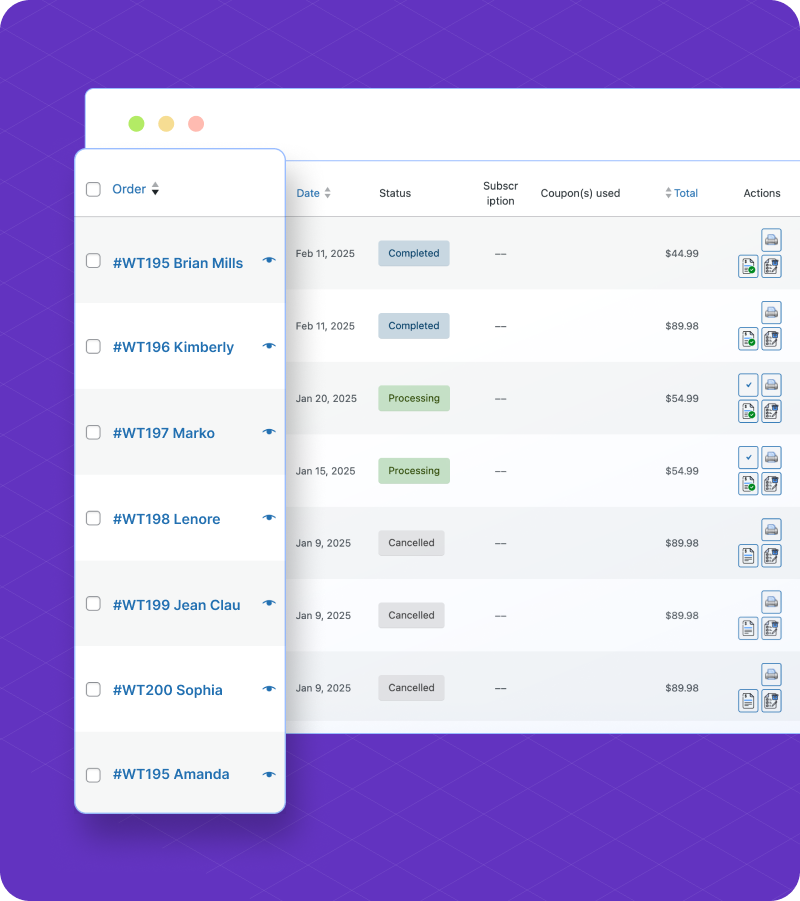
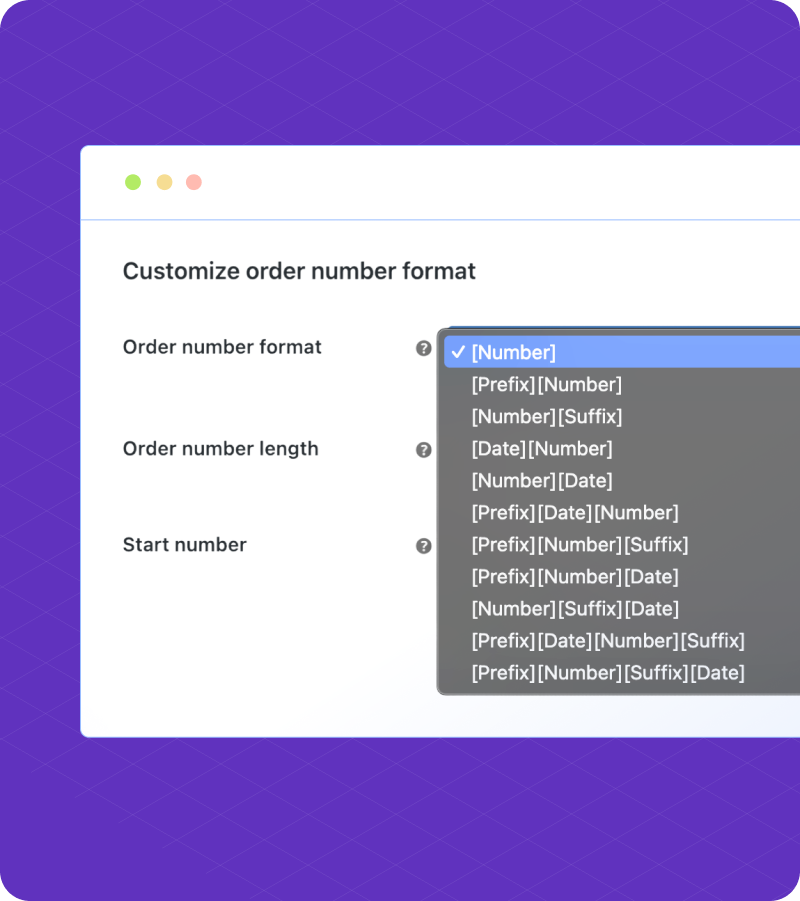
Easily manage your order numbers sequence in WooCommerce by creating a clear sequential order that reflects your store workflow. You can add custom prefixes or suffixes, such as WT or EU, to identify departments or regions.
You can also set a custom starting number, for example 1000 instead of 1, which is helpful when migrating from another platform or extension.
These customization options make it simple to define order numbers that follow a logical sequence while also meeting internal or legal requirements. Standardizing your order numbering using the extension helps improve clarity, ensure consistency, and simplify order tracking.
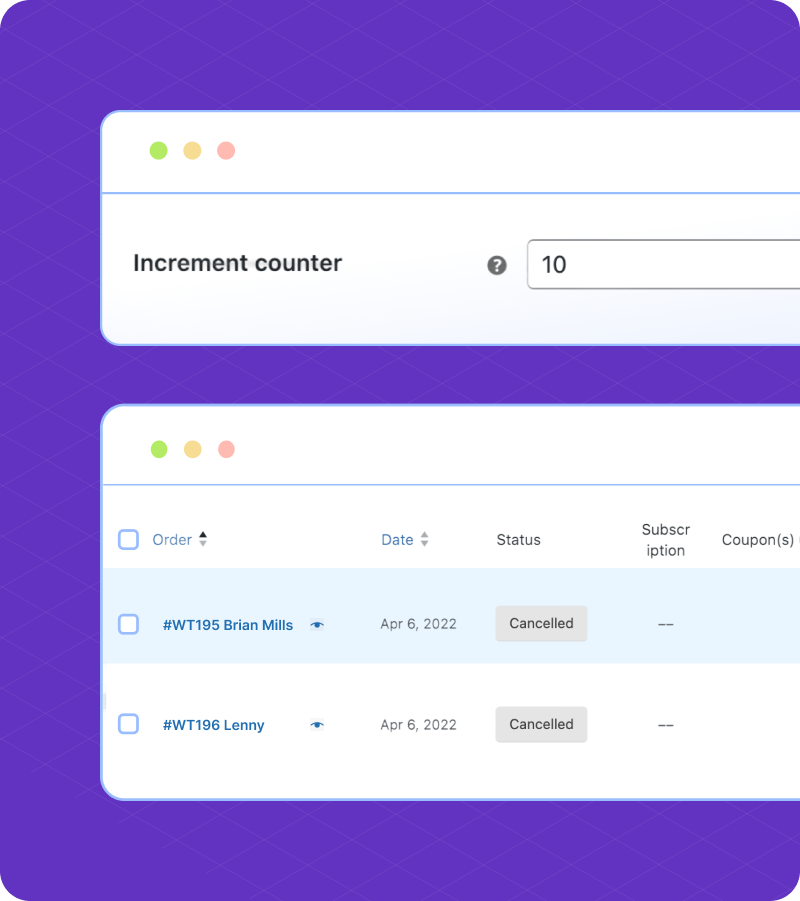
Not all stores want consecutive order numbers increasing by 1. With this extension, you can define a custom increment value for your sequential order numbers. Whether you want to increase order numbers by 5s, 10s, or any other interval, the extension gives you complete control.
Example: Instead of #1001, #1002, #1003, you can generate #1005, #1010, #1015, and so on.
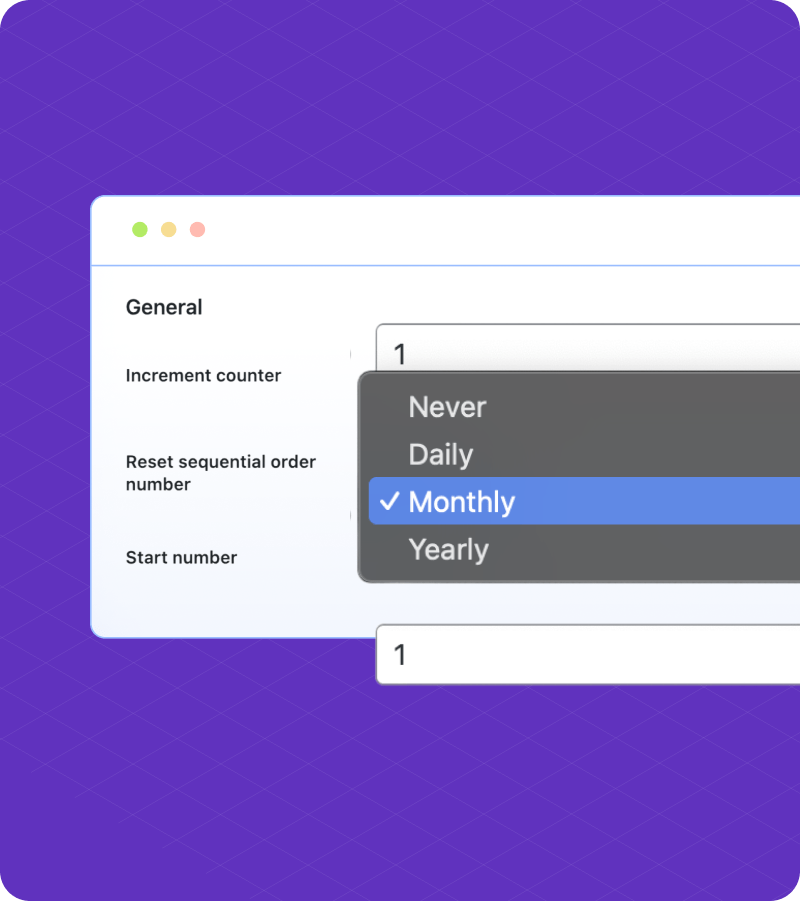
Choose how often your WooCommerce order numbers reset, whether daily, monthly, or yearly. This helps stores organize orders by time periods, such as quarterly reports or financial cycles, and also keeps order numbers shorter and easier to manage.
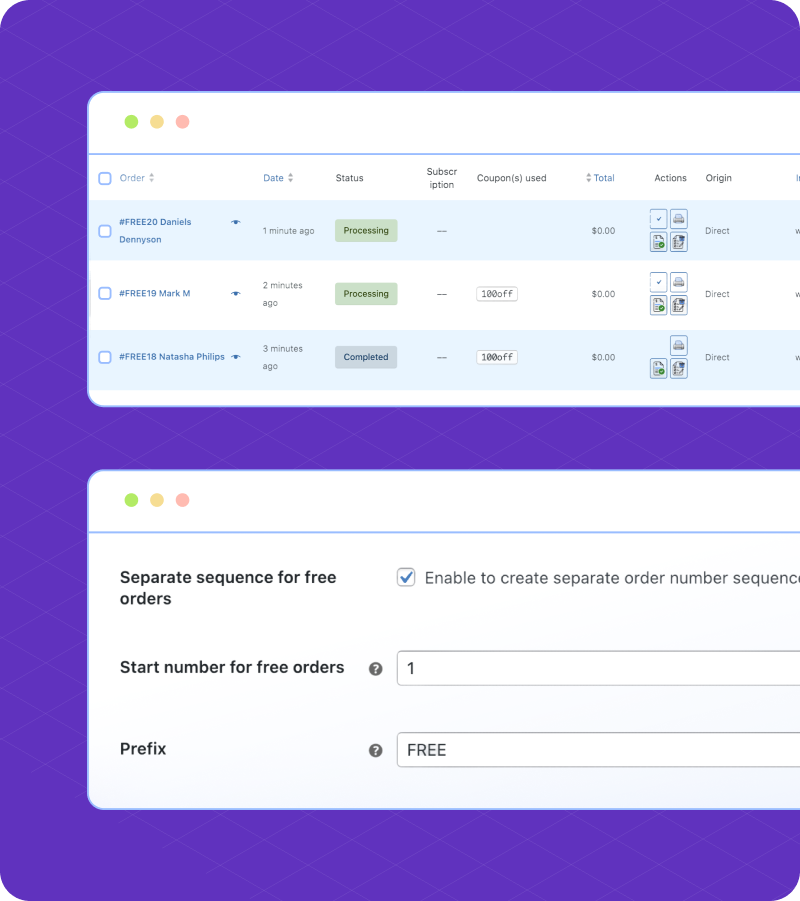
This WooCommerce sequential order numbers extension lets you maintain a separate order number sequence for free orders, giving you better clarity in tracking and reporting. By separating paid and free orders, you simplify accounting, improve business insights, and avoid confusion when reviewing sales performance.
Example:
Yes. You can set the order date as a prefix or suffix.
Yes. You can generate a separate order number sequence for free orders with the extension.
Yes, this extension supports custom order number for subscription orders.
Yes. You can set both custom suffixes and prefixes for order numbers.
You need to make the following change in your payment/invoice/shipping extension to make it compatible with the Sequential orders. Instead of referencing $order->id or $order->get_id() when fetching order data, use $order->get_order_number(). If you are not comfortable altering the code of your extension, you may contact your extension providers to make this change for you.
Extension information
Quality Checks
Countries







