

Product comparison
Subscription includes
Support
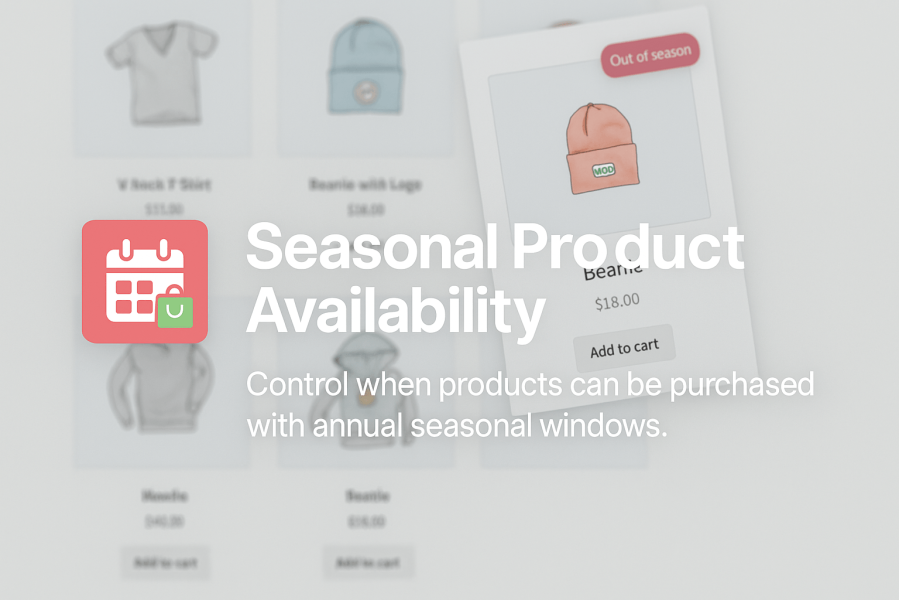
Seasonal Product Availability for WooCommerce gives you complete control over when your products can be purchased. Ideal for bakeries, florists, farm shops, event suppliers, or any business that sells items only at certain times of the year, this plugin makes managing seasonality simple.
Instead of manually enabling or disabling products throughout the year, you can define seasonal availability windows that repeat annually, saving time and reducing errors. Customers see clear messaging when items are out of season, helping you manage expectations and avoid confusion.
Key Benefits
Using a page builder or a custom WooCommerce product template? Seasonal Product Availability includes shortcodes that let you position your out-of-season messaging exactly where you need it.
Use [seasonal_availability] to display the complete seasonal message and optional custom button within your product layout. The shortcode supports both simple and variable products and automatically detects the product being viewed.
For even greater control over simple product layouts, separate shortcodes are available for the message and custom button. Dedicated CSS classes also make it easy to adapt the seasonal content to match your store’s design.
Your normal WooCommerce Add to Cart element continues to handle quantity, variation and purchasing controls, while Seasonal Product Availability manages seasonal purchasability and out-of-season messaging.
When a product is outside its defined availability window, the “Add to Cart” button is automatically replaced with a customisable message or link. This helps prevent accidental purchases and lets you guide customers to a waitlist, contact form, or other page.
Yes, you can set an availability window for all simple products or all product variations. Our plugin allows you to specify an availability window for each individual variation in your variable product. If a variation is selected that's out of season, then the custom out of season message will show, and the add to cart button will be disabled.
Yes. You can configure several global rules, including the out of season message and link. All global rules can be overridden on an individual product level, but any products where these settings are not overridden will continue to use the global settings.
The plugin is built to WordPress and WooCommerce coding standards, so it integrates smoothly with most themes and extensions. It doesn’t override templates and is lightweight for performance.
No — seasonal windows repeat annually. You only need to choose the start and end dates, and they’ll automatically apply each year.
Yes. Both the text and the optional button/link can be customised globally or per product, giving you full control over customer messaging.
Simply leave them without seasonal restrictions. Only products with active seasonal windows will be affected.
By default, products remain visible in your catalog but cannot be purchased. This allows you to showcase upcoming products. However, you can customise the out-of-season message to direct customers elsewhere if you prefer.
Yes. Seasonal Product Availability works automatically with standard WooCommerce product pages and also provides shortcodes for custom product layouts. Use [seasonal_availability] to position the out-of-season message and optional button within your product template while continuing to use your page builder's normal WooCommerce Add to Cart element for purchasing controls.
Extension information
Quality Checks
Countries







