

Subscription includes
Support
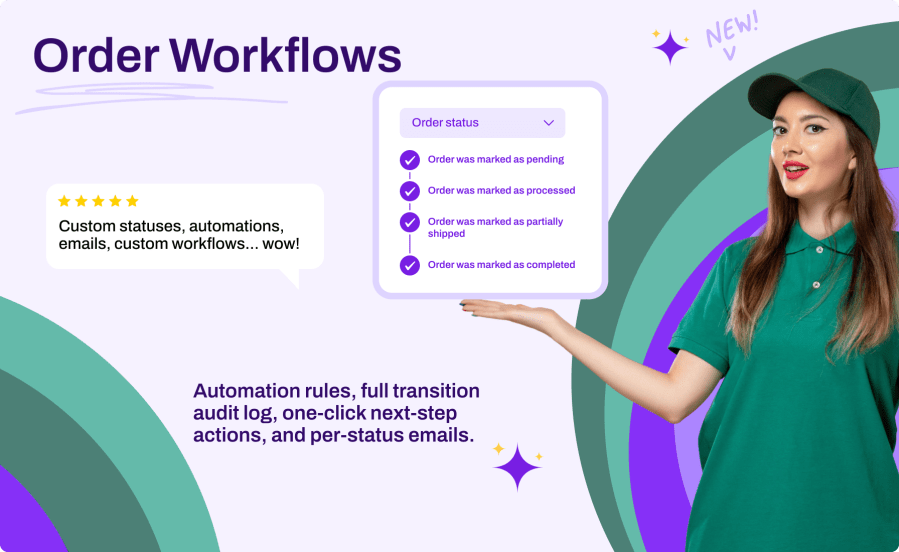
WooCommerce ships with seven order statuses, but real stores rarely fit in seven boxes. Whether you need “Ready for Pickup”, “Awaiting Supplier”, “In Production”, or “Out for Delivery”, Order Workflows lets you model your actual fulfillment process inside WooCommerce. Create unlimited custom statuses with color-coded badges, define which status comes next with one-click action buttons, notify customers automatically by email at each step, and let automation rules assign statuses based on payment method, order total, shipping method, and more. A complete transition log keeps an audit trail of every change, so you always know who moved an order, when, and why.
Define the allowed transitions between statuses and the plugin turns them into action buttons: a one-click “Ready for Pickup” button directly in the orders list, and “Change to…” actions on the order screen. Your team always sees the next valid step, with the badge colors and icons you chose.
Every custom status registers a real WooCommerce email, managed in WooCommerce > Settings > Emails like any native notification. Choose the recipient (customer, admin, both, or a custom address), customize the subject and heading with placeholders, and override the template in your theme if needed.
Build rules that assign a status the moment an order is placed or paid. Combine conditions on payment method, order total, user role, shipping method, product type, category, coupon usage, and customer country. Rules run by priority and the first match wins.
The transition log records every status change with the order, the old and new status, the user, the source (manual, bulk, automation, system), and the timestamp. Filter the history, view statistics, and export everything to CSV for reporting.
No data is lost. Orders keep their status value in the database; the label simply displays as a raw slug until the plugin is reactivated. Your statuses, workflows, rules, and log are all preserved.
Yes. Each status has an "Include in reports" toggle so orders in that status appear in WooCommerce reporting, and a "Counts as paid" toggle so payment-related logic treats them correctly.
Yes. Customers see the status name for their orders in My Account, and you can add an optional customer-facing description per status to explain what it means. Status change emails keep them informed automatically.
Yes. You can change the badge color and icon of the seven core statuses, and give them workflow transitions and action buttons, without altering how WooCommerce processes them.
Yes. The plugin declares full compatibility with WooCommerce High-Performance Order Storage and Cart/Checkout Blocks, and it is completely translation-ready.
Extension information
Quality Checks
Countries







