

Product comparison
Subscription includes
Support
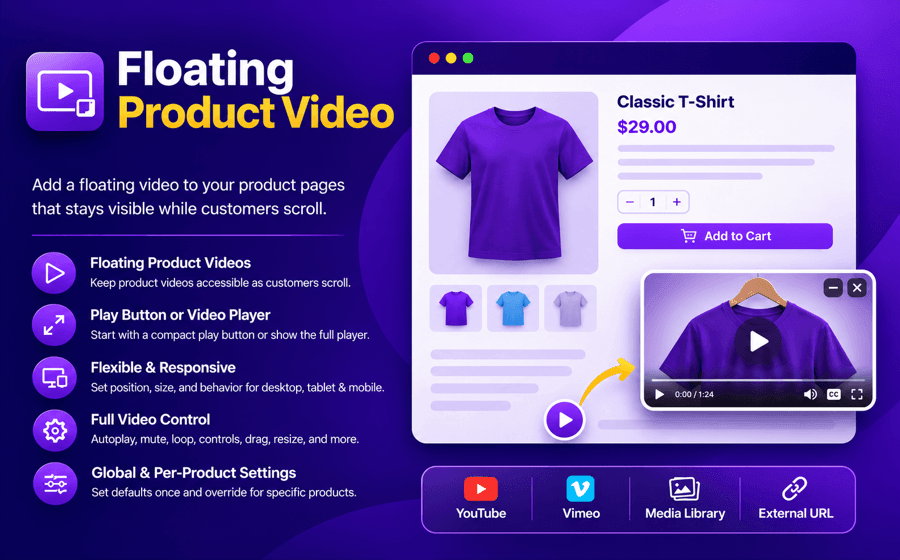
Floating Product Video for WooCommerce lets you add a floating video to your product pages that remains accessible while customers browse and scroll.
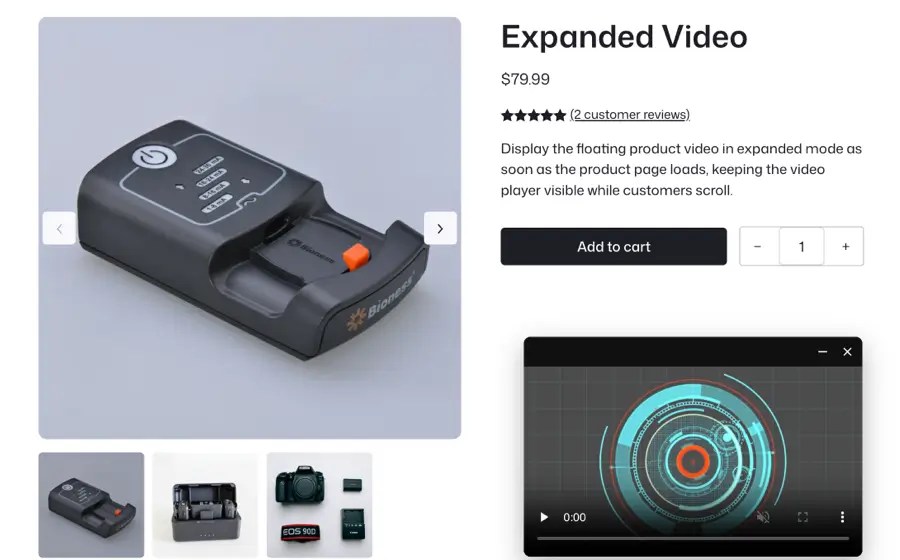
Choose whether to show a compact play button or the complete video player when the page loads. Customers can open, watch, minimize, and return to the video without leaving the product page.
Use videos from YouTube, Vimeo, the WordPress Media Library, or an external URL, and customize the player’s position, size, playback behavior, and responsive settings for desktop and mobile devices.
Unlike traditional product-video plugins, Floating Product Video does not need to add videos to the product gallery. It focuses specifically on providing a lightweight, persistent video experience alongside your WooCommerce product content.
You can add videos from YouTube, Vimeo, the WordPress Media Library, or an external video URL. This gives you flexibility in choosing where to host your product videos.
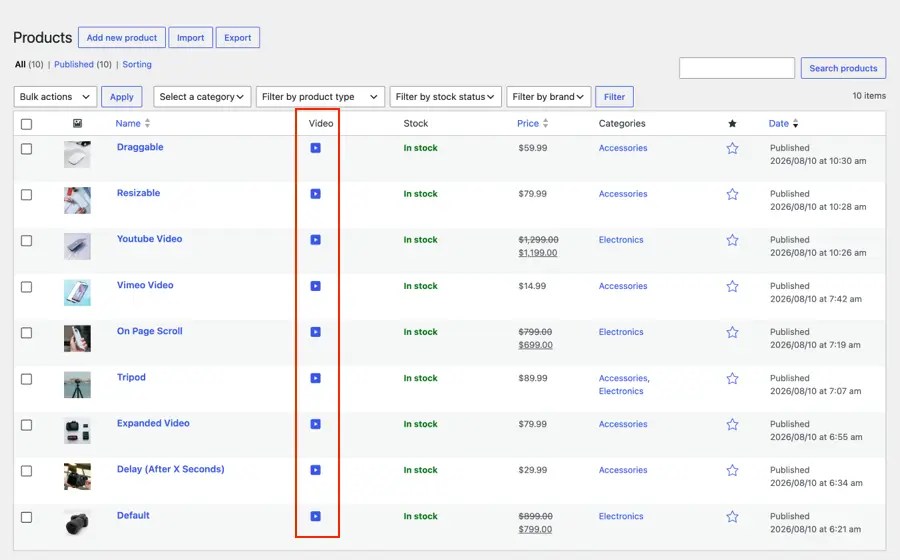
Yes. You add the video on each product, so every product can have its own. Global defaults are set under WooCommerce → Settings → Floating Video. To change them for one product, use "Override settings" on that product and change only what you need. Use "Customize layout" to give the product its own layout.
Yes. Floating Product Video works independently of the WooCommerce product gallery. You can display a floating video anywhere on the product page without adding it to the product gallery.
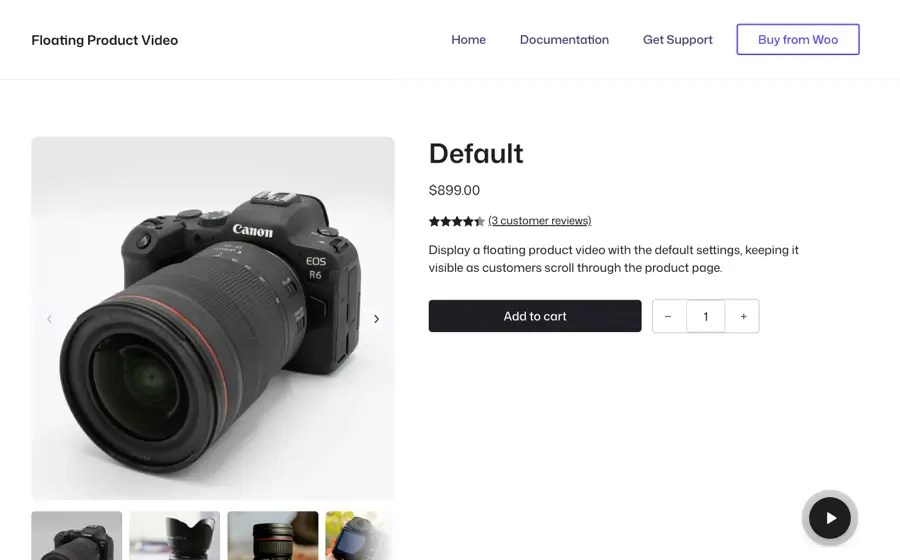
Yes. You can choose to display a compact floating play button or the complete video player when the product page loads. Customers can click the play button to open and watch the video.
Yes. You can customize the video position, size, offsets, visibility, and initial display state separately for desktop, tablet, and mobile devices. You can also preview your layout before saving the settings.
Yes. Customers can drag the video player to their preferred position, resize it, minimize it back to the play button, or close it. You can enable or disable dragging and resizing for each device.
Categories
Quality Checks
Countries







