
Active installs
4K+
Subscription includes
Support
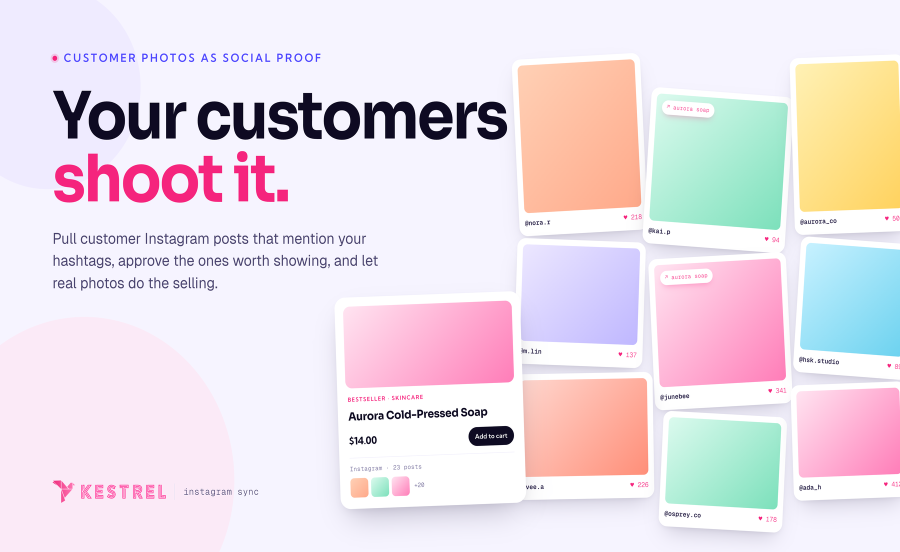
Pull customer Instagram posts into your WooCommerce store as curated hashtag feeds. Link each post to the products it features, and turn user-generated content into social proof on your storefront.
Your customers already shoot the best content for your store, and they’re already on Instagram. Instagram Sync pulls public posts that mention your curated hashtags, lets you approve the ones worth showing, and displays them as curated galleries on your storefront. Each post links to the WooCommerce product it features, turning customer UGC into a social proof signal at the moment of decision.
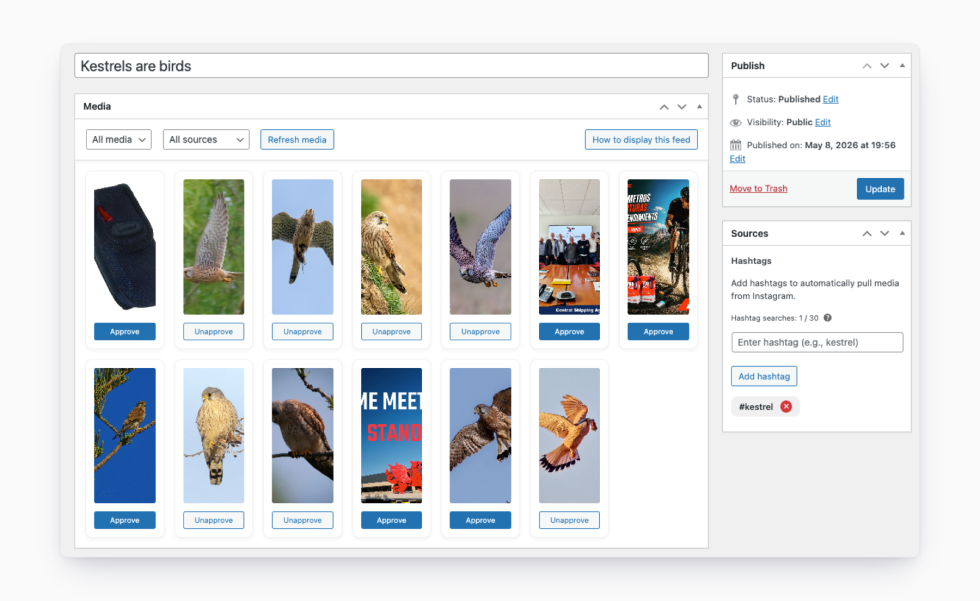
Define the hashtags that matter to your store, your brand tag, a campaign tag, a product line tag. Instagram Sync builds an automatic Instagram feed from matching public posts, pulled directly from the Instagram Graph API. New content shows up in a pending queue ready for you to review.
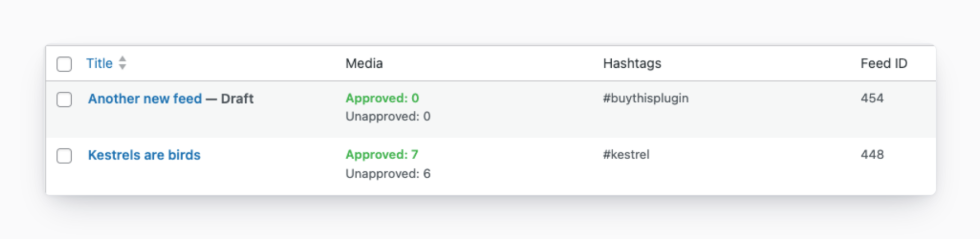
Nothing reaches your storefront without your approval. Imported posts sit in a pending queue where you can preview each one, approve the ones that fit your brand, and discard the rest. Pending posts that you skip are cleared automatically after seven days, so the queue never gets unwieldy. When approved posts are deleted or made private on Instagram, Instagram Sync removes them from your store too, so you don’t end up with broken galleries.
Every WooCommerce product gets an Instagram tab in its product data. Associate the Instagram posts that feature that product, and shoppers see customer photos on the product page itself, turning organic UGC into trust signals exactly where buying decisions happen. The product tab is new in version 5.1, designed to make the connection between social proof and SKU explicit.
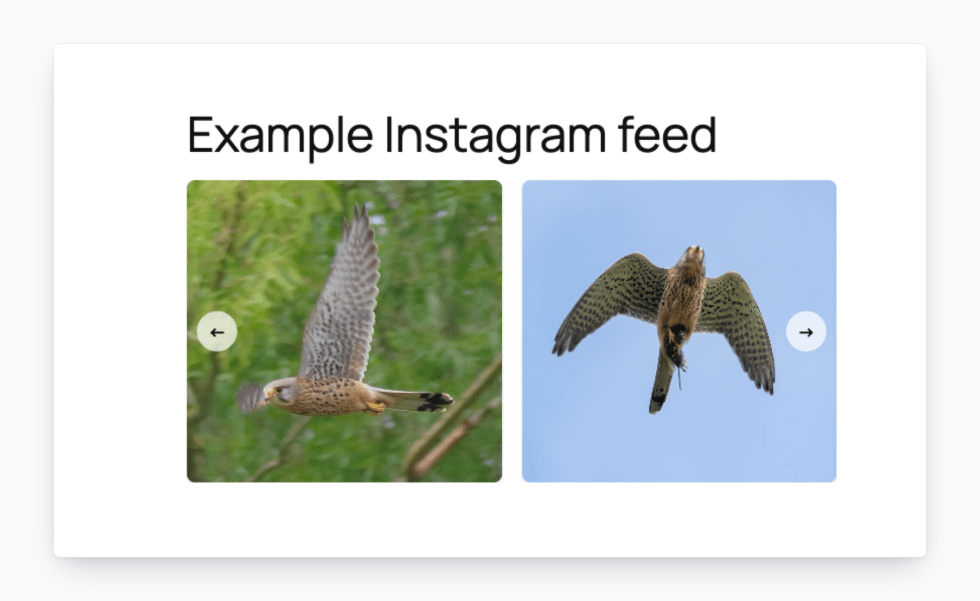
Three storefront layouts, configured per feed. Masonry for editorial Pinterest-style grids. Grid for a clean Instagram-native look. Carousel for product pages and homepage banners. Drop Instagram feeds onto shop pages, product pages, blog posts, sidebars, or anywhere else on your WordPress site with a single shortcode, and tune the column count, item count, and caption visibility for each placement.
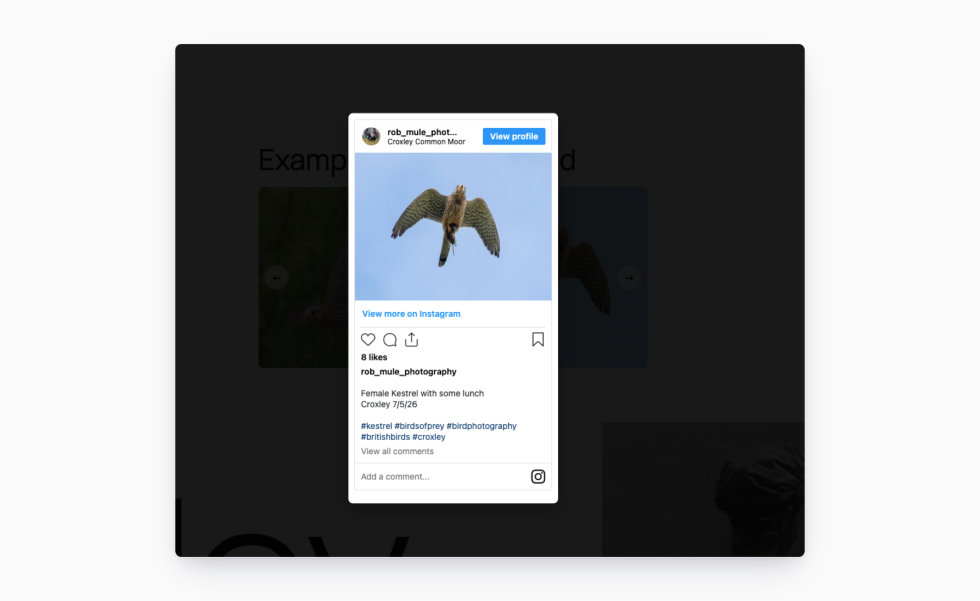
Clicking a feed thumbnail opens the full post in a lightbox, with likes, comments, username, and caption included via Instagram‘s oEmbed API. Visitors get the full social proof signal without leaving your store. Thumbnails themselves are served from your own server for fast page loads, while the lightbox loads the live post on demand.
Instagram only allows one clickable link in a profile bio. Set yours to redirect through Instagram Sync, and you can change the destination (to a campaign, a new product launch, a sale page, anything) without ever updating your Instagram profile. Point your bio link once, then change where it sends visitors as your priorities shift.
Use Meta’s free Facebook for WooCommerce plugin to push your catalog to Instagram. Use Instagram Sync to pull Instagram content back into your store. The two handle opposite halves of the same loop and are intended to be used together.
Connecting Instagram and pulling your first batch of posts takes a few minutes once your Instagram Business account is linked.
Built and supported by Kestrel, the team behind 40+ WooCommerce extensions.
Made by 
Instagram Sync requires an Instagram Business or Creator account connected to a Facebook Page. This is a Meta requirement; the Instagram Graph API only works with these account types. Personal Instagram accounts don't have API access.
Yes, you can customize your feeds on a per-product or a site-wide basis.
The 30-search-per-7-days limit is set by Instagram itself, not by Instagram Sync. Each unique hashtag you add counts as one search; once you hit 30 in a rolling seven-day window, you'll need to wait for older searches to age out before adding new ones. The admin UI shows your current count so you can pace yourself.
Feed thumbnails are cached locally on your own server so they load fast and don't depend on an external CDN.
Instagram Sync checks periodically whether approved posts are still available on Instagram. If a post is deleted or made private, it's removed from your storefront automatically, so you won't end up with broken thumbnails or empty modals. This also ensures that you are respecting the intended privacy of your own customer's feeds.
Feed thumbnails are local and lazy-loaded, so the gallery itself adds minimal page weight. The Instagram post-content modal only loads when a visitor opens it, not on initial page render.
Instagram Sync uses standard WordPress and WooCommerce templates and shortcodes, so it works with any WooCommerce-compatible theme. The product data Instagram tab follows WooCommerce's native product data structure, so it sits cleanly alongside other extensions that add product tabs.
Categories
Extension information
Quality Checks
Compatibility
Countries
Requirements