
You can add the Today widget to your device’s home screen for quick access to your current day’s stats without opening the app. If you go to your device home screen and press and hold on an empty space, you will find Widgets. Then you can scroll through the list to find the Today widget.

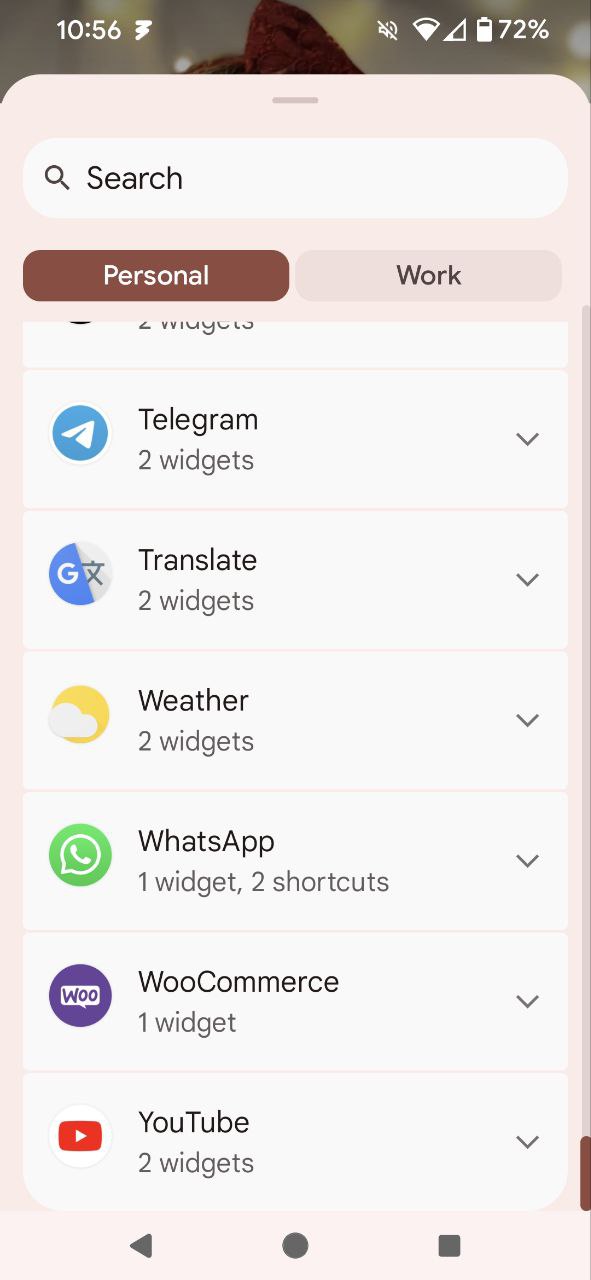


Note: The exact steps to add a widget can vary between Android devices. If the above steps don’t work for you, please check with your device manufacturer for the steps to add Android Widgets.
Still experiencing issues?
↑ Back to topIf you’re using the Jetpack plugin to connect the app to your site, make sure that the Jetpack connection is active and working correctly. You can verify some known issues or try reconnecting your site.
If you’re still having difficulty, you can get help from within the app by going to Menu → Settings → Help & Support → Contact Support. Starting with app version 24.9, this opens our AI Support Chat, which can help troubleshoot common issues. To reach our human support team, start a chat with the AI assistant and then tap the Contact Support 🎧 button in the top-right corner of the chat.