
The WooCommerce Template for the Coming Soon page displays a holding page to let shoppers know that your site or part of it is currently under construction. This can be useful when launching a new store, updating your design, or performing major or minor maintenance.
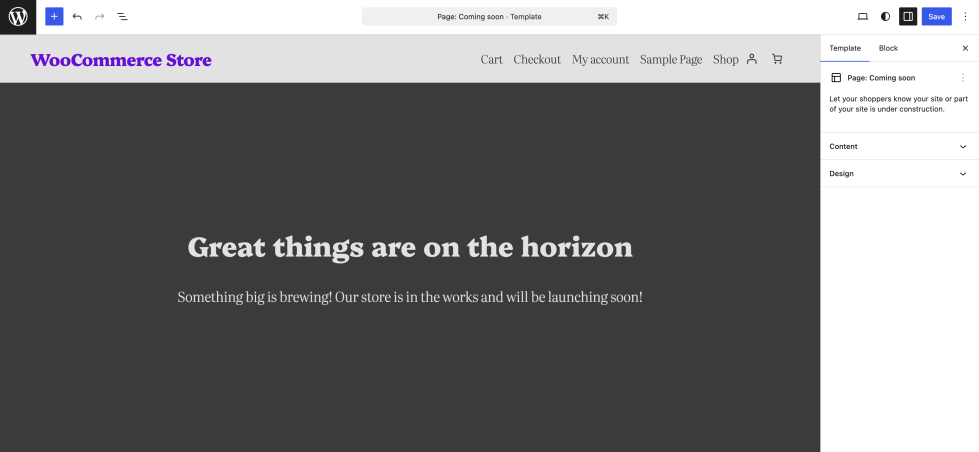
When the Coming Soon template is active, it replaces your store’s usual pages with a custom page. This helps set customer expectations and keeps them informed while you prepare your site for launch or make significant updates. You can also use this page to capture leads, share contact information, or direct visitors to other online channels while your store is unavailable.
Access the Coming Soon Page Template
↑ Back to topYou can access this template from your WordPress Dashboard by going to:
- Appearance > Editor
- Click Templates, select WooCommerce > Page: Coming Soon
Layout of Coming Soon Page Template
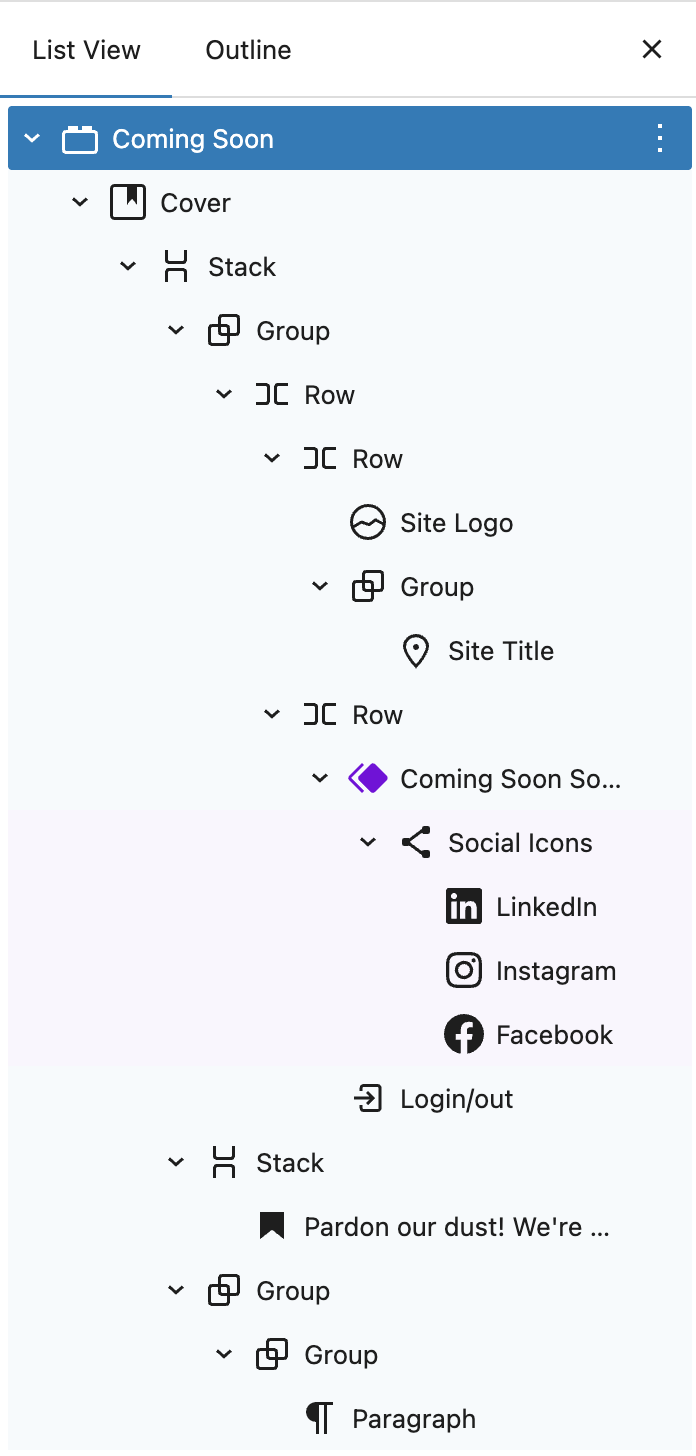
↑ Back to topThe Coming Soon template uses a combination of layout and content blocks to create a simple, attention-grabbing page. A full-width background often added with the Cover block helps set the tone, while text blocks like Heading and Paragraph convey your main message and any supporting details.
You can enhance the page with optional elements such as your store’s logo, site title, social media links, or a login/logout button for administrators.
This flexible structure allows you to keep customers informed, provide ways to stay connected, and maintain your brand presence while your store or a section of it is under construction.
Pre-Built Design Patterns
↑ Back to top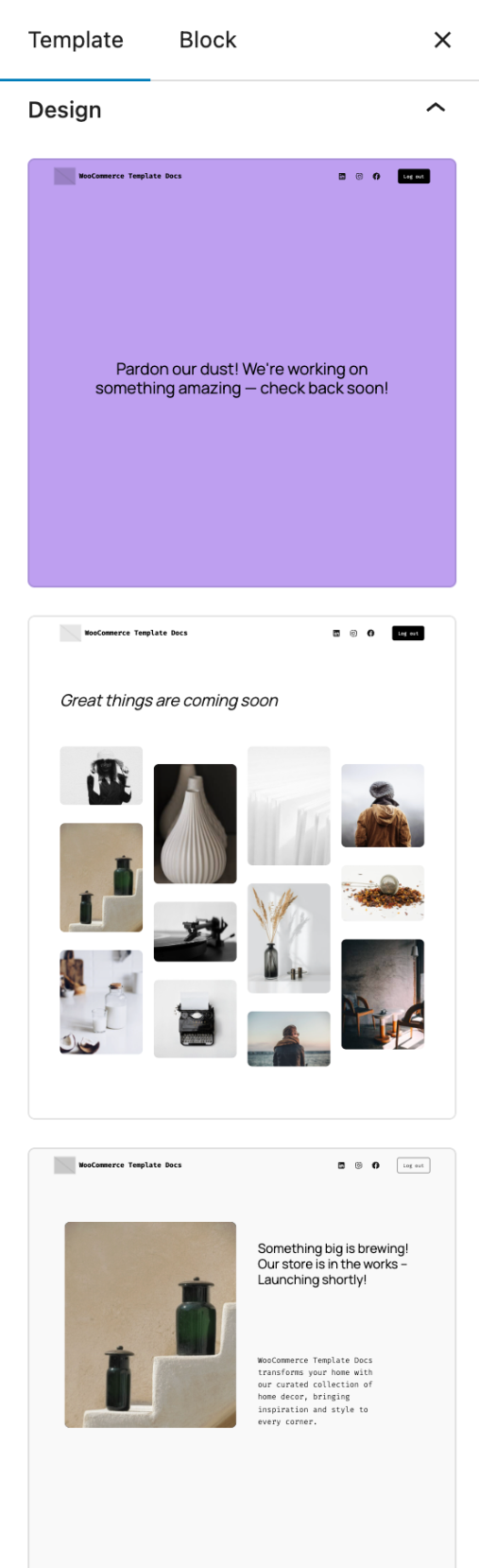
The Coming Soon WooCommerce page template includes a selection of pre-built design patterns that you can use as a starting point.
These patterns provide ready-made layouts with different arrangements of text, imagery, and calls to action, helping you quickly create a Coming Soon page that matches your store’s style and tone.
Each pattern can be fully customized in the Site Editor. You can change colors, swap images, update headings and messages, and add or remove blocks to suit your needs.
This flexibility lets you maintain a professional look while saving time during setup.
Questions and support
↑ Back to topDo you still have questions and need assistance?
This documentation is about the free, core WooCommerce plugin, for which support is provided in our community forums on WordPress.org. By searching this forum, you’ll often find that your question has been asked and answered before.
If you haven’t created a WordPress.org account to use the forums, here’s how.
- If you’re looking to extend the core functionality shown here, we recommend reviewing available extensions in the WooCommerce Marketplace.
- Need ongoing advanced support or a customization built for WooCommerce? Hire a Woo Agency Partner.
- Are you a developer building your own WooCommerce integration or extension? Check our Developer Resources.
If you weren’t able to find the information you need, please use the feedback thumbs below to let us know.