You can now tag products directly in your YouTube videos, Shorts, live streams, and channel page — and send viewers straight to your WooCommerce store. YouTube Shopping is live in Google for WooCommerce 3.6.0.
It’s been one of the most-requested integrations we’ve ever shipped: 15 feature requests, more than 180 votes, and a steady stream of messages from merchants running a growing YouTube channel on one side and a WooCommerce store on the other with no native way to connect them.
Just update the extension, then go to Marketing > Google for WooCommerce > Settings to connect your YouTube channel to get started.
There’s no better time for video
↑ Back to topProduct research has been moving to video for years, with reviews, unboxings, comparisons, and tutorials. YouTube is the second-largest search engine globally and the dominant platform for that research — people watched more than 35 billion hours of shopping-related content there last year.
At the same time, AI advancements like Google’s AI Overviews and Walmart’s AI shopping assistant are reshaping where discovery happens. When traditional search returns one result instead of ten, channels like video that still deliver browsing and consideration do more of the acquisition work.
Four places your products can show up on YouTube
↑ Back to topOnce you’ve connected your store, your products can show up across four places on YouTube. They look similar to viewers, but they behave very differently.
1. Long-form videos
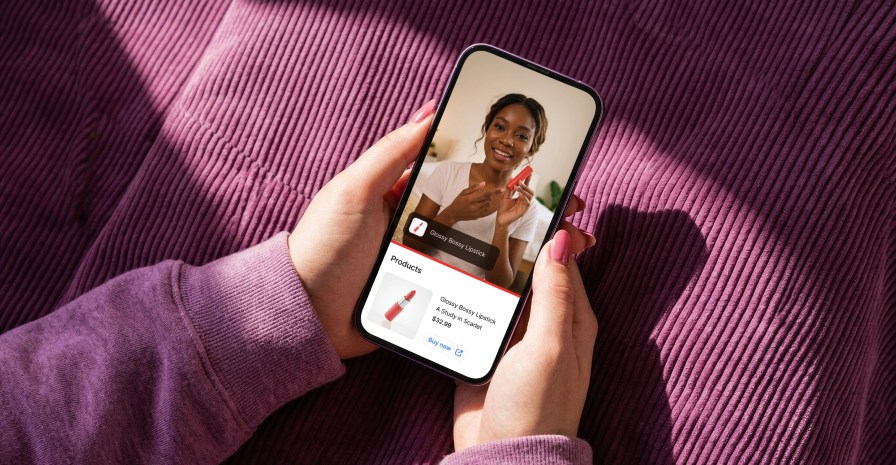
Your standard YouTube upload — the five-, ten-, or thirty-minute video that most creators still build their channels around. Product tags appear in a «View products» shelf. You can timestamp them to surface at specific moments rather than the whole video.
This is where depth works. Reviews, walkthroughs, tutorials — anything where context matters.
You can tag multiple products per video: a review might tag one hero product, a tutorial might tag every tool used, a haul might tag a dozen items as they appear.
2. Shorts
Vertical, under three minutes, built for fast, swipe-based discovery. Product tags appear as a «View products» label during the Short, and because of the format, you’ll usually tag one or two products at most.
3. The channel Shopping tab
The Shopping tab is a persistent storefront that sits on your channel. It isn’t attached to any specific video — you choose which products appear and in what order. It’s the closest thing YouTube has to a merchandised storefront. New subscribers, returning viewers, and every person who clicks your channel name could land here.
4. Live streams
Pin specific products directly to the live chat during a stream. High-urgency moments, like drops, flash sales, limited releases, are where this earns its place.
How tagging actually works
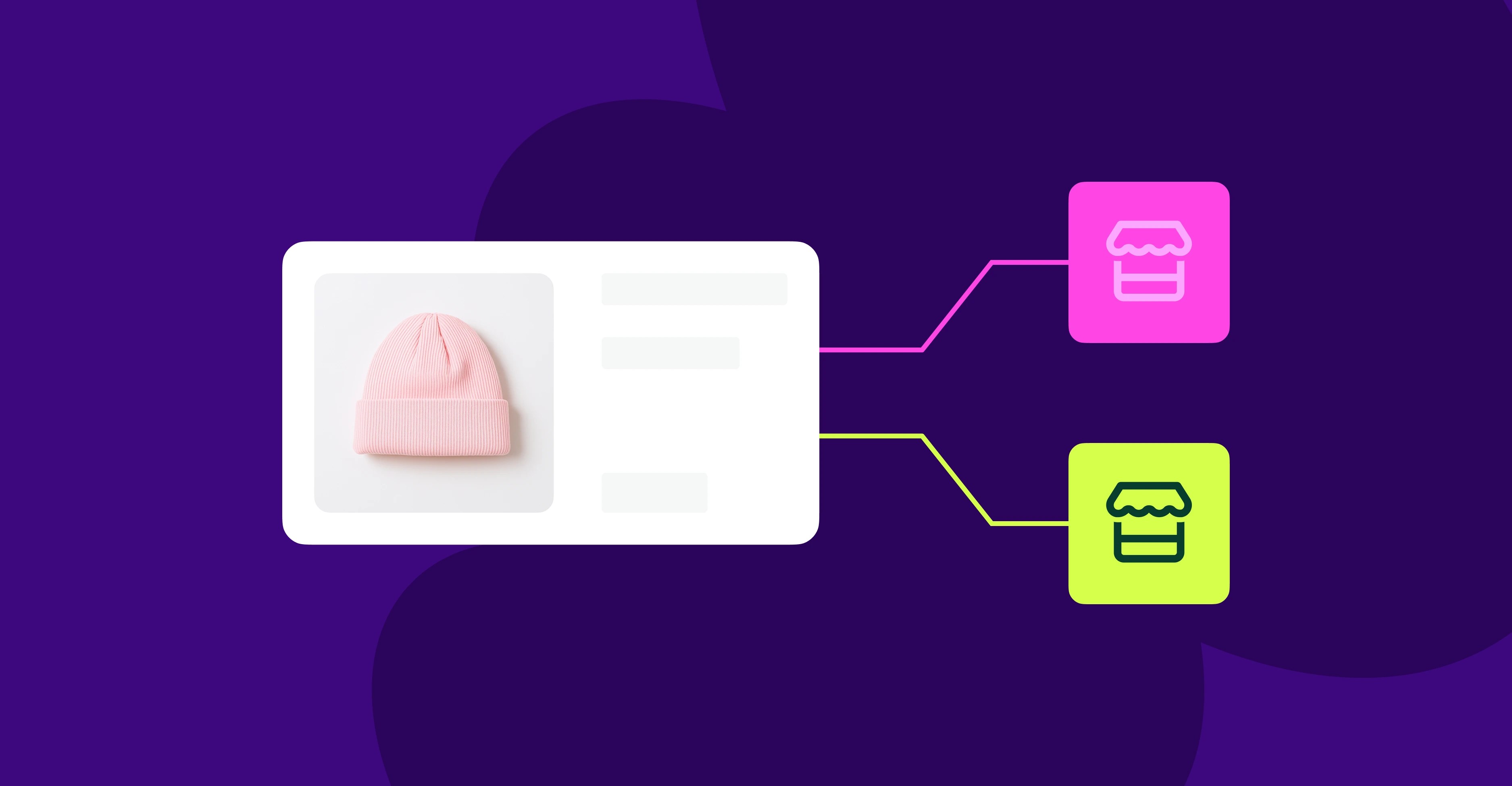
They all pull from the same source: the product catalog your Woo store syncs to Google Merchant Center through the Google for WooCommerce extension. When you tag a product in a video, a Short, or your Shopping tab, you’re selecting from your live inventory; the titles, prices, images, and availability shown to viewers are whatever your store is serving right now.
How to make the most of your setup
↑ Back to topClean your product feed first. Everything that shows up on YouTube comes from your WooCommerce catalog. Use titles your audience would recognize, professional imagery, accurate pricing, and stock.
Tag the product at the moment it appears on screen. YouTube’s own research found that videos with product tags and timestamps enabled saw 43% more product clicks than videos with description links alone.
Match the tag to the video’s intent. A tutorial should tag the tools used. A review should tag the hero product. A brand story video often shouldn’t be tagged at all.
Treat the Shopping tab in your channel as your second homepage. Populate it with your best-selling or most visually distinct products and update it when your inventory changes.
Built from your feedback
↑ Back to topThis one started with you. Behind the feature requests were real problems: time-consuming workarounds, and in more than a few cases, merchants spinning up a secondary store on another platform just to access the YouTube Shopping shelf.
We’re proud to see some early positive feedback from Troy Grady of Cracking the Code.
For a small WooCommerce store like ours, YouTube is one of the most important channels for customer discovery, so connecting our Woo store directly to YouTube Shopping is key. The Google setup for WooCommerce was straightforward, and we started seeing clicks right away. It makes Woo feel much more connected to the platforms where our business actually happens.
But we want to hear from more of you — we read every request and comment. If you’re already connected and seeing results, tell us. We want to share what’s working.


About