

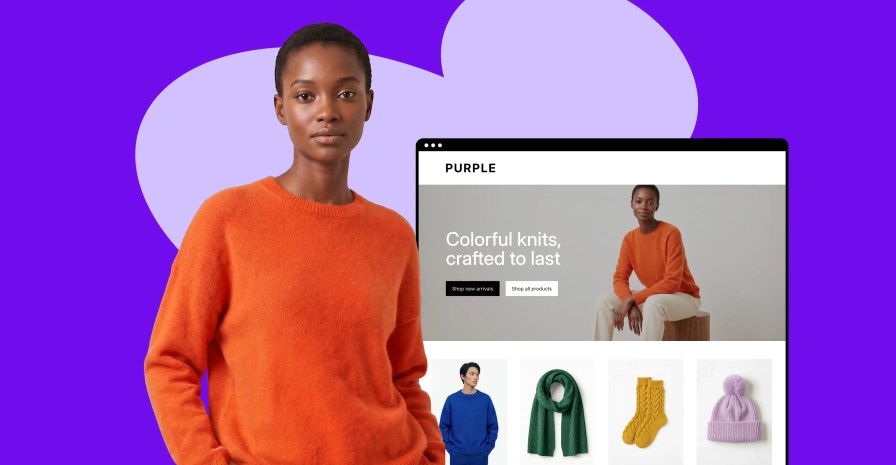
Purple is a new free block theme for WooCommerce that helps you launch a store with your core pages already built: the homepage, product catalog, product pages, search, cart, checkout, and order confirmation. Install it and add your products and brand elements to get started fast.
Pages are made of customizable blocks, with ready-made templates, reusable patterns, and visual editing in the WordPress Site Editor. Here’s how it works.
Start with the important store pages in place
↑ Back to topPurple includes templates for the pages shoppers use throughout a purchase: the homepage, product catalog, search results, individual product pages, cart, checkout, and order confirmation. The visual language is consistent across all pages, and you can make broad changes to the global design or smaller tweaks to any page.
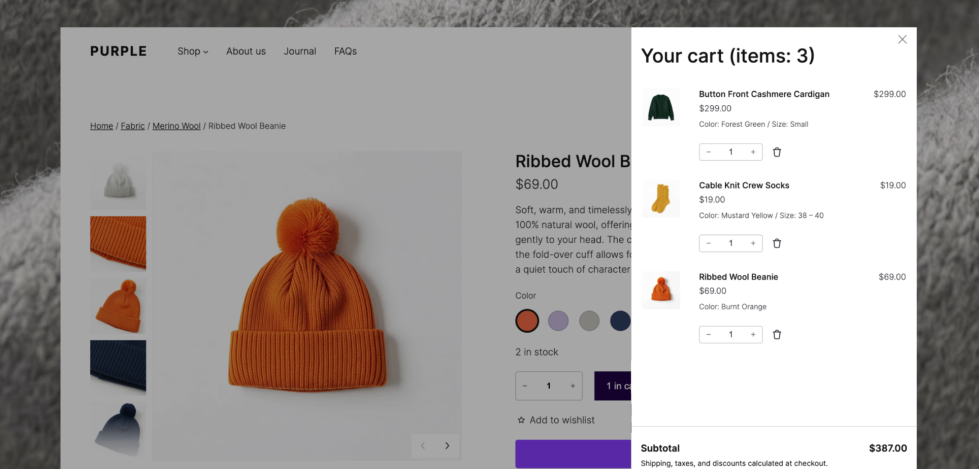
The theme also includes standard content templates for pages, posts, archives, and search, because About pages, buying guides, brand stories, and journal posts all need a home, too.
If block themes are new to you, our guide to choosing a theme for your WooCommerce store explains how they differ from classic themes and what to consider before making the switch.
Build pages with patterns
↑ Back to topA pattern is a ready-made group of blocks that can be inserted into a page and edited as a unit. Purple includes a collection designed around real store-building needs, including hero sections, product collections, category layouts, reviews, testimonials, store information, calls to action, and editorial content.
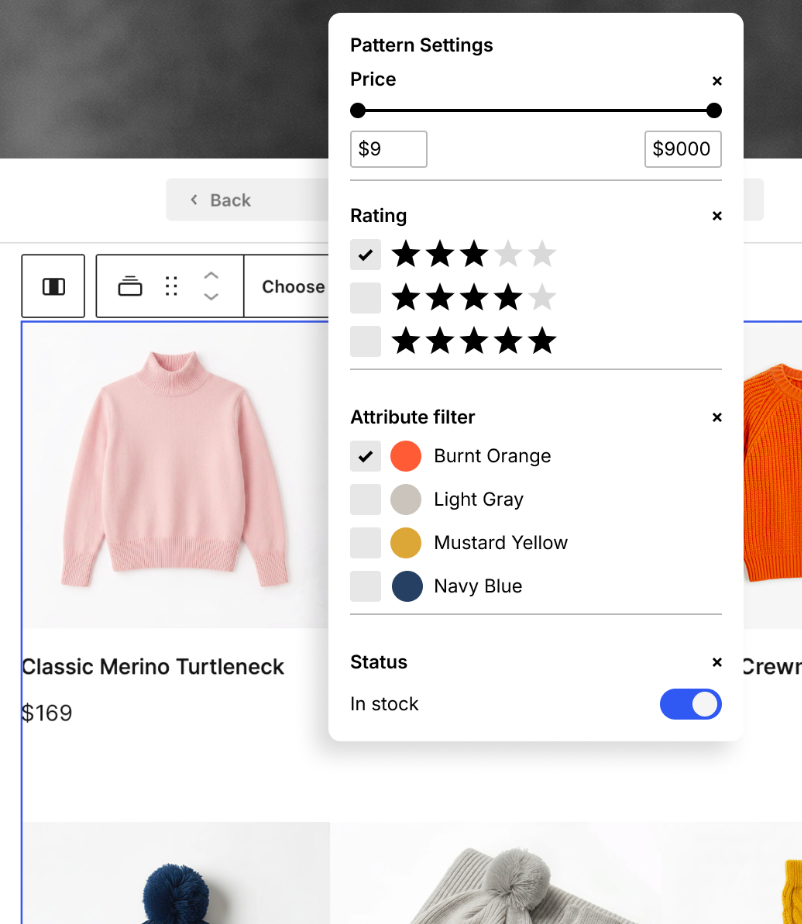
Pick a pattern that’s close to what you’re envisioning, replace the example content, then move or remove individual blocks as the page develops. Patterns help you create a first draft of a layout without turning it into a fixed template.
If you don’t want to build a page block by block, Purple also includes several complete page patterns, offering another route to a storefront, an about page, or a new-arrivals page. Our documentation on patterns and template parts covers how to find, insert, and manage them.
Make it look and feel like your brand
↑ Back to topPurple’s demo uses an apparel store to show the theme in action, but it can work for any store. In the Site Editor, you can change colors, typography, spacing, headers, footers, and page layouts without editing the theme’s files.
You can update a global style to set direction, then open a template to adjust one part of the shopping journey. Because the layout is made from blocks, familiar WordPress controls remain close at hand. Common changes stay visible, and the page can evolve without you having to rebuild its structure from scratch.
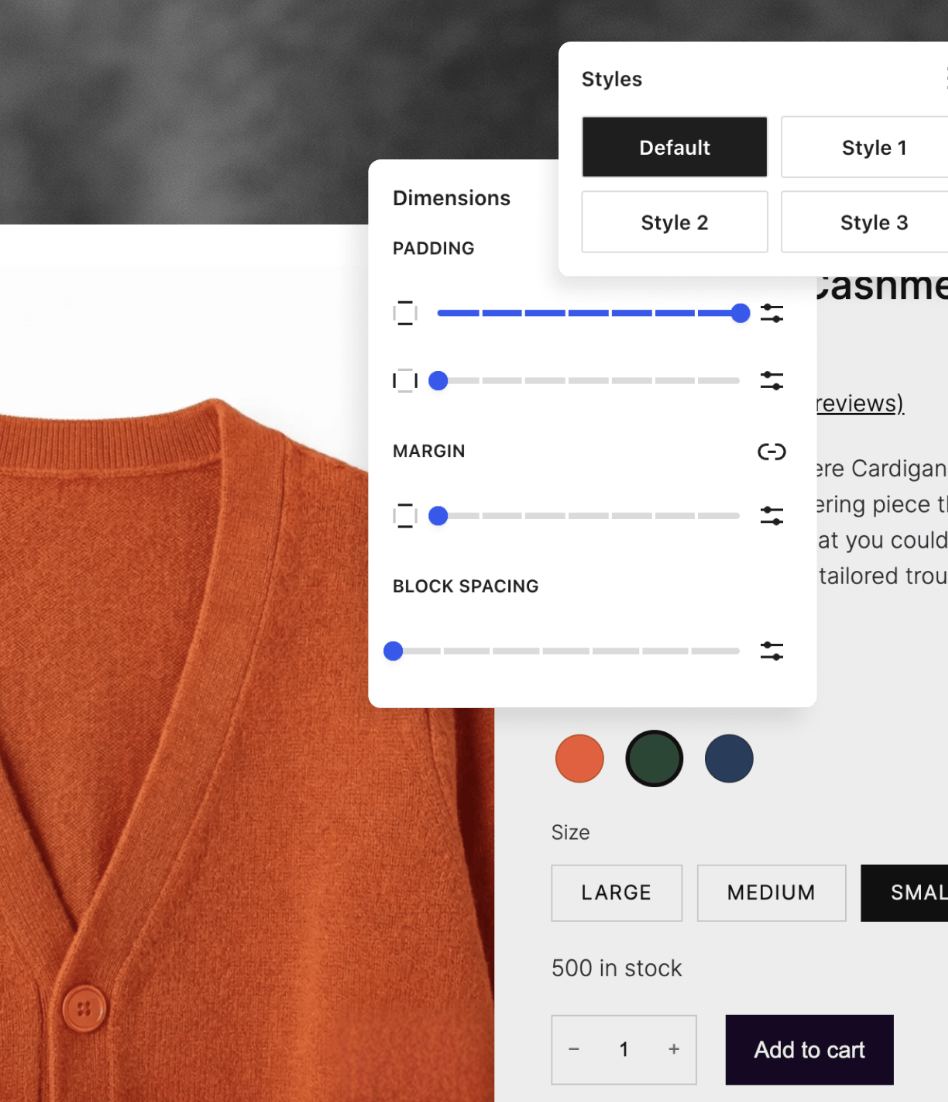
That gives you room to make a visible change at the site level, then refine individual sections where te store needs something different. For example, a new color palette can carry across the whole storefront. A product collection can move higher on the homepage. The header can make more room for navigation, search, or the cart. The result should feel specific to your business.
If you’re still working through that visual direction, the guide to building a brand identity for your online store is a useful companion.
You can learn more about editing templates and styles in the WooCommerce block-theme documentation.
See the shopping journey before you install
↑ Back to top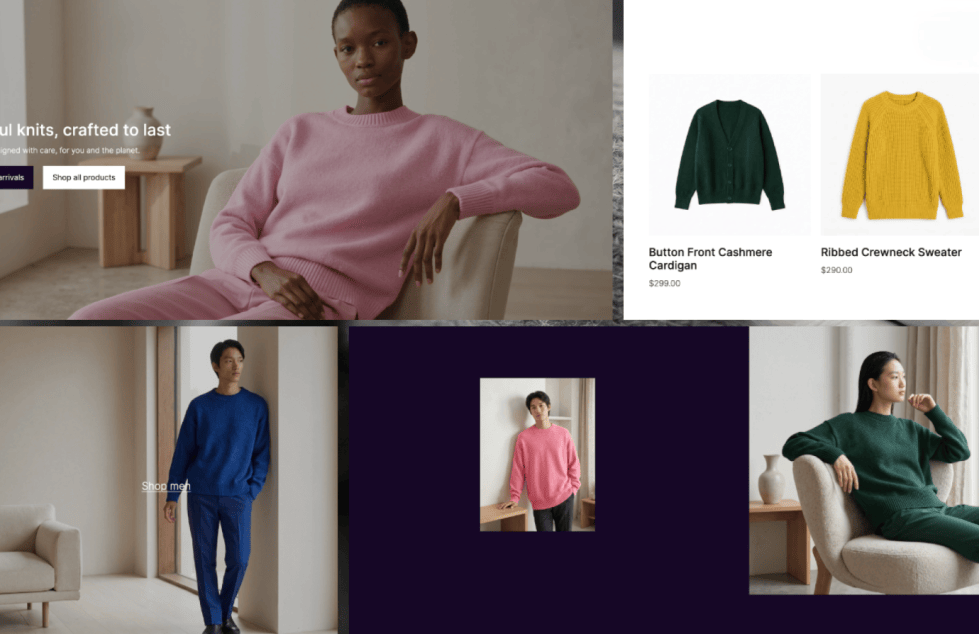
A theme can look convincing in a single screenshot and still leave questions about the rest of the store. Check out the Purple demo to see how the catalog, product pages, cart, checkout, and supporting content all work together.
Open it on desktop and mobile. Go through the flow a shopper would take. Then picture the same structure with your products, photography, and words.
Considering using Purple for your existing store? Test the change on a staging site before going live. Our ecommerce launch checklist can help you organize that step.
Give Purple a try
↑ Back to topPurple is free and available from the WooCommerce Marketplace. Visit the Purple product page to learn more, view the demo, and add it to your store. Once you’ve taken it for a spin, tell us what you built and where you would like Purple to go next.
Feeling stuck with your ecommerce solution? Let’s talk.


About