
Installations actives
2K+
Comparaison de produits
L’abonnement comprend
Assistance
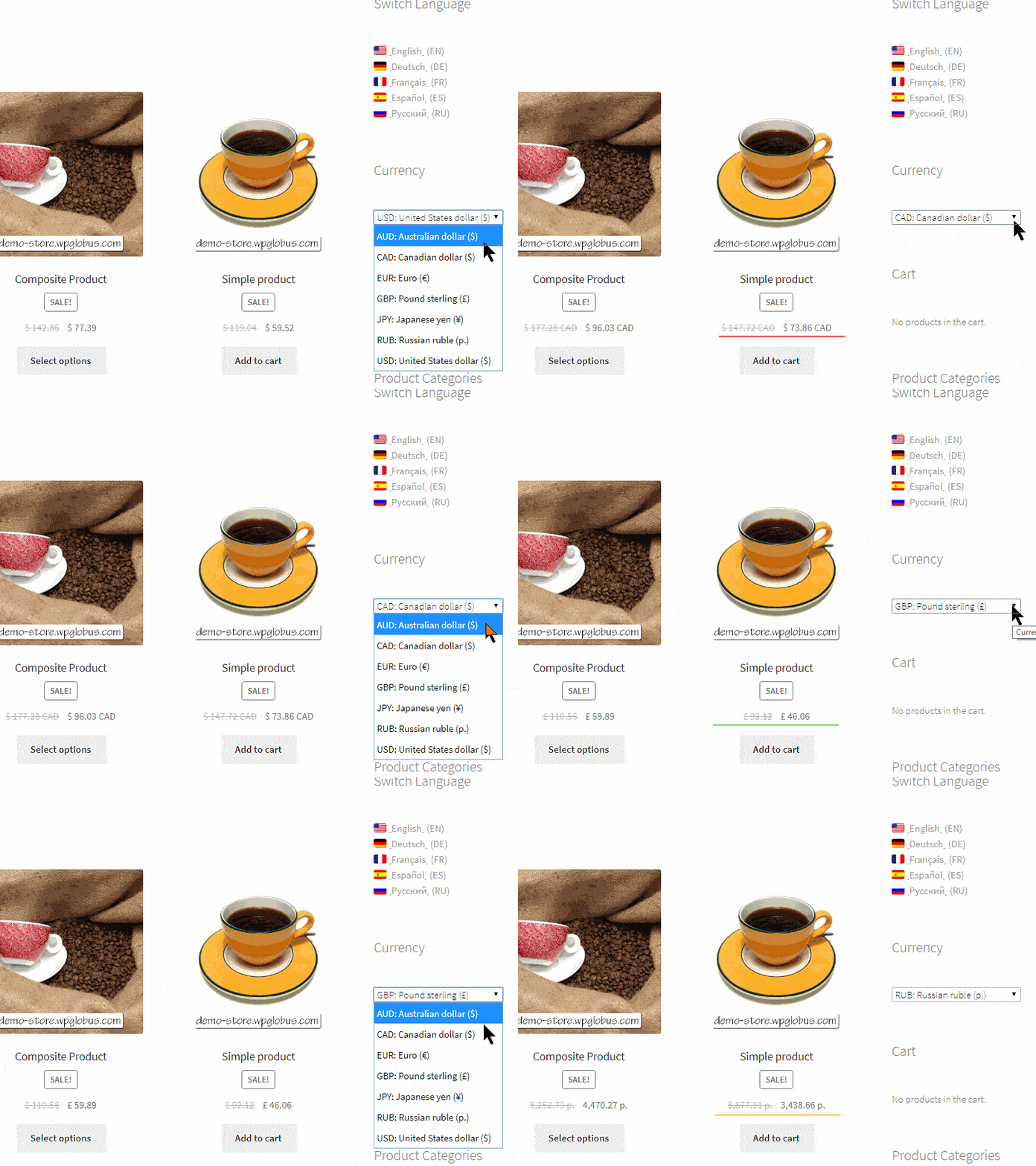
Multi-Currency est une extension WooCommerce qui permet de changer de devise et de recalculer les prix à la volée.
Utilisateur :
Administrateur :
IMPORTANT :
Veuillez lire la section de la documentation sur la compatibilité et l’intégration. Si vous constatez un problème, veuillez nous contacter en fournissant les détails et des captures d’écran. Nous ferons de notre mieux pour trouver la solution !
Voir la documentation pour en savoir plus ->
Développée et prise en charge par TIV.NET INC. à Toronto, Canada :
They can switch currency at any time using a switcher widget or a menu item you add to your store. Multi-currency can also detect a visitor's country automatically and show the matching currency on their first visit.
Rates are fetched automatically from the provider you choose. A free account with one of the supported services is all you need. They refresh on a schedule, so your prices stay current without any manual work.
Products, cart, checkout, and the order total are all shown and calculated in the selected currency, and the order is placed in that currency. The final charge is handled by your payment gateway, so the customer is billed in the selected currency whenever the gateway supports it.
Yes. You can set a specific price for a product in any currency - handy for round numbers or market-specific pricing. Where you do not set a custom price, the base price is converted automatically using the current exchange rate.
Yes. Multi-currency integrates with the popular page-caching plugins - WP Rocket, WP Super Cache, W3 Total Cache, Jetpack Boost, Hummingbird, WP-Optimize, and more - so each visitor sees cached pages in their own currency, never the currency saved for an earlier visitor.
Yes. You can link each site language to a currency, so the currency follows the visitor's language - for example euros for French and dollars for English. This works together with the TIV Globus multilingual plugin. Shoppers can still switch currency manually at any time.
Any currency that WooCommerce supports can be added, while your base prices stay in the store's default currency. Multi-currency is also tested with 15+ WooCommerce extensions, including Subscriptions, Bookings, Product Add-ons, and Name Your Price, and it supports WooCommerce HPOS (High-Performance Order Storage).
Yes. You can round converted prices to friendly numbers such as 9.99 or 9.95, and add a markup or fee on top of the exchange rate to cover conversion costs.
Catégories
Informations sur l'extension
Vérifications qualité
Compatible avec
Pays
Conditions