

Subscription includes
Support
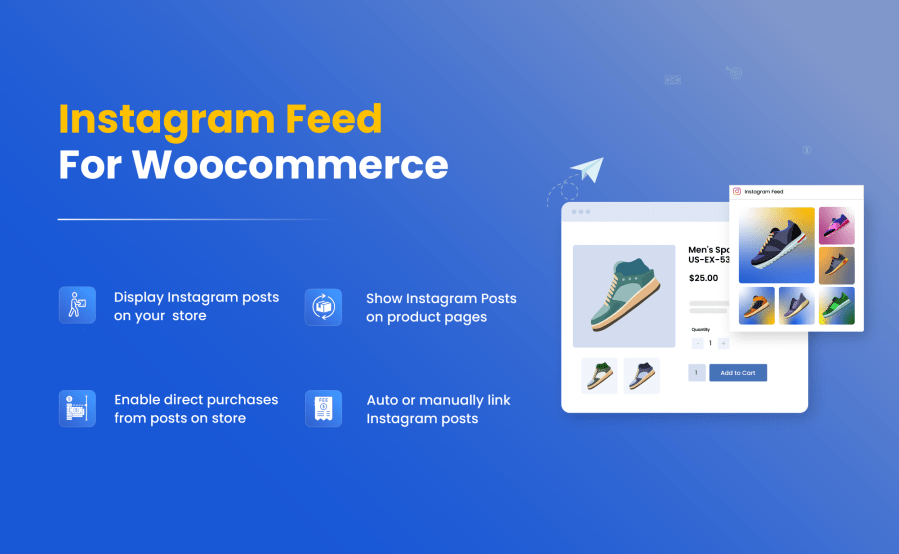
Easily connect Instagram to WooCommerce and add a dedicated “Instagram Feed” section to your store. The extension automatically syncs your latest images, reels, and videos, helping you showcase Instagram content in a way that drives more views and sales. Customers can open any post and buy that product instantly.
Moreover, the plugin detects your Instagram tags and links them to the relevant items, which shows a clear idea of how the items look in real life. Simply restrict your feed by country, add multiple layouts, customize buttons, and offer an engaging shopping experience that increases conversion and trust.
Use Instagram Sync for WooCommerce to quickly display your Instagram posts, reels, and videos on your store. This syncing allows you to show your Instagram account content directly on your store, along with the related products. Whenever new content is added to your account, it is automatically reflected on your store, creating a fresh, real-time experience for both you and your visitors.


You can enhance your product page by displaying relevant Instagram content, such as reels, photos, customer videos, demos, and real-life shots. This social proof can increase customer engagement, which encourages customers to purchase more products.
The Instagram feeds can save your time by automatically linking your store products with Instagram posts via Hashtags. For example, you can post #polo or #shoes on an Instagram post if those items match your product catalog; it will link to the related product with associated posts. It will ensure that your feed remains relevant and consistent without any input on your end. Furthermore, you can also link your store with Instagram feeds manually.

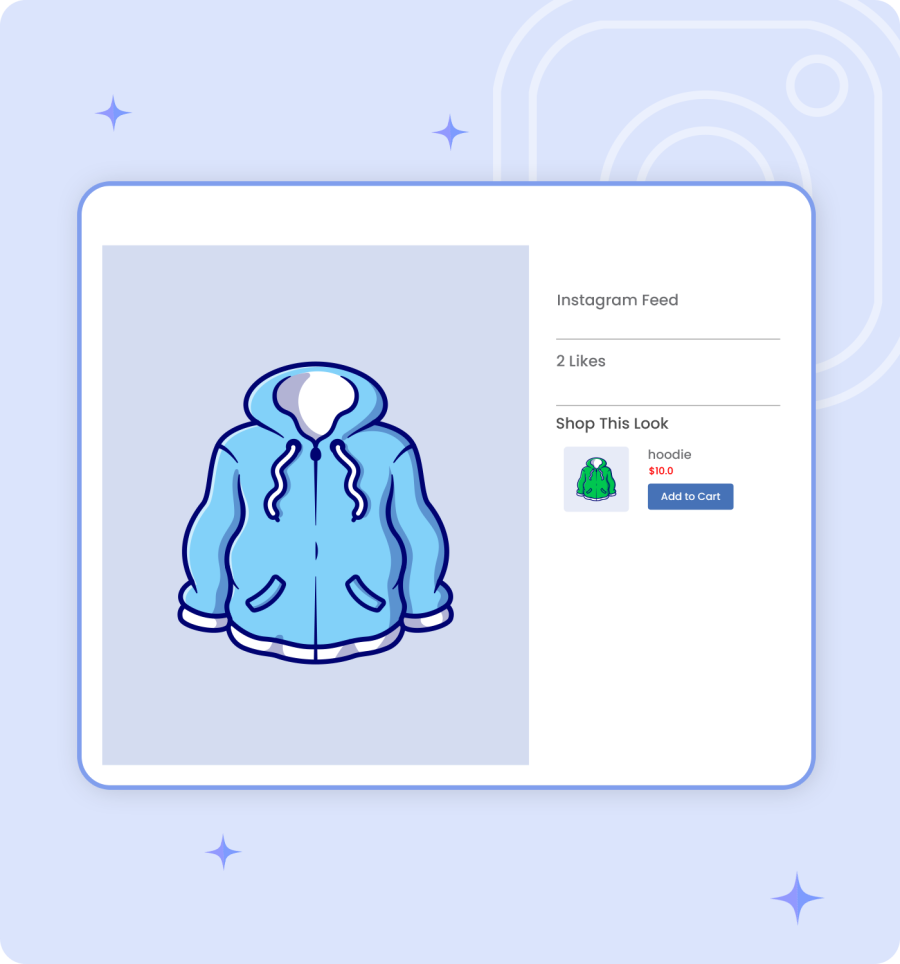
Convert your Instagram gallery into an interactive shopping experience with this extension. When a customer clicks on a photo or video, the associated products are displayed, helping turn visitors into paying customers. You can also add a “Buy Now” button to your Instagram Reels, making it easy for customers to purchase products directly from your videos.
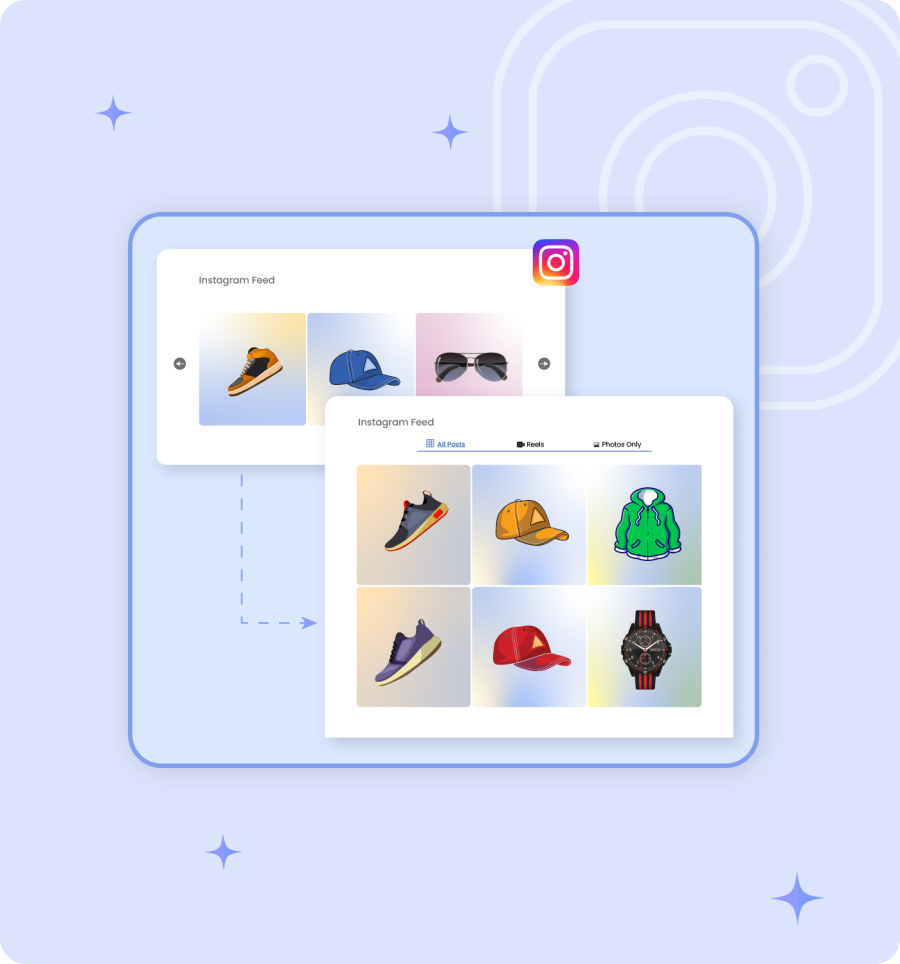
This feature offers you various styles, such as Grid or Slider layout, to display your Instagram feeds. You can easily select your desired style that perfectly matches your brand visuals.
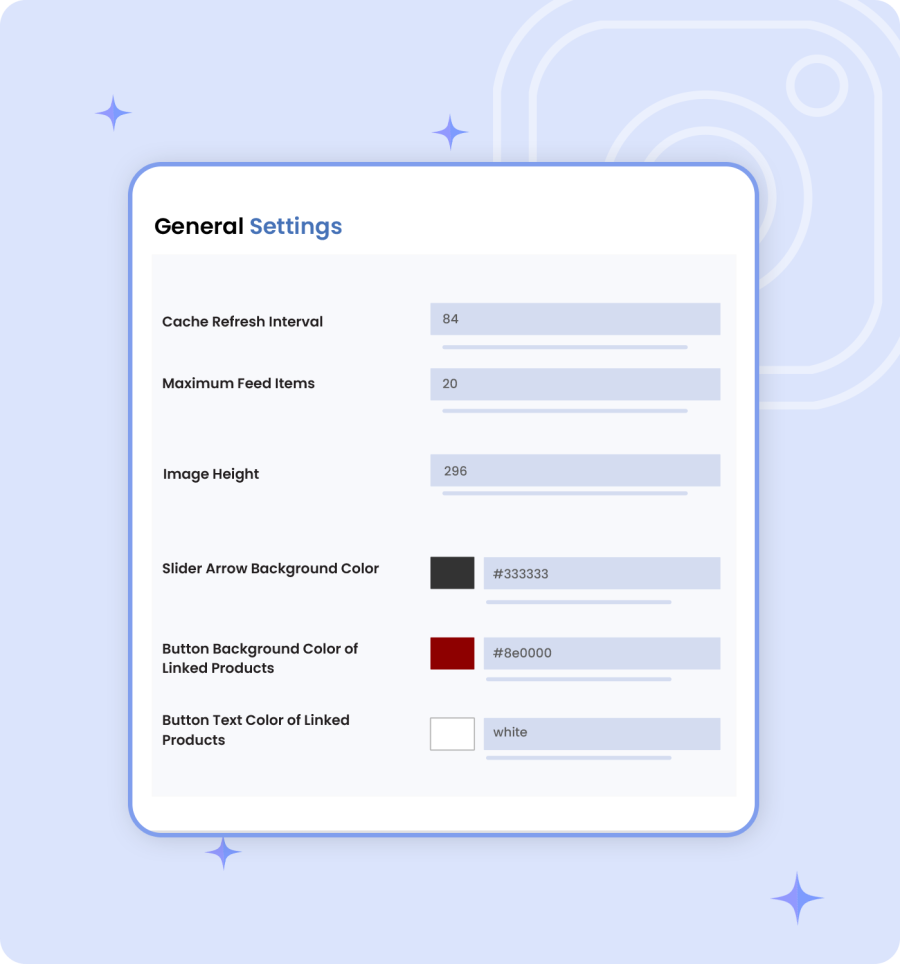
It provides flexibility to customize your feed’s appearance. You can add a custom color for the button background, set the image height, and adjust the number of posts per page.
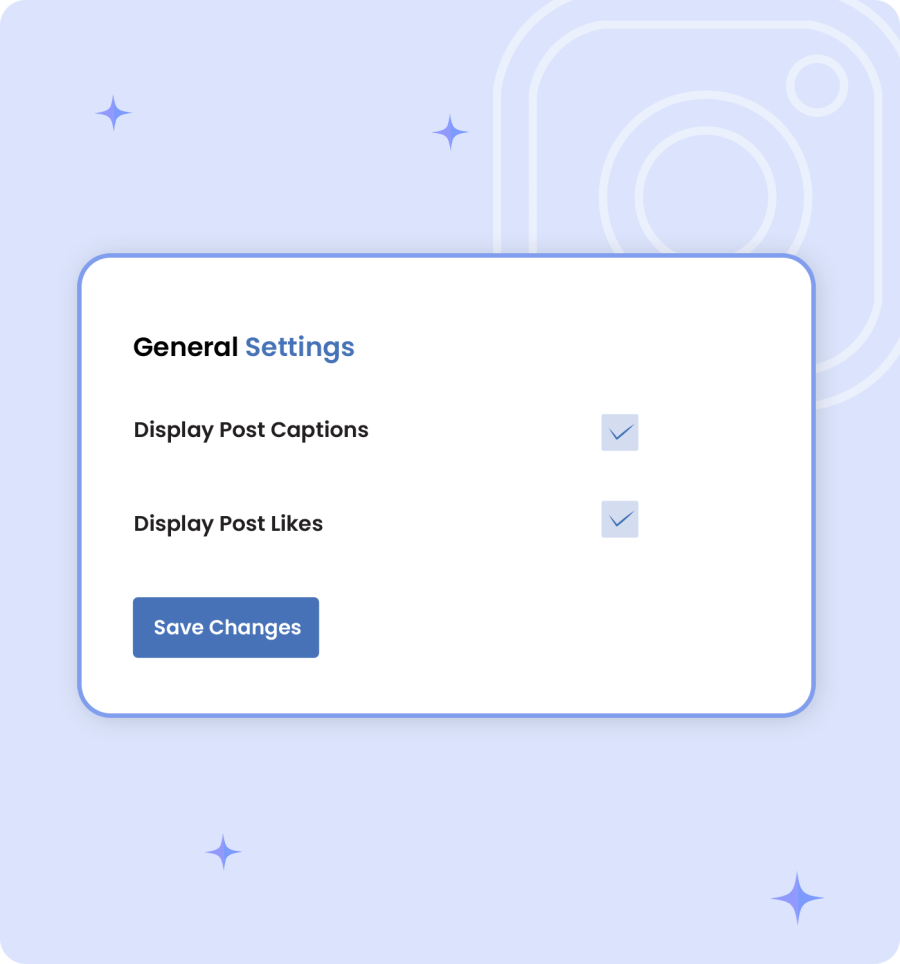
With Instagram feeds extension for Woocommerce, you can control the appearance of your Instagram posts. Enable this to show the captions and likes that make your Instagram feed engaging, and hide or disable them for a clean and simple feed process.

This feature allows you to display your Instagram feed anywhere on your store using a shortcode. Simply paste the shortcode on a shop page, product page, widget, or any custom section without requiring any coding knowledge.
You can control the Instagram feed based on a specific country and provide a localized and customized store experience. Only the specific countries can view the Instagram feed. This feature is helpful for those stores that work globally and want to restrict the specific region.

To connect the Instagram account, you will need your Access token, client ID, and client Secret, which can all be generated from Facebook Developer. For detail view our documentation.
Yes, you can change the feed layout, button style, image size, and the feed count directly from Instagram settings very easily.
Yes, it supports showing photos and videos from your Instagram feed.
Categories
Quality Checks
Countries








