
Active installs
10K+
Product comparison
Subscription includes
Support
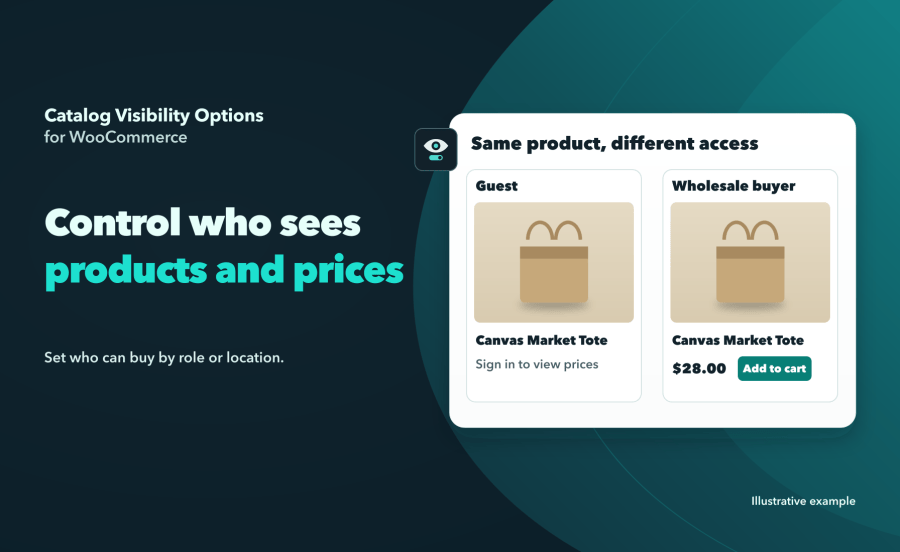
Catalog Visibility Options for WooCommerce lets you hide prices until login, reserve products for wholesale buyers, or run your store in catalog mode. Use your existing WooCommerce products and set separate rules for who can browse, see prices, and place orders.
In WooCommerce → Settings → Visibility Options, set Prices to Enabled for Logged In Users. Use Catalog Price Text to tell guests how to get access. Set Purchases to the same login requirement if guests should also wait to place orders.
Use Show to Specific Roles on a product category to reserve that assortment for a role you use for approved buyers. On an individual product, open Product data → Restrictions to use the category settings or set separate rules for who can view the product, see its price, and purchase it.
Set Purchases to Disabled in Visibility Options. Leave Prices enabled to show prices, or hide them for a quote-only catalog. Use Alternate Content on product pages to give shoppers a contact or ordering instruction.
Enable Location Filter Options to configure restrictions by country or state, region, or territory. You can let shoppers choose a location on a location selection page. When a product has location rules, the location helps determine whether shoppers can see it, see its price, or buy it.
Requires WordPress 6.5 or later, WooCommerce 9.0 or later, and PHP 7.4 or later. See the Catalog Visibility Options documentation for settings and examples. Support tickets are answered by the Catalog Visibility Options developer.
Categories
Extension information
Quality Checks
Countries