

Active installs
2K+
Subscription includes
Support
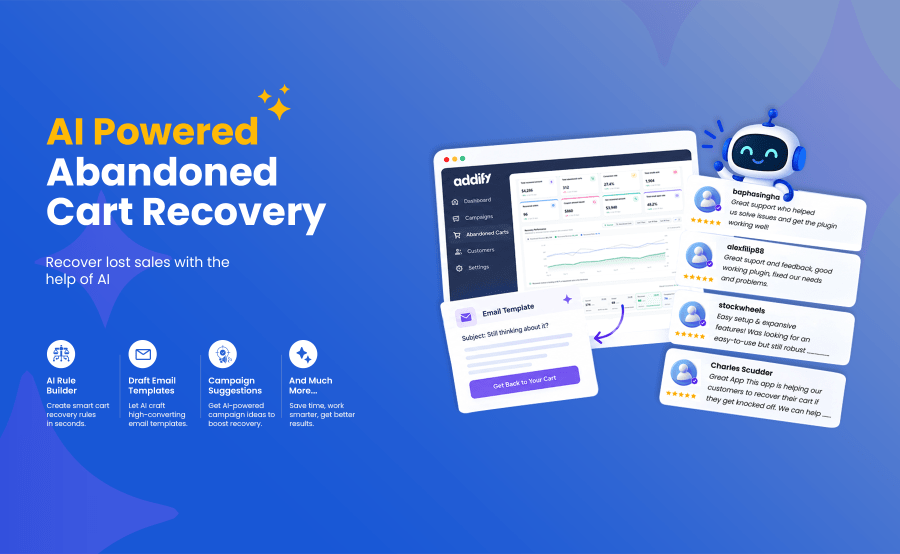
Recent studies show that the average abandoned cart rate for various industries is 55-80%. Sending a followup email can help you recover at least 30% of sales that might otherwise be lost. The WooCommerce Abandoned Cart Recovery extension empowers you to do just that.
With this AI-Powered WooCommerce Abandoned Cart extension, you can create multiple follow-up emails and schedule to send them at specific intervals. You can include coupons and other incentives to improve conversion rates. And you can track your recovery performance using the extension’s built-in analytic dashboard.
Recovering lost sales is now simpler than ever with the new AI assistant for Abandoned Cart Recovery for WooCommerce. Designed to streamline your entire setup, this intelligent feature assists you in configuring extension settings, creating high-converting email templates, generating targeted discount coupons, and analyzing key performance data right from your dashboard.
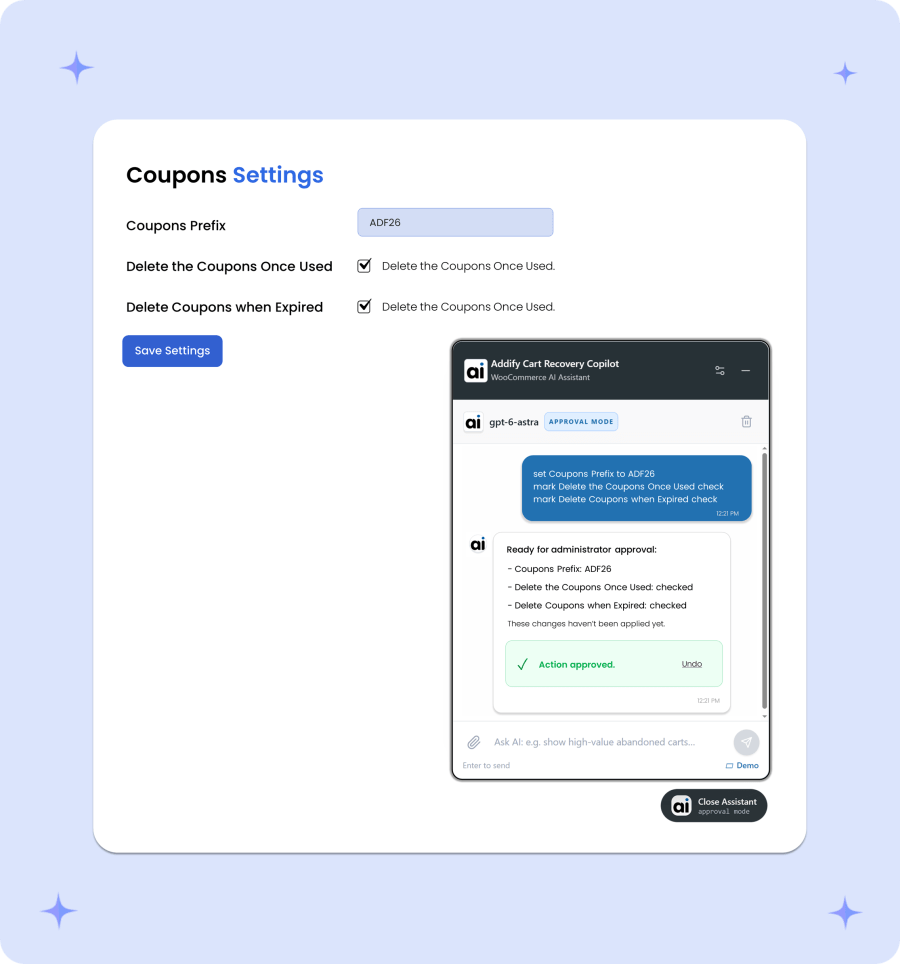
Configuring your WooCommerce abandoned cart settings using the AI assistant replaces manual setup with simple natural language prompts. Instead of toggling individual plugin options, you can tell the AI your goal, and it will handle the adjustments based on your selected AI mode.
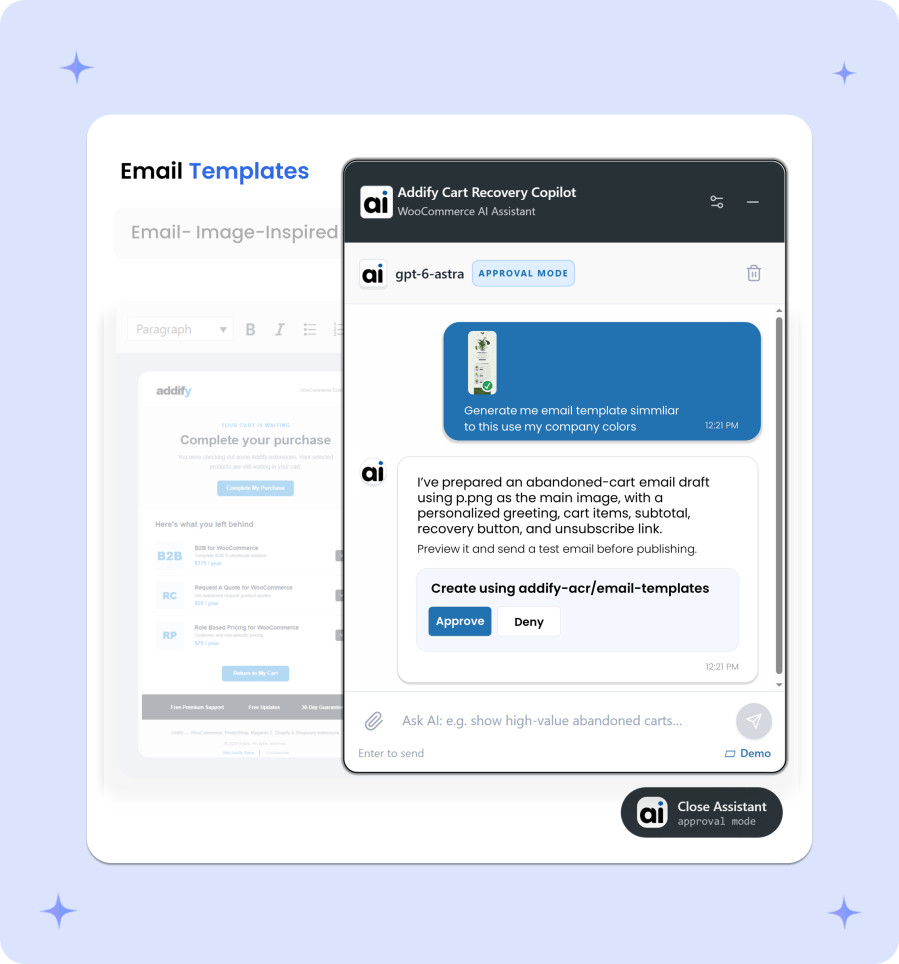
Creating high-converting abandoned order emails is effortless with the AI assistant. Just provide an image of an email template you like, and the AI will analyze its layout, design, and structure to build a matching, responsive template tailored to your WooCommerce store. It handles copywriting, inserts dynamic cart tags, and formats call-to-action buttons of your choice.
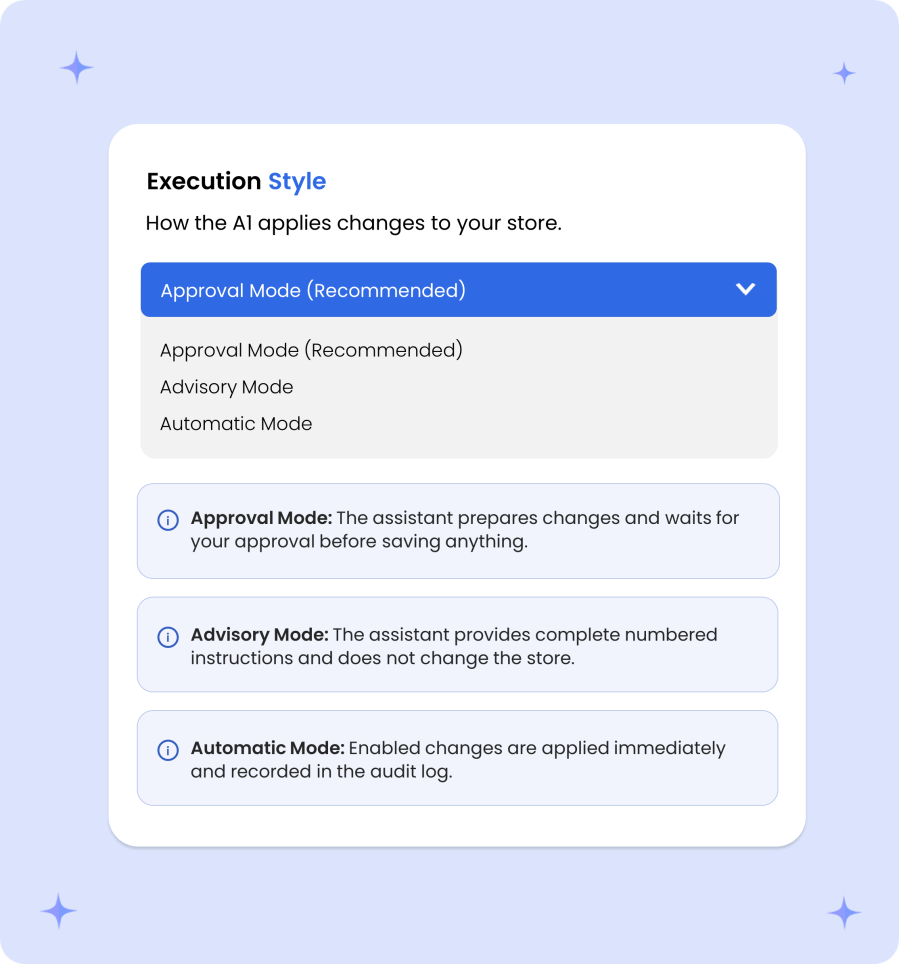
To guarantee operational safety and full transparency, the AI assistant offers three modes to match your preferred level of control:
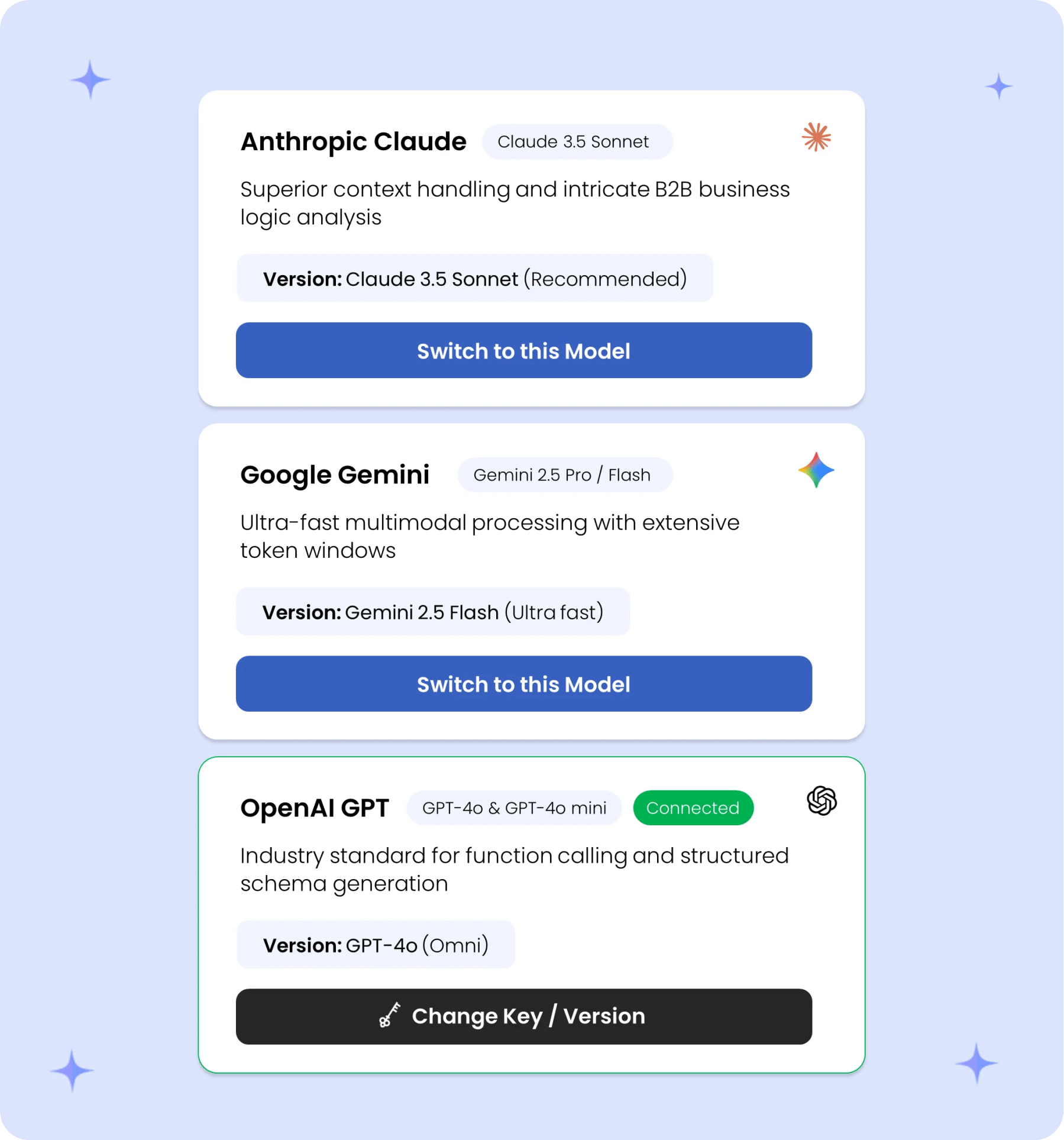
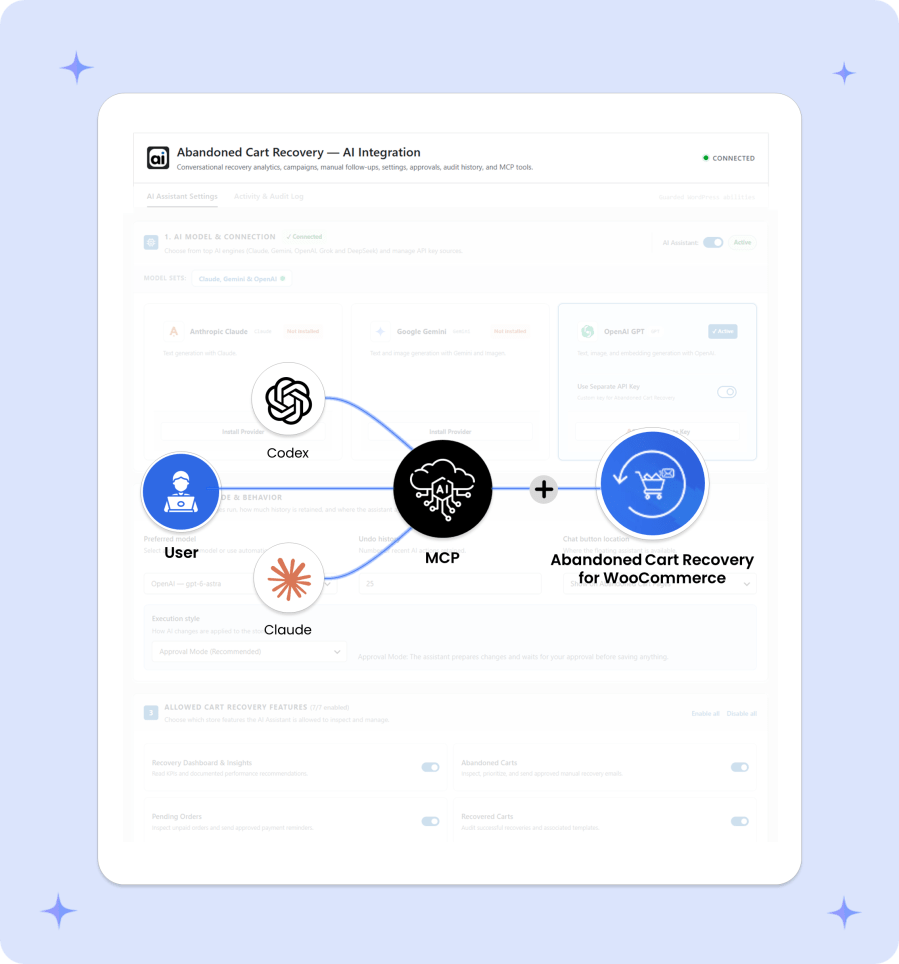
The extension lets you seamlessly connect your preferred AI provider, including Anthropic Claude, Google Gemini, or OpenAI. Simply enter your API key, choose your preferred model, and start using the AI assistant. This freedom allows you to leverage the specific model strengths, reasoning capabilities, and pricing structures that best fit your store’s operational needs.
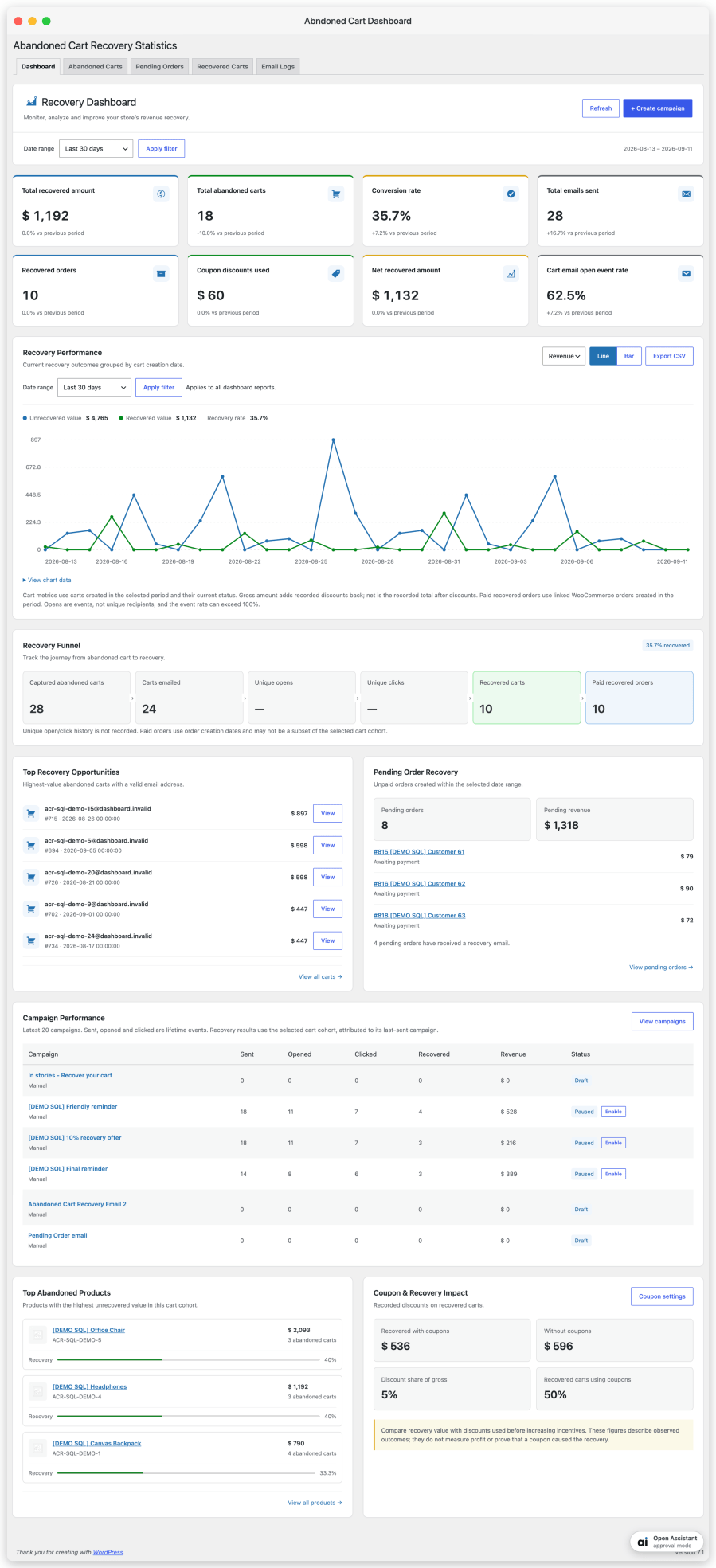
Get a clear overview of your WooCommerce store’s abandoned cart recovery performance in one place. Track recovered revenue, measure campaign results, and identify opportunities to bring shoppers back and recover lost sales.
The extension maintains a grid view of all abandoned carts along with their details. From the dropdown menu, you can choose to send any of the email templates that you’ve created using this extension.
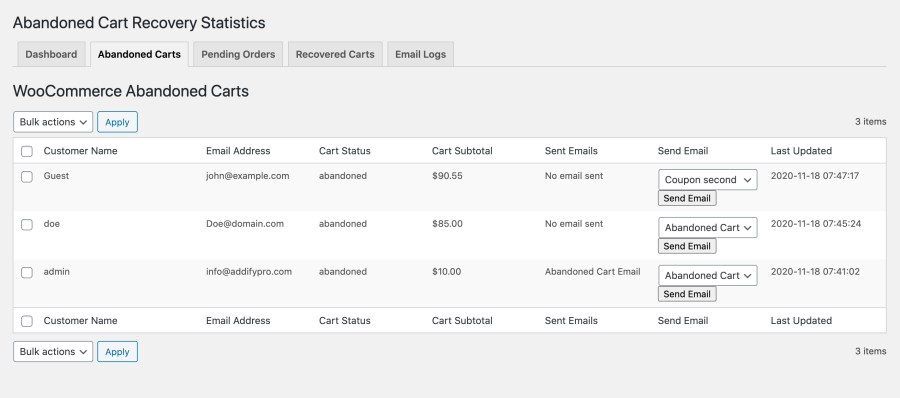
You can view cart details, customer names, and emails.
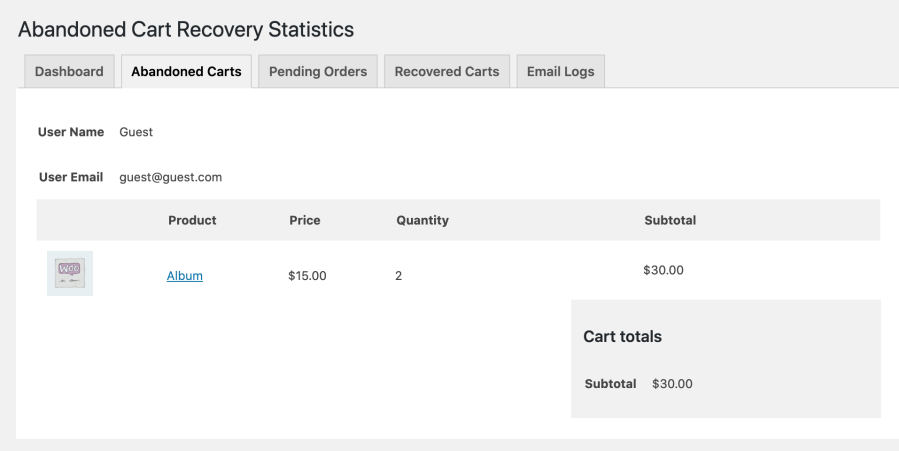
A bonus feature allows you to recover pending orders. You can send follow up emails to ask your customers to make payments and complete their orders.

The extension keeps a record of your recovered carts. You can edit and view the cart details.
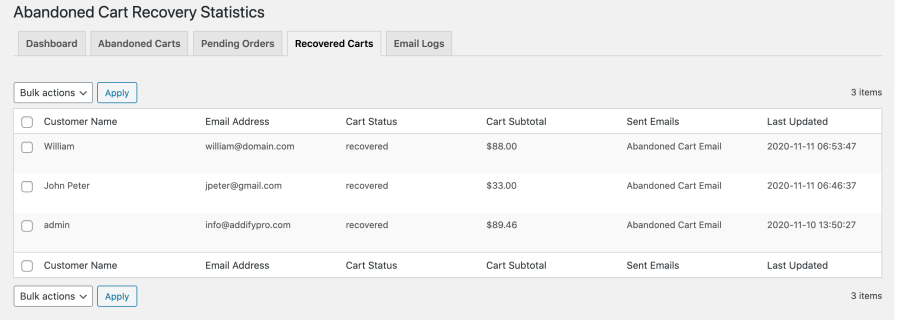
For future reference, the extension keeps a log of all abandoned cart emails sent via the extension.

You can create multiple email templates and choose to send them manually or schedule them to send automatically after a certain amount of time.
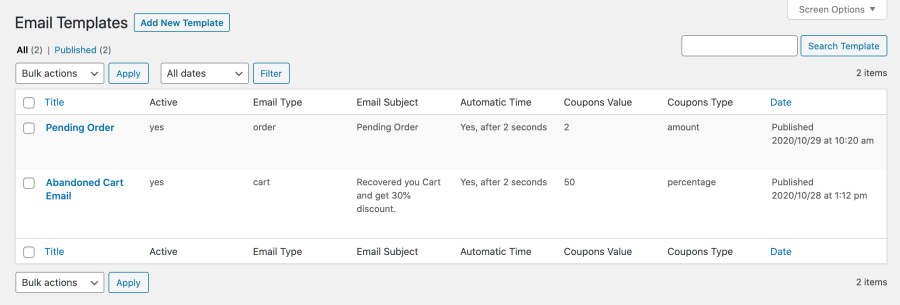
When creating a new email template, you can customize the following:

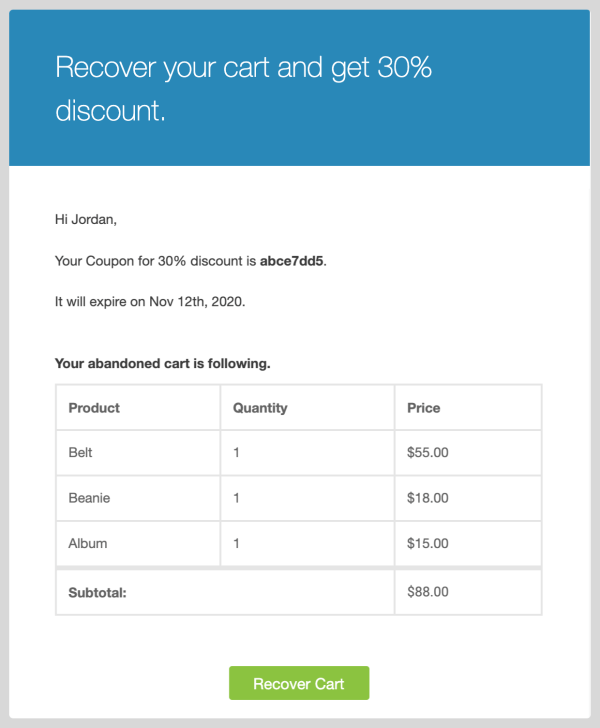
The extension is smart—it will use your standard WooCommerce email header and footer. Using the AI-Powered feature, you can easily draft email content and customize the layout as per your requirements. Just give the reference email design and relevant art work, the AI will automatically implement the new template.
The extension offers multiple settings to customize various aspects. By using the general settings you can,
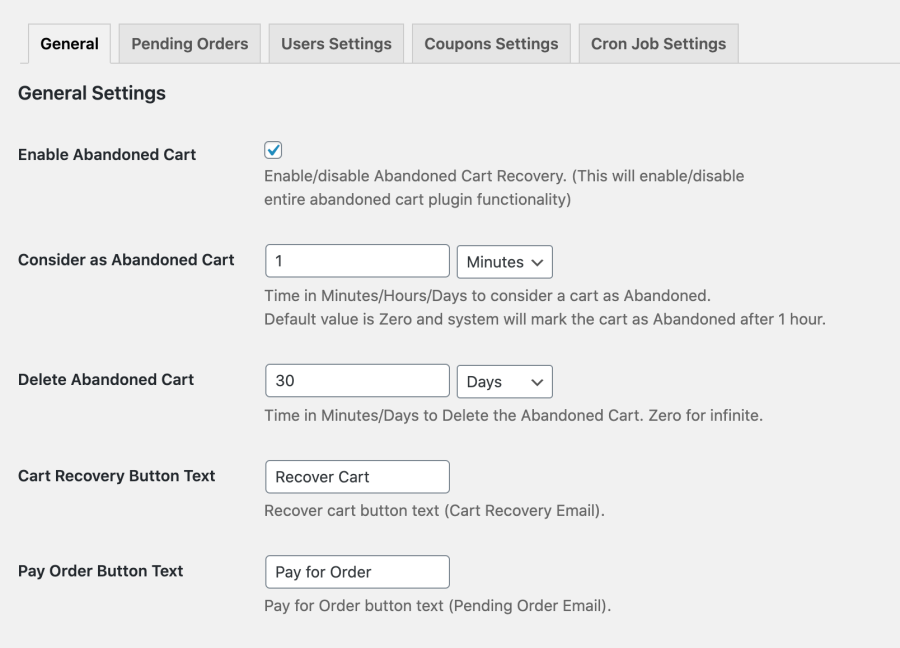
You can enable or disable the recovery feature for pending orders and choose the order status that you want to recover.

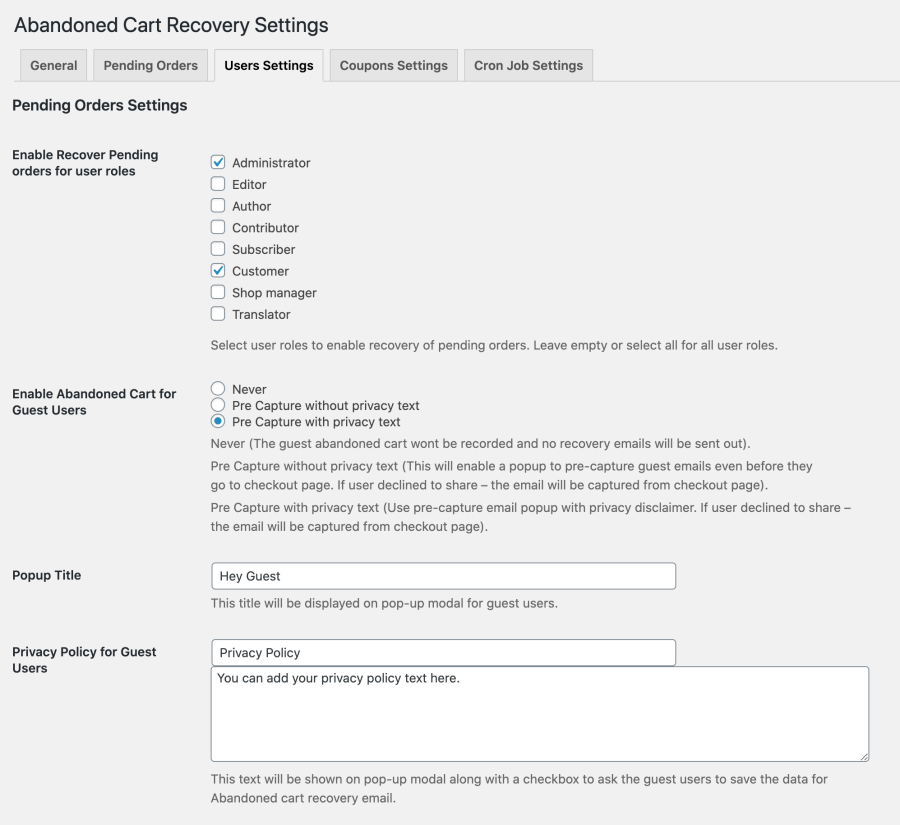
You can restrict pending order emails by the user roles, so that only specific customers receive them.
You can enable or disable abandoned recovery settings for guest users (as opposed to ones who are logged in).
You can also choose to pre-capture email addresses or do so via the checkout page. You can include privacy text in the modal popup displayed to pre-capture guest emails.
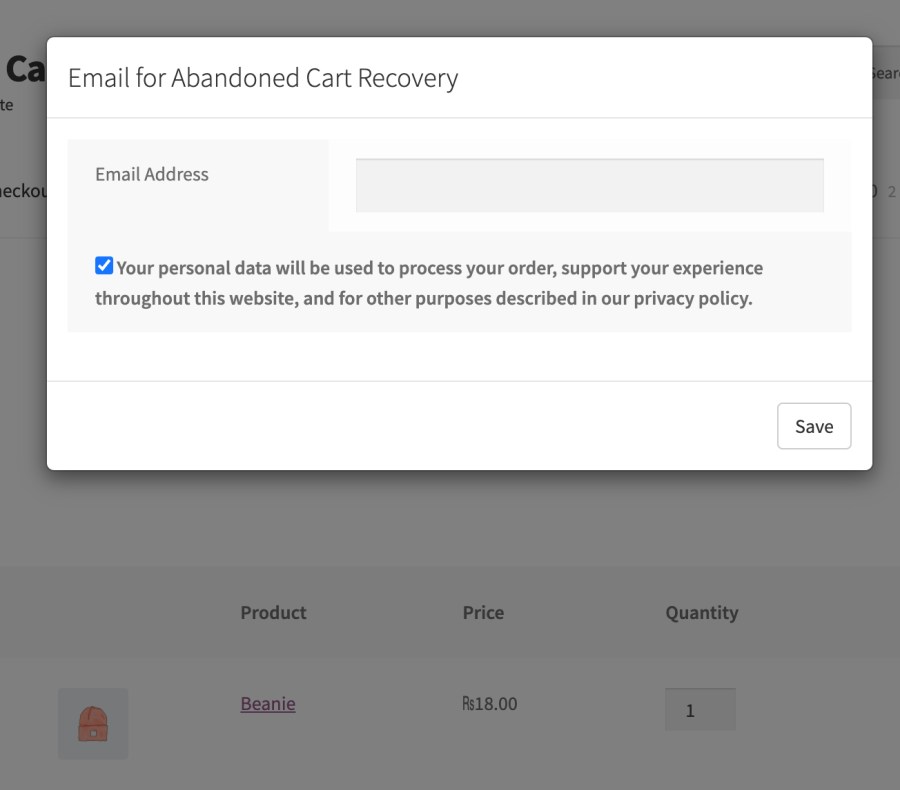
A popup will appear to get the guest user email with or without privacy policy as per your settings. It appears as soon as the guest user add any product to the cart and visit the cart page. This helps you to pre-capture guest email.
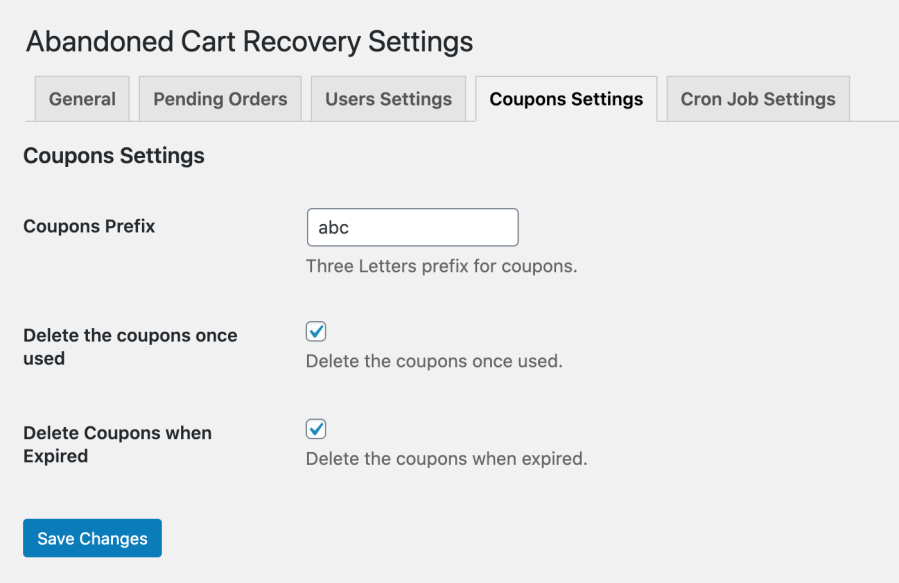
You can generate coupons for abandoned cart recovery and specify when they should delete.
Customize when to run the cron job to send scheduled emails. You can specify the time in minutes, hours, and days.

Yes, you can choose the order status that you want to recover and configure automatic follow-up emails to recover those orders.
We have integrated an AI-powered chatbot directly into our extension. The chatbot is designed to understand and manage abandoned cart related settings through simple conversational commands.
To use the AI features, you’ll need to connect the plugin to a supported AI model using your own API credentials. We do not charge any additional fee for using the chatbot; however, your chosen AI provider may charge for API usage based on the model and the number of tokens consumed.
Categories
Extension information
Quality Checks
Countries




