

Subscription includes
Support
Editing products one at a time gets harder as your catalog grows. WooCommerce’s native editor requires opening and saving each product individually, which means a simple price change or stock update on hundreds of products turns into hours of repetitive manual work. Bulk Edit Products solves this by moving every common editing task to the catalog level, so changes that used to take an afternoon now take a few clicks.
With an inline bulk editor table, mass price adjustment and rounding, comprehensive stock management, taxonomy updates, sale scheduling, find and replace, and AI-powered description generation, the plugin gives you full control over how products are edited, priced, and organized across your store. You choose the products or categories, configure the action once, and apply it everywhere it’s needed, all from a single screen inside WooCommerce.
Every batch is saved with a snapshot before it runs, so changes made in bulk can be rolled back at the batch level if something goes wrong. Time-sensitive updates like promotional pricing or stock changes can also be scheduled to run automatically at a specific date and time, so you don’t need to be online when they go live.
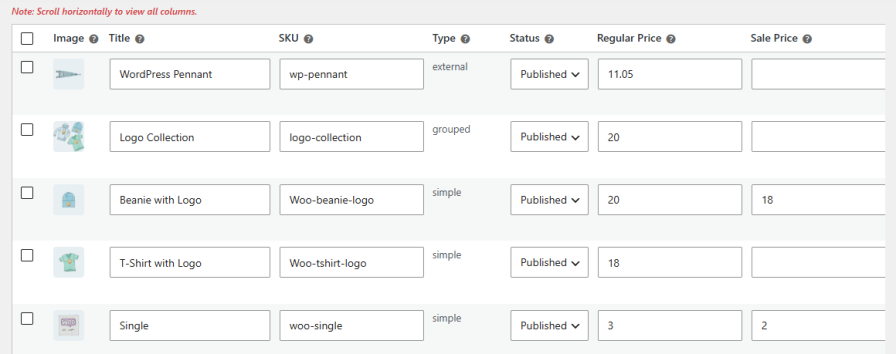
The bulk editor table lets you view and edit multiple products at once, instead of opening them one by one. Choose from 20+ columns, including image, price, stock, categories, and descriptions, and edit any field directly inline. Filter by category, product type, stock status, or product status to narrow the table down to exactly the products you need to work on.
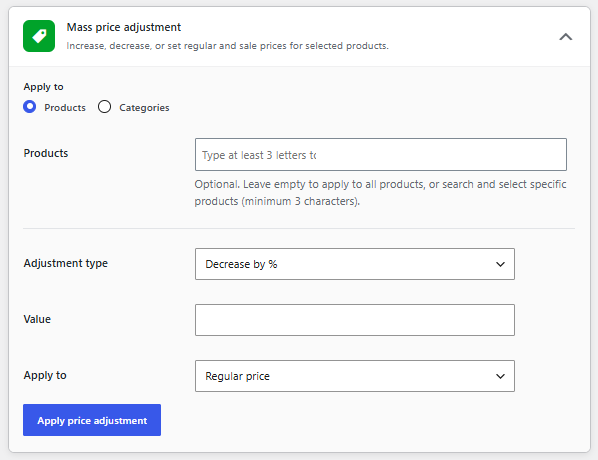
Use bulk price adjustment to increase, decrease, or set prices across selected products or categories in a single operation. Apply changes as a fixed amount or percentage, to regular price, sale price, or both, and skip the risk of manual pricing errors during promotions or catalog-wide updates.
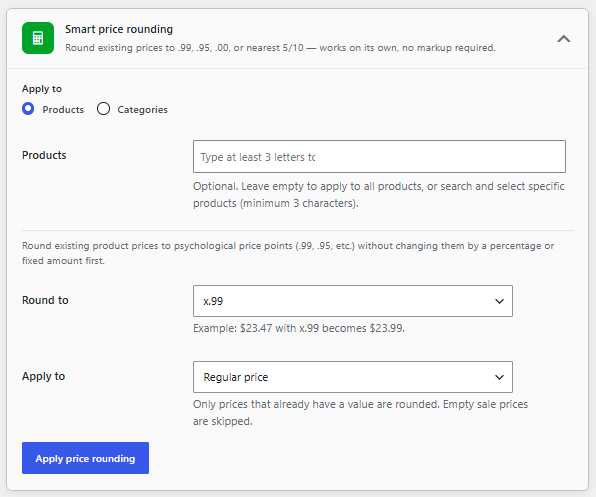
Smart Price Rounding takes your existing prices and rounds them to standard psychological price points like x.99, x.95, or the nearest 5 or 10, without needing to apply a percentage or fixed change first. Keep your entire catalog consistent and market-ready with one action.
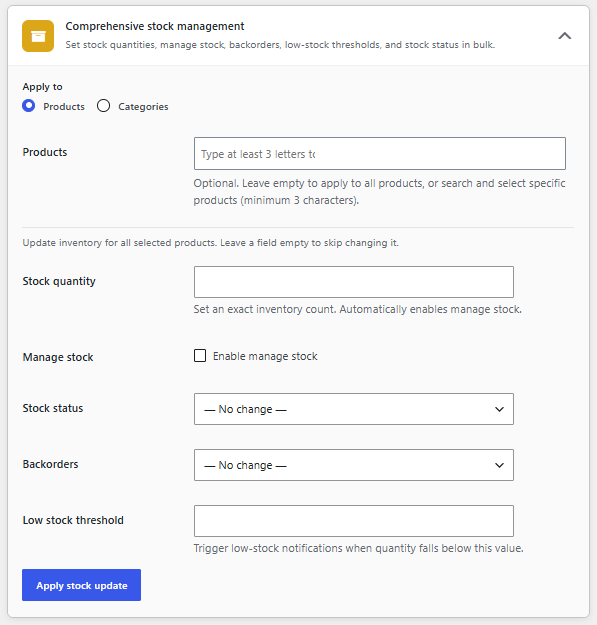
Set exact stock quantities, enable stock management, update stock status, configure backorder behavior, and set low stock thresholds across selected products or categories in a single operation. Comprehensive Stock Management removes the need to update inventory settings product by product.
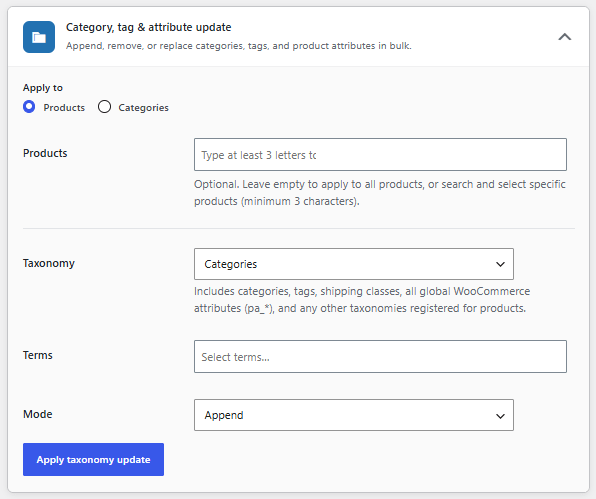
Apply taxonomy changes across your catalog in one step. The plugin supports categories, tags, shipping classes, all global WooCommerce attributes, and any custom taxonomies registered for products, with the option to append, remove, or replace existing terms.
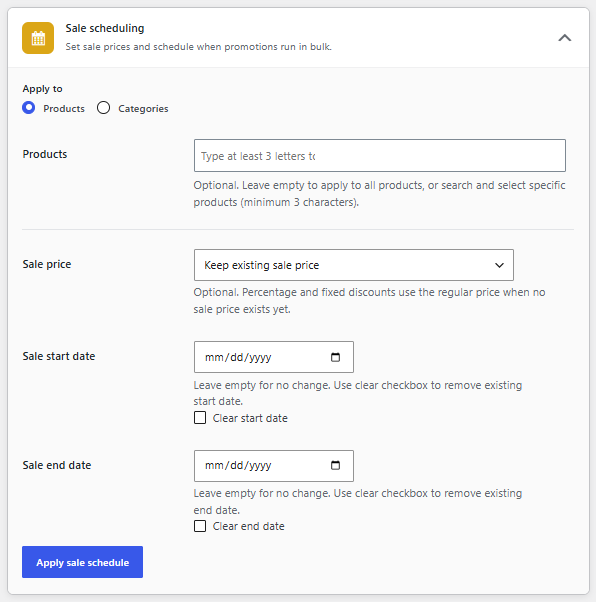
Sale Scheduling lets you apply a sale price and a start and end date to selected products or categories ahead of time. Choose how the sale price is calculated, and set or clear start and end dates independently, so promotional pricing goes live without manual intervention.
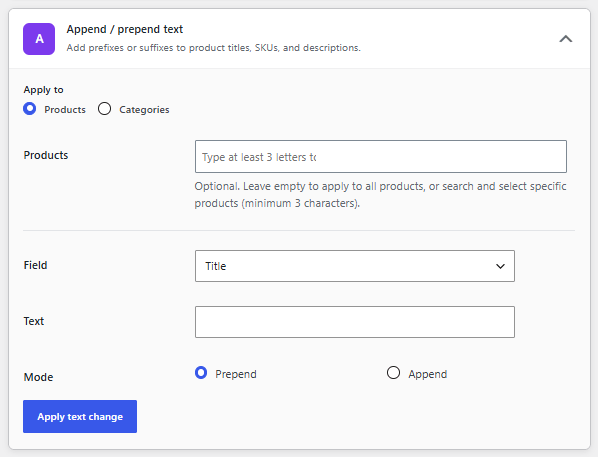
Append or prepend text to titles, SKUs, short descriptions, or descriptions across multiple products at once. Use this to add prefixes, suffixes, or standardized text without editing each product individually.
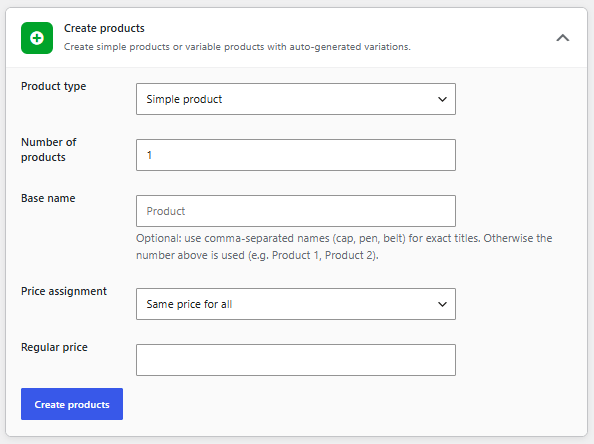
Generate simple or variable products in bulk, with sequential or comma-separated naming. Assign the same price to all products, an incremental price, or a custom price list, and let the plugin automatically generate every variation from your chosen attributes and terms.
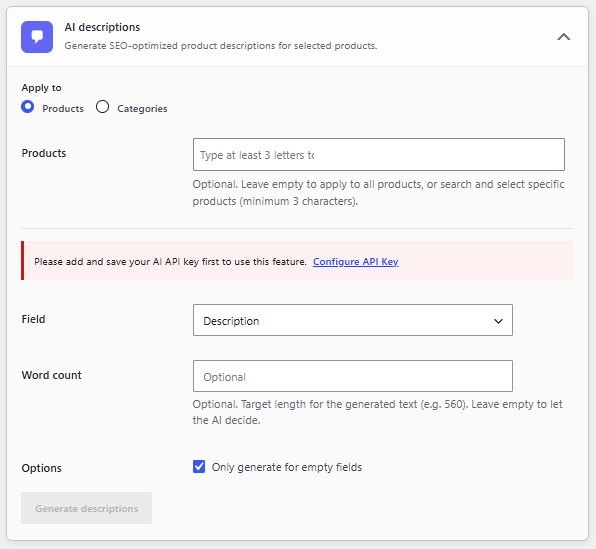
AI Description Generation creates descriptions or short descriptions for selected products using your choice of OpenAI model. Set a target word count or leave it open, restrict generation to empty fields only, and control the output format with a custom prompt template.
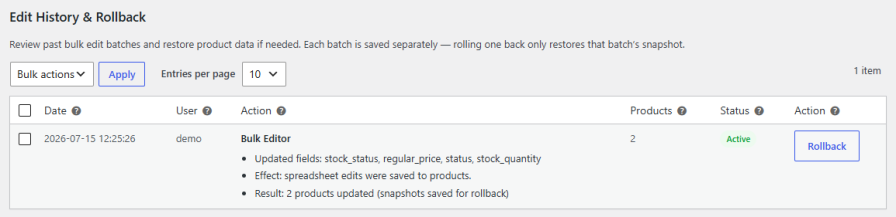
Every bulk edit is saved as a batch with a snapshot of the affected products. Review past batches in a table showing date, user, action, and status, and roll back any individual batch without affecting other changes.
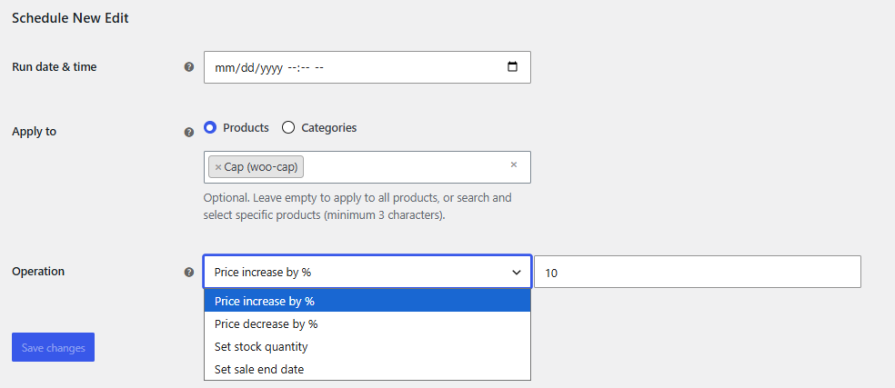
Queue price changes, stock updates, and sale end dates to run at a specific date and time. Scheduled Edits means time-sensitive catalog changes go live exactly when needed, with no manual work required at that moment.
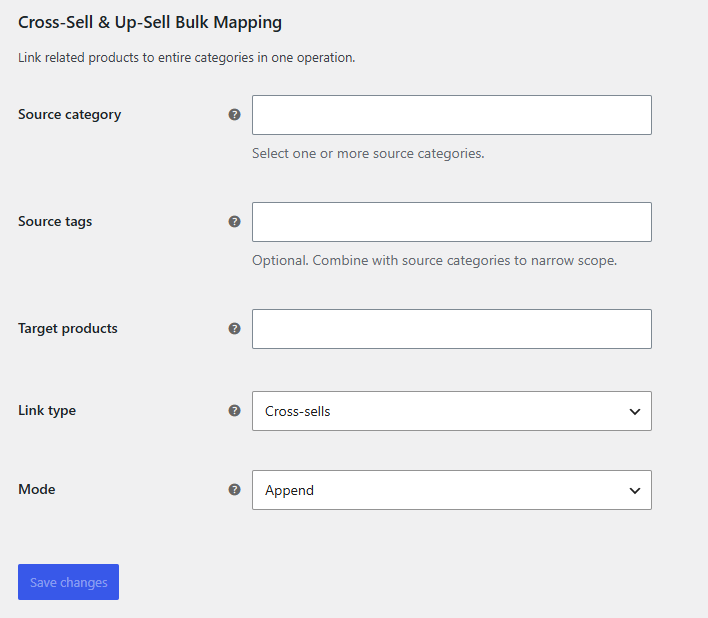
Cross-Sell and Up-Sell Bulk Mapping lets you assign related products across a whole category in one operation. Narrow the scope with tags, choose your target products, and set them to append to or replace existing cross-sell and upsell assignments.
Yes. The Bulk Edit Products plugin gives you a fully configurable table where you can view and edit multiple products directly inline, along with a set of bulk actions for prices, stock, taxonomy, and content that apply across selected products or categories in a single operation.
Yes. Mass Price Adjustment and Smart Price Rounding can be applied to specific products or entire categories. You choose the adjustment type, the value, and whether it applies to regular price, sale price, or both.
Every bulk edit is saved as a batch with a snapshot of the affected products before the change runs. You can review past batches in a history table and roll back any individual batch without affecting other edits.
Yes. Scheduled Edits let you queue price increases or decreases by percentage, stock quantity updates, and sale end dates to run at a specific date and time, so changes go live without needing to be online.
Yes. AI Description Generation creates descriptions or short descriptions for selected products using your choice of OpenAI model. You can set a target word count, restrict generation to empty fields only, and control the output with a custom prompt template.
Yes. You can create simple or variable products in bulk. For variable products, define your attributes and terms once, and every combination is automatically generated as a variation.








