

Subscription includes
Support
The WooCommerce Multi Store Manager plugin helps you manage multiple stores from a single WooCommerce site. You can add unlimited stores by location, assign managers for each store, and control product prices, stock, payment methods, and orders individually.
Products can be assigned to specific stores. You can enable automatic selection of the nearest store to show customers the closest products. The Multistore Management widget can appear on selected pages, such as Shop, Cart, and Checkout. Store managers can view all orders to manage operations across multiple locations efficiently.
The WooCommerce Multistore Manager plugin lets you create and manage unlimited stores in WooCommerce. Each store’s location is marked on Google Maps, making it easy for customers to find the nearest store.
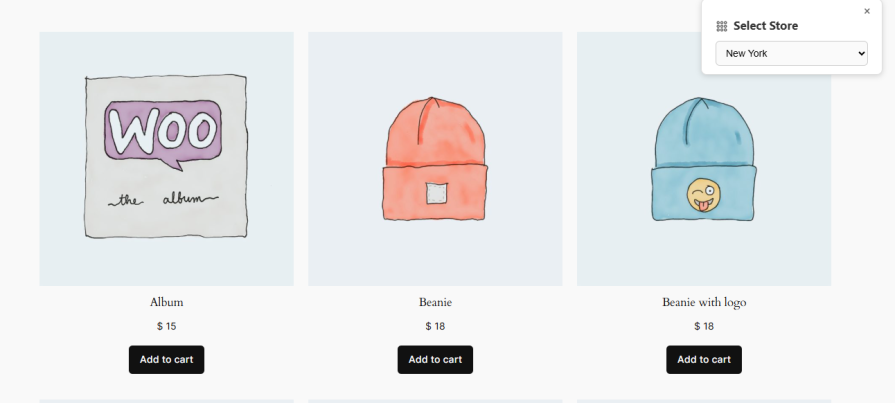
The WooCommerce multistore manager plugin displays products based on the selected store, allowing each store to have the same or different products. A sticky widget appears on Shop, Product, Cart, and Checkout pages, so customers can choose the store they want to buy from.
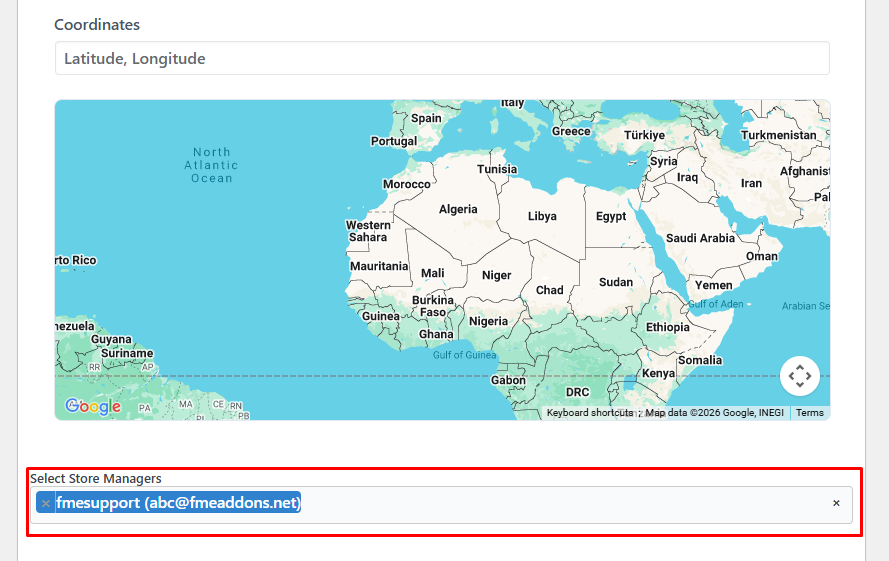
With the WooCommerce Multistore Manager plugin, you can assign each store to a specific manager to handle daily operations. Store managers can manage products, inventory, prices, stock status, and shipping classes for their assigned stores. You can also give them access to orders so they can handle the orders for their stores efficiently.
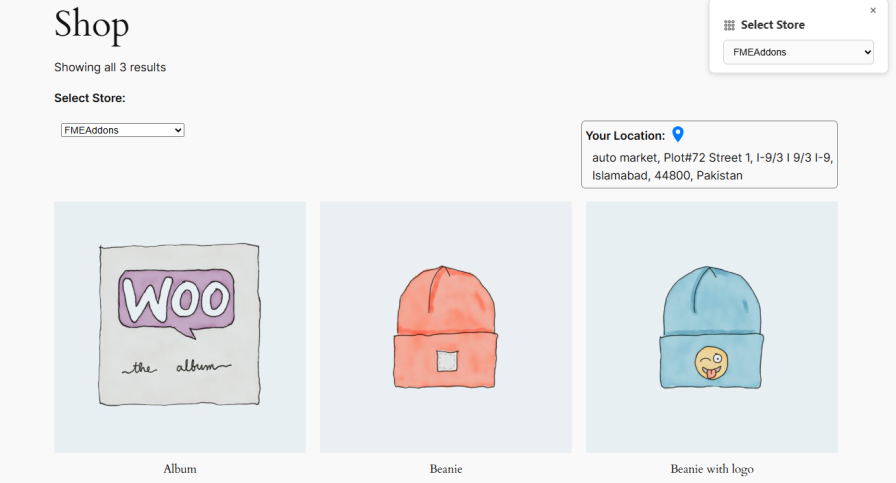
The WooCommerce multistore manager plugin can automatically show the nearest store to customers on their first visit using their GPS location. This helps customers find the closest store quickly and makes shopping more convenient.
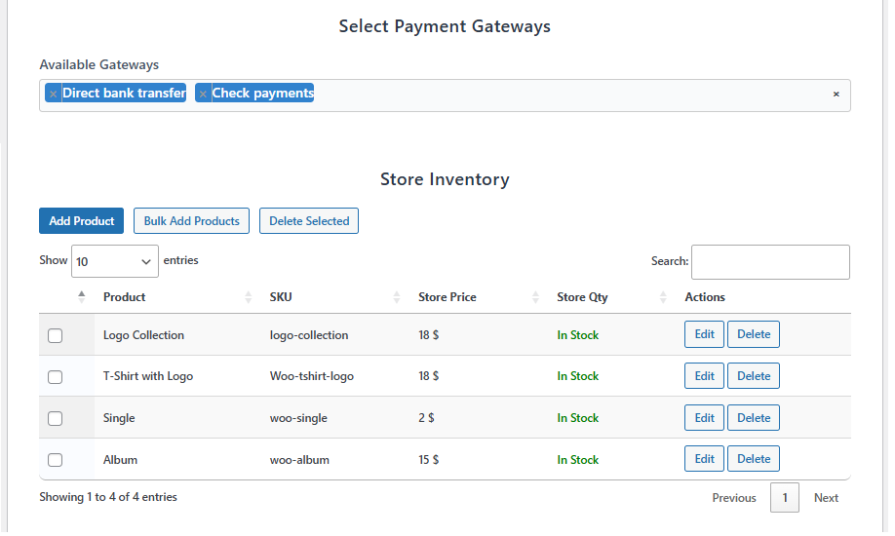
The WooCommerce multistore manager plugin automatically syncs all products from the default store to newly created stores. You can set different prices, stock quantities, shipping classes, and payment methods for each store to manage operations easily.
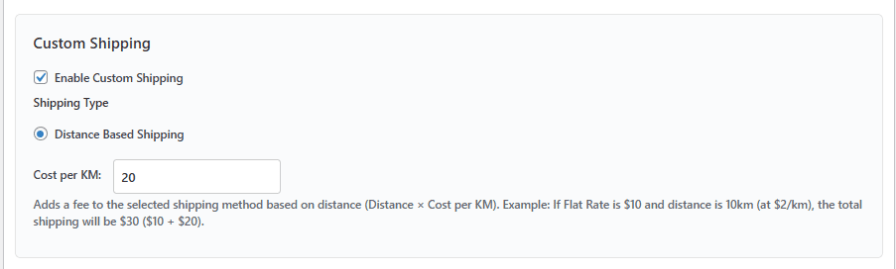
The Multistore Manager plugin lets you enable distance-based shipping for multiple stores. Customers can select their delivery address on Google Maps, and the extension calculates the distance and shipping rate automatically based on the chosen store.
Yes, you can add and manage unlimited stores in WooCommerce, each with its own location marked on Google Maps.
Yes, you can assign a specific manager to each store. Managers can handle products, inventory, prices, stock, shipping classes, and orders for their assigned stores.
Yes, each store can have the same or different products. You can display products based on the store selected by the customer.
The plugin can automatically display the nearest store to customers on their first visit using their GPS location.
Yes, customers can select their delivery address directly on Google Maps.
Yes, you can set different prices, stock quantities, shipping classes, and payment methods for each store.
Yes, the plugin calculates shipping rates automatically based on the customer’s selected delivery location and the chosen store.
Yes, you can display the Multistore Management widget on selected pages such as Shop, Product, Cart, and Checkout.
Yes, store managers can view and handle orders for the stores they are assigned to.
Categories
Extension information
Countries







