

Subscription includes
Support
From adding and managing tracking details to sending automated notifications and enabling customers to track orders in real time, the PH Order & Shipment Tracking with Notifications plugin ensures a smooth post-purchase experience—reducing support queries and improving customer satisfaction.
Once an order is placed, customers expect visibility. PH Order & Shipment Tracking with Notifications helps you deliver exactly that. You can add tracking details to orders, automatically notify customers, and let them follow their shipment journey directly from your store. Instead of answering repeated “Where is my order?” queries, you give customers the information they need—when they need it.
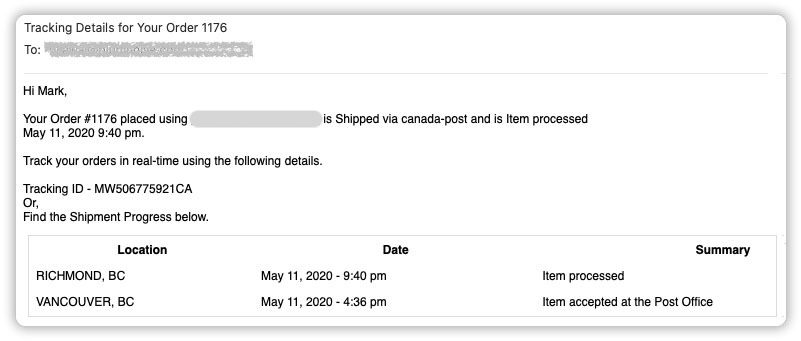
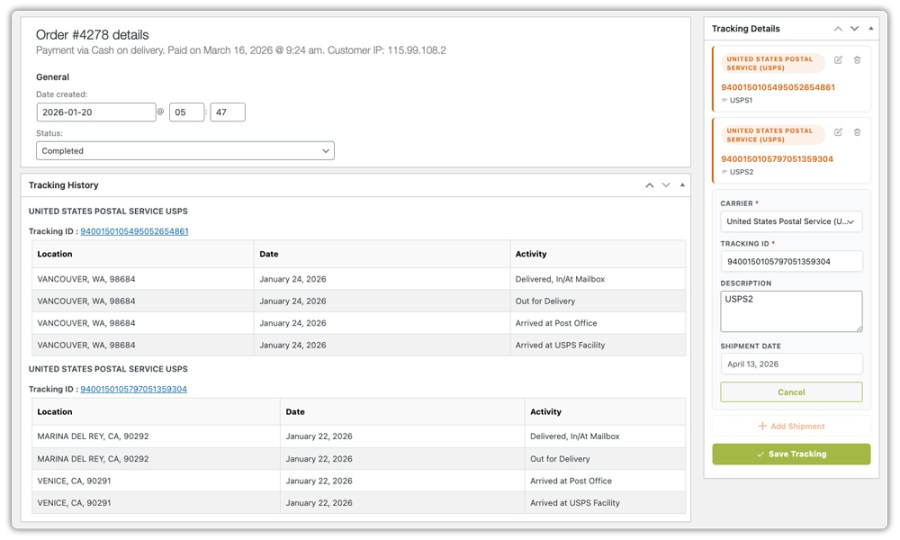
The plugin allows you to add tracking numbers directly from the WooCommerce order page. You can assign a carrier, add the tracking number, the date of shipment, and shipment notes for customer reference. Once added, tracking information is instantly reflected across customer touchpoints—including emails and the order details page—ensuring a consistent experience.
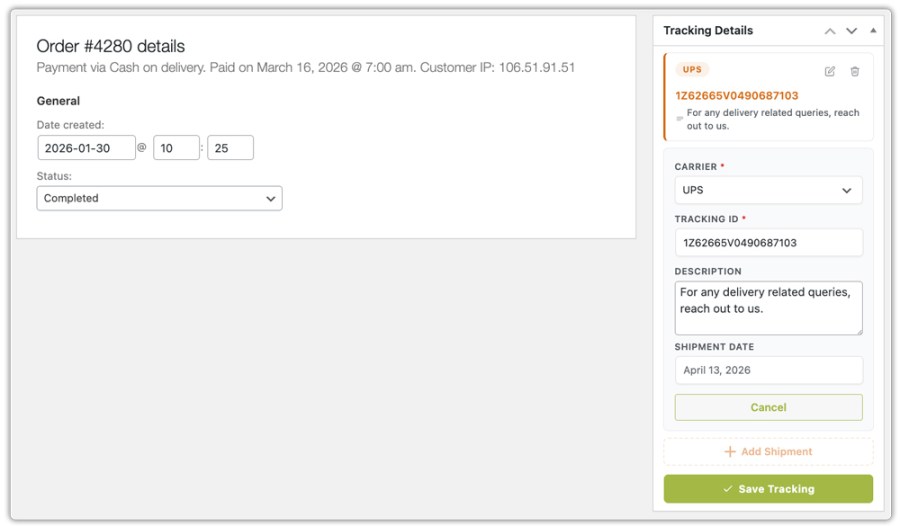
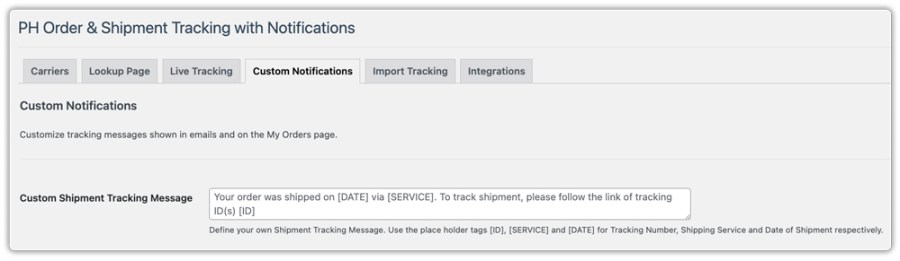
With automated notifications, customers receive tracking details as soon as an order ships or is updated. These emails can be tailored to match your store’s communication style, while still ensuring that key information—like tracking numbers and links—is always included.
Instead of relying only on emails, you can provide a centralized tracking experience on your store. With a shipment tracking (lookup) page, customers can enter their order details and instantly view tracking information. This becomes especially useful when emails are lost or when customers want a quick way to check delivery status without logging in.
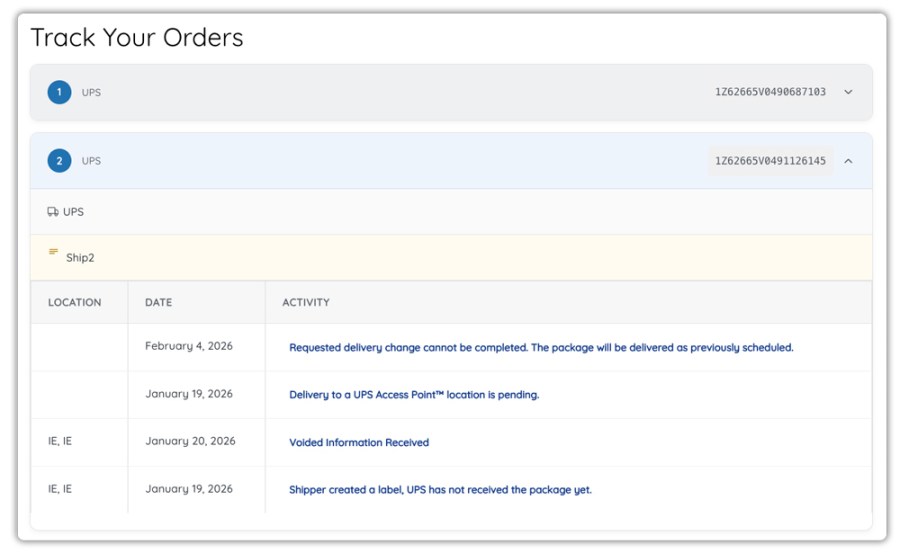
Along with the lookup page, tracking details are also accessible from the order details and My Account section—ensuring customers can always find their shipment information.
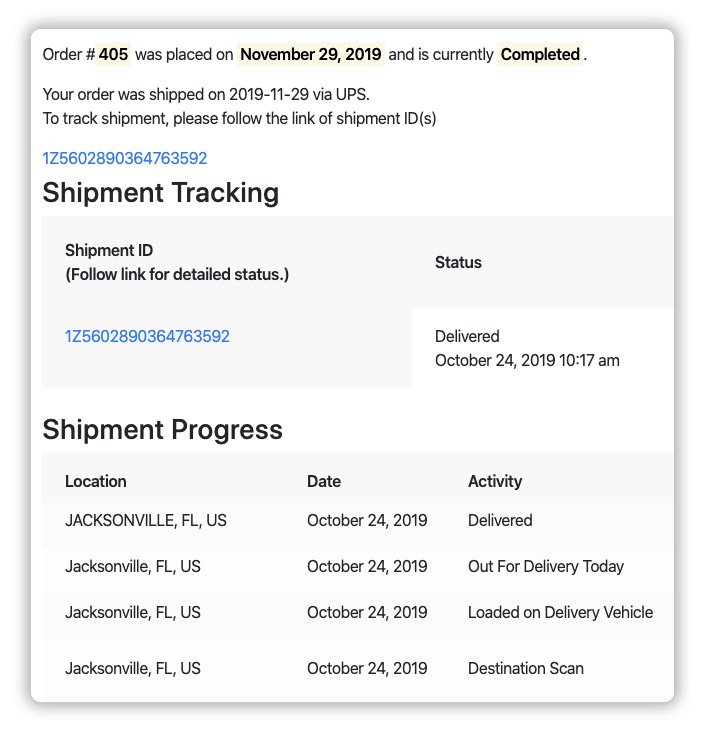
You can work with predefined carriers or define your own tracking URLs. This ensures that whether you use global carriers, regional providers, or custom delivery methods, your tracking experience remains consistent
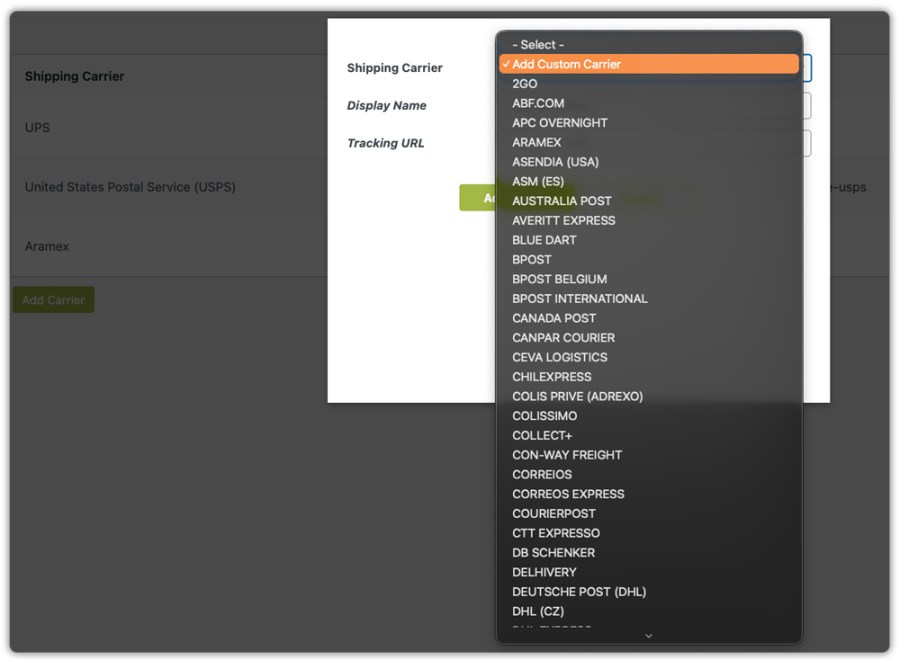
When orders are split into multiple shipments, you can assign multiple tracking numbers to the same order. Each shipment is tracked independently, giving customers accurate visibility instead of a single incomplete update. This is especially useful for multi-warehouse setups or partial order fulfillment.
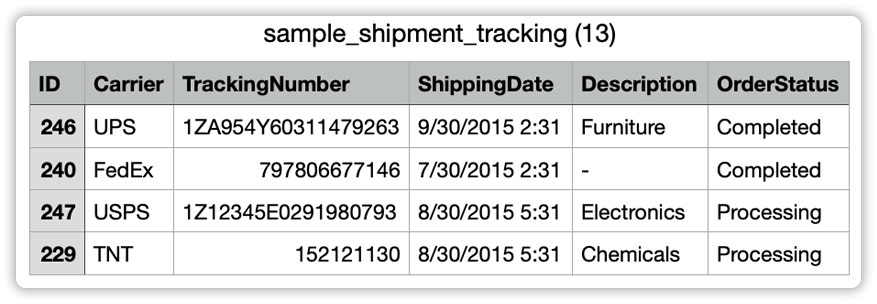
As order volume grows, efficiency becomes critical. The plugin allows you to import tracking details in bulk using CSV files, making it easier to update large numbers of orders at once. You can also export tracking data when needed—for reporting, backups, or operational use. This ensures your tracking process scales alongside your business.
Everything works within your existing WooCommerce setup. You don’t need external tools or complicated configurations. Tracking details, notifications, and customer access are all handled within the same environment you already use to manage orders.
Yes. The plugin provides a dedicated tracking (lookup) page where customers can enter their order details to view shipment status.
Yes. Customers are notified when tracking details are added or updated, ensuring they stay informed throughout the delivery process.
Yes. You can define custom tracking URLs, allowing you to work with any carrier or delivery method.
Yes. This is useful for split shipments or orders fulfilled from multiple locations.
Yes. You can import tracking information via CSV to update multiple orders efficiently.
No. The plugin is designed to work within WooCommerce and can be used without coding knowledge.
Extension information
Quality Checks
Countries







