Advanced Import/Export Solution for WooCommerce
PrimeLink is a comprehensive import/export plugin built specifically for WooCommerce. It provides powerful tools for managing your store data with ease, whether you’re importing products from external sources or exporting orders for analysis.

Key Features
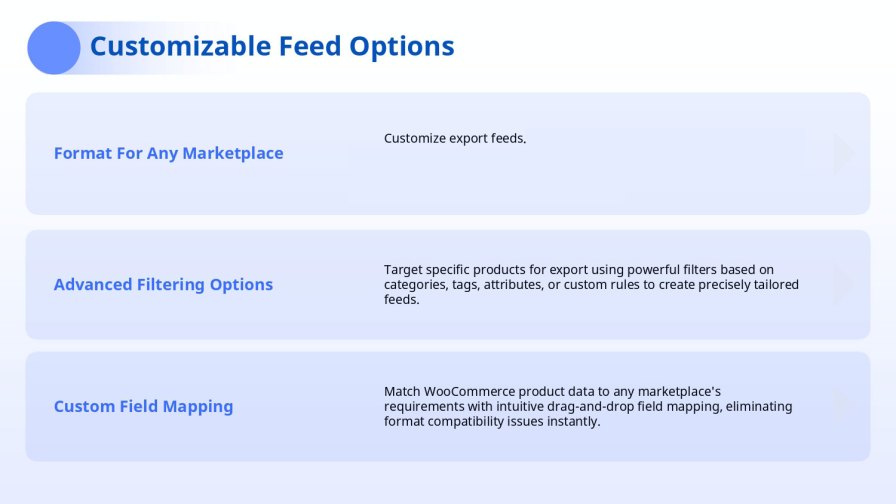
Visual Field Mapping
The easiest way to map your data! Drag-and-drop interface for mapping source columns to WooCommerce fields. No coding knowledge required – simply drag fields from your source to WooCommerce fields. Intuitive visual mapping makes it easy to connect your data sources to WooCommerce, even for complex mappings.
Multiple Data Sources
Import from anywhere! PrimeLink supports importing from a wide variety of sources:
- File Upload – Upload files directly (CSV, XML, XLSX)
- Server Files – Use existing files on your server
- URLs – Import directly from remote URLs
- FTP/SFTP – Connect to FTP/SFTP servers
- Dropbox – Full OAuth 2.0 integration with file browsing
- Google Drive – OAuth 2.0 integration with Google Cloud Console
- OneDrive – OAuth 2.0 with Azure AD (personal & business accounts)
- Platform Connectors – Direct integration with Shopify, BigCommerce, and Magento
No matter where your data is, PrimeLink can import it!
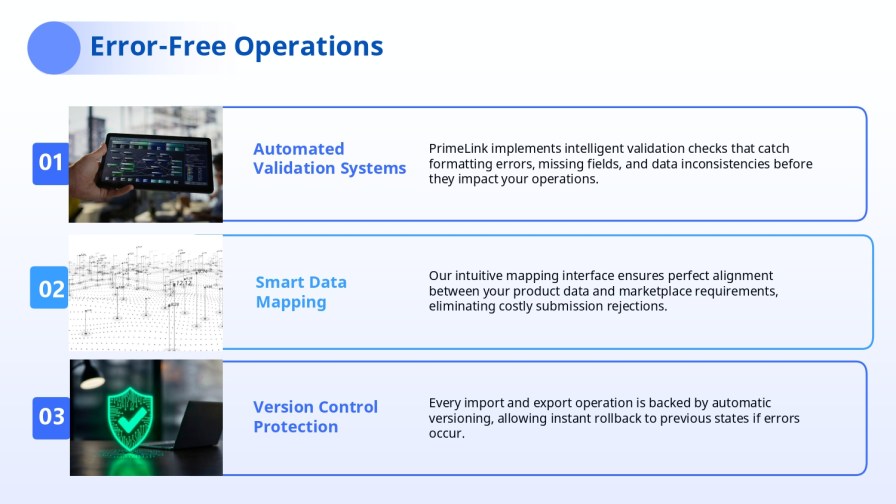
Smart Anomaly Detection
Protect your store from data errors! PrimeLink automatically detects potential issues during import before they affect your store:
- Price Anomalies – Detects sudden price drops or increases (configurable thresholds)
- Content Changes – Monitors description and title modifications
- Stock Issues – Identifies stock level problems
- Data Quality – Checks for missing SKUs, invalid URLs, and other quality issues
Three severity levels: Critical, Warning, and Info. Review anomalies in a dedicated modal, navigate directly to affected items, and export anomaly reports for analysis. Critical anomalies automatically pause the import to prevent damage to your store.
Export Capabilities
Export your data in any format you need! PrimeLink supports exporting WooCommerce data to multiple formats:
- CSV – Comma-separated values format (most common)
- XML – Extensible Markup Language format
- XLSX – Microsoft Excel format
- PDF – Portable Document Format
Automated uploads: Upload exports directly to FTP/SFTP, Dropbox, Google Drive, or OneDrive. Set up scheduled exports that automatically upload to your preferred destination.
Template Management
Save time with reusable templates! Save and reuse import/export mappings for faster workflows. Create templates for common import/export scenarios and load them with one click. Templates can be loaded directly in import and export wizards, making repetitive tasks a breeze.
Scheduling
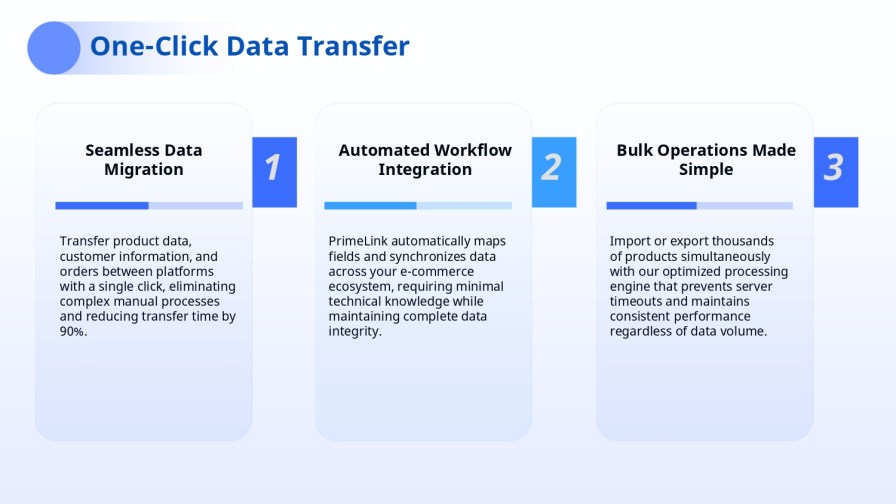
Automate your workflows! Automatic imports and exports via WordPress cron or external cron. Set schedules for hourly, daily, weekly, or monthly intervals. Perfect for keeping your store synchronized with external data sources or generating regular reports.
Background Processing
Never wait for imports again! Long-running jobs processed in the background without blocking your admin interface. Continue working while imports/exports run in the background. Perfect for large datasets that would otherwise lock up your WordPress admin.
Test Mode / Dry-Run
Test before you commit! Run imports in test mode to validate data before committing changes. Preview what will be imported without making actual changes to your store. Identify and fix issues before they affect your live store.
Rollback Support
Undo mistakes easily! Track and rollback imports when needed. All imports are tracked, allowing you to revert changes if something goes wrong. Perfect peace of mind when importing large datasets.
Supported Entity Types
Complete WooCommerce support! PrimeLink supports importing and exporting all major WooCommerce entities:
- Products – Simple, Variable, Grouped, External
- Orders – Complete order data with line items
- Customers – Customer accounts and data
- Coupons – Discount codes and rules
- Product Categories – Category hierarchy and metadata
- Product Tags – Product tags and associations
- Product Attributes – Custom attributes and values
- Product Variations – Variation data and pricing
- Product Reviews – Customer reviews and ratings
- Product Downloads – Digital product files
Cloud Storage Integration
Work with your cloud storage directly! PrimeLink integrates seamlessly with the most popular cloud storage services:
OneDrive
- OAuth 2.0 authentication with Azure AD
- Support for personal and business accounts
- File browsing with folder navigation
- Large file upload support (upload sessions for files >4MB)
Google Drive
- OAuth 2.0 authentication with Google Cloud Console
- File browsing and selection
- Large file upload support
Dropbox
- OAuth 2.0 access token authentication
- File path or share link support
- Large file upload support (upload sessions for files >150MB)
- Chunked uploads for reliable large file transfers
All cloud storage credentials are securely stored in plugin settings and can be configured in WooCommerce → Settings → Integrations.
Platform Connectors
Connect to other e-commerce platforms! PrimeLink can connect to external platforms for real-time data import:
- Shopify – Import products, orders, customers, and coupons
- BigCommerce – Full integration with BigCommerce stores
- Magento – Connect to Magento stores
Connection credentials are securely stored and automatically pre-filled in import wizards. Test connections with detailed error messages and logging.
This advanced import and export solution empowers WooCommerce store owners to manage their data with confidence and efficiency. By combining an intuitive visual mapping system, extensive data source compatibility, intelligent error detection, and robust automation capabilities, it streamlines even the most demanding workflows. From secure data synchronization to reliable background processing and rollback safety, the solution is built to minimize risk and maximize productivity, making it an essential tool for scalable and well-managed WooCommerce stores.