

Active installs
400+
Product comparison
Subscription includes
Support
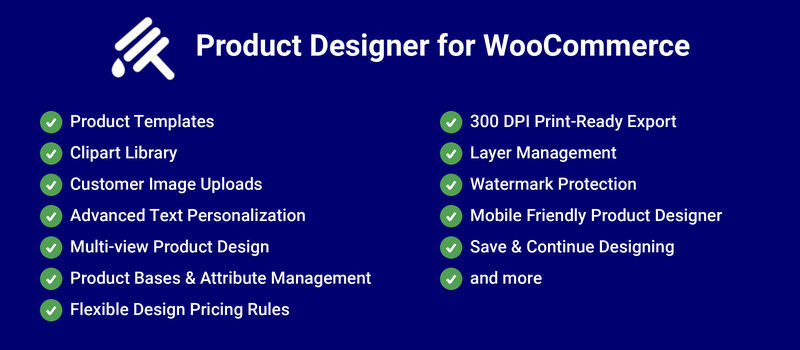
With Product Designer for WooCommerce, your users can design and customize a product to fit their needs, which will drive customer satisfaction and additional revenue growth on your site.
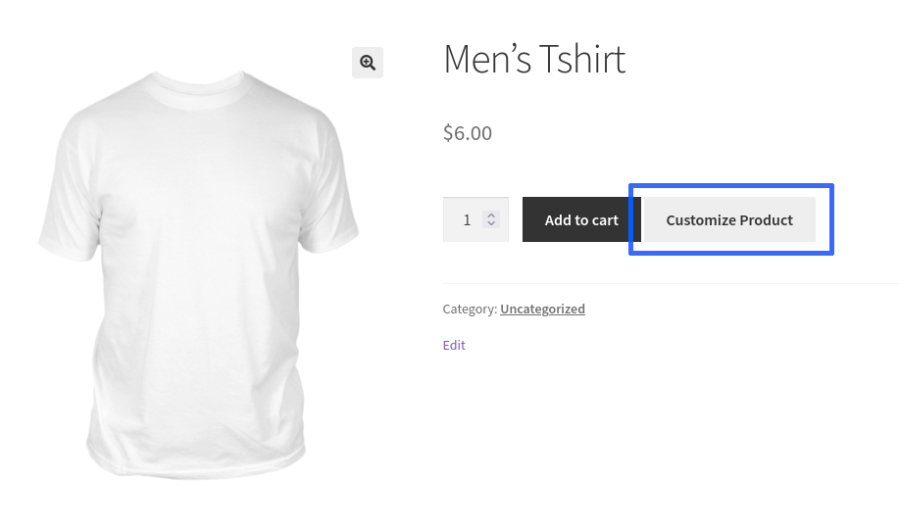
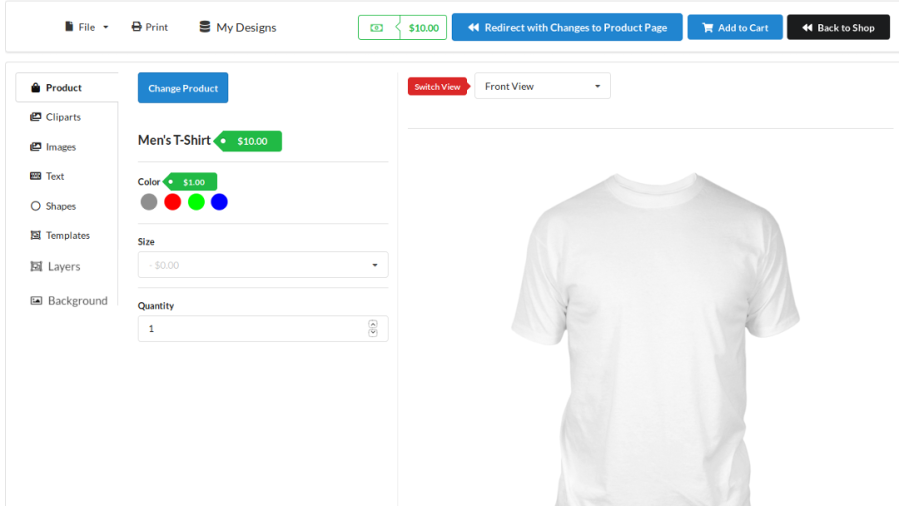
Designer Page
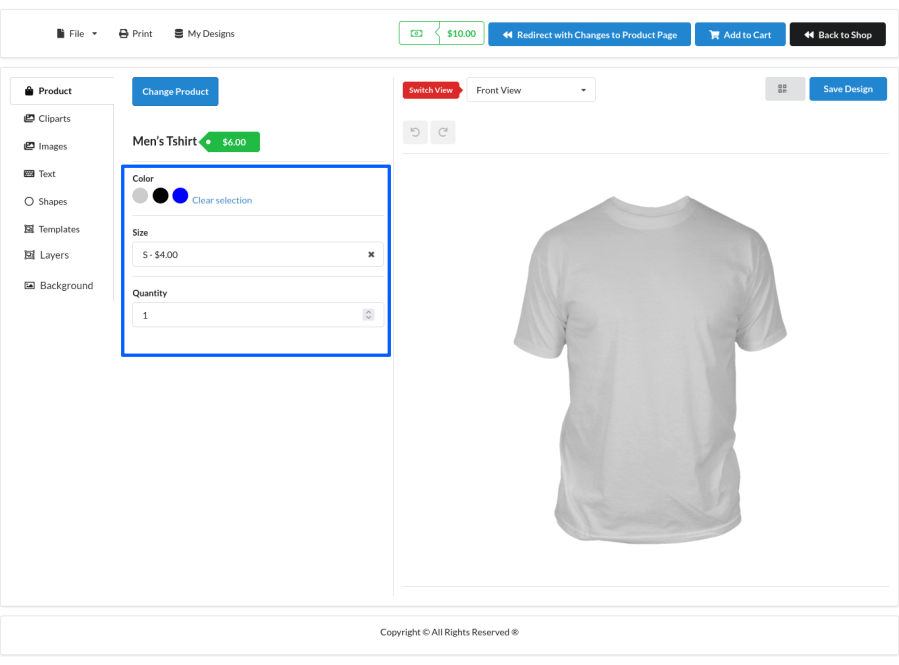
Product Attributes Customization

Redirect with Changes to Product Page
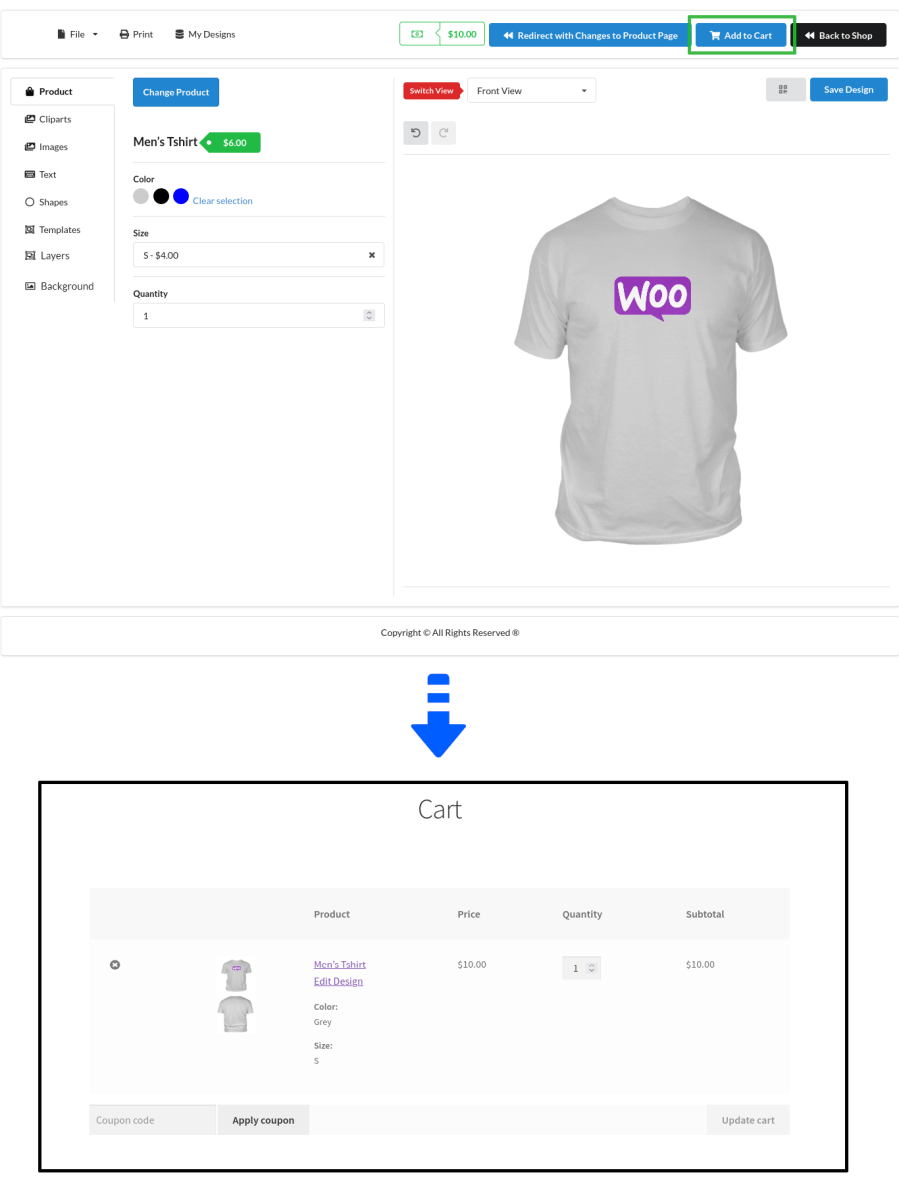
Designed Product Added to Cart
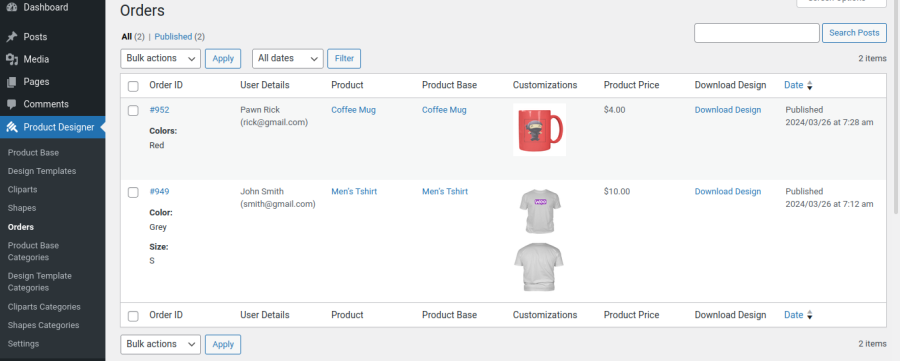
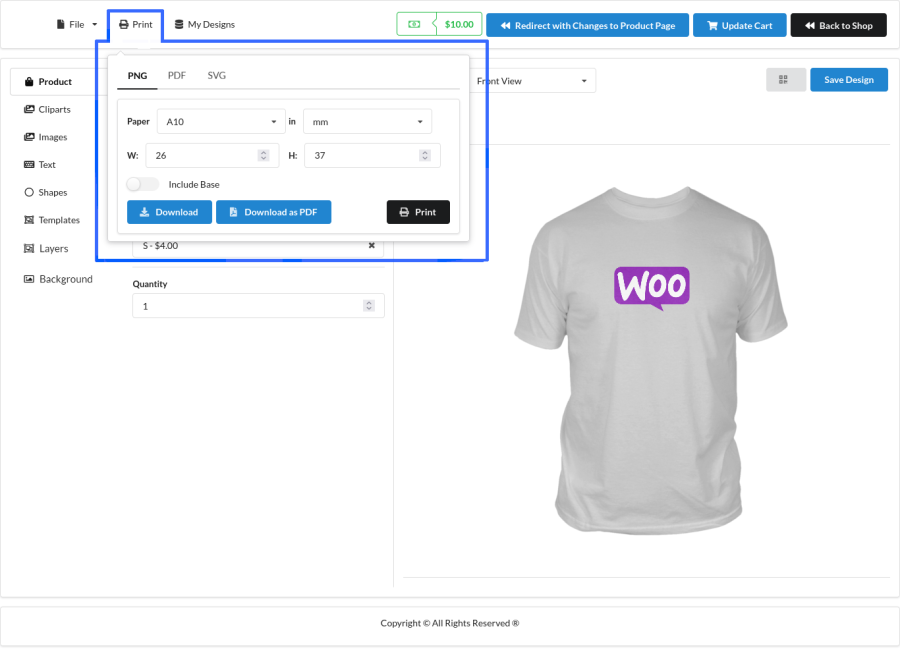
Admin Download or Print Design Using Print Option
A clean, organized workspace built for fast, distraction-free customization. Customers get an easy-to-navigate tool rail, a live canvas with pan and zoom, and contextual toolbars that surface the right editing options crop, flip, opacity, alignment, colors the moment they select an object. A built-in print quality indicator flags low-resolution uploads before checkout, and a running price breakdown keeps customers informed of costs as they design.
Create reusable design templates for your customers. Pre-designed templates help customers personalize products faster while maintaining consistent branding and reducing design effort.
Upload and organize custom clipart collections that customers can add to their designs. You can even charge extra for premium clipart to generate additional revenue.
Allow customers to upload their own images, logos, and artwork directly into the product designer. Control file types, dimensions, and upload sizes to ensure print-ready designs.
Let customers add custom text using Google Fonts or your own custom fonts. Support text alignment, font colors, font backgrounds, superscript, subscript, uppercase, and lowercase formatting.
Create multiple design areas for a product such as Front, Back, Left Sleeve, Right Sleeve, Inside Cover, or any custom view. Customers can personalize every side of the product from a single designer.
Create product bases and link multiple WooCommerce products to them. Configure colors, text fields, dropdowns, checkboxes, and other attributes with individual pricing rules.
Turn product personalization into a revenue-generating feature by charging customers based on the design elements they use. Configure pricing rules that match your business model without requiring custom development.
Object-Based Pricing
Charge customers based on the number of objects added to their design. For example, you can charge separately for each text element, image, clipart, shape, or other design object added to the canvas.
View-Based Pricing
Assign different prices to different design views of a product. For example, charge separately when customers customize the Front, Back, Left Sleeve, Right Sleeve, Inside Cover, or any additional design area.
This flexible pricing system helps maximize revenue while giving customers complete freedom to personalize products exactly the way they want.
Generate high-quality 300 DPI print-ready artwork directly from customer designs. Download production-ready files from WooCommerce orders and streamline fulfillment.
Customers can easily manage complex designs using layer controls. Design elements can be moved forward or backward, copied, pasted, and organized for precise customization.
Protect premium artwork and design assets by displaying watermarked previews before checkout. Custom watermark text can be configured from the admin panel.
Provide a seamless product customization experience across desktop, tablet, and mobile devices without requiring separate configurations.
Allow logged-in customers to save unfinished designs and return later to complete their customization, helping reduce abandoned personalized orders.
Minimum PHP version: 5.6
Product Designer for WooCommerce can help your users design their own products and purchase them in your shop.
As of now, designing on mobile devices is supported only on the “Default” theme. If you have selected any different themes in “Product Designer > Settings > General > Product Designer Page Theme Settings”, then designing won’t work.
This plugin supports only simple product type. If you want to give multiple attributes for the product(like size, colour, etc.), then you can create the attributes within the product base which gives a similar result of a variable product.
Yes, it is possible to add custom fonts. Follow the below steps to add custom fonts,
Yes, designing is supported on mobile devices.
Go to “Product Designer > Settings > General > Text Settings > Number of Characters” and set a higher value(for example 10000) so that the fixed amount that you have set in the “Fee” option will be charged for adding text.
Edit the product base and check whether the “Base Image Segmentation” option is set as “Foreground/Overlay” and also check whether you have set a transparent image as the base image. The Color attribute won’t work in “Background” segmentation.
Categories
Extension information
Quality Checks
Compatibility
Countries







