

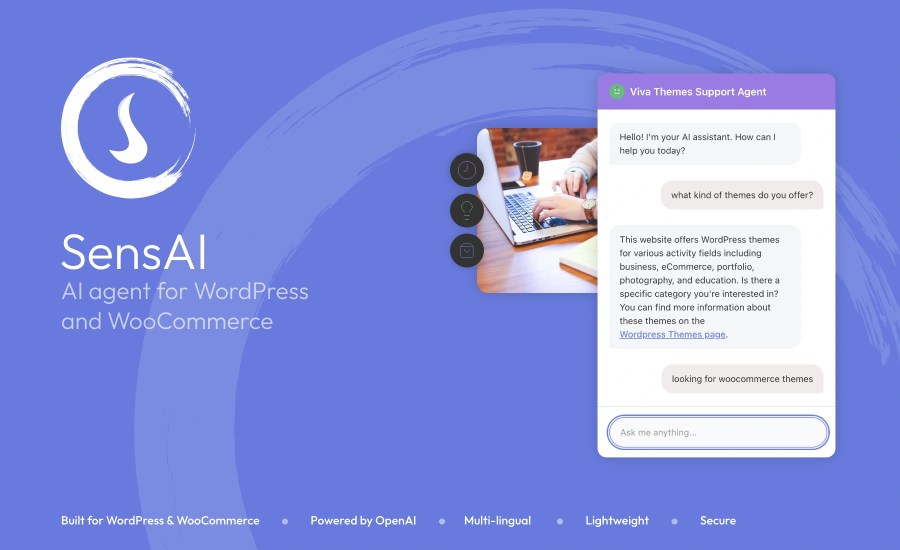
Subscription includes
Support
SensAI indexes your website content, product data, and categories.
When visitors ask questions, SensAI identifies intent, retrieves relevant information, and replies with contextual, clickable recommendations.
Order lookup and human handoff, without sending order or contact details to OpenAI
Visitors can ask where their order status, SensAI collects the order number and checkout email locally, looks it up in WooCommerce, and replies with status, date, items, total, and tracking when available.
When someone wants a real person, SensAI starts a short handoff flow, then emails your team with visitor details and a chat transcript.
Guided prompts follow the visitor’s language, and a Cancel chip lets them bail out anytime.
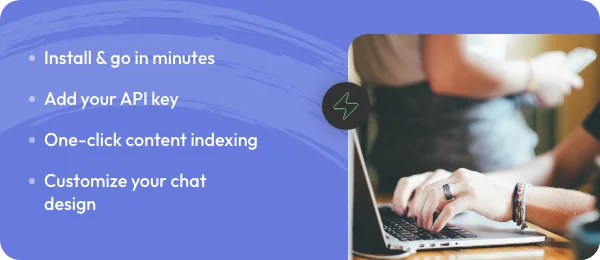
Install the plugin, add your OpenAI API key, build the content index, and customize your chat design. You’ll be live in just a few minutes.

Fast, lightweight widget, real‑time indexing of new content, and response caching to keep costs low while maintaining snappy replies.
Make the chat feel native to your site with flexible design controls. Choose light or dark mode, customize main and link colors, and use one of three preset avatars or upload your own.
Set the agent’s name and greeting, adjust bubble icon styles, and control visibility by enabling or disabling the chatbox, including the option to show it only to logged-in users.
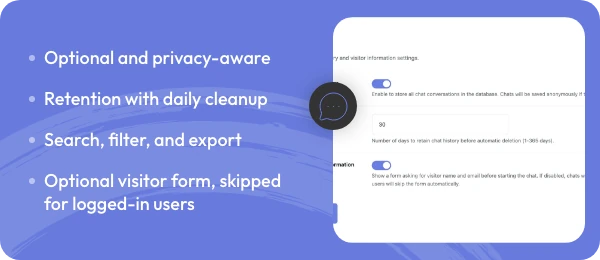
Keep track of what visitors ask and use insights to improve your content over time.
Chat history is optional and privacy‑aware, you can also include an optional visitor form to collect name and email (skipped for logged-in users).

No matter your website language, visitors get answers in their own language.
SensAI automatically detects the visitor’s language and replies in the same language, no translation plugins required.
Hide the chatbot for non‑logged‑in visitors if needed, and keep private or membership‑restricted content out of the AI by default. Official support for WooCommerce Memberships.
Access external websites or information
Make purchases or process orders
Access visitor accounts or personal data
Perform actions (only provides information)
Yes. Add your API key in General Settings to enable indexing and chat responses.
GPT-5.4 Mini, GPT-5.4, GPT-5.5
Besides the plugin cost, you pay for OpenAI usage. With sensible settings and caching enabled (which typically reduces API calls by ~50–70%), expect roughly:
Small sites (100–500 conversations/month): ~$1–$5/month
Medium sites (1k–3k conversations/month): ~$10–$30/month
Estimates assume GPT-5.4 Mini. Using GPT-5.4 or very long responses will increase costs.
Only your website’s public content and WooCommerce product data. SensAI does not pull from external websites.
Yes. When WooCommerce is active and order status lookup is enabled (SensAI > Support Features), visitors can ask about their order in chat. SensAI runs a short local flow: order number, checkout email, then a WooCommerce lookup. It replies with status, date, items, total, and tracking when available, not full addresses or payment details.
No. Order numbers, emails, order details, and handoff contact data stay on your WordPress site. Handoff emails go out through wp_mail (your site’s SMTP). OpenAI may only see non-PII text to detect support intent or translate guided prompts, never emails or order numbers.
Yes. With human handoff enabled, visitors who ask for a real person can share an email (and an optional note). SensAI emails your support address via your site’s mail setup, including visitor details and a short chat transcript. One successful handoff per chat session; visitors can cancel anytime with the Cancel chip.
No, restricted pages are excluded from the index by default. You can opt to index private or member content, but only if your site restrictions and privacy needs allow it. Official integrations: MemberPress and WooCommerce Memberships.
SensAI builds embeddings from your posts, pages, and products to create a searchable index. You can rebuild the index anytime from Content & Indexing.
Yes. SensAI indexes new and updated content in real time; you can also trigger a full rebuild when needed.
Chat history is optional. Retention is configurable (1–365 days). Data is stored in your WordPress database. You can search, filter, and export to CSV/JSON
No. The widget is lightweight, uses cached responses, and makes API calls only when needed.
Yes. SensAI is compatible with modern themes and checkout flows; if you run into layout issues, the Design & Appearance settings and simple CSS tweaks usually resolve them.
Yes. You can change colors, avatar, light/dark mode, bubble icon, greeting text, and choose to show the chat only to logged-in users.
Categories
Extension information
Quality Checks
Countries







