

Subscription includes
Support
Customers often want to know the shipping cost before they decide to buy a product. If your store is still showing shipping charges at checkout, many shoppers can leave the cart abandoned, as it creates a frustrating shopping experience.
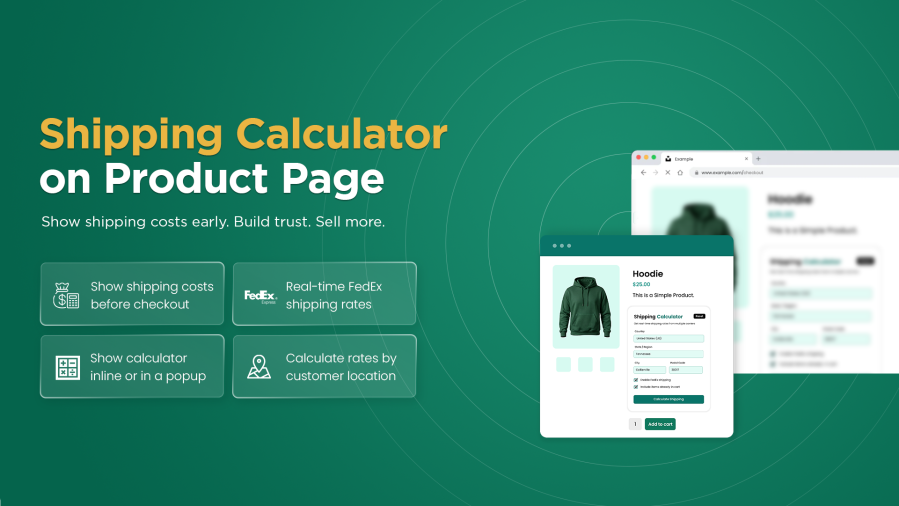
Shipping Calculator on Product Page for WooCommerce can overcome this problem by displaying shipping costs directly on the product page. Customers can choose an available shipping method and instantly view the shipping charges and estimated delivery cost before adding products to their cart. It allows customers to select both single products and multiple products and calculate the shipping and estimated cost based on the selected items.
With this feature, you can choose how the shipping calculator appears by displaying it directly on the product page or opening it in a popup. You can also control its availability by restricting it to specific user roles, products, categories, brands, or tags. Moreover, you can customize the calculator by adding its button text, button colors, calculator box, and display position that match your store’s design to create a seamless shopping experience.
With the Shipping Calculator on Product Page for WooCommerce, you can display a shipping calculator directly on product pages, which allows customers to calculate the shipping costs before checkout. Customers can choose the available shipping method and view the calculated shipping charges without leaving the product page. Additionally, it also supports both single and multiple products to calculate shipping costs based on selected items to create a fast and efficient shopping experience.


This feature allows customers to calculate and view the real-time FedEx shipping rates directly on the product page before checkout. Simply, the customers can enter their shipping address, choose a preferred FedEx shipping service, and see the available FedEx shipping options along with their estimated shipping costs. By showing the accurate shipping charges in advance, you can increase customer purchasing decisions and avoid unexpected shipping costs at checkout.
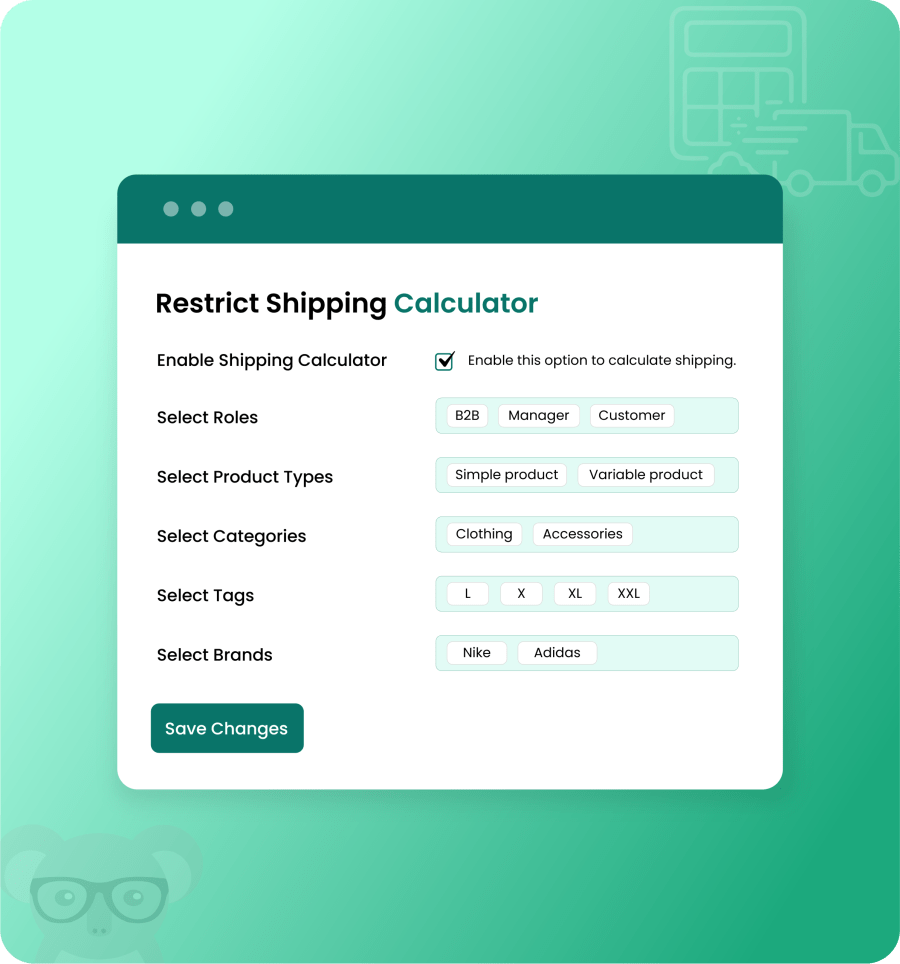
With the Product Page Shipping Calculator for WooCommerce, take complete control over where the shipping calculator is displayed. It allows you to restrict the calculator based on specific user roles, products, product types, categories, tags, or brands. This flexibility can control who can access the shipping calculator and provide a customized shopping experience.
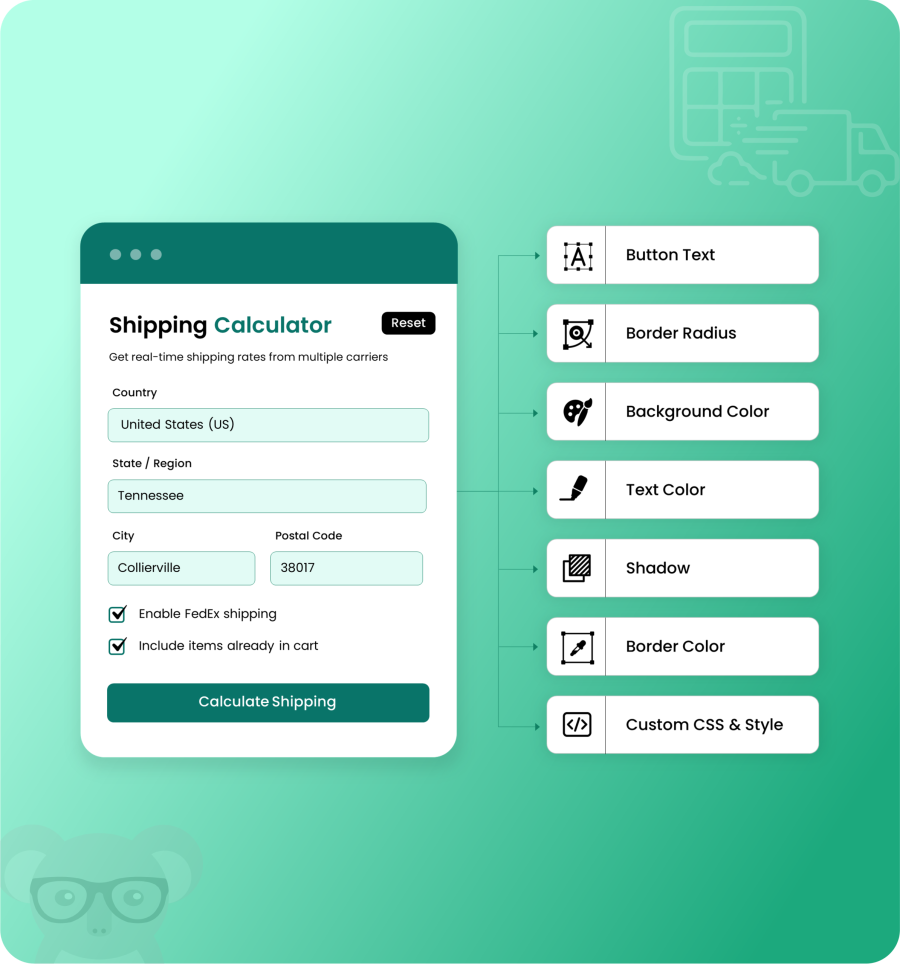
The Shipping Calculator on Product Page for WooCommerce allows you to control the calculator’s appearance by adding the custom button text, button color, text color, border radius, calculator box color, and box shadow to match your store’s design. Additionally, you can also choose where to display the shipping calculator, such as displayed above or below the Add to Cart button or the product description, to make it easier for customers to access.
Easily choose the display style, such as displaying the shipping calculator directly on the product page for quick access or showing it in a popup to maintain a clean and organized product page layout. This gives customers an easy way to estimate shipping costs and maintain a smooth shopping experience without affecting the product page layout.

Extension information
Quality Checks
Countries







