Product comparison
Subscription includes
Support
Ultimate Mix and Match Products turns any WooCommerce product into a build-your-own box. Customers pick the items they want, choose quantities and variations, and add the whole box to the cart in one click. The price updates live as they choose.
Sell gift boxes, sampler packs, snack boxes, beauty sets, coffee bundles and any custom bundle without coding. Customers get exactly what they want, and you get bigger orders.
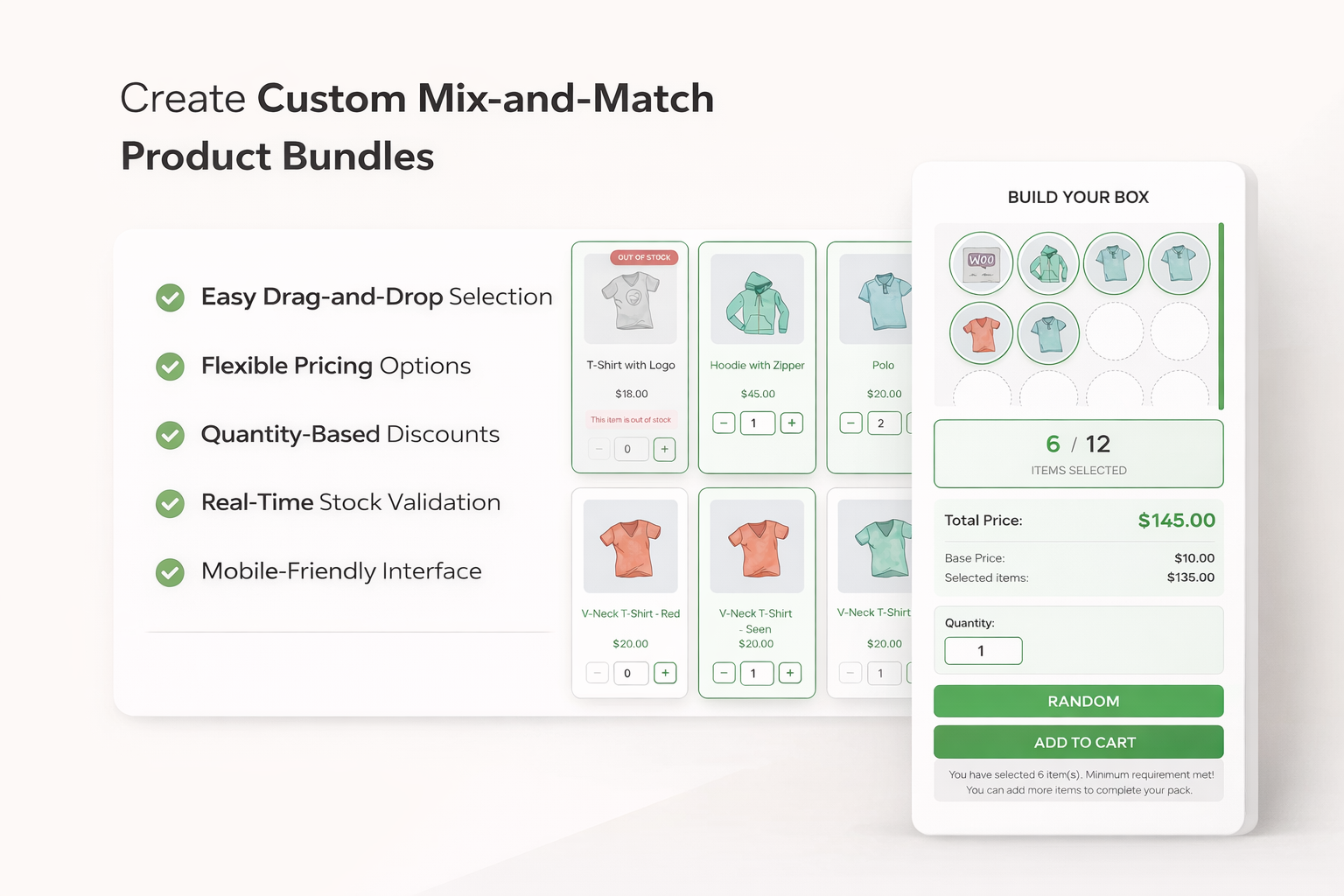
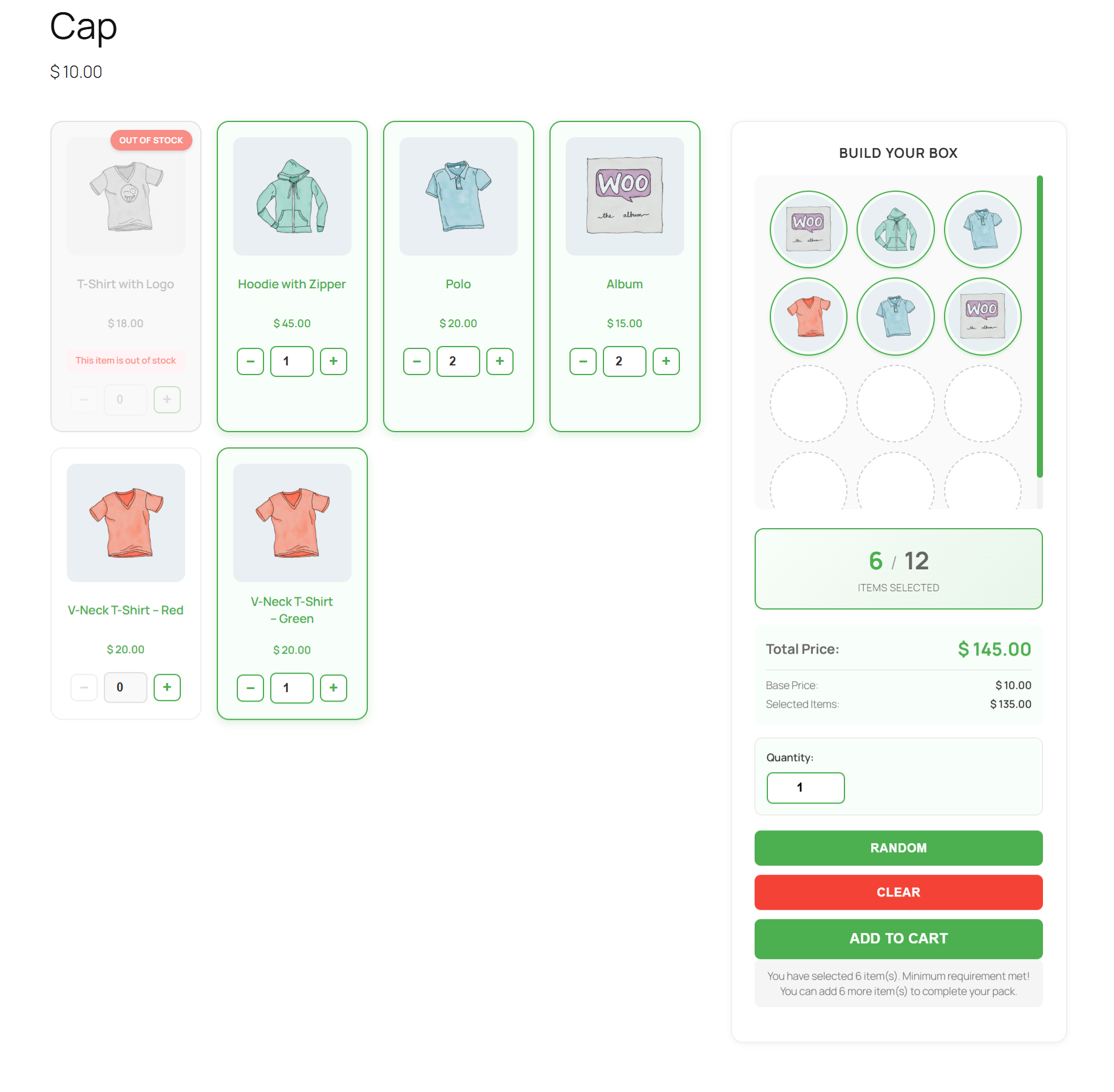
Add a quantity discount to any mode to encourage customers to fill the box.
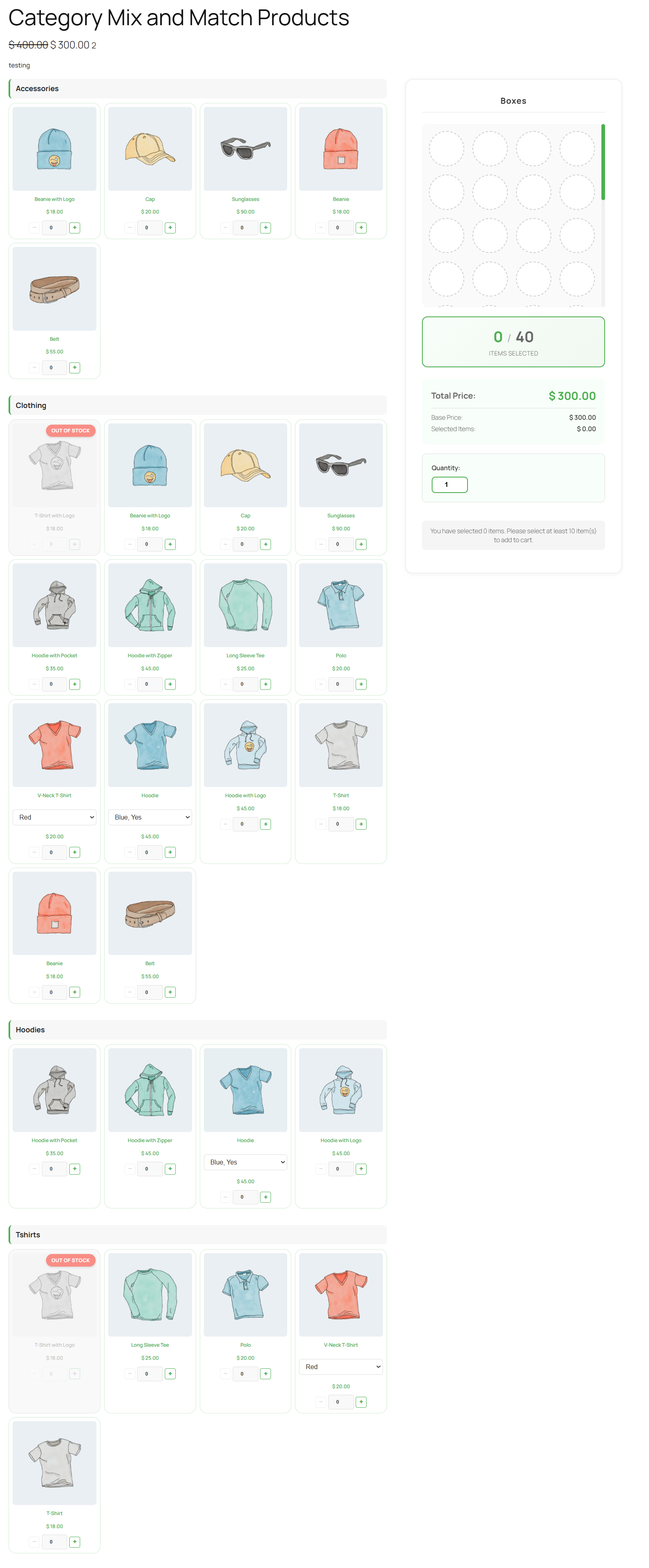
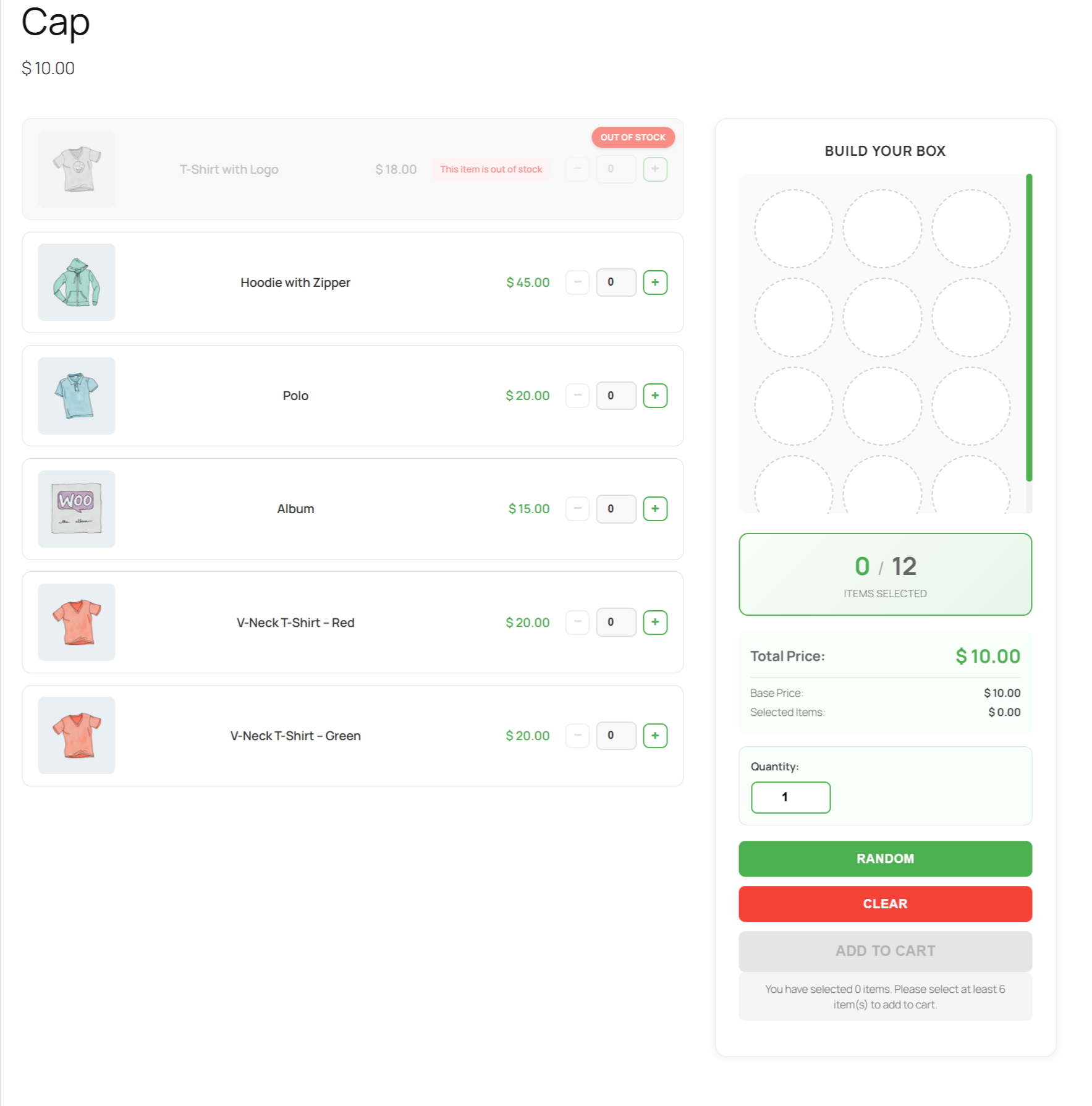
Turn your products into build-your-own boxes, gift packs and custom bundles that customers love.
Yes. Turn any product into a build-your-own box. Customers pick the items and quantities they want and add the whole box to the cart in one click.
Yes. Simple and variable products are both supported. Customers choose the size, color or flavor of each item, shown as a dropdown or as a separate card per variation.
Yes. Set the box size and the minimum number of items, for example “choose 3 to 6”. Customers cannot add more than the limit or check out with too few.
Three: Base Price Only (one fixed price for the box), Selected Products Only (the total of the chosen items), and Base Price + Selected Products (items plus a packaging or gift-wrap fee).
Yes. Give a percentage or fixed discount when customers choose a minimum number of items, for example 10% off when they pick 4 or more. The discount and the new total update live in the box.
Yes. Use the Base Price Only pricing mode and set the product price. Customers can pick any 6 items for that price
Yes. Select specific products, or allow whole categories so new products in those categories appear in the box automatically.
Yes. The box builder works on phones, tablets and desktops.
Yes. Choose a grid or list layout and set your own colors, button styles, font and corner radius for each box. You can also change the box title and instruction text.
Out-of-stock items show an “Out of stock” label and cannot be selected. The box is also checked again when added to the cart, so customers can never order unavailable items.
Yes. When an order is placed, stock is reduced for every product inside the box, and it is restored if the order is cancelled.
Yes. Every item in the box is listed in the cart, checkout, order emails and the admin order screen.
Categories
Extension information
Quality Checks
Countries