


Product comparison
Subscription includes
Support
Let shoppers see it move, zoom in, and read the specs, without leaving the gallery
Shoppers can’t pick up your product. Ultimate Product Gallery gives them the next best thing: product videos, close-up zoom, and spec sheets in the same gallery as your photos, on every device.
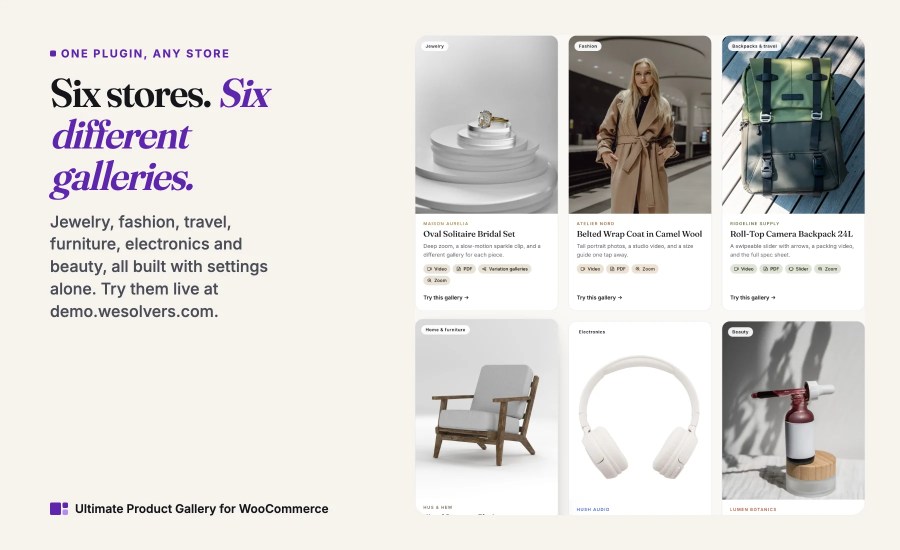
Try it live in six demo stores
Jewelry, fashion, backpacks, furniture, electronics, and beauty: each demo store at demo.wesolvers.com uses the same plugin with different settings, and shows exactly how its gallery is set up.
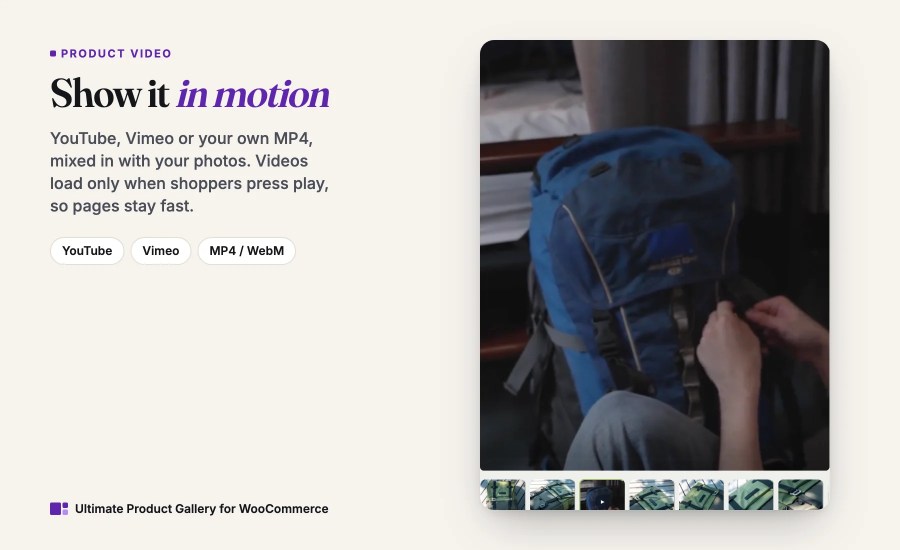
Product video, without the slowdown
Paste a YouTube or Vimeo link, or upload an MP4. Shoppers see a light preview image until they press play, so your page stays quick. Want a silent looping clip as the first thing shoppers see? That works too.
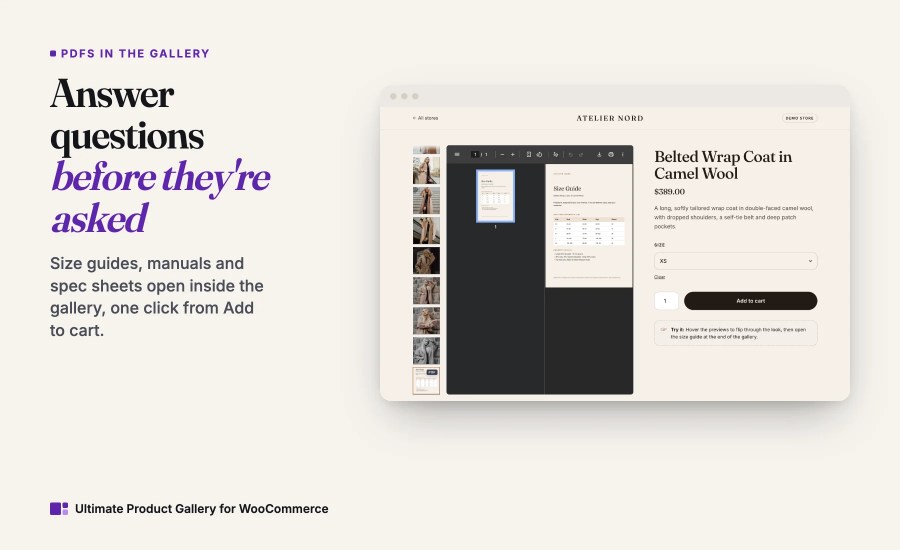
Answer questions before shoppers ask them
“Will it fit?” “How does it assemble?” “What’s the warranty?” Put the answer in the gallery as a PDF. Size charts, manuals, warranties, and safety sheets stay one click away from Add to cart, which means fewer pre-sale emails and fewer returns.
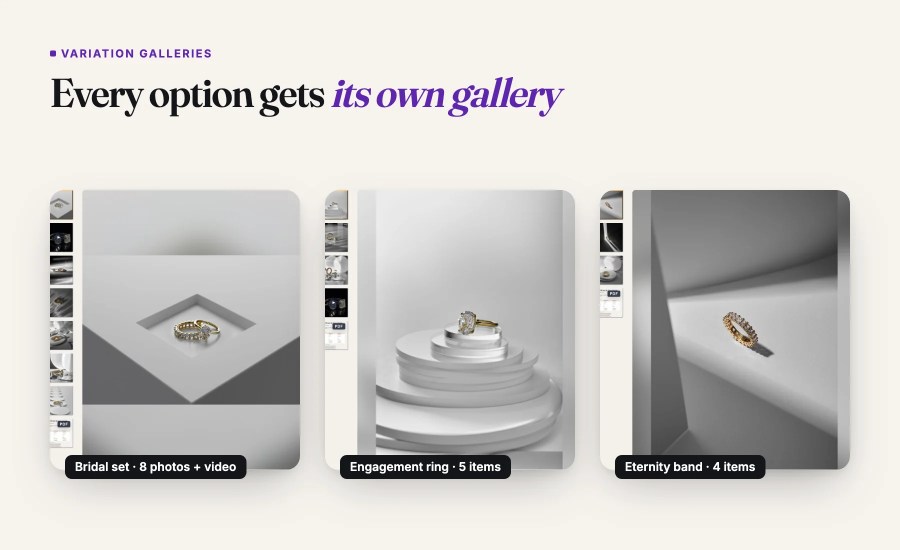
A different gallery for every variation
WooCommerce lets each variation have its own photos. Ultimate Product Gallery goes further: show a video and a spec sheet for the exact color or style a shopper picks, or keep one shared gallery that jumps to the right image.
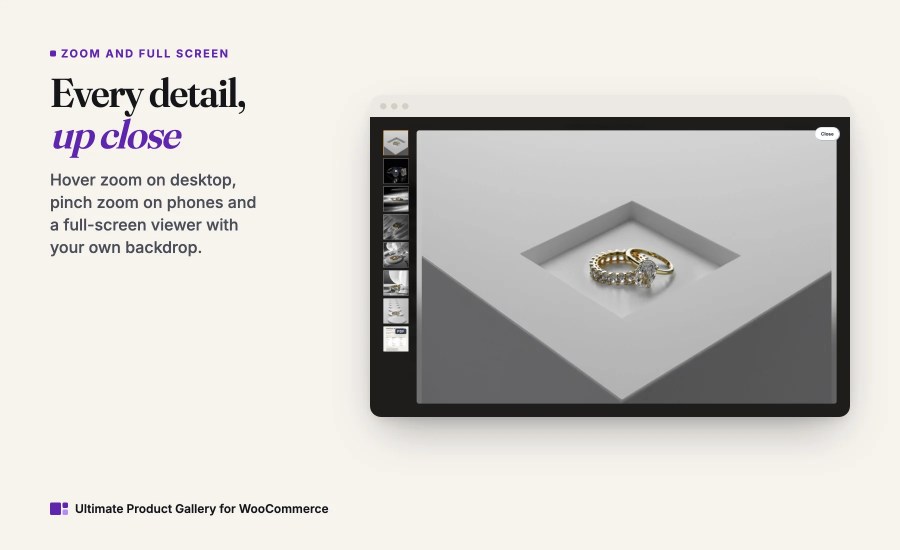
Every detail, up close
Hover zoom, a full-screen viewer with pinch and scroll zoom, swipe on mobile, and keyboard shortcuts on desktop. Shoppers can check texture, stitching, and small print before they buy.
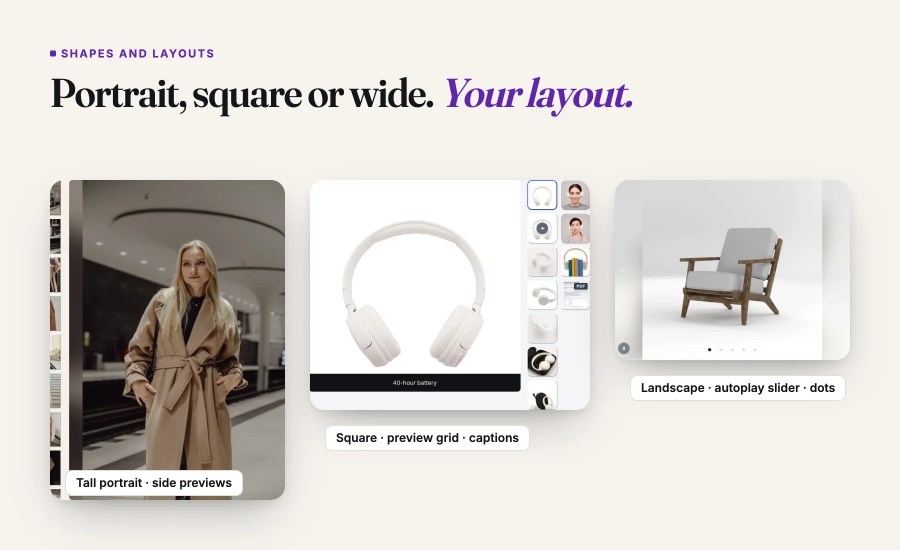
Make it look like your store
Portrait, square, or wide main images. Thumbnails on any side, a grid, or a clean slider with arrows and dots. An autoplay slideshow that pauses when shoppers take over. Start from a ready-made look and adjust anything.
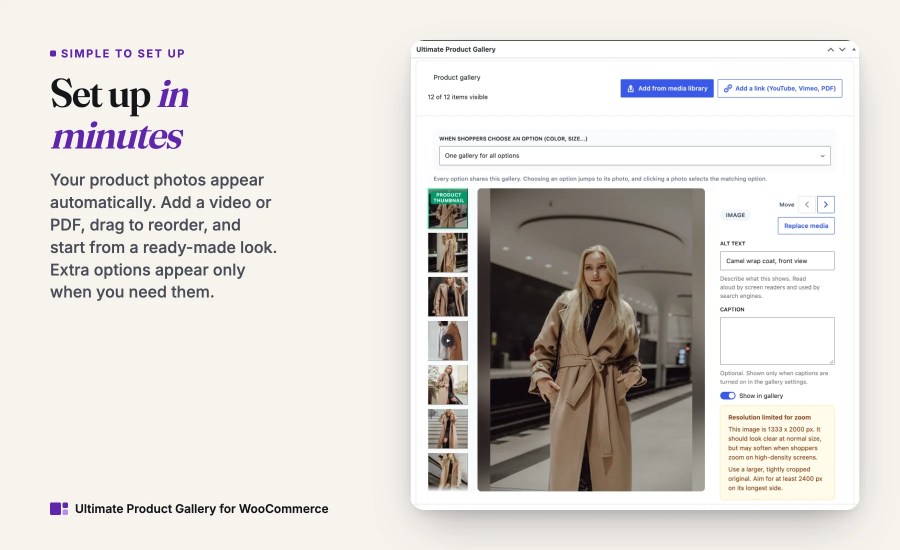
Set up in minutes, no rebuild
Your existing product photos appear automatically. Add a video or PDF, drag to reorder, and fine-tune individual products only when you want to. Extra options appear only when you need them.
Built for your page builder, made for phones
A native Elementor widget, a Divi module with live preview in both Divi 4 and Divi 5, a block for block themes, and a shortcode for everything else. On phones, galleries are fast and swipeable.

“I tested two other plugins before I gave UPG a chance. It integrated very well from the beginning. No custom code or tweaks were necessary. We stayed with it.”
WooCommerce 11.1 lets each variation have its own photos. Ultimate Product Gallery adds what core does not: product video and PDFs, a video for each variation, portrait or wide main images, a slider with dots and autoplay, hover and full-screen zoom, and native Elementor and Divi modules.
Yes. Six live demo stores at demo.wesolvers.com (jewelry, fashion, backpacks, furniture, electronics and beauty) show what the gallery can do and how each one is set up. Every purchase also includes the WooCommerce 30-day money-back guarantee.
You can add product images, self-hosted videos, YouTube/Vimeo embeds, and PDFs to one WooCommerce product gallery.
Yes. Ultimate Product Gallery is built to replace the default WooCommerce product gallery while continuing to use your existing featured image and product gallery images.
No. Start with existing WooCommerce product images, then add videos, PDFs, captions, posters, thumbnails, or per-product overrides only where needed.
On classic WooCommerce product templates, it replaces the default gallery automatically. You can also insert the block, Elementor widget, Divi module, or [upg_gallery] shortcode.
Yes. Variable products can keep one shared gallery that syncs WooCommerce variation featured images, or use replacement galleries when individual variations need their own media. Variation settings inherit from global, builder/template, and parent-product settings.
Yes. Ultimate Product Gallery includes an Elementor widget and a Divi module, plus support for block themes, Site Editor templates, widgets, and shortcode output.
Yes. PDFs can appear inside the product gallery, so size charts, manuals, warranties, spec sheets, and technical documents stay close to the buying decision.
Ultimate Product Gallery uses performance-conscious behavior such as poster-first video, lazy loading, responsive image handling, minimal frontend scripts, and no jQuery dependency.
Yes. Use global settings for the default gallery experience, then override individual products when a specific product needs a different layout, media order, or media mix.
Only when you add YouTube or Vimeo items. Those videos play through the selected provider, and thumbnails may be fetched from that platform. Self-hosted video, images, and PDFs stay on your site.
Categories
Extension information
Quality Checks
Countries







