Active installs
2K+
Subscription includes
Support
Managing tax exemptions manually often leads to misplaced forms, missing documents, and delayed approval processes, causing frustration for customers and challenges for store owners. With the Tax Exemption for WooCommerce extension, you can automate every aspect of the tax exemption workflow. This intuitive extension allows merchants to restrict tax exemptions based on specific customers or user roles. It offers the flexibility to customize the tax exemption process, collect essential tax information and supporting documents directly from customers’ My accounts, and approve tax requests either automatically or manually through VAT validation. Furthermore, the extension ensures that both customers and administrators remain informed at every stage, whether requests are approved, rejected, or pending, through customizable email notifications. In short, this extension streamlines your tax processes, reduces errors, and minimizes manual effort.
After successfully installing this plugin, a text exemption feature will be successfully added to your WooCommerce store. Once this feature is enabled on your store, the customer can easily submit the tax information or VAT number and doc via a simple form. Admin can review and approve or reject this request manually. Moreover, the system can automatically verify this through a VAT number.
Two main methods are used:
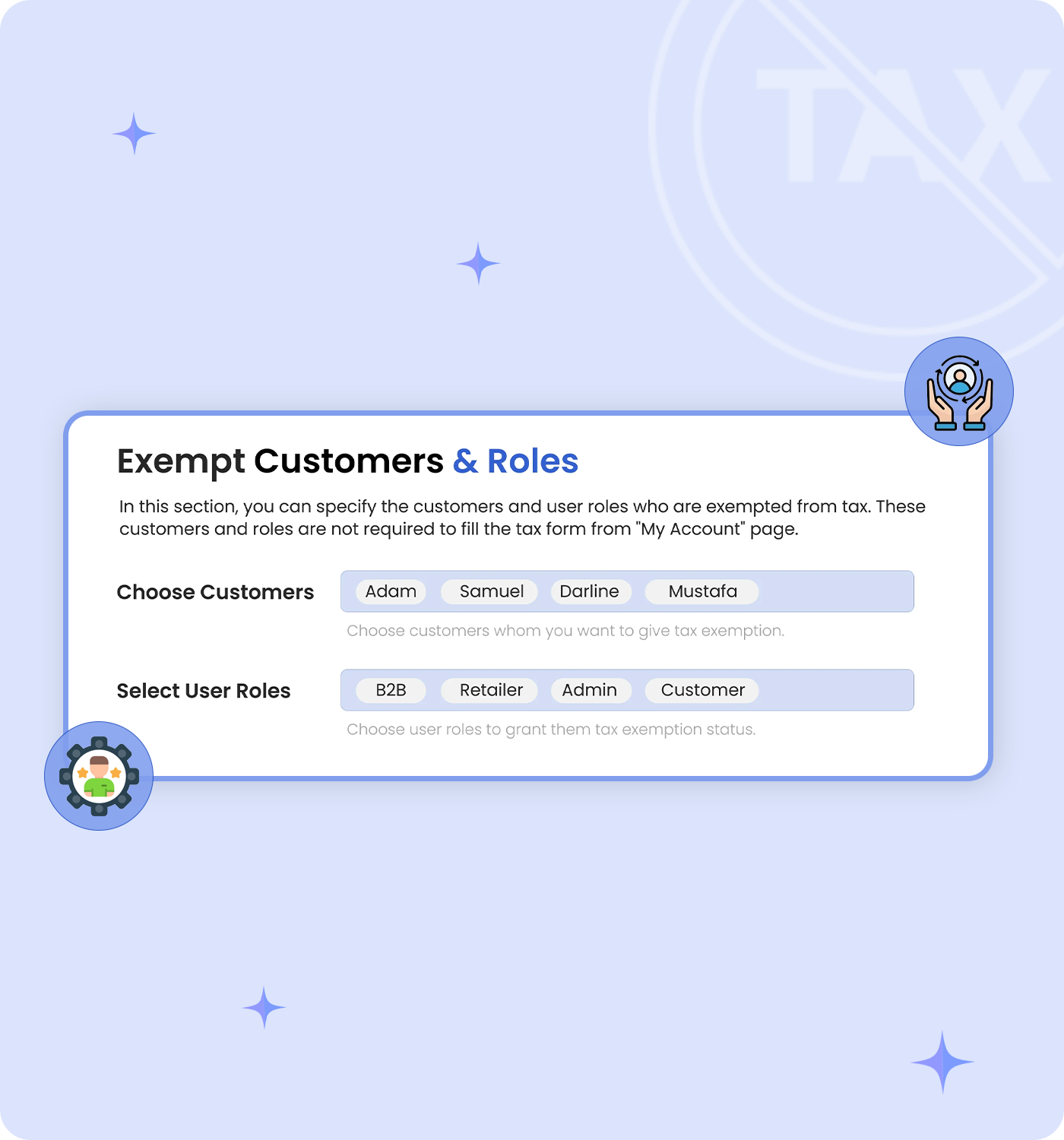
Merchants have the option to designate specific customers or user roles as tax-exempt, eliminating the need for these customers to submit any forms or apply for exemption. Exempted customers will not be charged tax in their upcoming orders.
Customers can apply for tax exemption by completing a tax exemption form available in their My Account section. Once a request is submitted, the merchant receives an email notification, allowing them to either approve or deny the exemption request. Alternatively, merchants can update a customer’s exemption status through the user detail page in the back-office system.
The checkbox in tax exempt for WooCommerce has the following functionality:
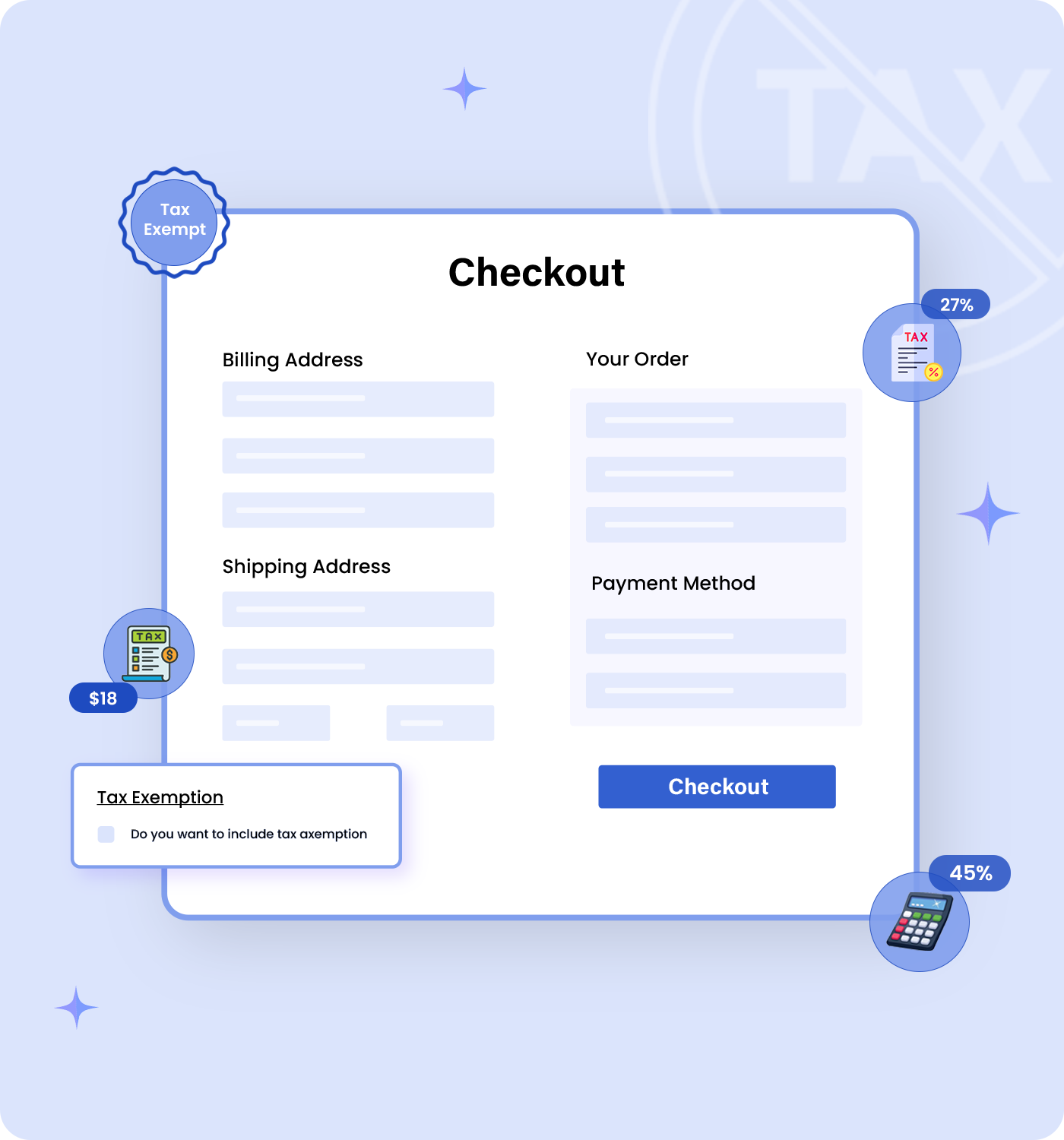
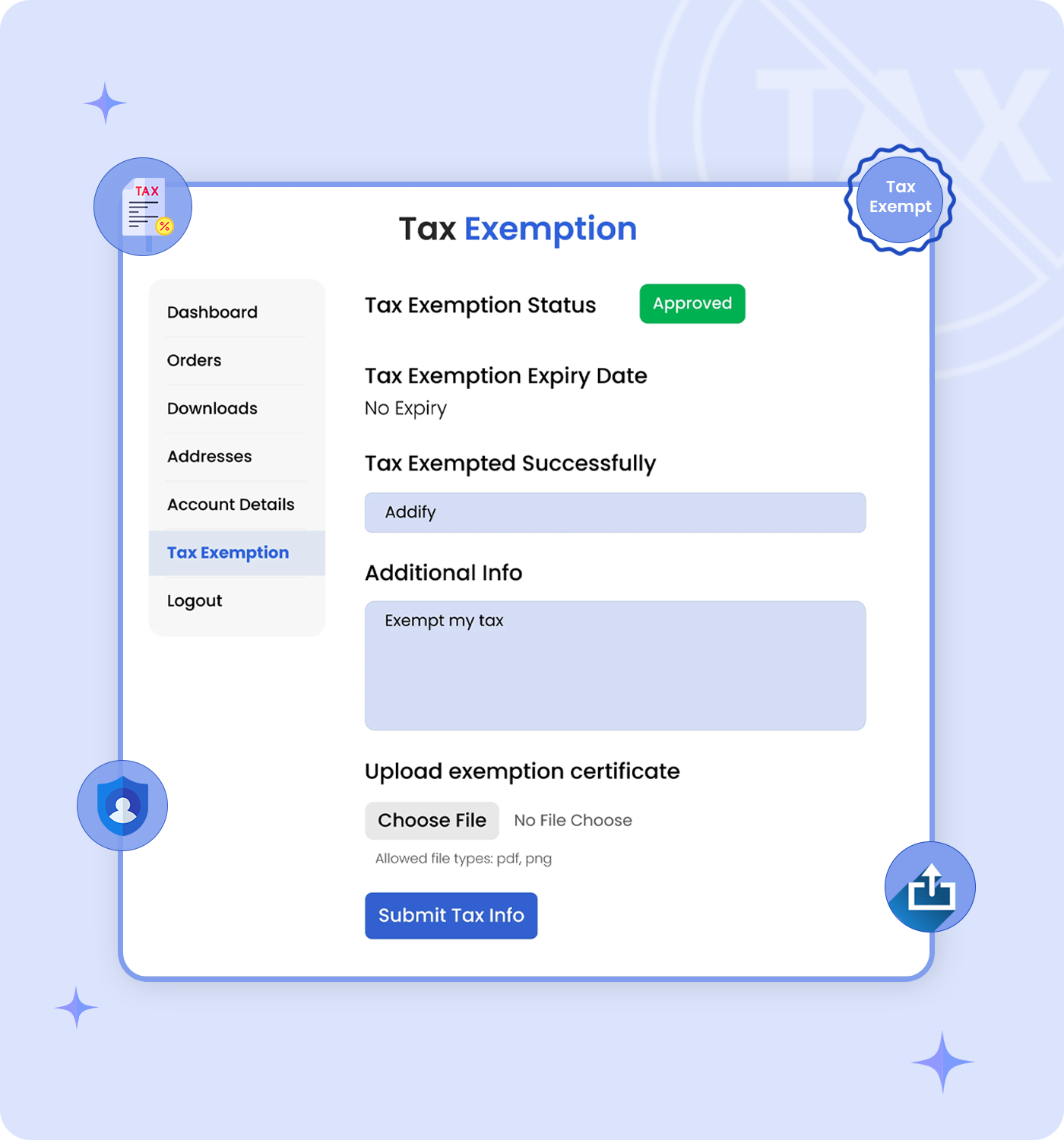
Merchants can fully customize the exemptions form based on their needs. They can easily enable or disable and change the labels for the following fields:
Moreover, they can also add instructions to the file upload box field and choose what file types are allowed.
To change a user’s exemption status, visit the user detail page from the back-office and:
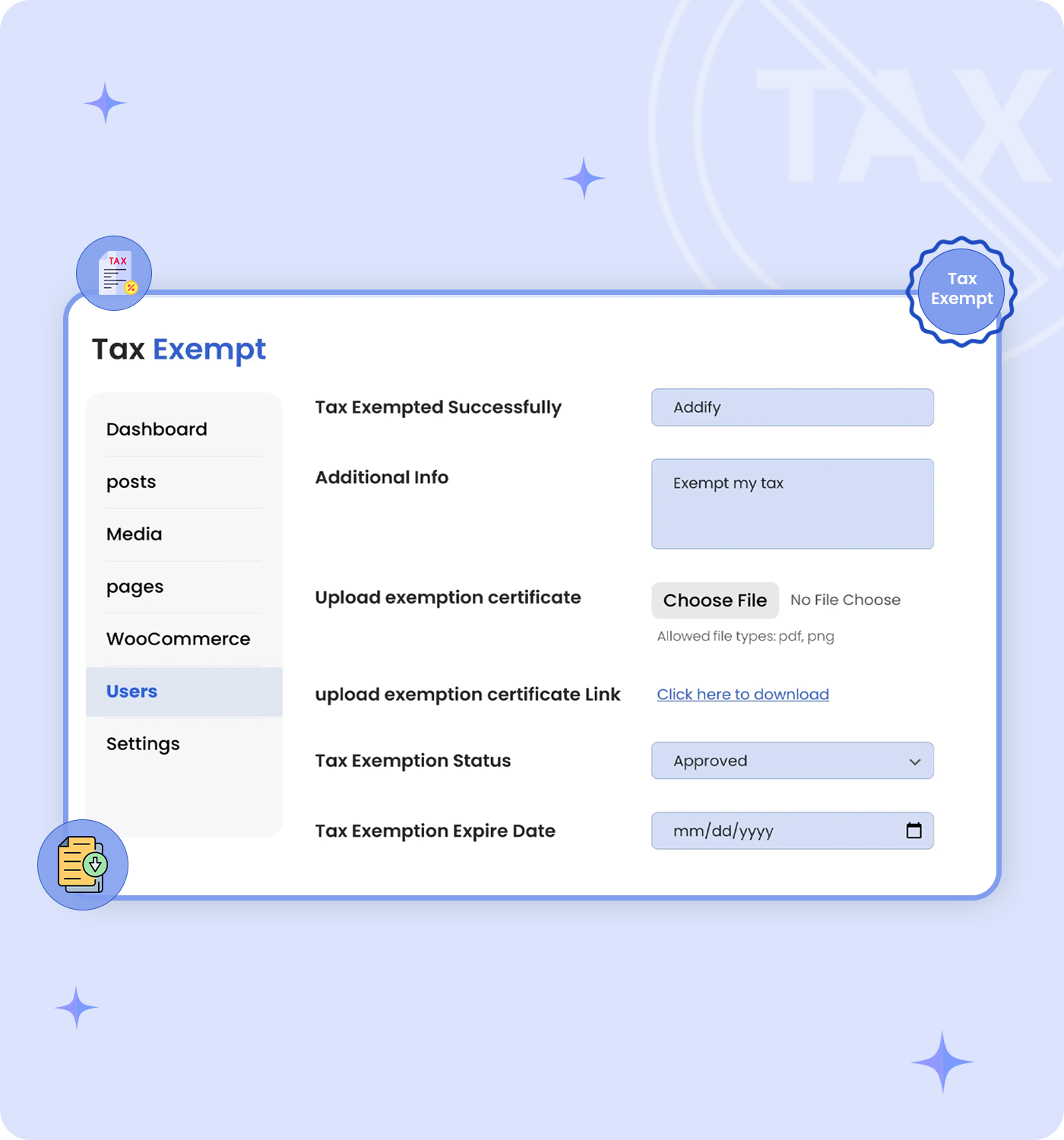

Once an exemption request is made by a customer by filling out the exemption form, the merchant receives an email notification notifying them of a new exemption request. From this email merchant can:
From the tax-exempt for WooCommerce settings panel, merchants can easily select:
Once users or roles are specified these customers will not be charged any tax in their upcoming orders.
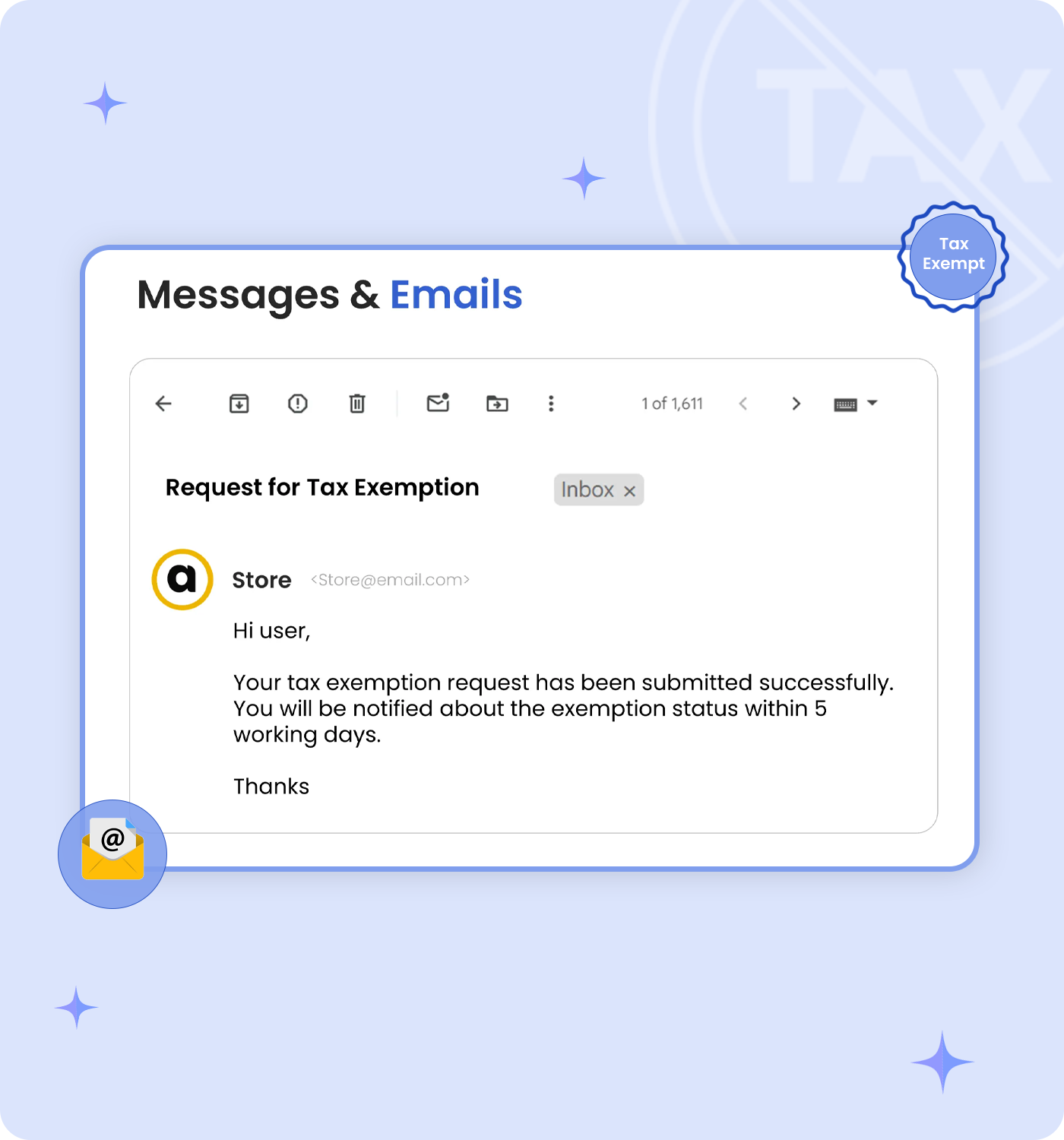
Both merchants and customers receive Tax Exempt notification emails. These notifications keep the customer and merchants updated on the exemption process. The email notifications are sent during the following scenarios:
Categories
Extension information
Quality Checks
Compatibility
Countries