

Subscription includes
Support
Make your product pages more engaging by adding videos that clearly show your products in action. WooCommerce product video plugin helps you present your products in a more interactive and modern way, making it easier for customers to understand what you are offering.
Instead of relying only on images, you can use videos to demonstrate features, explain usage, and build trust with your customers. A better product presentation leads to a better shopping experience and can help increase your sales.
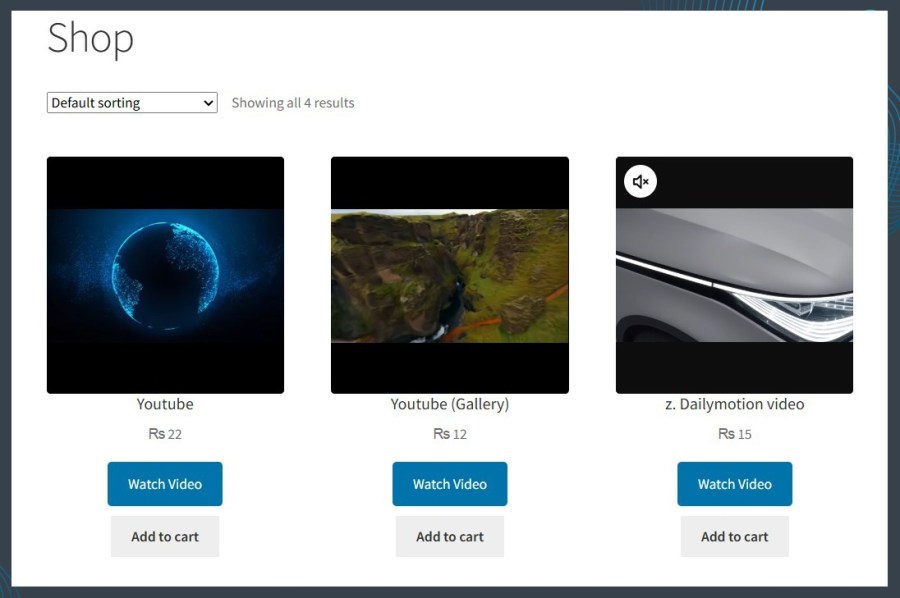
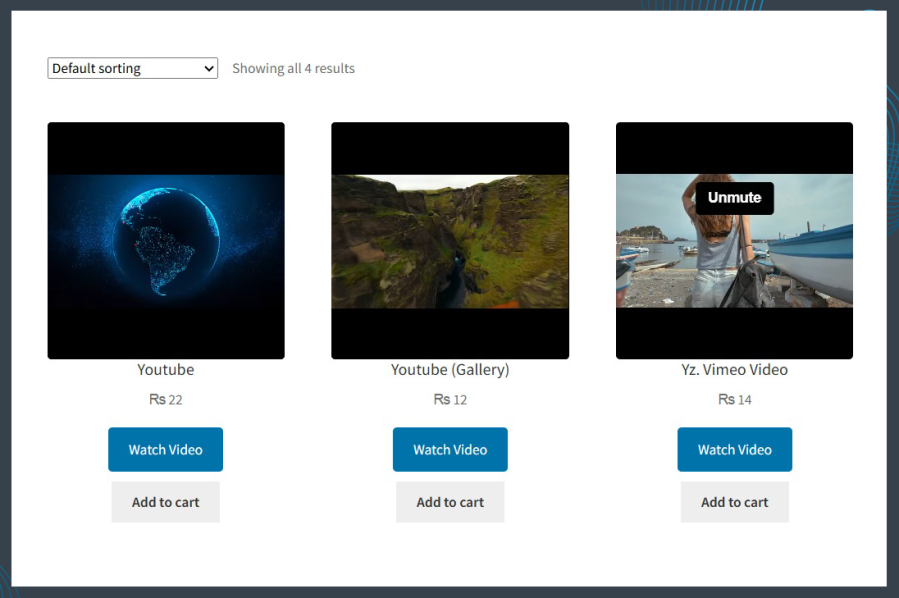
WooCommerce product video plugin lets you show product videos directly on your WooCommerce shop page. Customers can watch videos while browsing products without opening each product page.
This helps you show your products in action, highlight important features, and catch customer attention quickly. Videos on the shop page make your store more engaging and help customers decide faster.
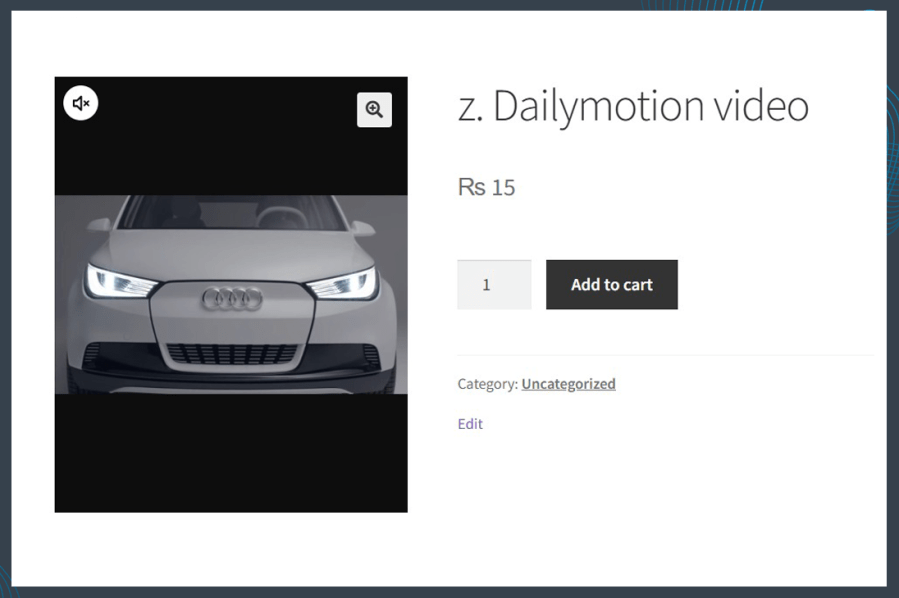
You can replace the default product image with a featured video in product video for woocommerce plugin. This means customers will see a video first when they open the product page instead of a static image.
This is very useful for products that need demonstration, as videos can explain more than images.
You can add videos to your product gallery in two simple ways:
product video gallery for woocommerce plugin gives you flexibility to manage your content based on your needs.
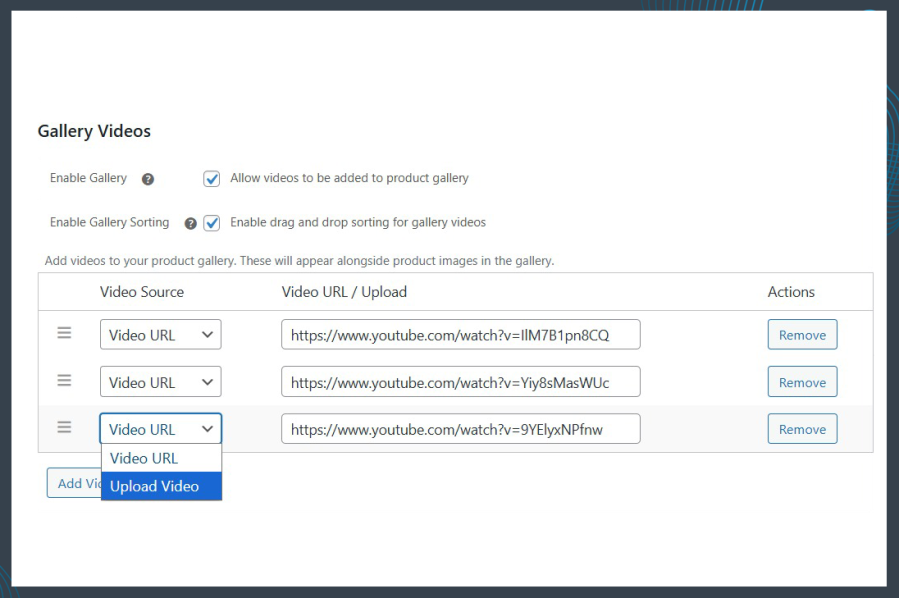
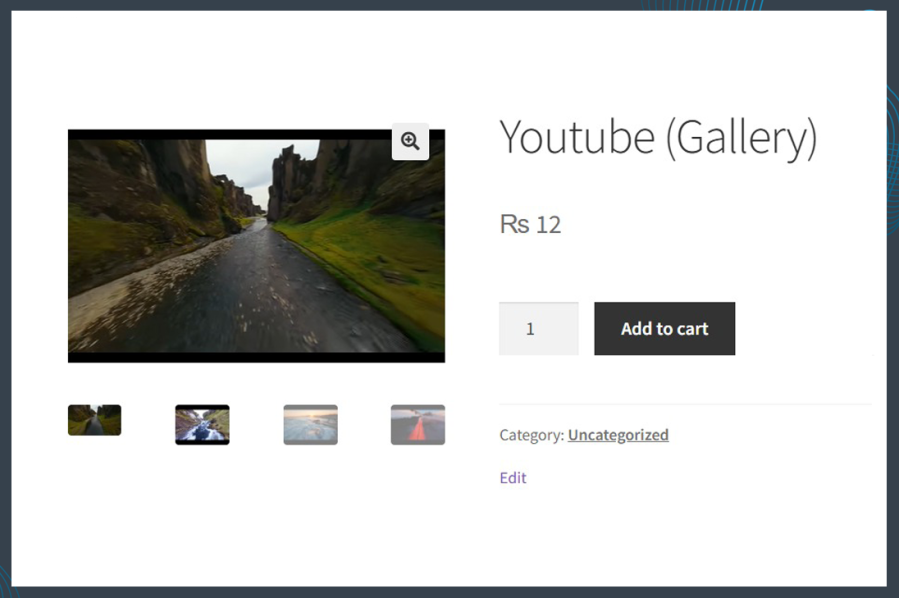
WooCommerce video in product gallery plugin allows you to add more than one video and combine them with product images.
You can create a complete gallery that includes:
This helps customers see every detail of your product.
Customers can watch videos in a popup window without leaving the product page.
They can choose to:
This provides a smooth and user-friendly viewing experience.
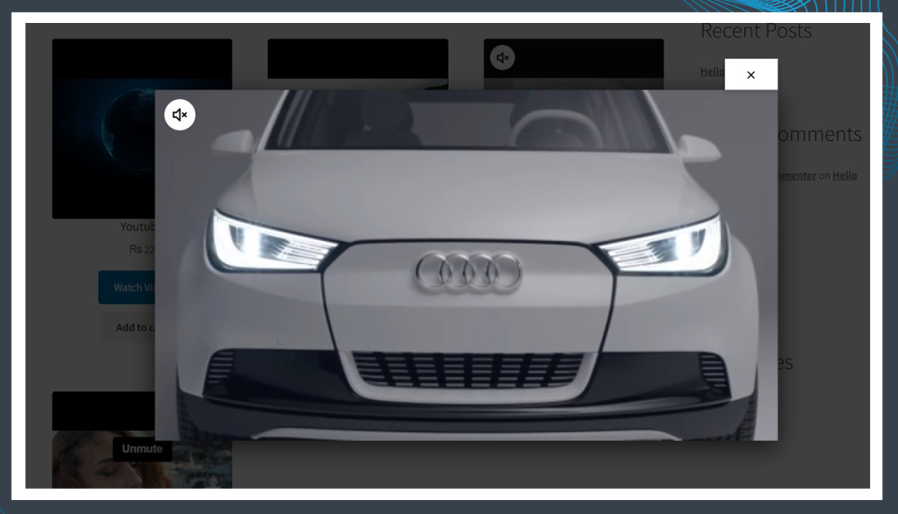
You can easily embed videos from popular platforms like:
There is no need to upload large video files. Just paste the video link and it will be displayed on your product page.
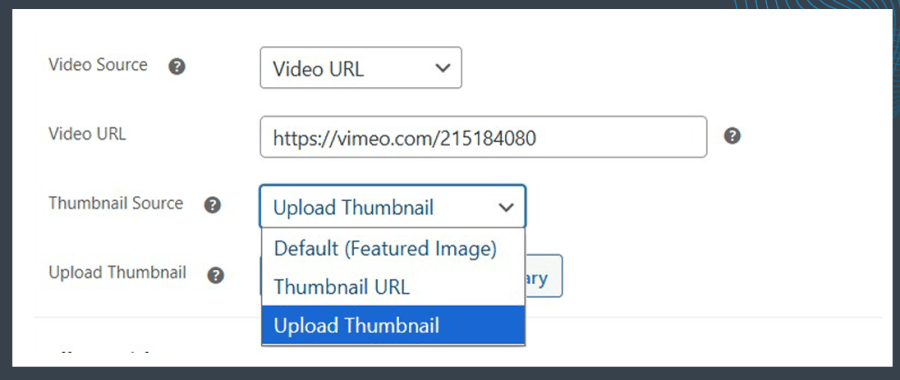
Product video for woocommerce plugin allow you to upload your own thumbnail image for each video. This is the image customers will see before playing the video.
Custom thumbnails help you:
Yes, you can add videos to any product in your WooCommerce store. You can use videos for simple products as well as other product types.
Yes, you can easily embed videos from YouTube, Vimeo, and Dailymotion. Just paste the video link, and it will appear on your product page.
Yes, you can upload your own video files directly to your website and use them in the product gallery or as a featured video.
Yes, you can add multiple videos and images in the same product gallery. This helps you create a complete and detailed product view for your customers.
Quality Checks
Countries







