

Subscription includes
Support
| Compatibility | Details |
|---|---|
| HPOS | Fully compatible with High Performance Order Storage (HPOS). |
| WordPress Multisite | Works seamlessly with WordPress Multisite installations. |
| WPML and Polylang | Fully compatible with WPML and Polylang for multilingual stores. |
| Cart and Checkout Blocks | Fully compatible with WooCommerce Cart and Checkout Blocks. |
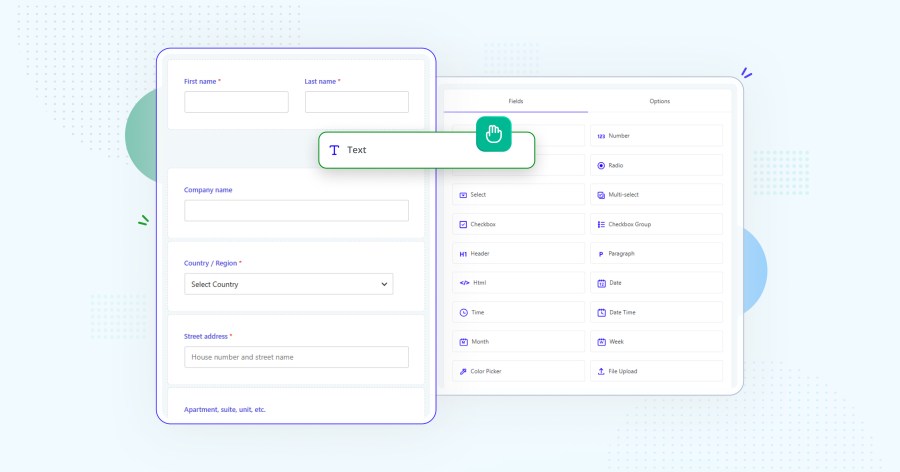
Arrange, edit, and group fields in a drag-and-drop interface.
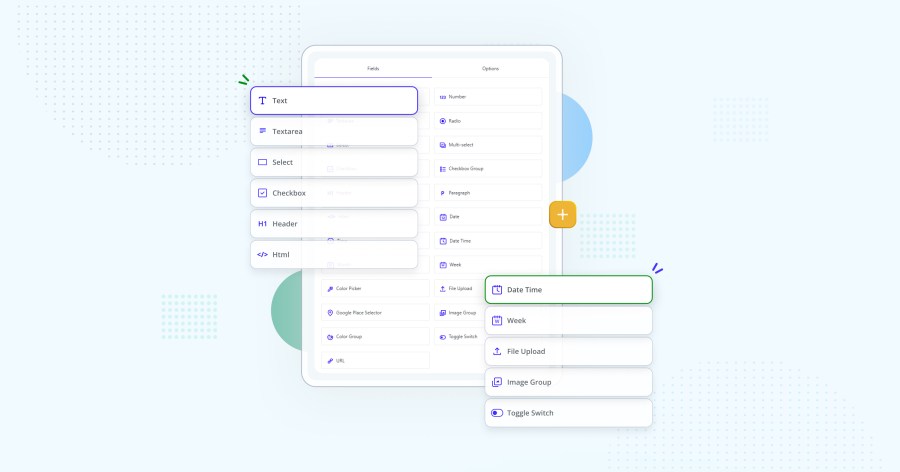
Includes text, password, phone, email, number, textarea, select, multiselect, radio, checkbox and checkbox group, color picker, date, time, datetime, file upload, URL, toggle switch, image group, Google Place Select, and display-only elements such as headings, paragraphs, and labels.
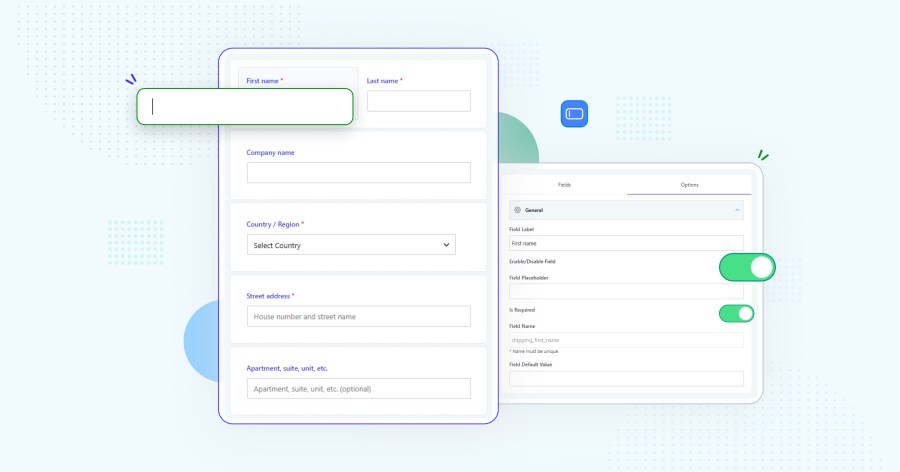
Modify, hide, enable, or disable standard WooCommerce fields such as name, company, and address, and add new fields.
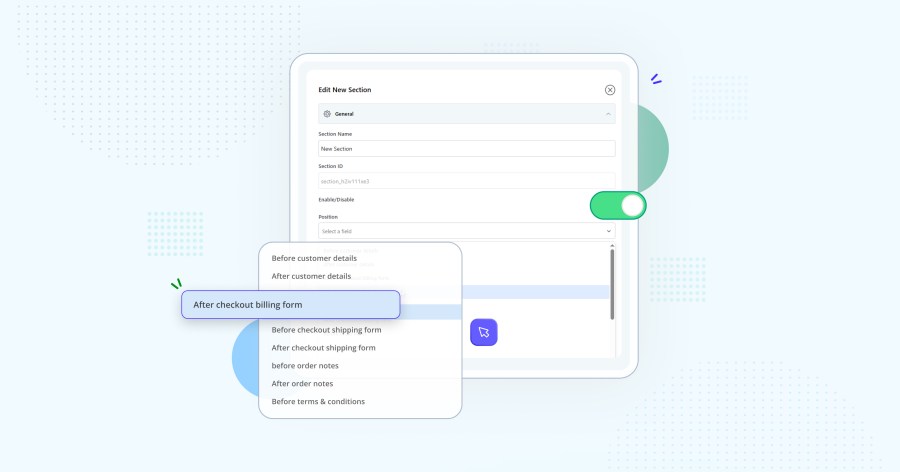
Place sections in up to 13 locations, such as around customer details, billing, shipping, or order notes.
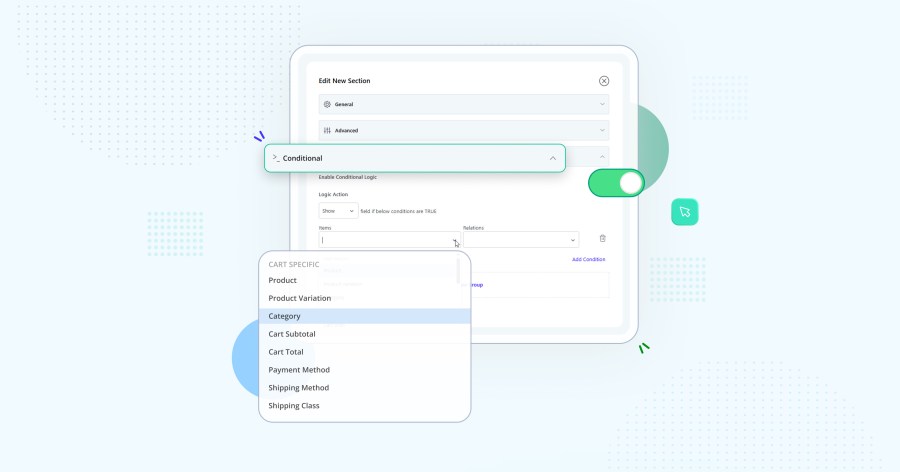
Show or hide fields and sections based on products, categories, user roles, cart total, payment methods, or shipping methods.
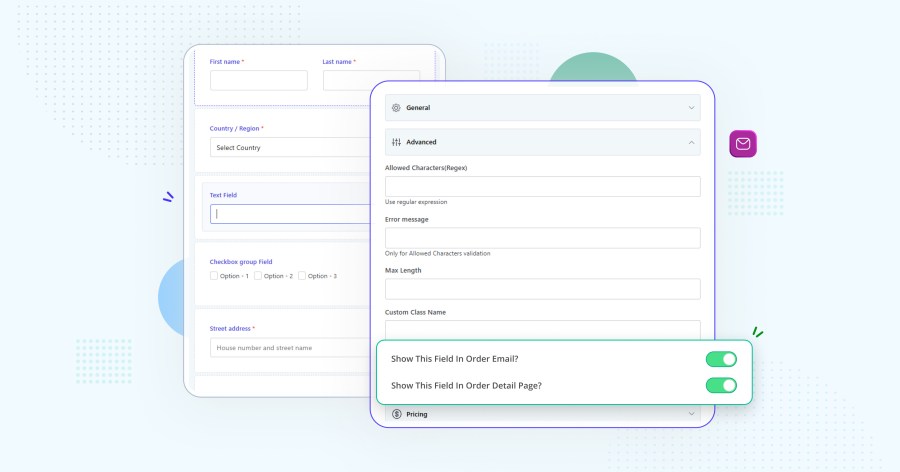
Choose whether each field appears in order emails and order details.
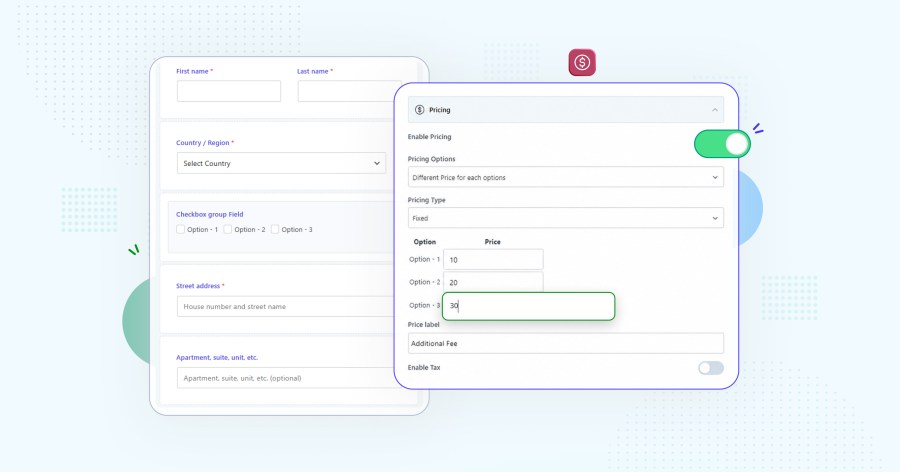
Add fixed fees, percentage based fees, or custom fee formulas based on cart total, subtotal, or subtotal excluding tax.
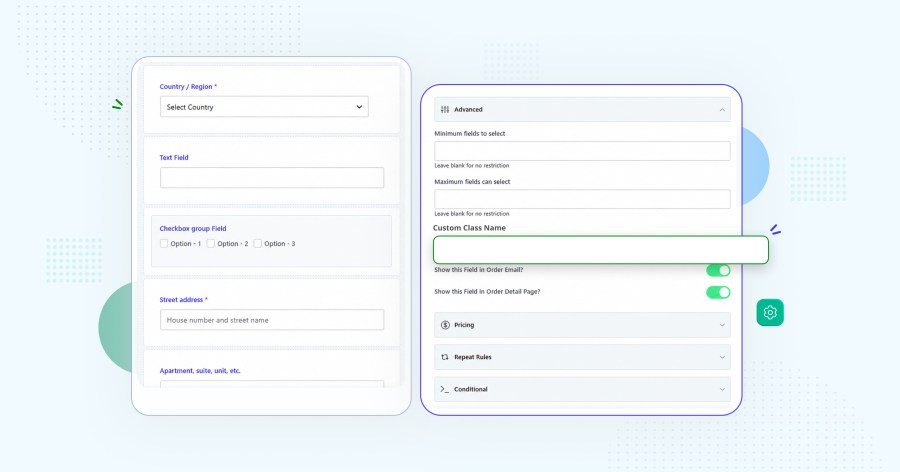
Use half- or full-width fields and assign custom CSS classes to fields and sections.
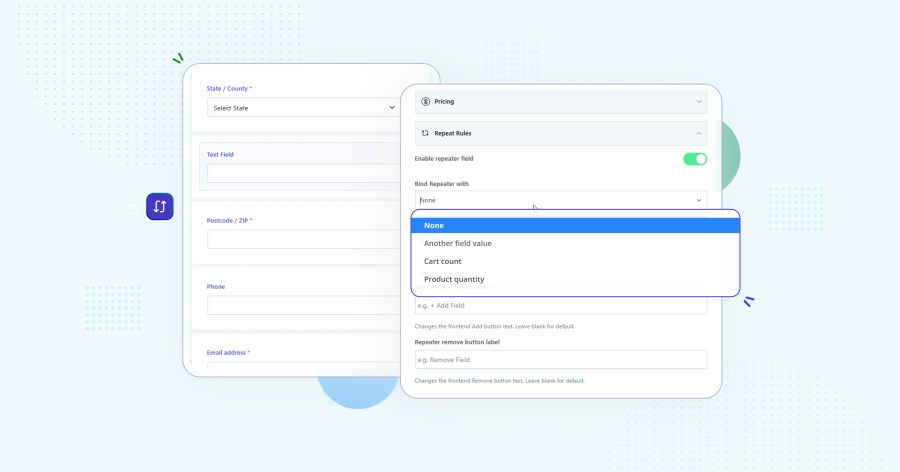
Allow customers to add multiple entries for the same extra field directly on the checkout page. Useful for collecting details such as multiple attendees, recipients, passengers, or additional contact information.
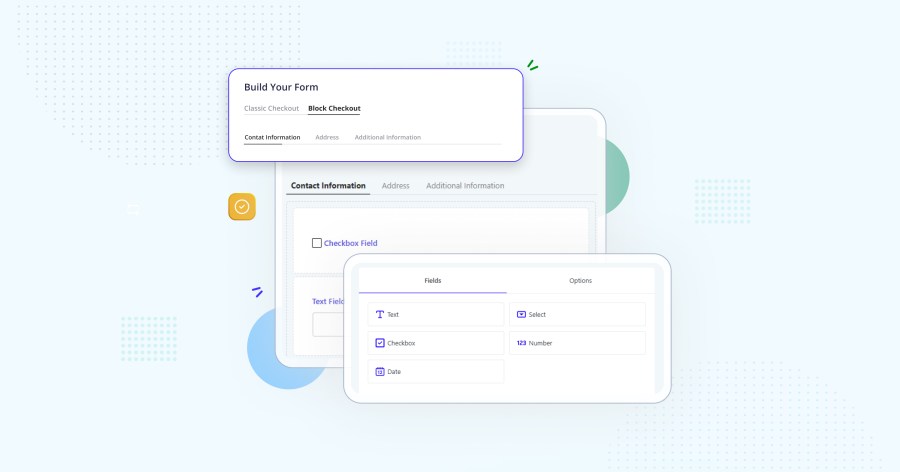
Works smoothly with the modern WooCommerce Cart and Checkout Blocks, allowing you to add and manage custom checkout fields without switching back to the classic checkout experience.
WooCommerce Checkout Field Editor and Manager is a checkout customization plugin that lets you add, edit, hide, remove, reorder, and manage custom checkout fields in your WooCommerce store without coding.
Yes. You can add custom checkout fields such as text fields, dropdowns, checkboxes, radio buttons, date fields, file uploads, and other field types to collect additional customer information.
Yes. You can modify existing WooCommerce checkout fields, including their labels, placeholders, positions, required status, and visibility.
Yes. The plugin allows you to hide or disable unnecessary checkout fields, helping you create a cleaner and more focused checkout experience.
Yes. You can use conditional logic to show or hide checkout fields and sections based on products, categories, user roles, cart totals, payment methods, and shipping methods.
Yes. The drag and drop checkout field editor makes it easy to change the order and position of fields on your WooCommerce checkout page.
Yes. The plugin is compatible with the modern WooCommerce Cart and Checkout Blocks, allowing custom checkout fields to work with the block based checkout experience.
Yes. You can create custom sections and position them at different locations throughout the WooCommerce checkout page.
Yes. Repeater functionality allows customers to add multiple entries for the same extra field during checkout. This is useful for collecting details for multiple people, attendees, recipients, or other items.
Yes. Custom field values can be displayed in WooCommerce order details and customer emails, making the collected information available to both store administrators and customers.
Yes. The plugin is fully compatible with WooCommerce High Performance Order Storage (HPOS).
Yes. The plugin supports WPML, making it suitable for multilingual WooCommerce stores.
Extension information
Quality Checks
Countries







