
Subscription includes
Support
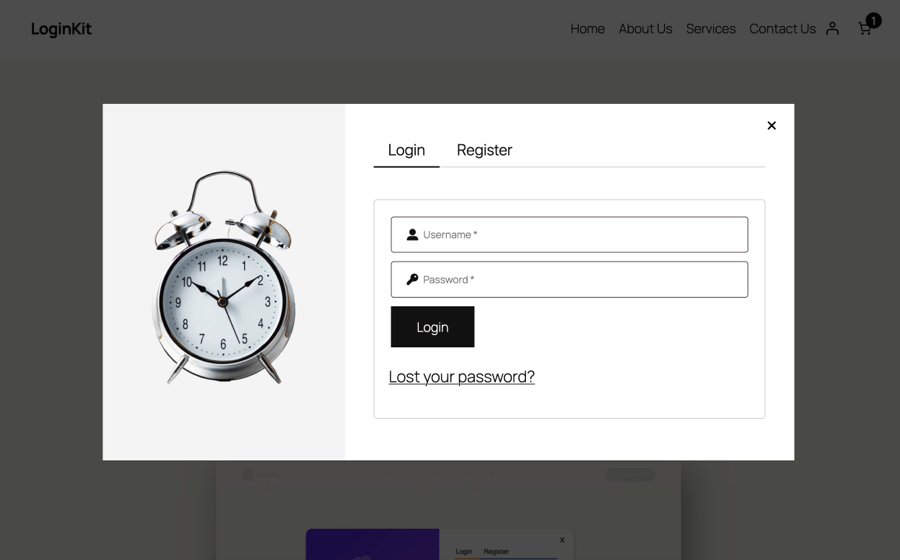
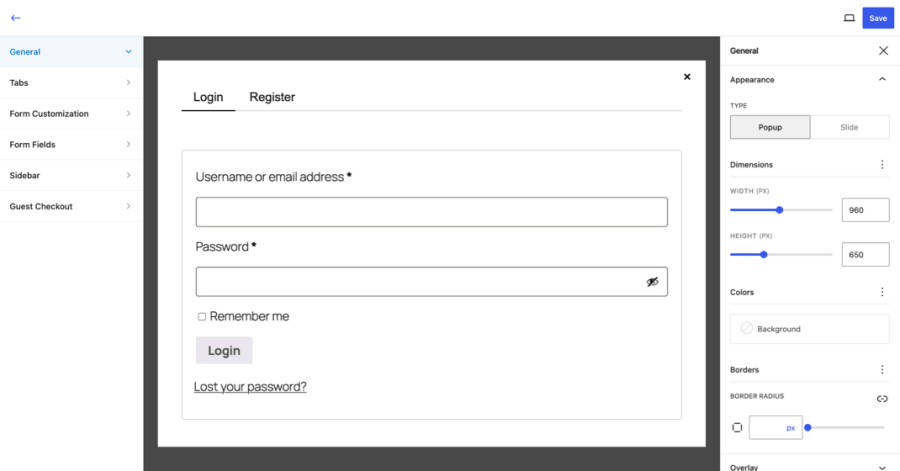
LoginKit enhances the default WooCommerce login, registration, and lost password experience by replacing standard forms with customizable popups and slide-in panels. The built-in Style Builder allows you to customize the appearance of your forms with a live preview, making it easy to match your store’s branding without writing code.
AJAX-powered form submissions keep customers on the current page, providing a smoother authentication experience during shopping and checkout. LoginKit also helps improve the customer journey by reducing interruptions, encouraging account sign-ins before checkout, and integrating seamlessly with WooCommerce.
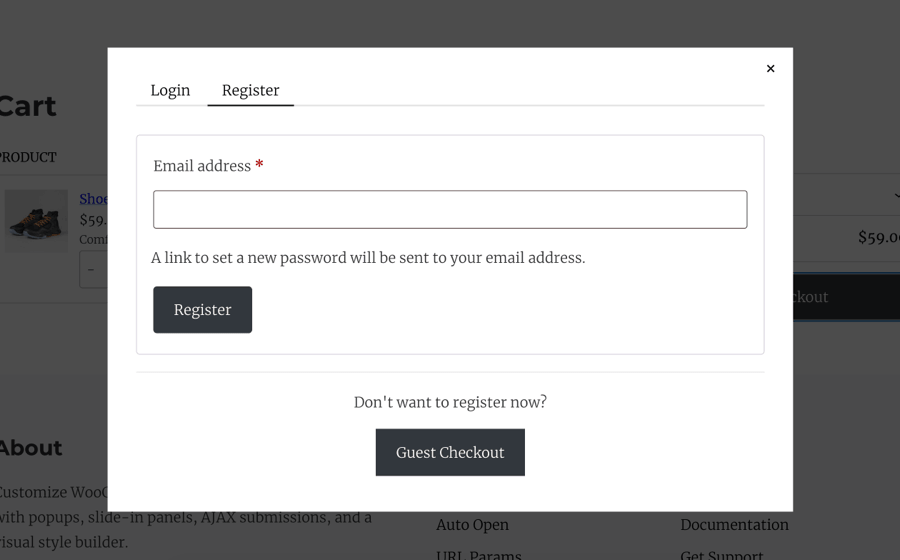
Open the login and registration popup when guests click “Proceed to Checkout” on the cart page. Let customers authenticate before continuing to checkout.
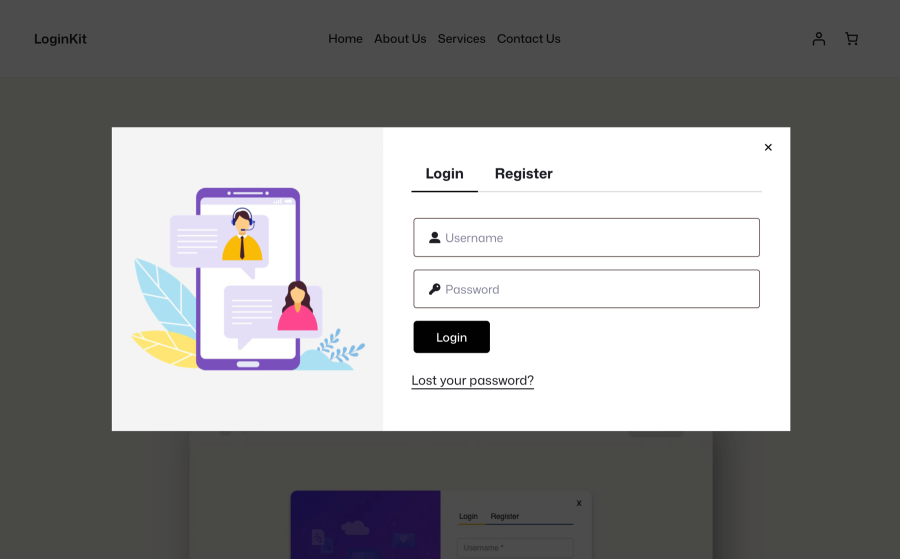
Add an optional sidebar with a custom image to promote offers, products, announcements, or other content alongside your login and registration forms.
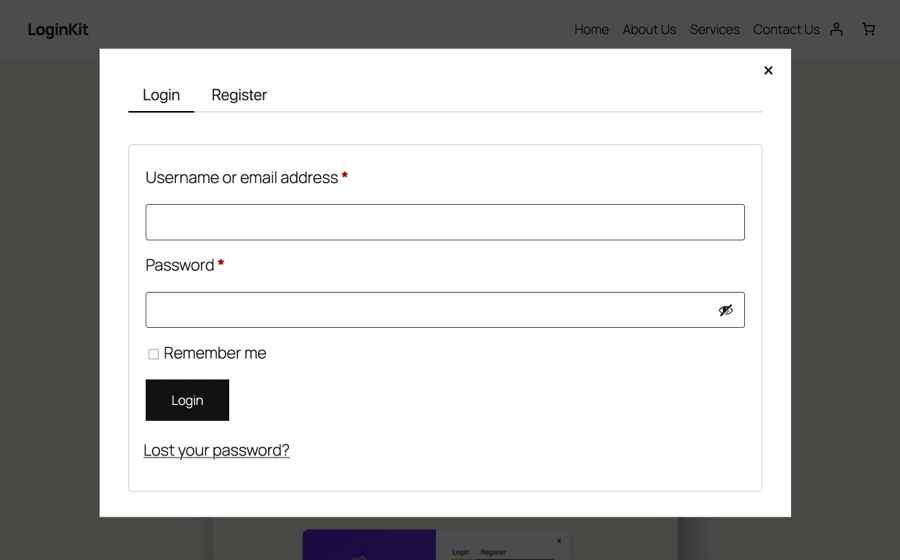
Customize your WooCommerce login and registration forms visually and see your changes instantly with live preview.
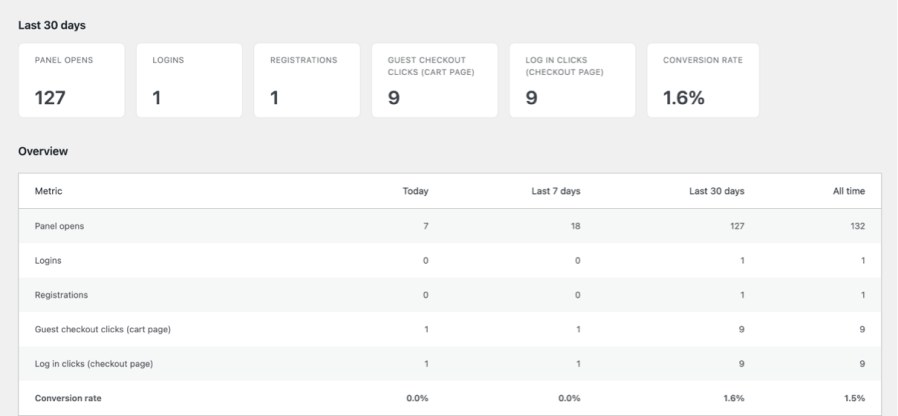
Track login and registration activity with detailed insights into panel opens, logins, registrations, conversion rates, and their sources. Monitor “Proceed to Checkout” and checkout login clicks to understand how customers interact with your authentication forms.
Yes. LoginKit enhances WooCommerce's native login, registration, and account forms, so WooCommerce must be active for it to load.
No. The built-in Style Builder gives you a live preview so you can adjust colors, layout, and spacing visually.
Yes, an optional sidebar lets you display a custom image or promotional content alongside the panel.
Yes, LoginKit integrates with the WooCommerce Customer Account block.
Yes. Simply add the class "loginkit-trigger" to any button, link, or other clickable element, and LoginKit will open the login panel when it's clicked.
If you prefer, you can also define your own custom trigger class(es) in Advanced Settings. Any element using one of those classes will open the panel.
LoginKit also supports URL-based triggers. Configure one or more URL parameters (such as login, popup, or open) in Advanced Settings, then open the panel by visiting a URL like: https://yoursite.com/?login
Yes, Auto Open can trigger it on page load or after a set scroll percentage, with an optional delay. You control how often it reappears — every visit, once per session, or only once ever and it can skip visitors who already dismissed it.
It has a built-in Analytics dashboard showing panel opens, logins, registrations, and guest-checkout clicks, broken down by where they happened (cart, checkout, My Account, or a general panel), plus a conversion rate.
Yes, redirect URLs can be set independently for after login, after registration, after logout, and after checkout login/registration — each falls back to a sensible default (like My Account) if left blank.
Yes, styles can be exported to a JSON file and imported on another install, or reset to defaults at any time.
By default, your settings and analytics are kept in case you reinstall. If you'd rather have everything removed automatically, there's a "Delete data on uninstall" option in Advanced settings.
Categories
Extension information
Quality Checks
Countries







