

Product comparison
Subscription includes
Support
Turn gifting into another way to sell. This gift card plugin for WooCommerce lets customers purchase and send digital gift cards straight from your store, or choose a physical card shipped to the recipient’s address. Once redeemed, gift cards become store credit customers can apply at checkout, giving you a built-in reason for both the buyer and the recipient to come back.
Customers pick a design, add a personal message, choose the amount, and either send it by email right away or schedule delivery for a specific date, perfect for birthdays, holidays, or any occasion where timing matters. Behind the scenes, you control everything from custom code prefixes to partial redemption, discount rules, and where gift card details appear at checkout, so the feature fits how your store actually runs.
Whether you’re building out a full gifting program or just adding a simple gift certificate option, this plugin gives your store a professional, flexible way to sell something customers already want to buy.
Add gift cards to your store as a product customers can buy for themselves or send to someone else. There’s no cap on how many gift cards you create or how many are active at once, so the feature scales whether you’re running a small seasonal promotion or a year-round gifting program. Every gift card redeemed becomes store credit the recipient can apply at checkout, so gifting turns into a new order instead of a one-off transaction.
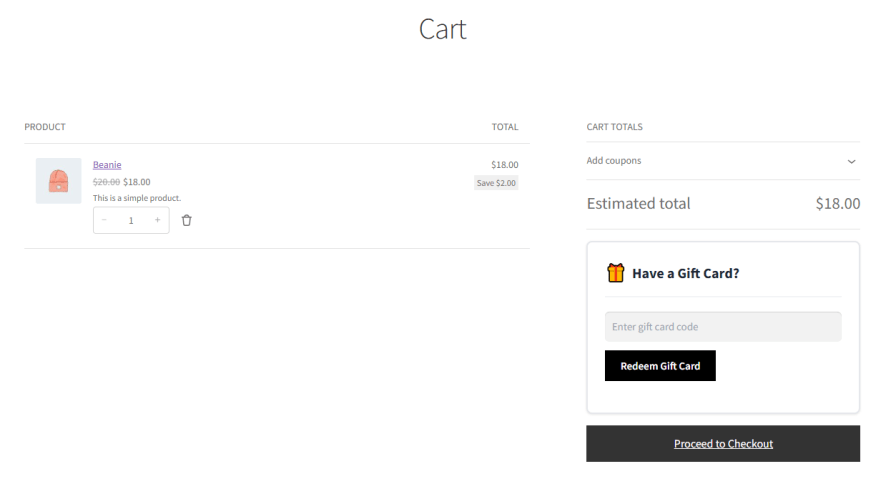
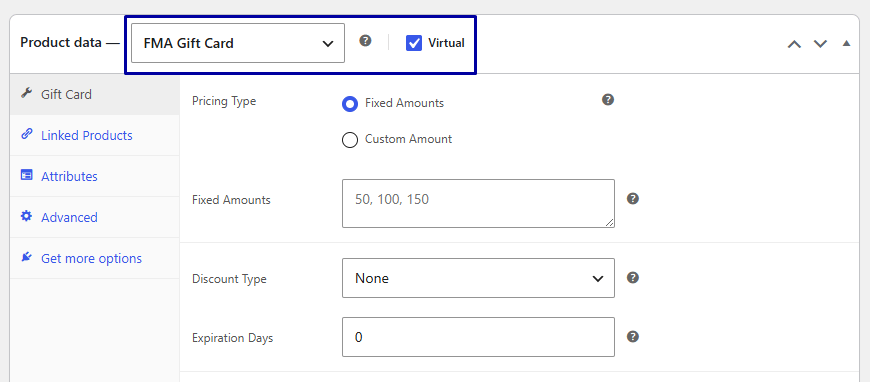
Set each gift card product as virtual or physical. Virtual gift cards are delivered straight to the recipient’s inbox, while physical cards ship to their address, so you can offer the format that best fits your store and your customers’ expectations.
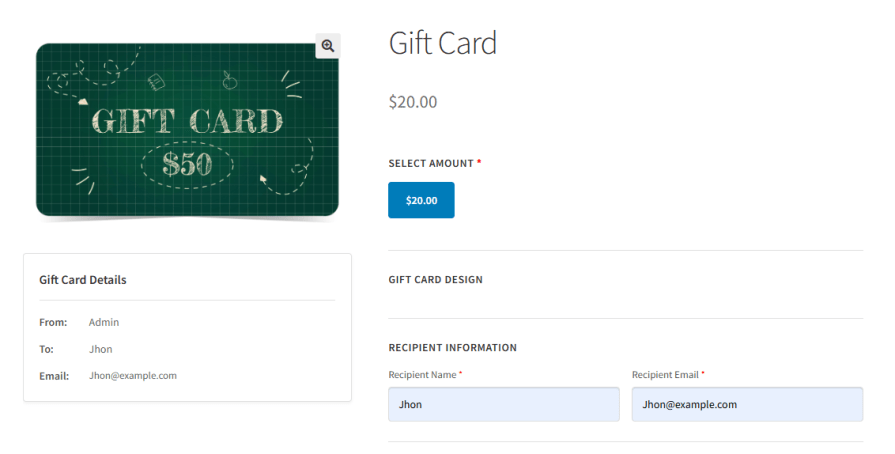
Customers choose a template, add a personal message, set the amount, and send the card directly to the recipient’s email. The whole gifting process happens without ever leaving your store.
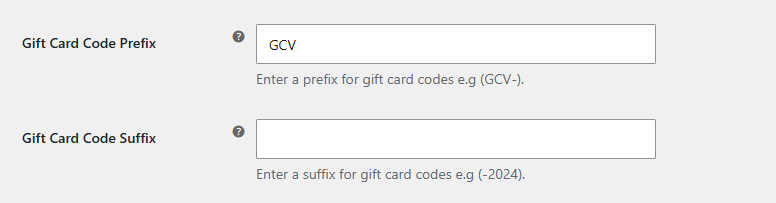
Add a prefix or suffix to every gift card code, such as GCV-2024, so the codes are easy to organize, track by campaign or season, and instantly recognizable as coming from your store. This is especially useful if you run seasonal promotions or multiple gift card campaigns at once, since each batch can carry its own identifiable code pattern.
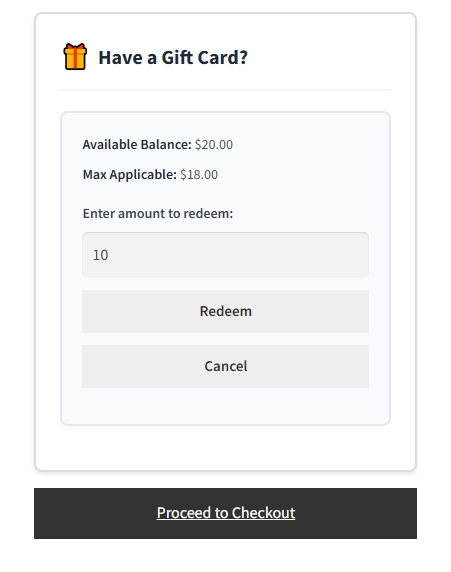
Customers don’t have to spend an entire gift card balance in one order. They can use part of it and save the rest for later, which keeps the remaining balance as a reason to come back and shop again. The remaining balance stays tied to the same gift card code, so customers don’t need to track separate codes for each purchase.
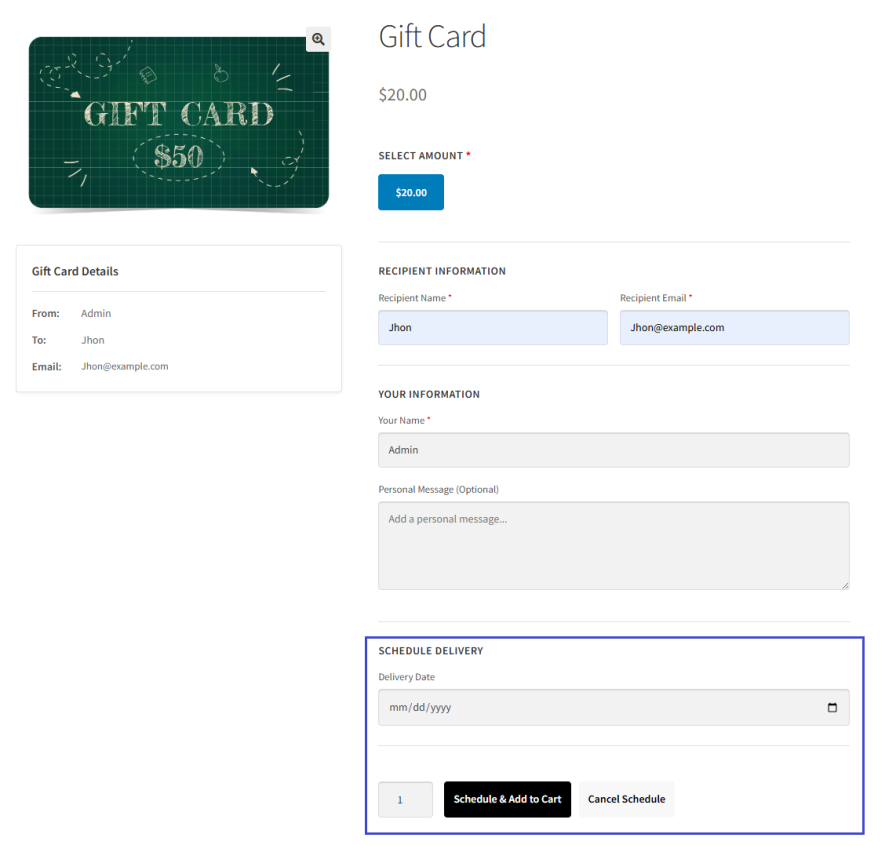
Let customers pick the exact date a gift card should be delivered, so it lands in the recipient’s inbox right when it’s supposed to, not the moment it’s purchased. This takes the pressure off last-minute shopping, since customers can buy a gift card in advance and know it will still arrive on the right day.
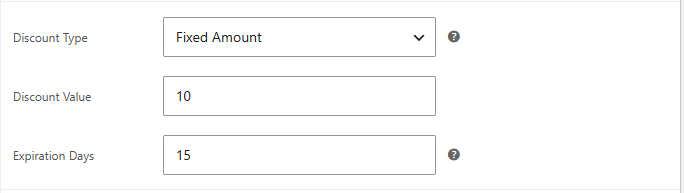
Decide whether a gift card discount is applied to the order subtotal or the total, giving you control over how it interacts with tax, shipping, and other charges. This matters most for stores with variable shipping costs or tax rules, since applying the discount at the wrong stage can throw off your margins on gift card orders.
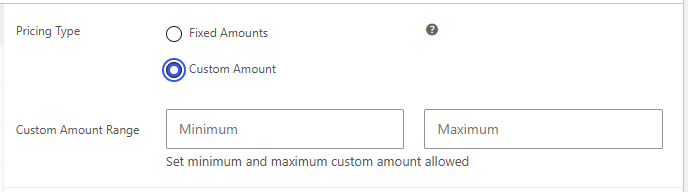
Offer a set of predefined gift card amounts, or let customers enter a custom value within a minimum and maximum you control. Either way, gifting stays flexible for the customer and predictable for your store.
Restrict redemption so only the intended recipient can use a gift card, or open it up to any logged-in user, whichever fits how you want gift cards to work in your store. Locking redemption to the recipient adds a layer of protection against a gift card being used by someone other than who it was meant for.

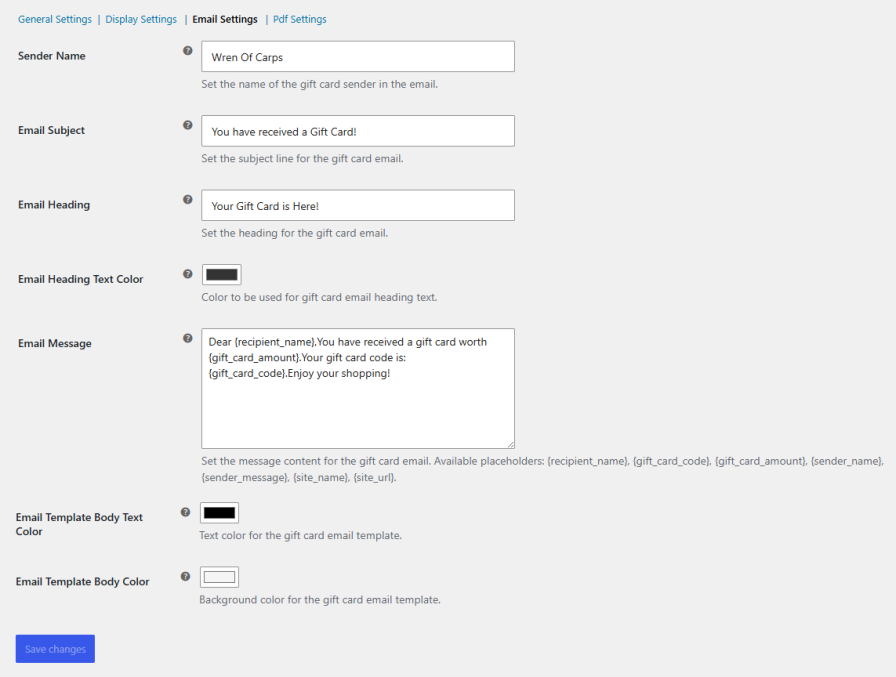
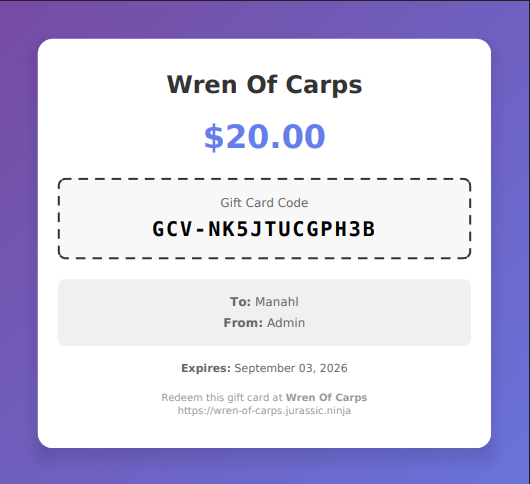
Generate a PDF version of every gift card, complete with your site name, the personalized message, the gift card code, and an optional disclaimer. Attach it to the delivery email or let customers download it anytime from their account.
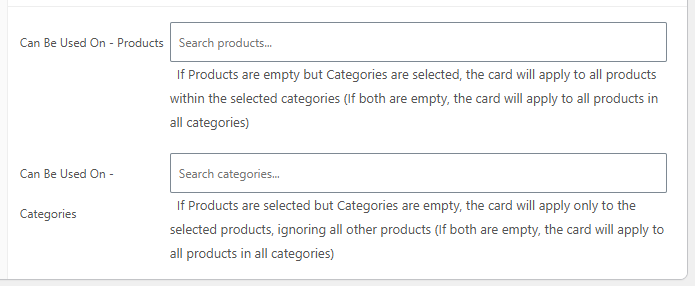
Restrict where a gift card can be redeemed by product or category, and mark it as exclusive so it can’t be combined with other coupons or discounts, keeping your promotions working exactly the way you intend.
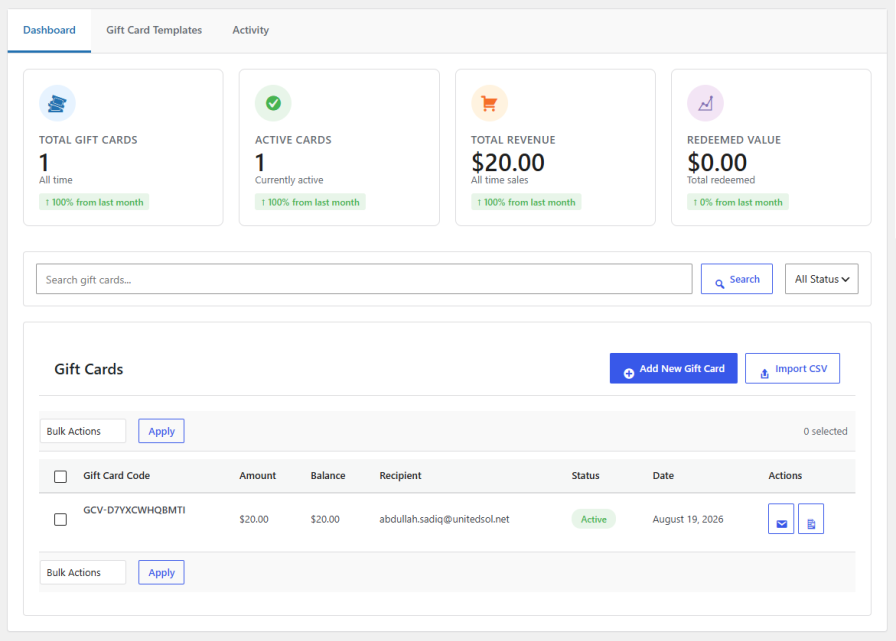
See total gift cards, active cards, revenue, and redeemed value at a glance, with month-over-month comparisons. Search by code or recipient, filter by status, bulk import gift cards from a CSV, and manage every card without leaving the dashboard.
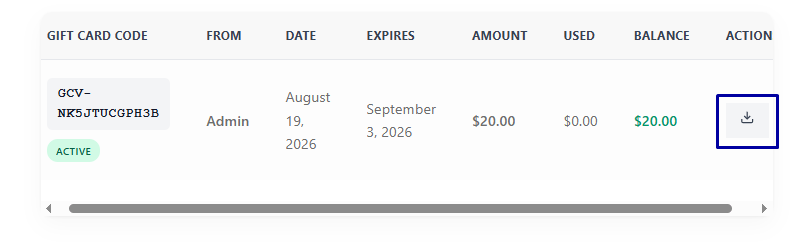
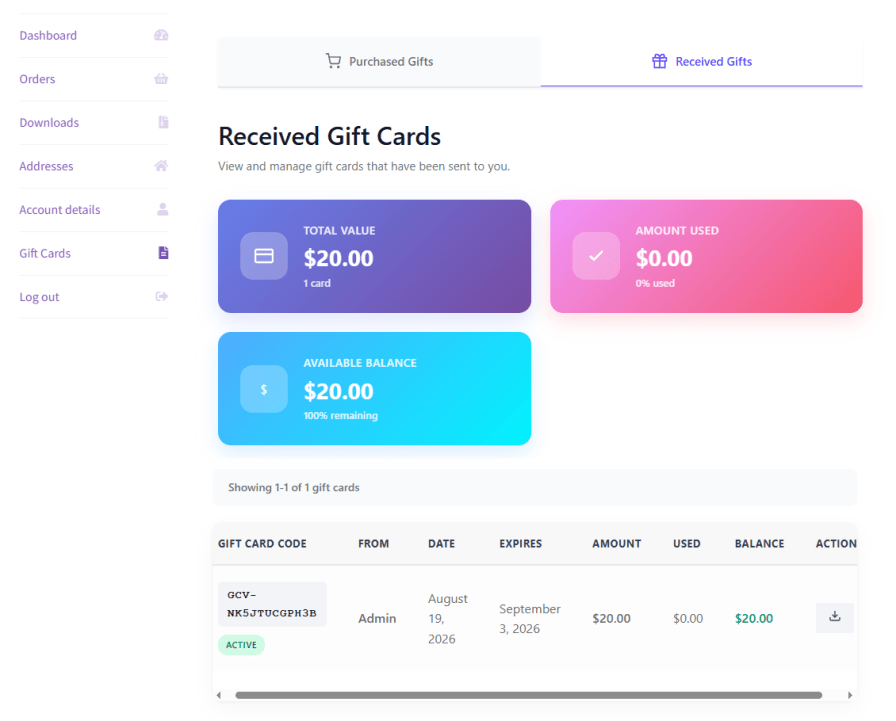
Give customers a dedicated Gift Cards tab in their account, where they can view everything they’ve sent and received. A Received Gifts view shows total value, amount used, and available balance at a glance, along with a full table of gift card codes, sender, date, expiration, and remaining balance. A separate Purchased Gifts tab lets customers see every gift card they’ve bought and sent to others, so nothing gets lost track of on either side of a gift.
Both. Customers can purchase a gift card for their own use or send it directly to someone else's email with a personal message and a chosen design.
Customers can use part of a gift card's balance and save the remainder for a future order. The unused balance stays tied to the same gift card code.
Both are supported. Each gift card product can be set as virtual, delivered by email, or physical, shipped to the recipient's address.
Yes. Customers can choose a future delivery date when purchasing, so the gift card arrives exactly when it's meant to instead of immediately after purchase.
Yes. Redemption can be restricted so only the recipient can use a gift card, or opened up to any logged-in user, depending on how you want it to work.
Gift cards can be limited to specific products or categories, and can also be marked exclusive so they can't be combined with other coupons or discounts.
Categories
Extension information
Quality Checks
Countries







