
Maximize your conversion for the holidays
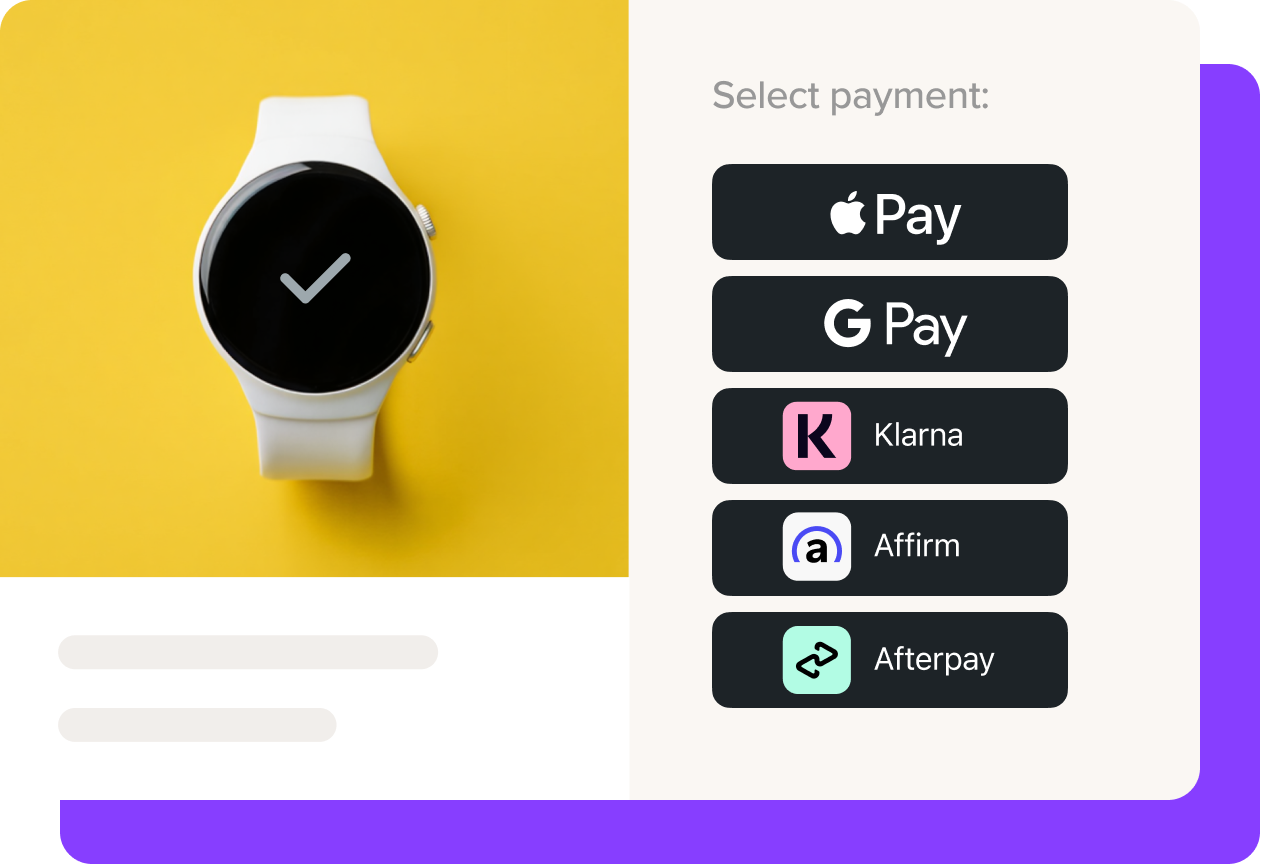
Offering express checkout methods and buy now, pay later options is a proven way to increase sales. WooPayments makes it quick and simple to add them — start now so you’re ready for Black Friday on November 27.
Not using WooPayments yet? Get started.
WooPayments results from BFCM 2025
20%
of orders came through Apple Pay or Google Pay
60 – 200%
higher cart values for BNPL orders versus typical card orders
WooPayments data, November 28 to December 1, 2025.
Adding express checkout and BNPL
Enabling additional payment methods in WooPayments is simple.
Buy now, pay later
Apple Pay
Google Pay
Need help? Our ecommerce experts can answer any questions or give you a hand with setup. Get in touch.
New to WooPayments?
Add Woo’s payment solution to your store to get seamless payments and built-in options for express checkout and BNPL.
- Install WooPayments.
- Verify your business so payouts can reach your bank.
- Switch on the methods you want in Payments > Settings.
FAQs
I already use WooPayments. Do I need to install anything?
Apple Pay, Google Pay and pay-later are already available in WooPayments. Just turn them on in Payments > Settings.
What does each payment method cost?
Apple Pay and Google Pay cost the same as your card rate. Buy now, pay later options each have their own rate. See all rates by country. There are no setup or monthly fees.
When do I get paid from BNPL methods, and who carries the risk?
You’re paid the full amount when the order is placed. The provider approves the shopper, manages the installments and collects the payments.
Which pay-later options can I offer?
It depends on where your business is based:
- Klarna: US, UK, and most of Europe
- Afterpay (Clearpay in the UK): US, Canada, UK, Australia, and New Zealand
- Affirm: US and Canada
Are there order limits?
Yes, and they vary by provider. See details on purchase minimums and maximums.
Where will shoppers see these options?
Express checkout buttons can show on product pages, the cart and checkout. Pay-later messaging shows on eligible product and cart pages, so shoppers see the smaller payments before checkout.
I don’t use WooPayments yet — how do I get started?
Install WooPayments for free, then verify your business so payouts can reach your bank. Once you’re verified, turn on Apple Pay, Google Pay and BNPL options in Payments > Settings.
Can I use WooPayments and my current payment gateway?
WooPayments includes card payments, so it can’t be added for wallets and pay-later only. You can still keep other payment methods you offer at checkout alongside it.
Is WooPayments available in my country?
WooPayments works in dozens of countries and currencies. See the full list.