

Subscription includes
Support
Product Bulk Remover gives store managers one screen to find WooCommerce products with filters, check exactly what will change, and run the cleanup in bounded background batches. Start a run, close the browser, and Action Scheduler keeps working through your catalog.
Every destructive step is deliberate. Moving products to Trash is the default and is reversible. Permanent deletion needs a backup confirmation, and typing DELETE is required for large or whole-catalog deletions.
DELETE for large or whole-catalog runs.Filter by title, SKU, price, stock, status, product type, category, catalog visibility, featured status, product image, reviews, creation and modification dates, and product IDs to include or exclude. See the matching count and a paged table before you choose anything.
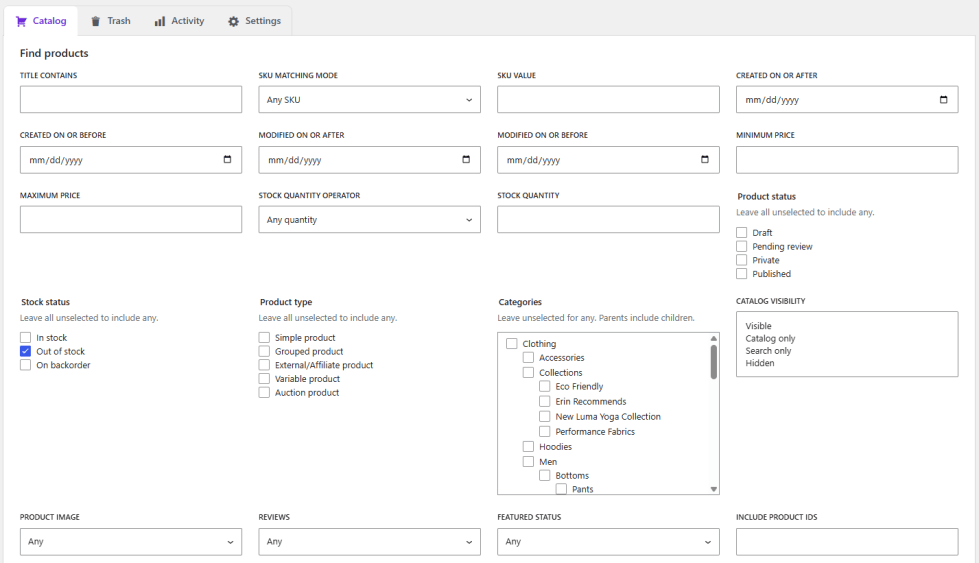
Process all matching products, or only the rows you select. Products you exclude are never processed, and the screen always states what is selected.
| Action | What it does |
|---|---|
| Preview cleanup | Checks the selected products without changing anything. |
| Move to trash | Moves products to the native WooCommerce Trash. They can be restored. |
| Delete permanently | Removes products through WooCommerce APIs, after confirmation. This cannot be undone. |
| Restore | Returns selected products, or everything in Trash, to the catalog. |
| Empty trash | Permanently removes every product in Trash. Available when all products in Trash are selected. |
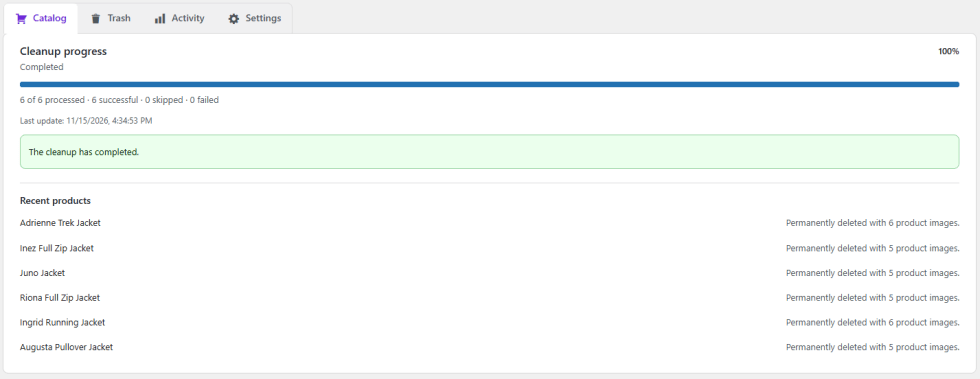
Watch a live counter and progress bar. Pause and Resume a run at a safe point, or Stop it. Products that were already processed stay processed.
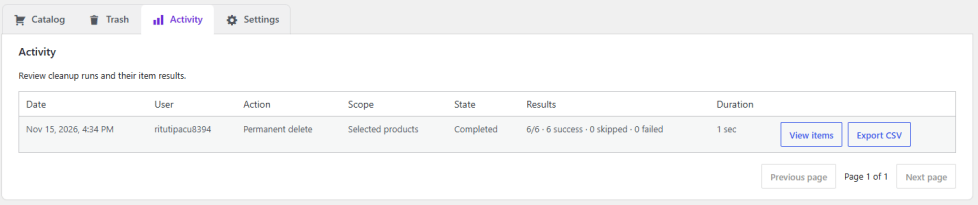
The Activity tab shows run history (date, user, action, scope, state, results, duration) and, for each run, the result and message for every product. The CSV export adds product ID, SKU, and product type.
No. It moves products to the native WooCommerce Trash, where you can restore them from the Trash tab. Product images are not deleted.
No. The browser starts the run and shows progress. Action Scheduler does the work in the background, so you can close the page and come back later.
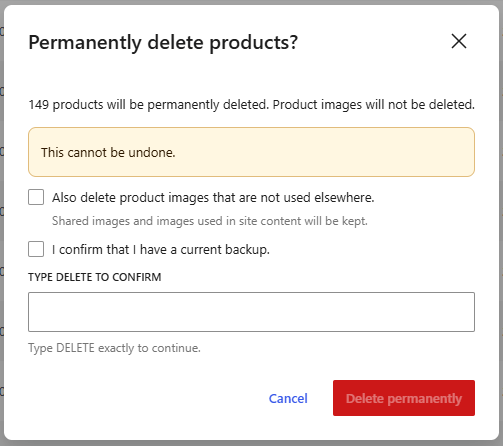
Permanent deletion always asks you to confirm that you have a current backup. You must also type DELETE when you delete more than 100 products, when the scope is all products, or when no filters are set and the selection covers the whole catalog.
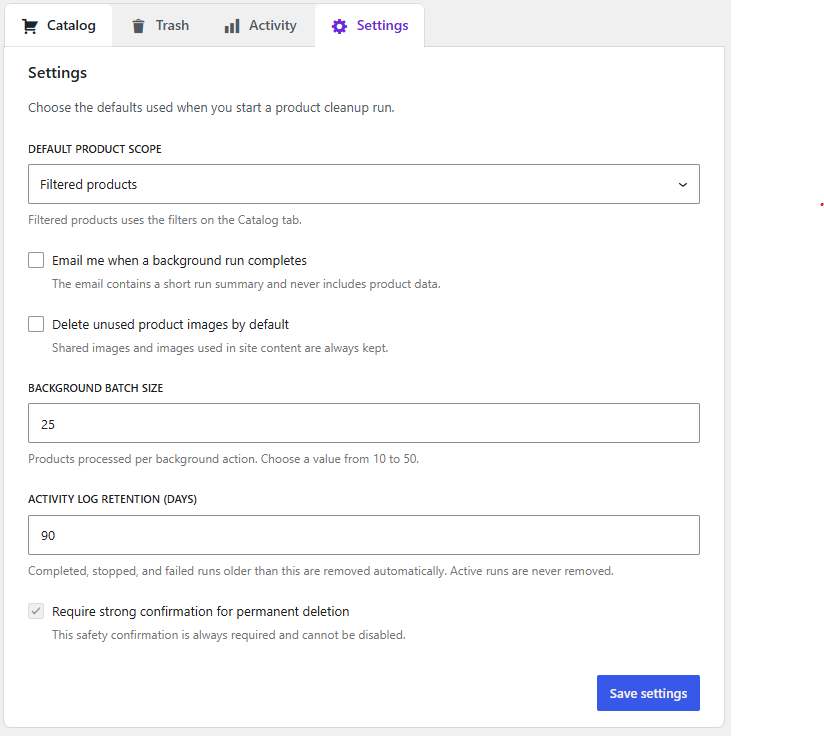
Not by default. Permanent deletion keeps images unless you turn on safe image deletion. Even then, an image is deleted only when it is not used by another product, post, page, or block. If the plugin cannot confirm that, the image is kept.
No. Cleanup runs never delete orders or order line items. The plugin is compatible with High-Performance Order Storage (HPOS).
Yes. Scan shows the matching count and a paged table, and “Preview cleanup” checks the selected products without making any changes.
Pause stops the run at a safe point and lets you resume it later. Stop cancels the run. In both cases, products that were already processed stay processed.
Variations are handled together with their parent product. Child products of a grouped product are not deleted just because the parent is selected. They are processed only if they match the filters themselves.
Products with active or pending-cancel WooCommerce Subscriptions are skipped. Bookable products are kept while WooCommerce Bookings is active.
Not yet. “Empty trash” removes everything in Trash, so it is only available when all products in Trash are selected. “Restore” works on selected products.
In the Activity tab. It lists every run with counters and per-product results, and you can export any run to a CSV file. The export is authenticated and is not saved in your public uploads folder. Activity is kept for 90 days by default, and you can change this in Settings.
Deactivating pauses any active run and does not change your catalog. Uninstalling removes only the plugin’s settings, its own tables, and its queued actions. Products, media, and orders are not removed.
Categories
Quality Checks
Countries






