
Subscription includes
Support
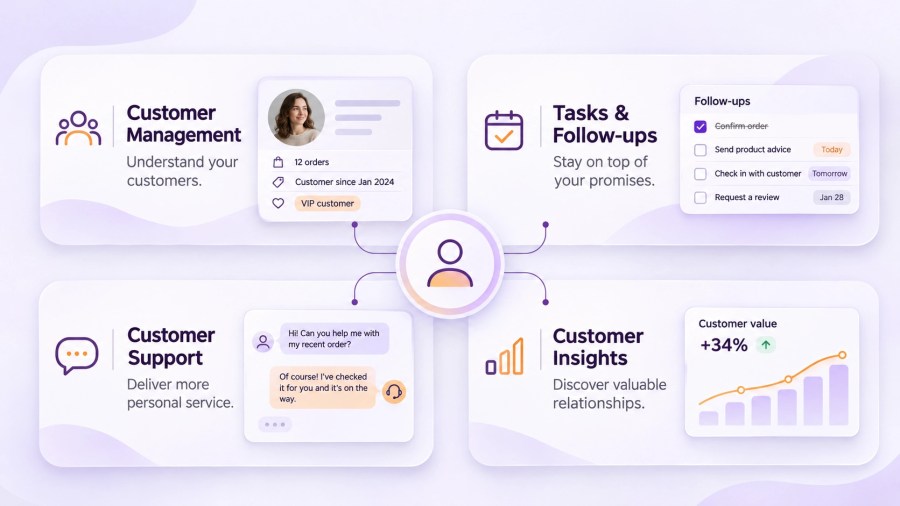
Your customers are more than their orders. Customer Desk transforms your WooCommerce dashboard into a dedicated customer management workspace, bringing customer profiles, purchase history, internal notes, follow-ups, support conversations, and purchase insights together.
Whether you run your store alone or work with a growing team, Customer Desk helps you stay organized, deliver more personal service, and build lasting customer relationships.
All without leaving WooCommerce.
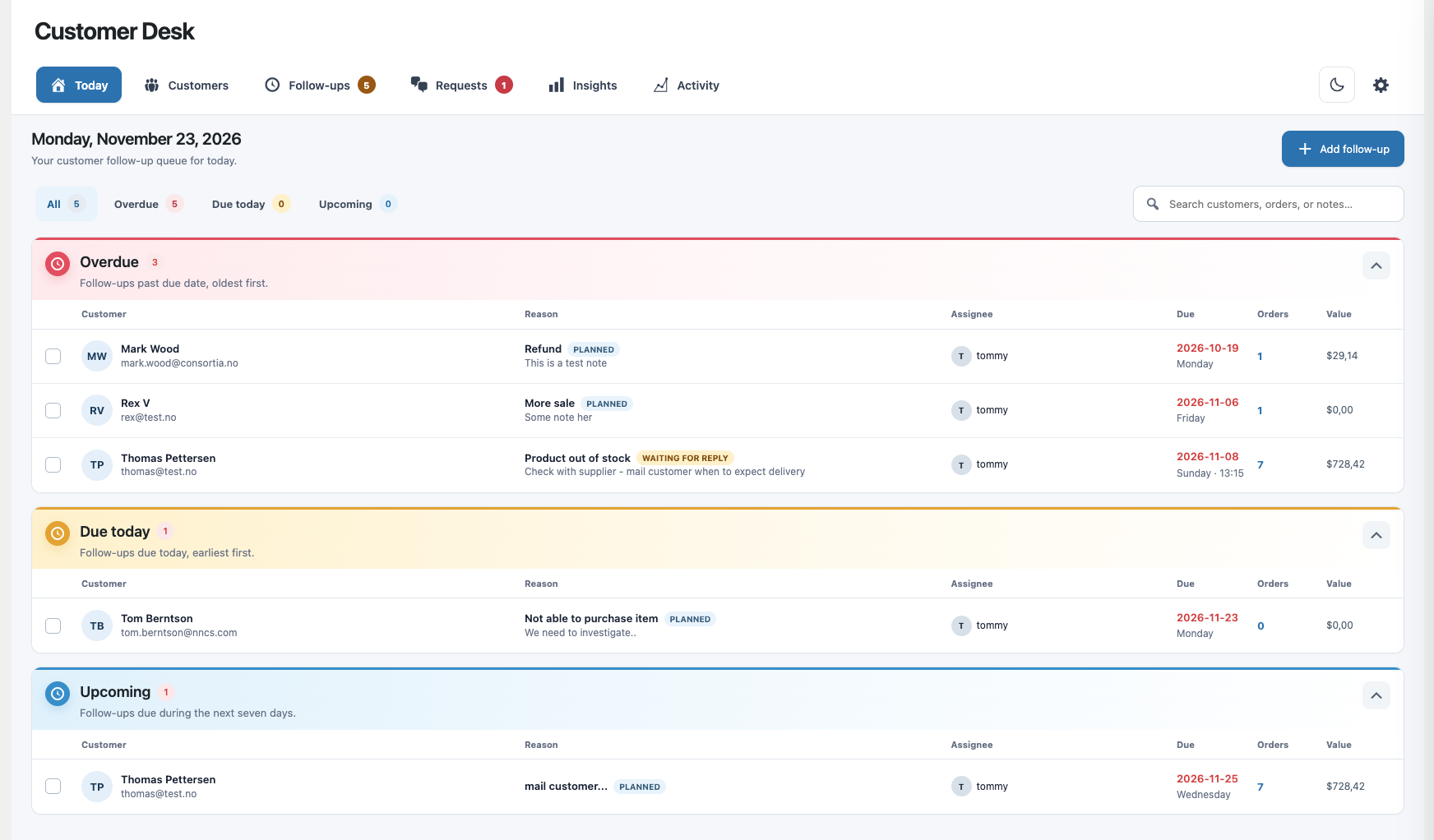
A customer is waiting for an update. Another needs a replacement. A loyal customer deserves a personal follow-up. The Today workspace brings overdue follow-ups, tasks due today, and upcoming work into one organized view. Open a customer side panel to review recent orders, check activity, add comments, and update follow-ups without leaving your workspace.
Spend less time searching and more time taking action.
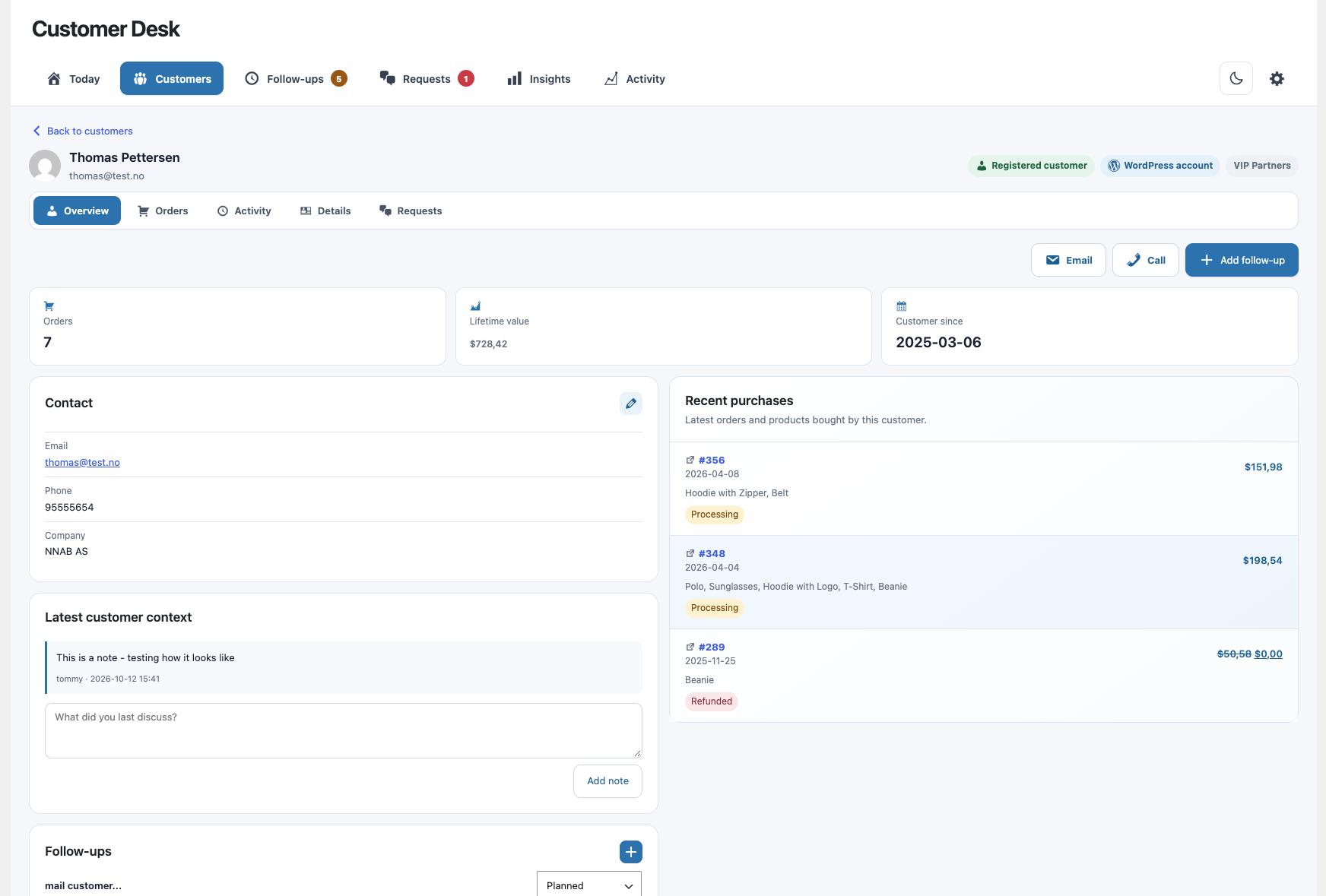
An order tells you what a customer purchased. Customer Desk helps you understand the customer behind it. Customer cards bring contact details, purchase history, customer value, internal notes, follow-ups, and support conversations together.
When a customer contacts your store again, you and your team have the context to pick up where the last conversation ended. Assign customer owners, organize profiles with tags and statuses, and keep important customer information accessible to your team.
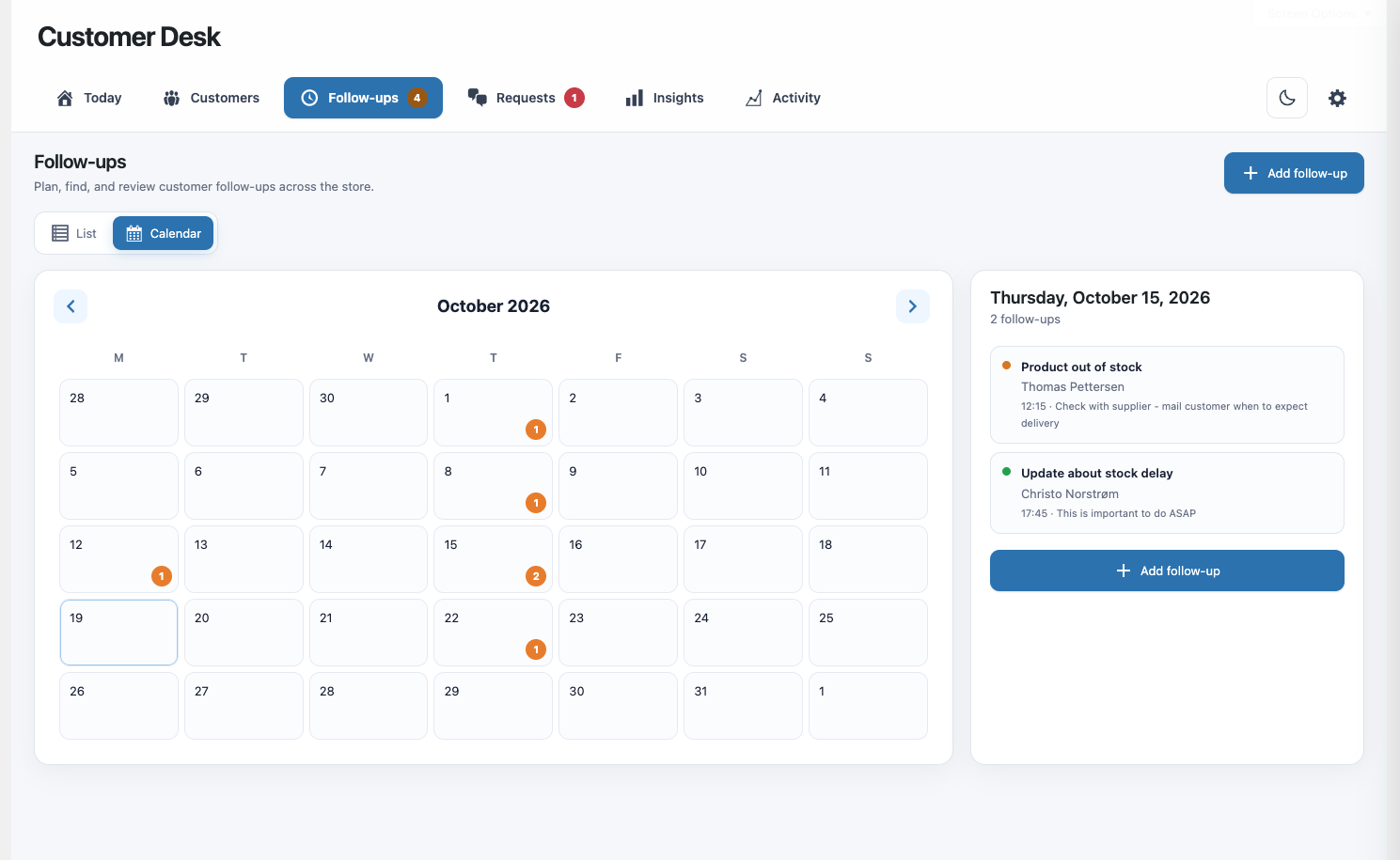
Great customer service often comes down to doing what you said you would do. Create follow-ups directly from customer profiles, support requests, or WooCommerce orders. Assign tasks to yourself or a team member, set due dates, add comments, and track progress. Switch between list and calendar views to organize daily work and plan ahead.
Completed follow-ups remain part of the customer’s history, so your team can always see what has been done.
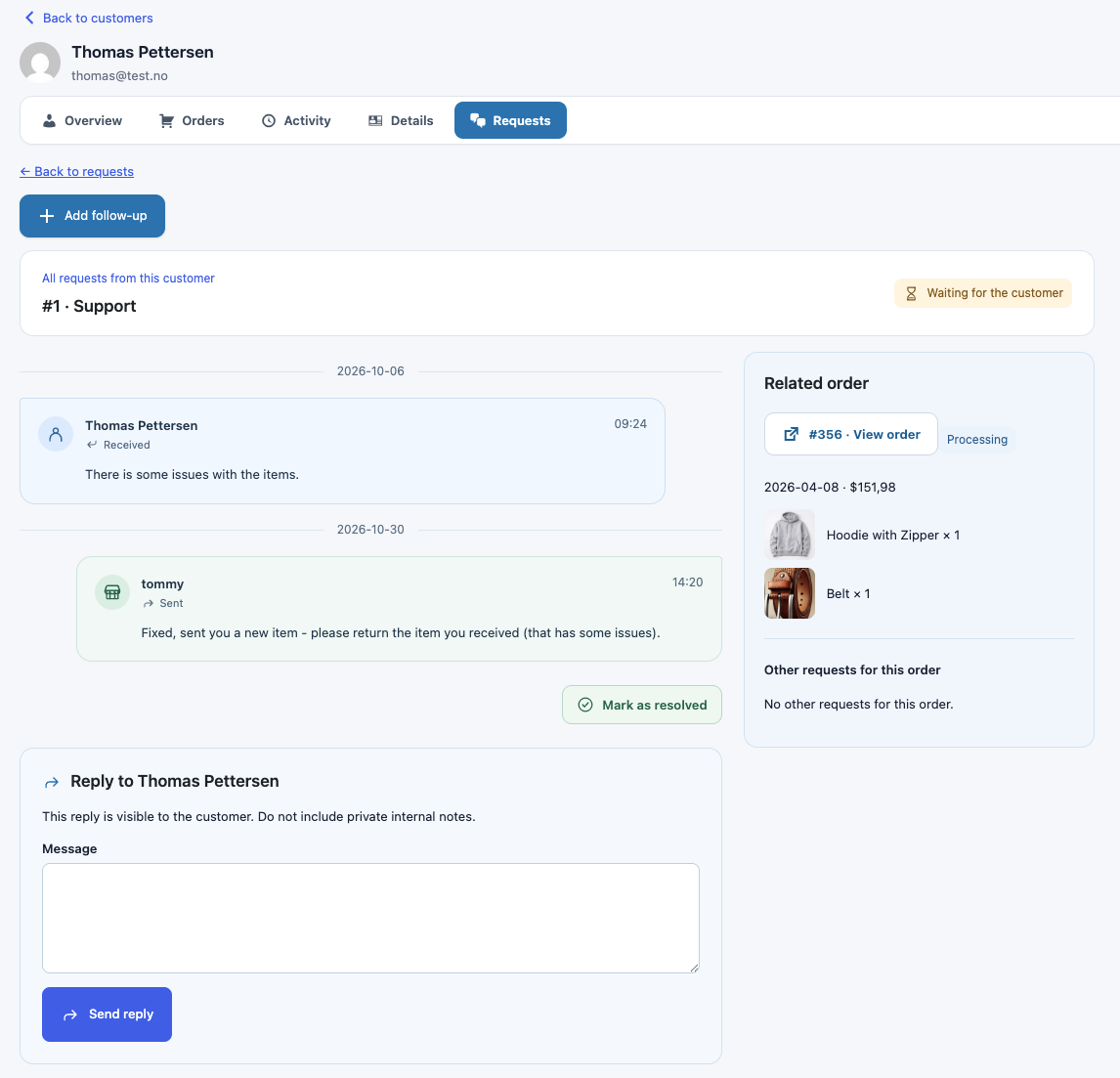
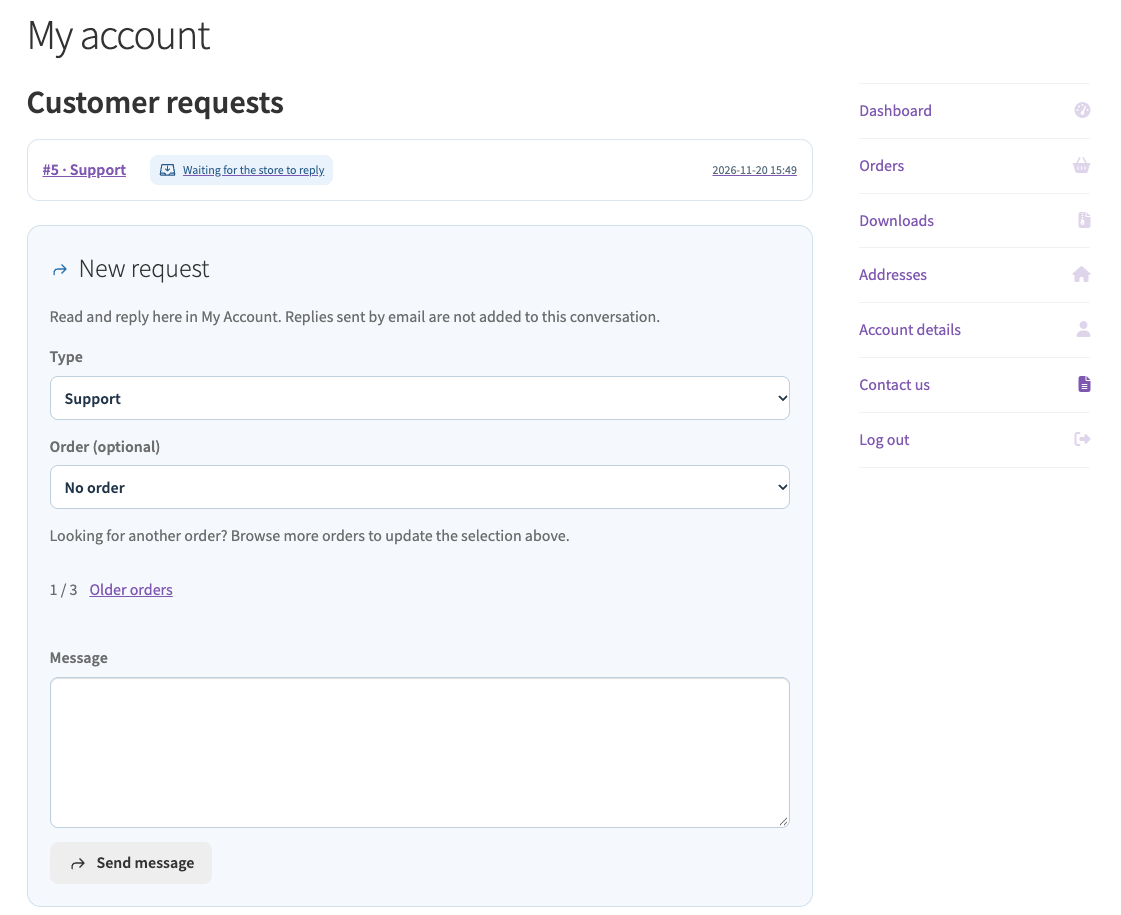
Give your customers a convenient way to contact your store directly from My Account. Logged-in customers can submit requests, select a related order, and return to read or reply to your team’s messages.
Manage conversations in a shared Requests inbox, with customer profiles, order details, and previous requests close at hand. Create follow-ups when additional action is needed, resolve completed requests, and optionally notify customers by email when your team responds.
No separate support platform required.
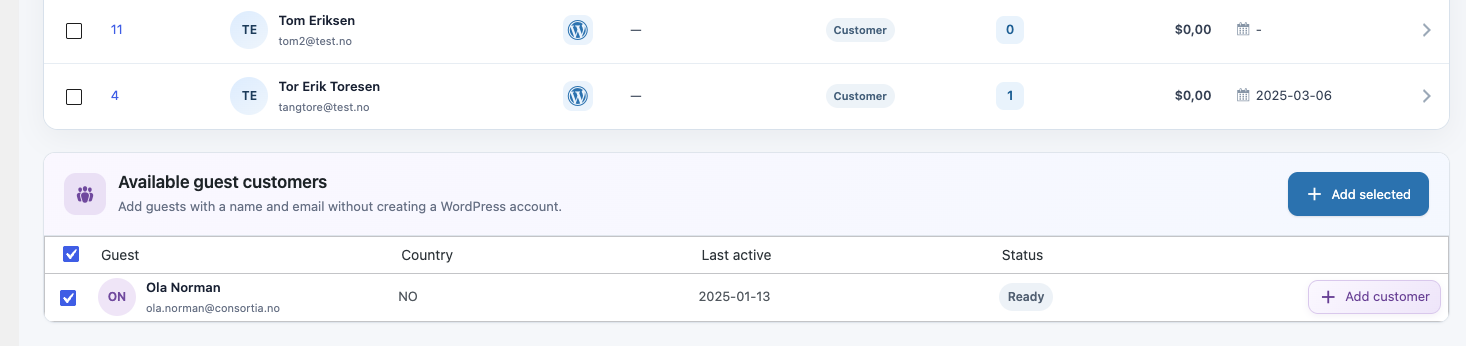
Not every valuable customer has an account. Customer Desk lets you manage eligible guest customers alongside registered customers, without requiring them to create a WordPress account. Add guest customers individually, import them in bulk, or automatically add new guest customers.
Keep their purchase history, contact information, notes, and follow-ups together, and build customer relationships regardless of how they choose to shop.
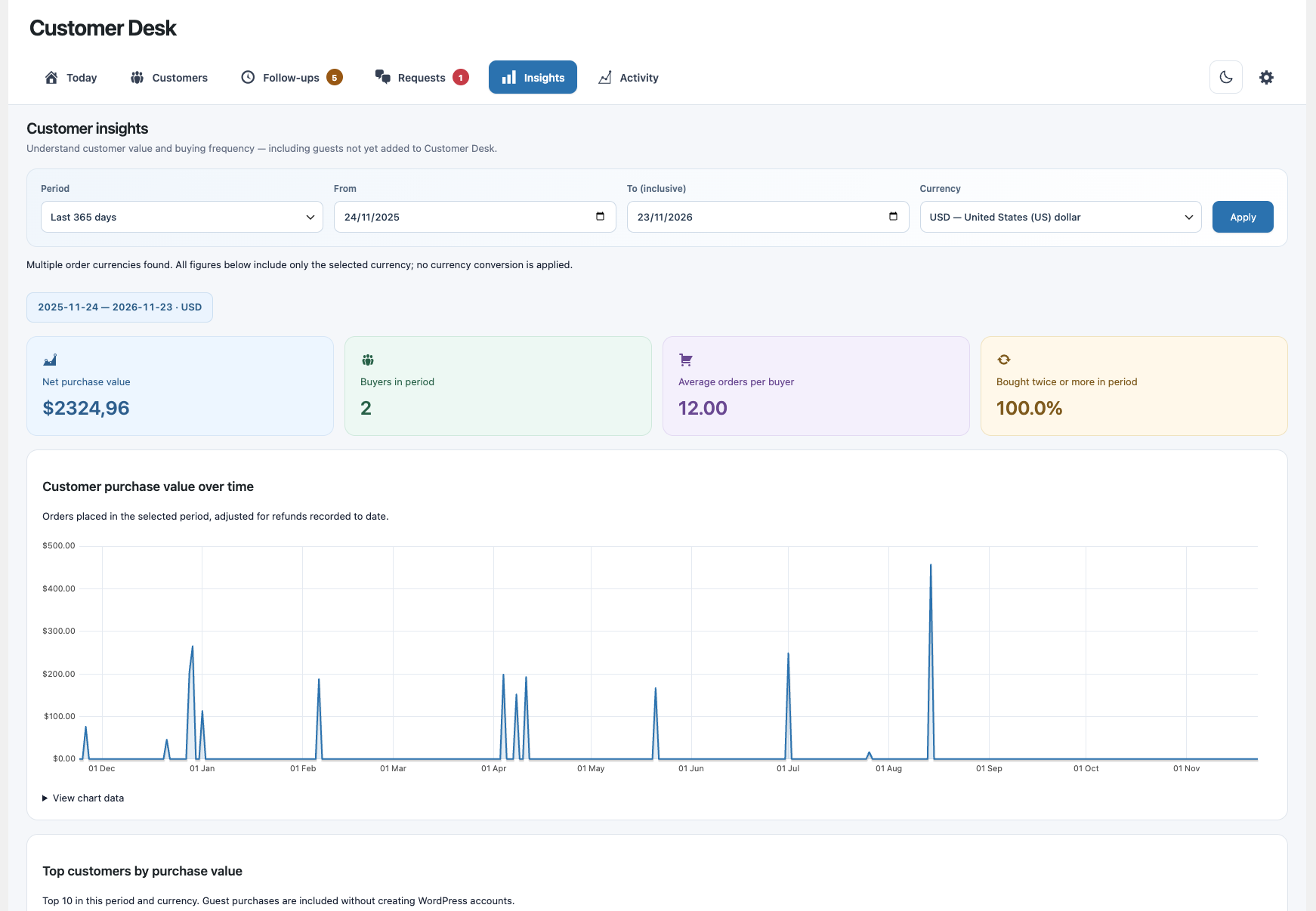
Who are your most valuable customers? How often do they return? How much do they typically spend?
Purchase Insights helps you turn existing WooCommerce order data into meaningful customer insights.
Explore flexible reporting periods and currency filters, with insights covering both registered and guest customers. Use this information to recognize valuable customer relationships and make more informed decisions.
Customer Desk works directly within your WordPress dashboard, alongside your existing WooCommerce orders and customers.
No external CRM account. No API key. No switching between platforms.
Bring customer management, daily tasks, customer support, and purchase insights together with Customer Desk for WooCommerce. Give your customers the attention they deserve, keep your team organized, and build the kind of relationships that make customers want to return.
Know your customers. Keep your promises. Build better relationships.
No. Customer Desk runs within your WordPress installation and works directly with WooCommerce. No external CRM account, separate CRM subscription, or API key is required.
Yes. Customer Desk supports registered customers and eligible guest customers. You can add guests individually, import them in bulk, or automatically add new guest customers without requiring them to create a WordPress account.
Yes. Logged-in customers can submit requests, select a related order, and continue conversations directly from My Account. Your team manages these conversations within WooCommerce.
Yes. Optional email notifications can inform customers when your team replies to a request. Customers can return to My Account to view and continue the conversation.
Absolutely. Customer Desk is designed for both independent store owners and teams. Use it to organize customer information, manage daily tasks, and stay on top of customer requests.
Categories
Quality Checks
Countries