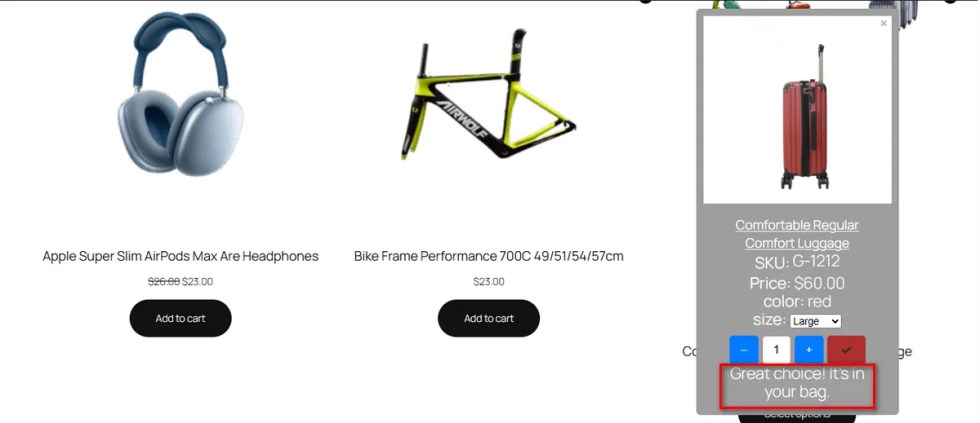
Loading a new page just to check a product detail is annoying. It slows customers down. If they lose their place on the shop page, they might leave your site entirely.
The Quick View feature fixes this issue. It opens a popup window instantly on the same page.
So, toggle it on and hit the ‘Save’ button.
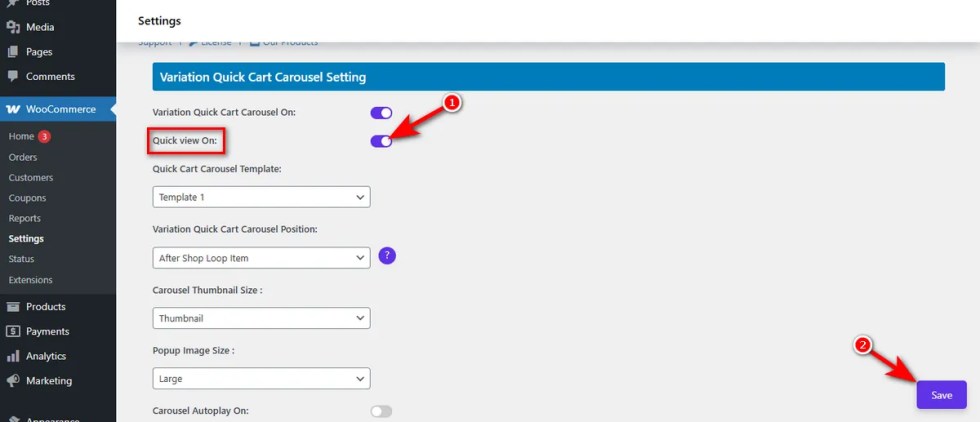
Now, customers can view details and add items to the cart without navigating away. This keeps them engaged with your catalog.
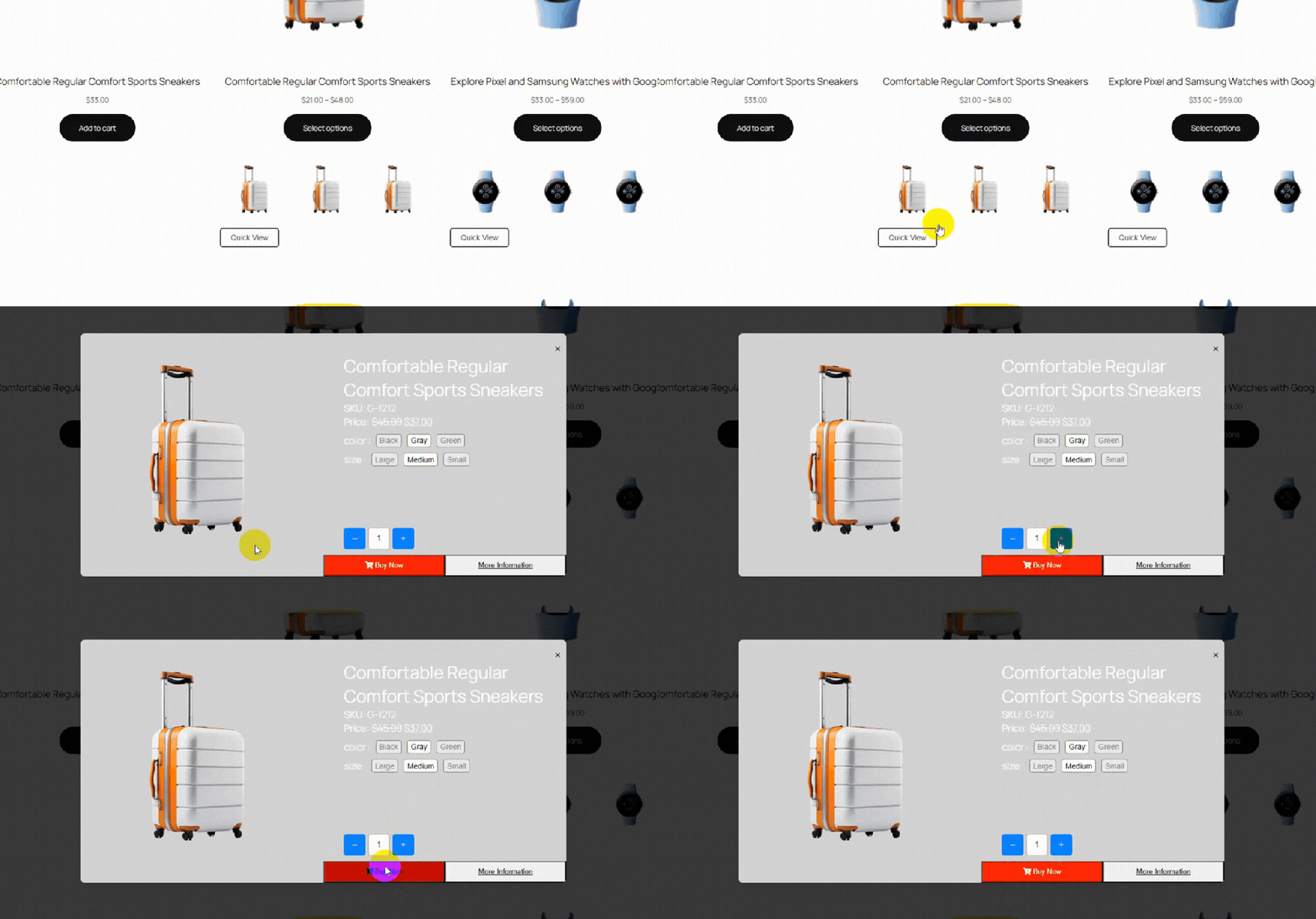
Quick View Text Change
↑ Back to topGeneric button text often goes unnoticed. “Quick View” is standard, but it might not excite your specific audience.
If your call-to-action feels boring, shoppers will ignore it.
They scroll right past without checking the product details. This missed interaction lowers your chances of making a sale.
You need a call-to-action that matches your brand voice.
This setting allows you to configure the quick view text change. You can rewrite the label to make it much more engaging.
Here is how to update the button text:
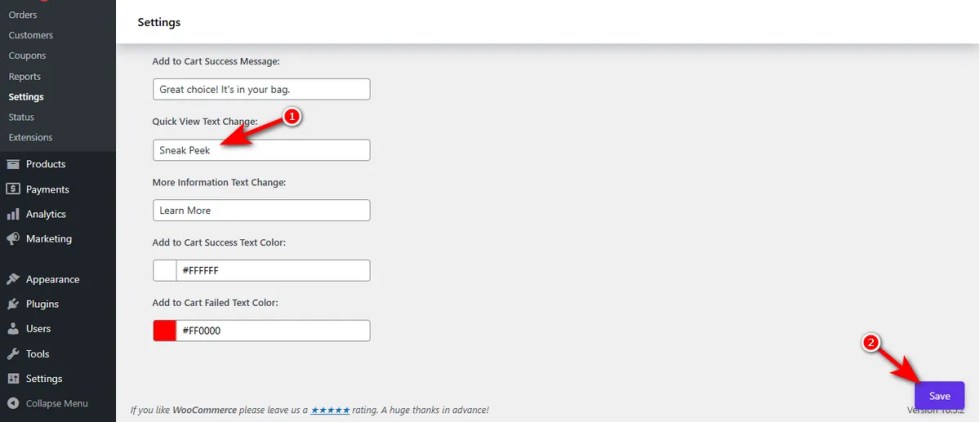
- Locate the “Quick View Text Change” input box in the settings panel.
- Delete the default text and type your custom phrase, such as “Sneak Peek” or “See Details”.
Hit the ‘Save’ button.
Here’s the output: