

Subscription includes
Support
Use the Variation Image Bulk Updater for WooCommerce plugin to set or replace variation images in bulk.
Better product configuration
You can easily set or replace variation images from a single interface.
Save admin time
Configuring images from a single place saves admin time.
Find the settings for Variation Image Bulk Updater for WooCommerce in the Variation Image Bulk Updater meta box on the variable product configuration page.
Note: The Variation Image Bulk Updater meta box will be visible only when variations have been configured.
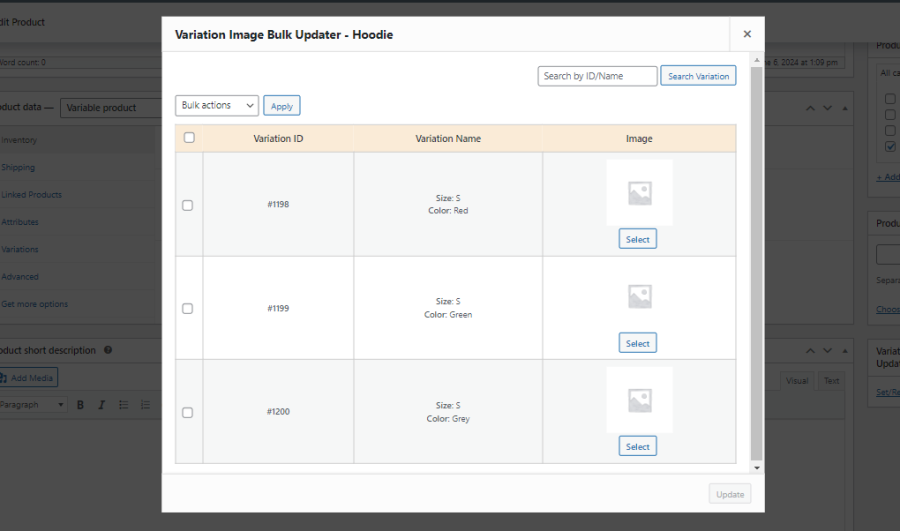
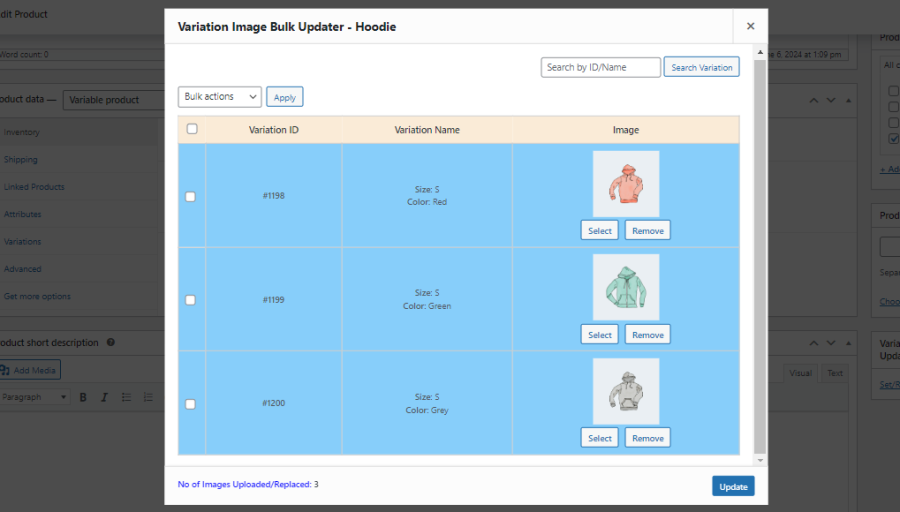
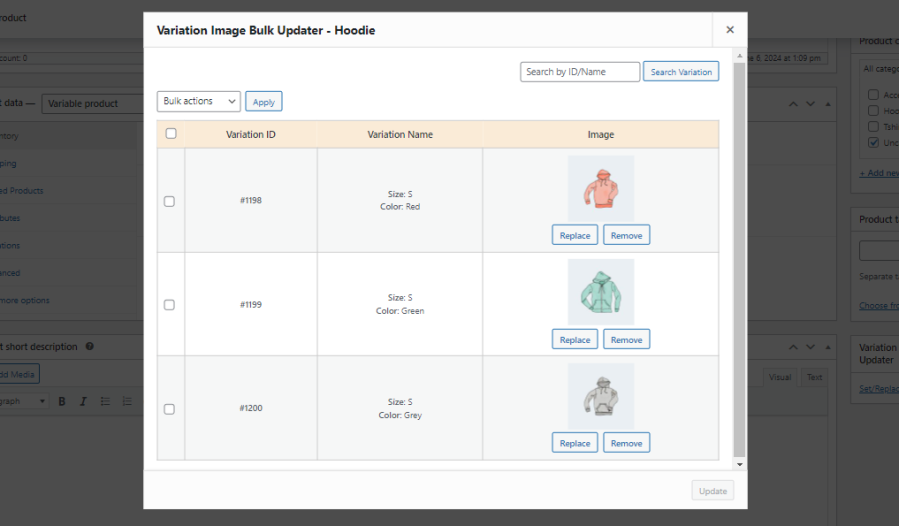
Update variation images for multiple product variations from a single interface. Upload or replace images in bulk, eliminating the need to edit each variation individually and significantly reducing administrative effort.
Manage all variation images from a centralized interface designed for bulk operations. Simplify image maintenance and streamline your workflow without navigating through individual variation settings.
Remove variation images in bulk whenever product images need to be updated or reset. Keep your product catalog organized with efficient image maintenance tools.
Quickly locate the required product variations using built-in search and filtering options. Easily manage variation images even for products with a large number of variations.
Access variation image management directly from the WooCommerce Products page without opening each product individually. Perform bulk image updates with a faster and more convenient workflow.
Review a detailed summary after every bulk image update to verify completed operations. Monitor uploaded, replaced, and deleted variation images for complete visibility into your bulk actions.
Extension information
Quality Checks
Compatibility
Countries
Languages







