

Subscription includes
Support
PrimeLink is a comprehensive import/export plugin built specifically for WooCommerce. It provides powerful tools for managing your store data with ease, whether you’re importing products from external sources or exporting orders for analysis.

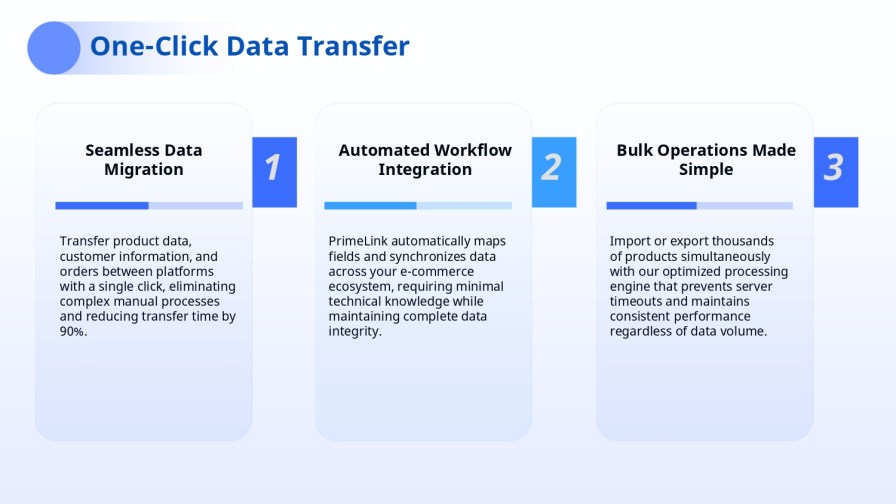
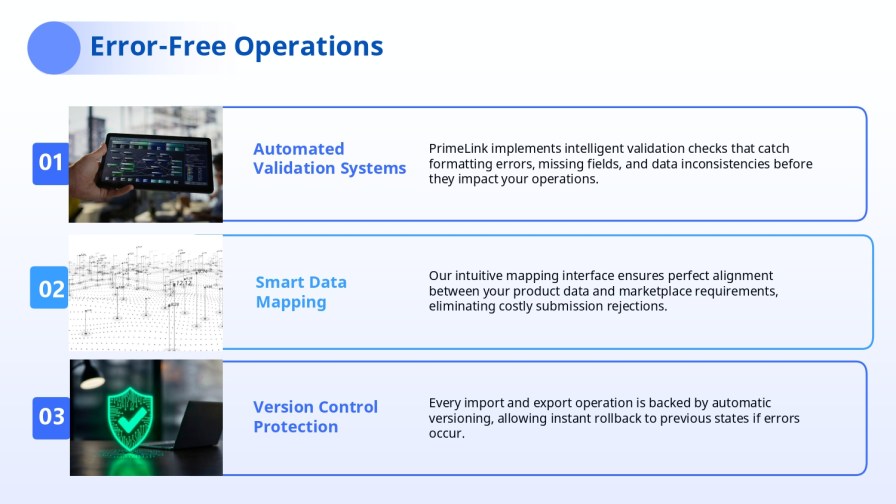
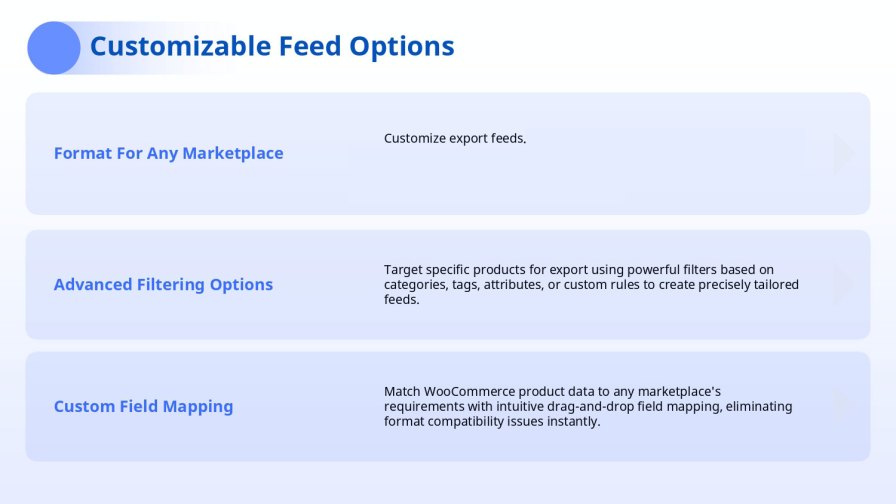
The easiest way to map your data! Drag-and-drop interface for mapping source columns to WooCommerce fields. No coding knowledge required – simply drag fields from your source to WooCommerce fields. Intuitive visual mapping makes it easy to connect your data sources to WooCommerce, even for complex mappings.
Import from anywhere! PrimeLink supports importing from a wide variety of sources:
No matter where your data is, PrimeLink can import it!
Protect your store from data errors! PrimeLink automatically detects potential issues during import before they affect your store:
Three severity levels: Critical, Warning, and Info. Review anomalies in a dedicated modal, navigate directly to affected items, and export anomaly reports for analysis. Critical anomalies automatically pause the import to prevent damage to your store.
Export your data in any format you need! PrimeLink supports exporting WooCommerce data to multiple formats:
Automated uploads: Upload exports directly to FTP/SFTP, Dropbox, Google Drive, or OneDrive. Set up scheduled exports that automatically upload to your preferred destination.
Save time with reusable templates! Save and reuse import/export mappings for faster workflows. Create templates for common import/export scenarios and load them with one click. Templates can be loaded directly in import and export wizards, making repetitive tasks a breeze.
Automate your workflows! Automatic imports and exports via WordPress cron or external cron. Set schedules for hourly, daily, weekly, or monthly intervals. Perfect for keeping your store synchronized with external data sources or generating regular reports.
Never wait for imports again! Long-running jobs processed in the background without blocking your admin interface. Continue working while imports/exports run in the background. Perfect for large datasets that would otherwise lock up your WordPress admin.
Test before you commit! Run imports in test mode to validate data before committing changes. Preview what will be imported without making actual changes to your store. Identify and fix issues before they affect your live store.
Undo mistakes easily! Track and rollback imports when needed. All imports are tracked, allowing you to revert changes if something goes wrong. Perfect peace of mind when importing large datasets.
Complete WooCommerce support! PrimeLink supports importing and exporting all major WooCommerce entities:
Work with your cloud storage directly! PrimeLink integrates seamlessly with the most popular cloud storage services:
All cloud storage credentials are securely stored in plugin settings and can be configured in WooCommerce → Settings → Integrations.
Connect to other e-commerce platforms! PrimeLink can connect to external platforms for real-time data import:
You can import and export all major WooCommerce entities — including products (simple, variable, grouped, external), orders with line items, customers, coupons, categories, tags, attributes, variations, reviews, and digital downloads.
The plugin supports multiple formats such as CSV, XML, and XLSX, allowing you to work with the format that best fits your workflow.
Yes — you can map your source columns to WooCommerce fields, including custom taxonomies and attributes, using the visual field mapping interface.
The system detects issues during import, highlights them with severity levels, and logs errors without affecting your existing store data. You can review, fix, and retry the import.
Yes — the plugin can identify existing records by unique identifiers (e.g., SKU or order ID) and update them instead of creating duplicates, based on your configuration.
Yes — import tracking and rollback support let you undo import changes if needed.
The plugin automatically checks for potential issues such as price changes, stock discrepancies, missing SKUs, or invalid URLs. Anomalies are classified by severity (Critical, Warning, Info), and critical issues can pause the import to protect your store.
Categories
Extension information
Countries






