



I manage Woo’s buy now, pay later (BNPL) partnerships with Affirm, Afterpay, and Klarna. Merchants ask me which one to enable, whether it’s worth the setup, and whether their customers will actually use it. The short answer: if your AOV is above $100, it probably is.
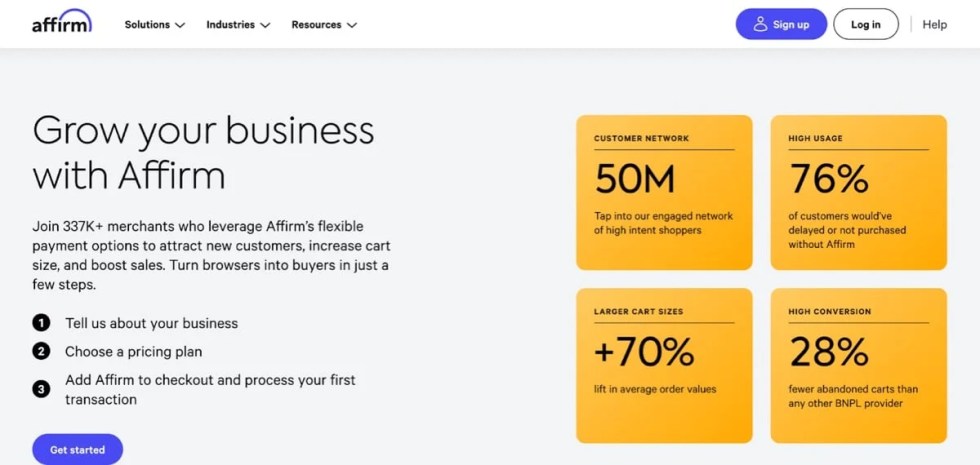
Most people are more comfortable spending $70 four times than $280 once, even though it’s the same money. The BNPL offer makes it easier to say yes to something they know they want to buy. Afterpay merchants see a 22% average lift in cart conversions and a 40% lift in order value. Affirm reports a 70% average lift in cart size.
How it works
↑ Back to topYou get paid in full exactly like a card transaction. Your customer pays the BNPL provider in installments, typically 4 payments over 6 weeks for smaller carts, or monthly plans up to 36 months for bigger ones. The provider runs the credit check, absorbs the fraud risk, handles chargebacks and disputes, and chases late payments.
Getting set up
↑ Back to topIf you’re on WooPayments, go to Payments → Settings → Payment methods and toggle on Affirm, Afterpay, or Klarna. Eligible carts will see BNPL at checkout. Two minutes, no new setup work.
On Stripe, the same toggles are in the extension settings under the payment methods tab. Stripe surfaces Affirm, Afterpay (Clearpay in the UK), and Klarna based on your region.
If you’re on neither, install WooPayments. It bundles BNPL with cards, Apple Pay, Google Pay, Tap to Pay, and 135+ currencies into one dashboard — one place for orders, refunds, and disputes.
If you’d rather keep your existing gateway, Affirm, Afterpay, and Klarna each have standalone extensions on the WooCommerce Marketplace. Both routes work, but the unified dashboard is better to work from.
Which provider for which store
↑ Back to topYou can run more than one at the same time, and plenty of stores do. If you’re picking a primary, here’s a clear version of how they differ.
| Affirm | Afterpay | Klarna | |
| Regional availability | US, Canada, UK | US, Canada, UK, Australia, New Zealand | Available globally in 26 markets, including the US, Canada, Mexico, the UK, most of Europe, Australia, New Zealand |
| Payment methods | Pay in 30, Pay in 4, and monthly installments up to 36 months, for carts of $35 to $30,000 | Pay in 4, monthly installments | Pay in 30 days, Pay in 3 or 4, Financing, and Pay in Full |
| Support options for merchants | A dedicated merchant support, a Client Success Manager for larger businesses, a self-service merchant portal, a knowledgebase | A dedicated Technical Merchant Services lead, a Partner Marketing lead, an Account Manager, 24/7 access to technical support | Onboarding assistance, a dedicated merchant portal, 24/7 support for technical and operational queries |
| Support options for customers | 24/7 support through a variety of channels, a self-serve customer help center, an in-app and web support | A help center, a support ticketing system | 24/7 support via live chat or phone |
| Best for | Stores with high-value products or high AOV, and customers planning major life purchases | An AOV of up to $3,000 USD (for Pay-in-4); purchase totals of between $100 and $10,000 (for Pay Monthly); younger, lifestyle-oriented shoppers | Businesses of all sizes and verticals looking for all-in-one payment method |
Affirm: The high-AOV pick
↑ Back to topAffirm is the right answer for stores with higher AOV. Carts from $35 to $30,000 USD, monthly installment plans up to 36 months, and no late fees ever (a real differentiator for customer trust). Furniture, electronics, fitness equipment, travel — anything a customer describes to their partner as “a big purchase” — Affirm earns its place at checkout.
Afterpay: The customer acquisition pick
↑ Back to top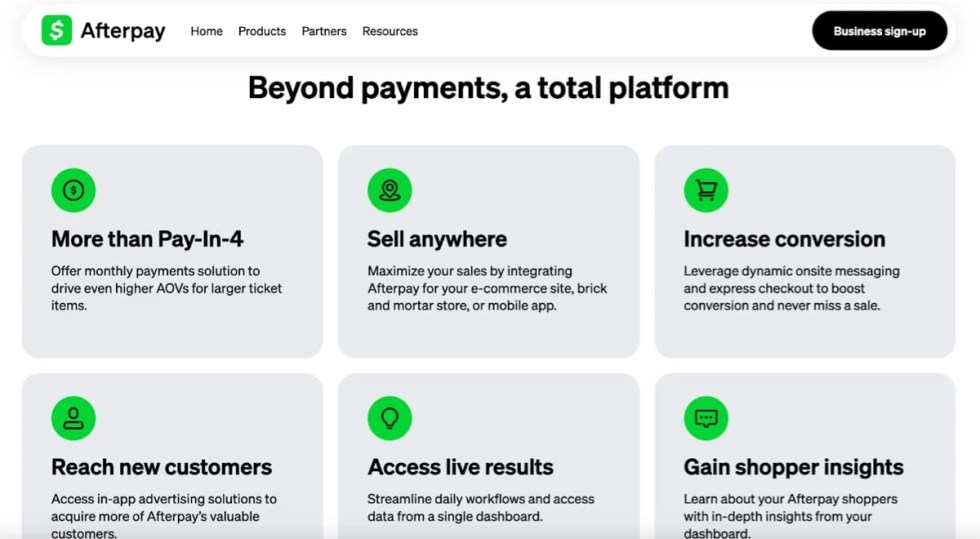
Afterpay (Cash App Afterpay in the US) tends to skew younger, with 57 million+ active users. Around 30% of Afterpay shoppers are new to the merchant they’re buying from, which makes it as much a way to reach new customers as a payment method.
Pay in 4 suits carts up to around $3,000 USD, monthly plans up to $10,000 (with a $100 floor). If your audience is under 35 and you sell anything in fashion, beauty, or lifestyle-adjacent, this is your provider.
Klarna: The geographic pick
↑ Back to top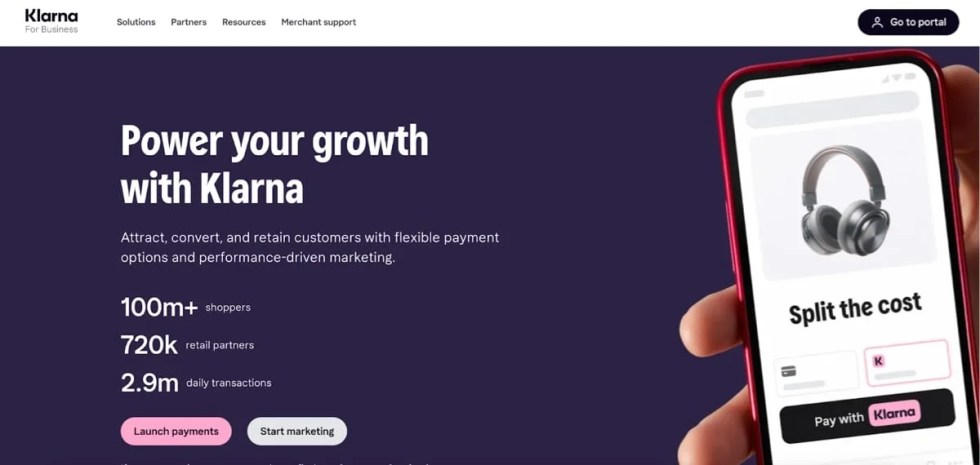
Klarna covers 26 markets — more than Affirm and Afterpay combined. As a licensed bank, it carries both the credit and fraud risk itself, so you’re paid up front and fully protected on every order. It also runs marketing placements that put your store in front of shoppers across Klarna’s network.
If your traffic is in Europe or markets the other 2 don’t reach, use Klarna.
Before you flip the switch
↑ Back to topCheck it against your product type. BNPL is built for one-off purchases, so if recurring billing or subscriptions are your core product, confirm support with the provider before you lean on it.
There are minimums and maximums. Each provider sets its own, and they vary by country. A $15 USD product won’t qualify. Neither will a $50,000 B2B order. And customers run a quick eligibility check at checkout. They’ll still see your other payment methods.
Geography is worth a quick check. Look at where your traffic actually comes from before you pick a provider. If most of your audience sits in markets none of the 3 cover well, BNPL won’t do much for you.
Once you’ve enabled BNPL, tell people it’s there. Add messaging to your product and cart pages — not just at checkout. Seeing “Or 4 payments of $70 with Afterpay” influences a customer who is still deciding. All 3 providers ship on-site messaging widgets for exactly this. They’re a block or a one-line snippet, not a project.
More payment options, fewer customers lost
↑ Back to topSetting up BNPL is the cheapest conversion work you can do, and most stores still haven’t done it. If you’re on WooPayments, open your dashboard and toggle BNPL on. Reading this paragraph took longer than the installation will.


About


This is a really insightful article — I appreciate how clearly it explains the benefits and considerations of buy now, pay later options for e-commerce stores. Offering flexible payment solutions can truly enhance customer experience and conversion rates. Thanks for sharing these practical insights!
Glad to hear you found it helpful!
Excellent overview of Buy Now, Pay Later options for WooCommerce stores. The comparison between Affirm, Afterpay, and Klarna makes it much easier for merchants to choose the right solution based on their audience and average order value. I especially liked the point about displaying BNPL messaging on product pages, not just at checkout, as it can influence purchasing decisions earlier in the customer journey. Thanks for sharing these practical insights!