
Subscription includes
Support
Are you relying on gross revenue to measure the success of your WooCommerce store? If you aren’t tracking your exact expenses, you might be losing money without even realizing it.
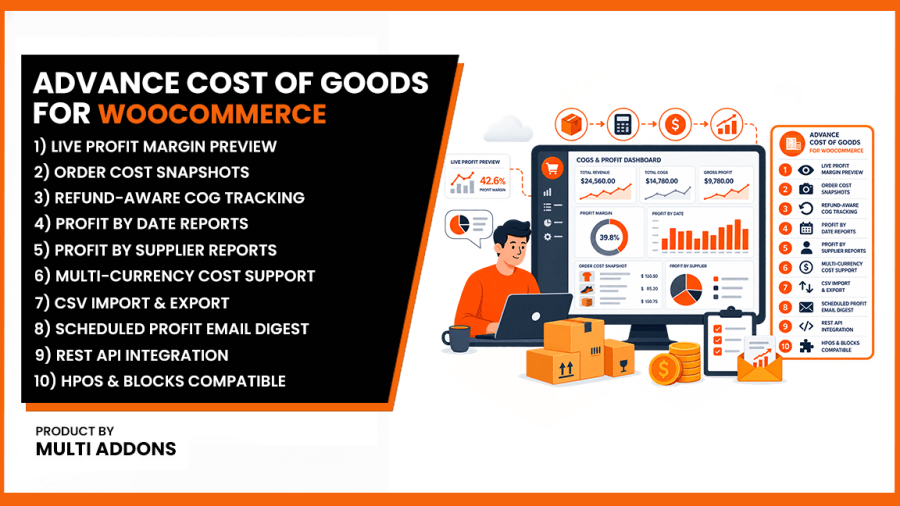
Advance Cost of Goods for WooCommerce is the definitive financial tool designed to help you track product costs, calculate accurate net profit margins, manage your suppliers, and gain real-time visibility into the actual profitability of your eCommerce business.
Stop guessing your margins. By adding a Cost of Goods Sold (COGS) field to your WooCommerce products, our plugin does the heavy lifting—automatically deducting costs, shipping, taxes, and fees so you know exactly how much you are making on every single sale.
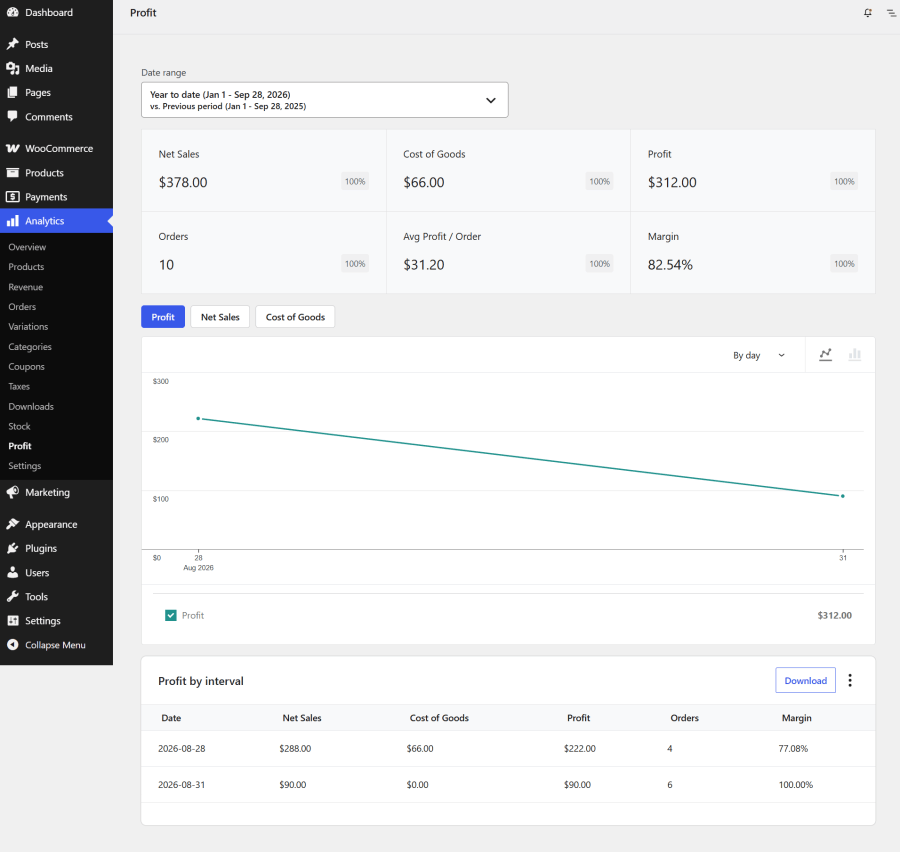
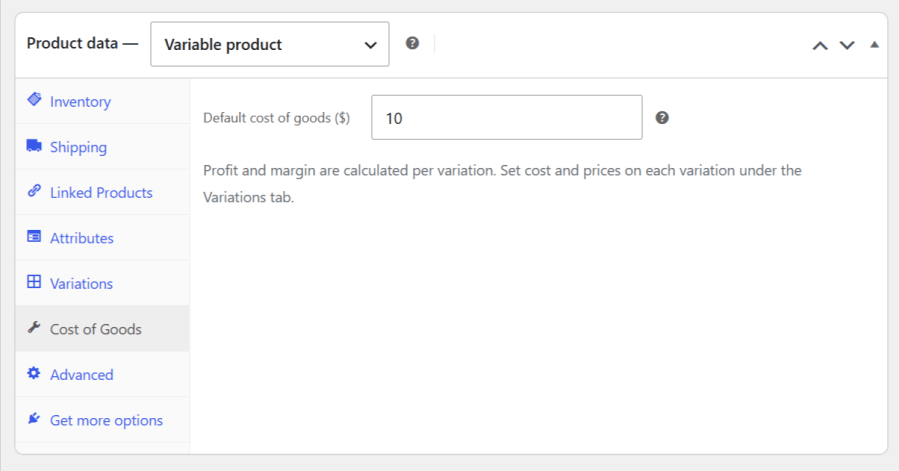
Our plugin seamlessly integrates into your existing WooCommerce setup. Simply input your purchase or manufacturing cost into any Simple or Variable product. The plugin automatically calculates your true net profit.
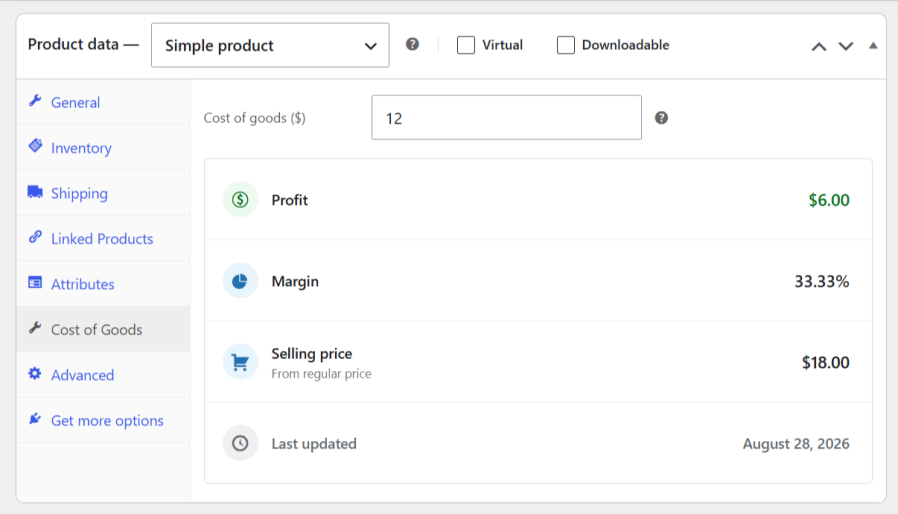
Have complex products? No problem. You can assign unique costs to every individual variation, ensuring your accounting is flawless regardless of color, size, or wholesale pricing tiers.
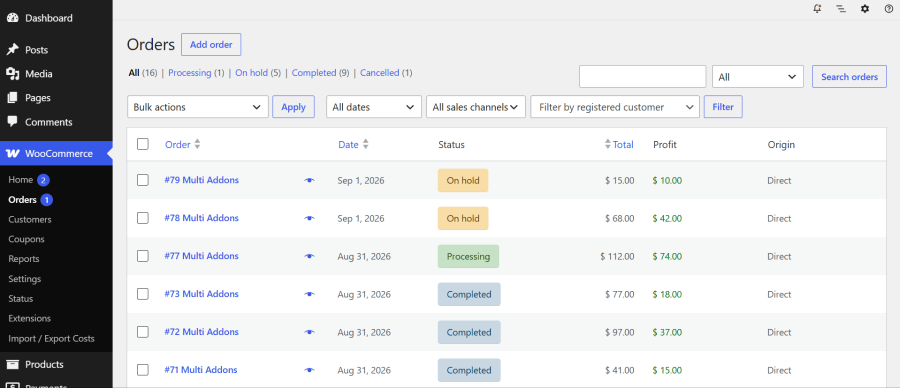
You don’t have to learn a new system to view your profits. We bring the data directly to the screens you already use every day. Quickly scan your daily performance right from the WooCommerce Orders list.
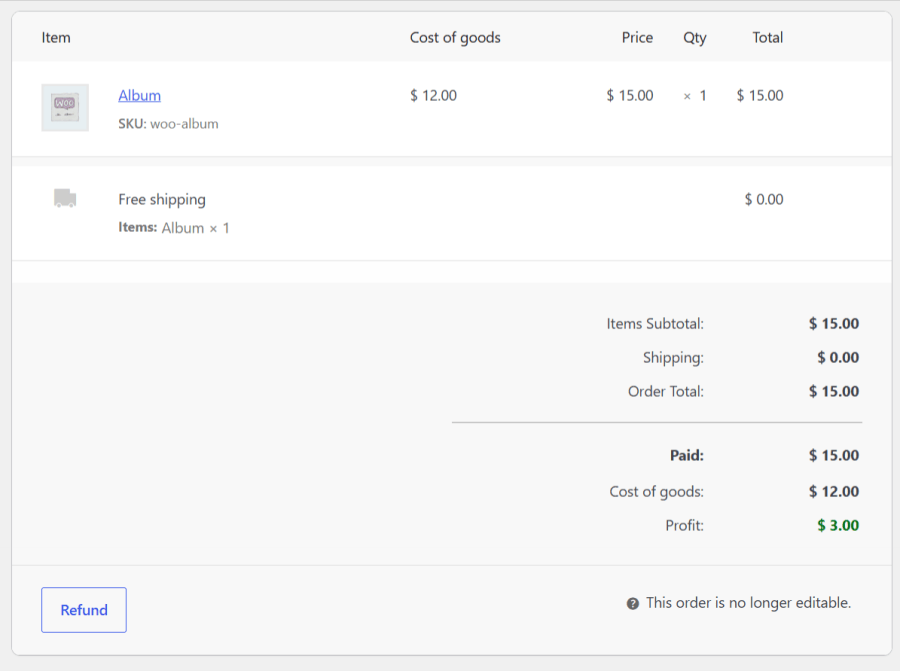
Want to see exactly how much you made on a specific customer’s purchase? Click into any single order to view a detailed breakdown of the cost and profit for every line item.
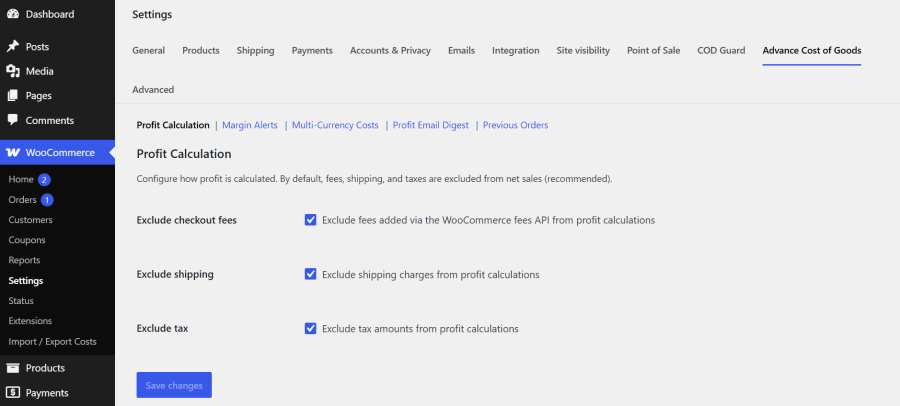
Every eCommerce business is unique. Our comprehensive settings panel allows you to customize exactly how your profit is calculated. Choose whether to exclude shipping fees, taxes, or payment gateway charges from your final profit margins.
Running a big Black Friday sale? Applying bulk discounts? It’s incredibly easy to accidentally discount a product below your wholesale cost.
Advance Cost of Goods protects your bottom line. Set a minimum acceptable profit margin (e.g., 15%), and the plugin will display a visual warning in your dashboard if any product’s selling price dips below that threshold.
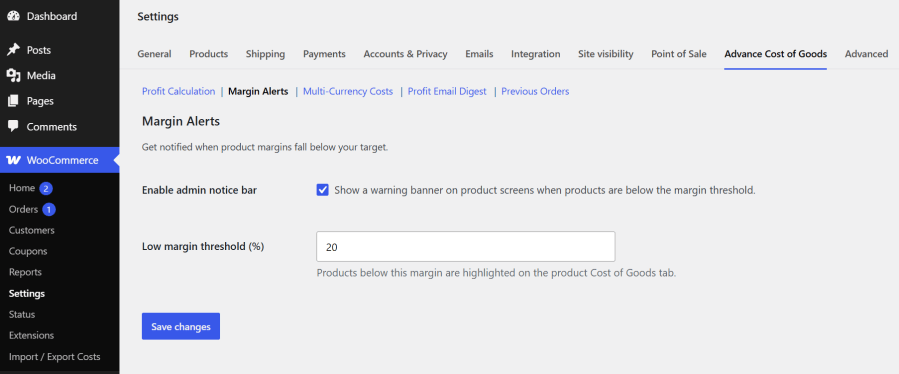
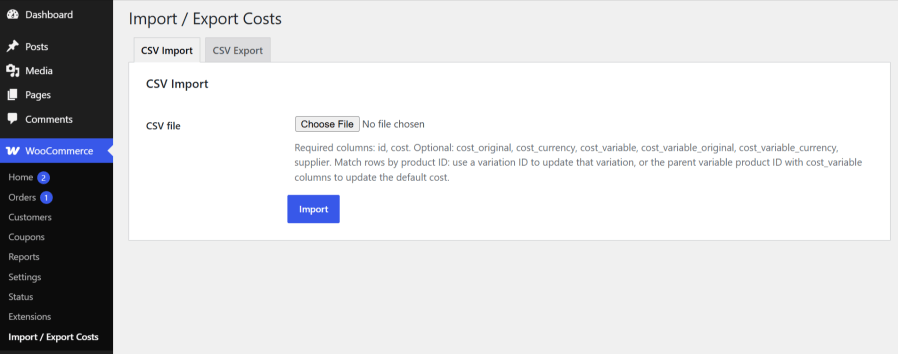
Managing thousands of SKUs? Don’t waste hours updating prices manually. Use our built-in CSV tool to bulk import or export your product costs and supplier data in minutes using Excel or Google Sheets.
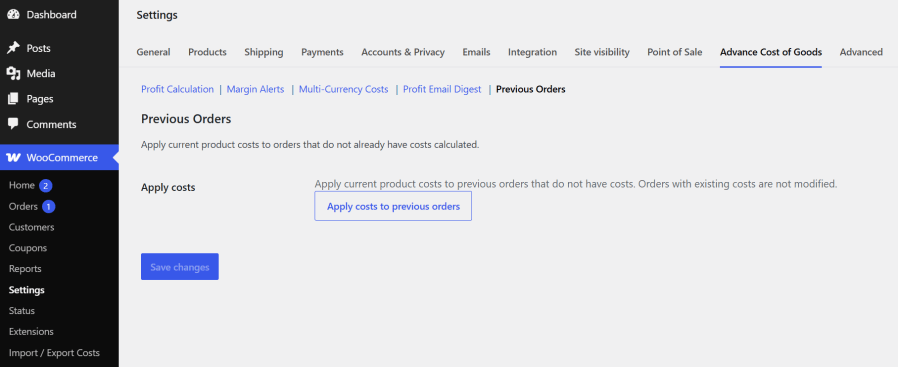
If you already have an established store, you don’t have to start your analytics from zero. Use the powerful Backfill tool to apply your current product costs to historical orders that were placed before you installed the plugin. Generate accurate profit reports for last month, last quarter, or last year!
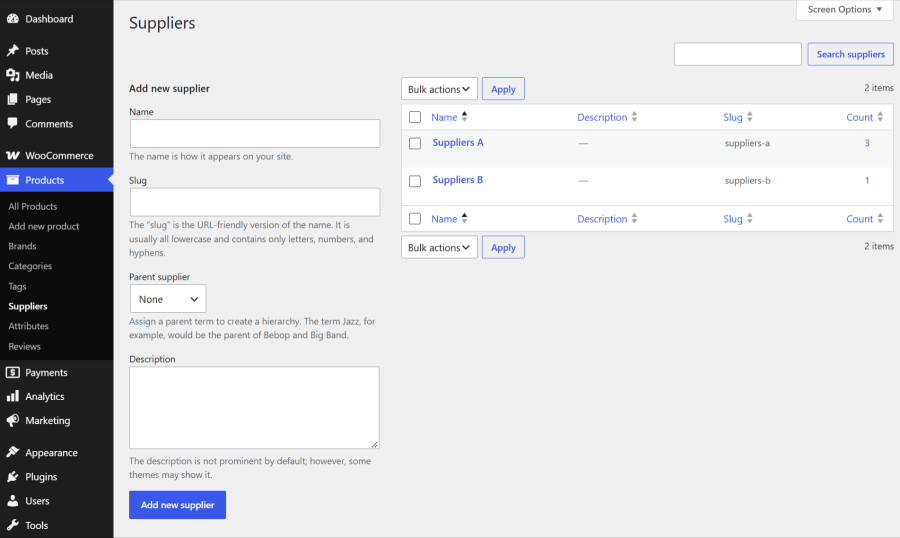
Know exactly which vendors are making you the most money. Create custom suppliers and link them to your products. You can then filter your sales analytics and profit reports to see which supplier provides your best-selling and highest-margin inventory.
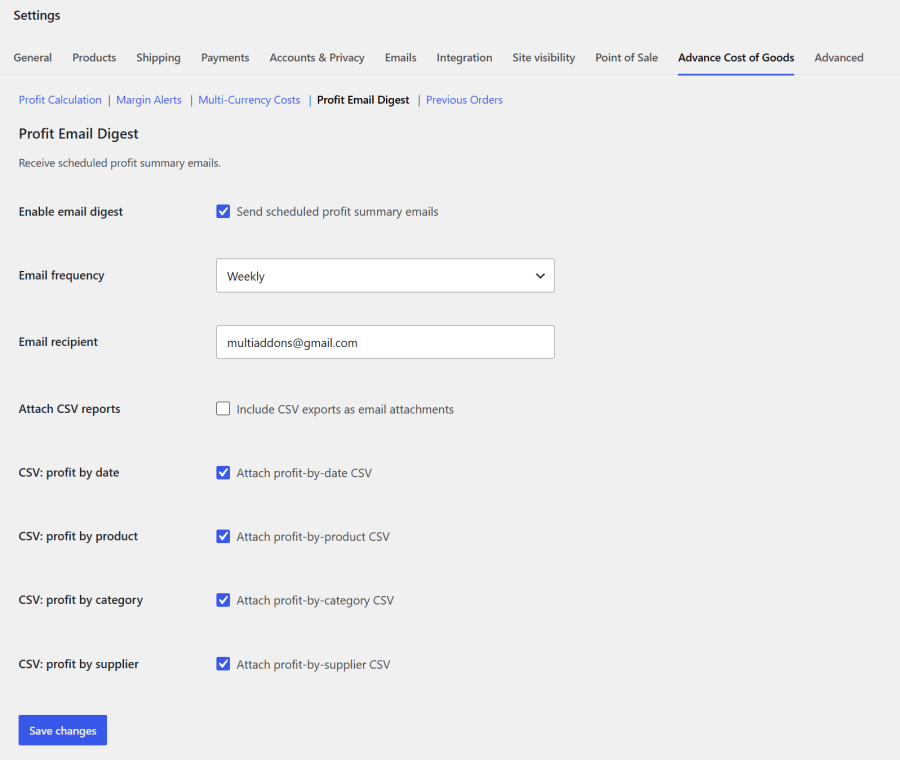
You shouldn’t have to log into WordPress every day just to check the health of your business. Configure automated daily, weekly, or monthly profit summaries delivered straight to your inbox. You can even choose to automatically attach a detailed CSV report!
Keep your finger on the pulse of your business the second you log in. Our quick-glance WordPress Dashboard Widget displays your daily revenue, total cost of goods, and total net profit without needing to load complex reports.
A critical flaw in standard profit calculators is the mishandling of future price fluctuations. If a supplier increases wholesale pricing, updating the WooCommerce cost of goods field often corrupts historical analytics by applying the new cost to past orders.
Advance Cost of Goods for WooCommerce eliminates this data integrity issue. The system utilizes strict “Order Cost Snapshots,” recording the precise cost of a product at the exact second a customer completes checkout. This guarantees that historical profitability reports and past margin calculations remain 100% accurate, completely unaffected by future supplier cost adjustments or inventory changes.
For eCommerce brands sourcing products internationally, currency fluctuations can complicate profit margin calculations.
Advance Cost of Goods provides comprehensive multi-currency support designed for global sourcing. Store administrators can input product costs using varying international exchange rates. The system then automatically executes real-time conversions, calculating exact net margins based exclusively on the primary base currency of the WooCommerce store.
There are a few basic profit trackers out there, but Advance Cost of Goods for WooCommerce was built specifically for serious store owners who need enterprise-level accuracy without the confusing setup.
Here is why thousands of store owners trust this plugin to manage their financial data:
By default, WooCommerce only tracks gross sales. The Advance Cost of Goods plugin allows you to add a purchase cost (COGS) to every product. It then automatically subtracts your costs, shipping, taxes, and fees from your sales to calculate and report your true net profit margin in real-time.
Yes! You can easily set a unique cost of goods for every single variation of a WooCommerce variable product. This ensures your profit reports are 100% accurate, even if different sizes or colors have different manufacturing or wholesale costs.
Your past data is safe. Whenever a customer places an order, the plugin takes a "snapshot" of the product's exact cost at that specific moment. If your supplier increases their wholesale price months later, your historical profit reports and past order calculations will remain completely unchanged and accurate.
Yes, you can. The plugin includes a powerful historical "Backfill" tool. With just one click, you can apply your current product costs to all previous WooCommerce orders, allowing you to instantly generate accurate profit analytics for past months or years.
Absolutely. If you have hundreds or thousands of products, you don't need to edit them one by one. Our plugin includes a built-in CSV bulk import and export tool, allowing you to update your product costs and assign suppliers in minutes using Excel or Google Sheets.
Extension information
Quality Checks
Countries








