Active installs
2K+
Subscription includes
Support

More Conversions
Grabs attention & increases chance of conversion

Lower Returns
Detailed product view decreases chances of return

Simplify Products
Provide visual aid to simplify complex products

Builds Trust
Visual assurance of product’s existence builds trust

Go Multi-Channel
Reach more customers via video platforms
WooCommerce Product Videos extension enables you to replace the featured product images with a video. The featured videos can be played in a popup or from the same page. You can add a WooCommerce product featured video directly from the product edit page in the back office.
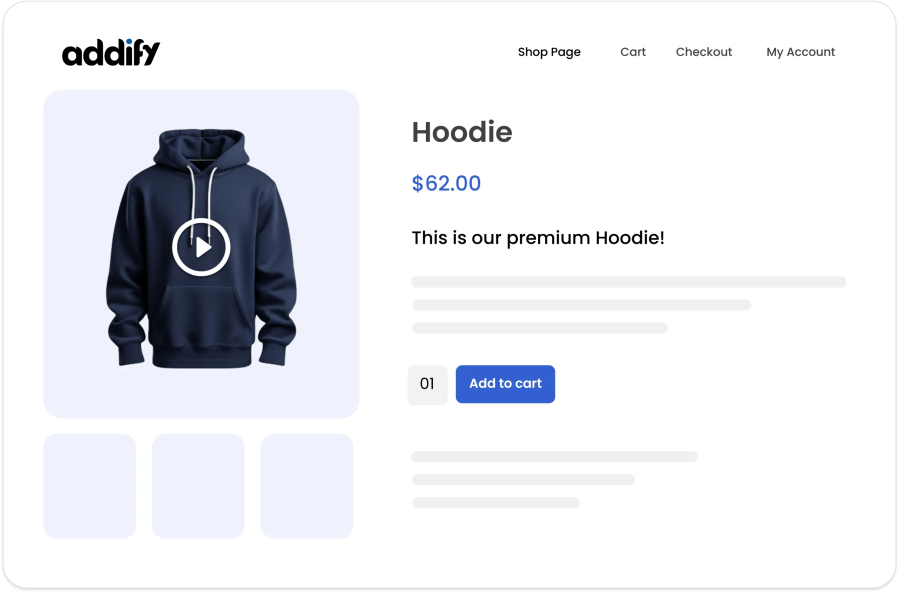
With this plugin, you can also add videos to the WooCommerce product gallery along with your images. Customize the thumbnail for each product gallery video to convey a message before users click to play a video.
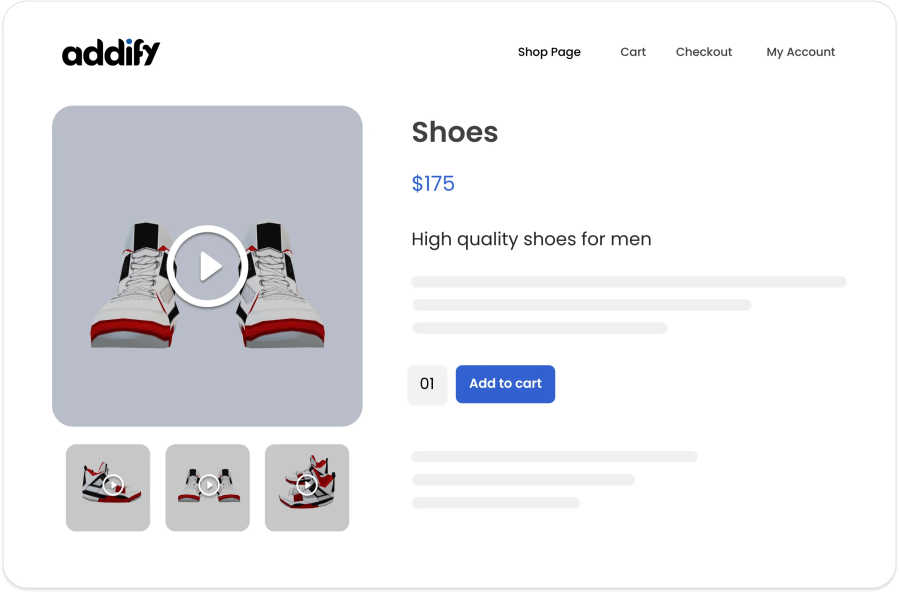
1) HTML5 Lightbox Gallery Template
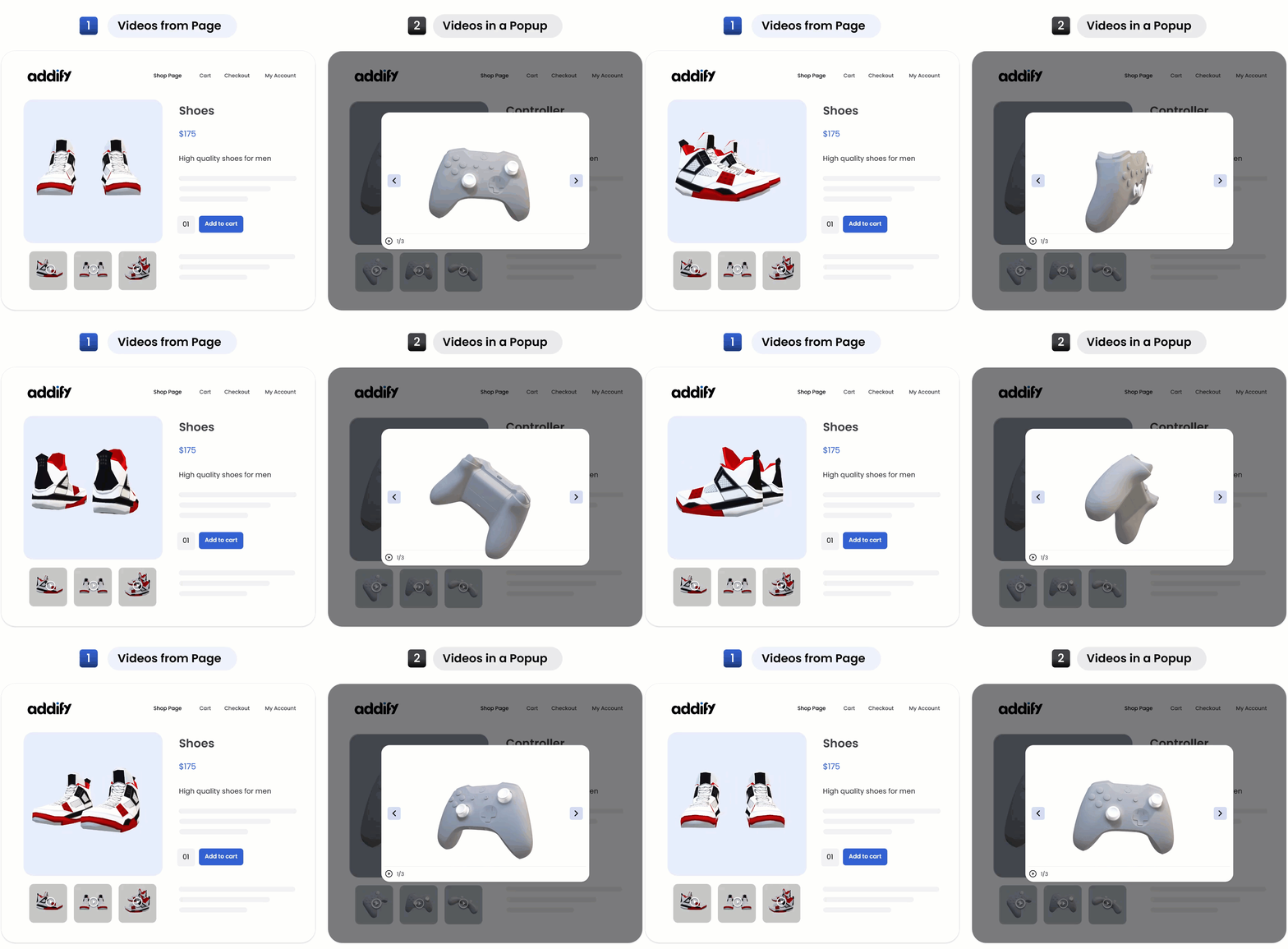
HTML5 Lightbox Gallery enables you to play the featured videos on product and shop pages, whereas the gallery videos and images are played in a popup.
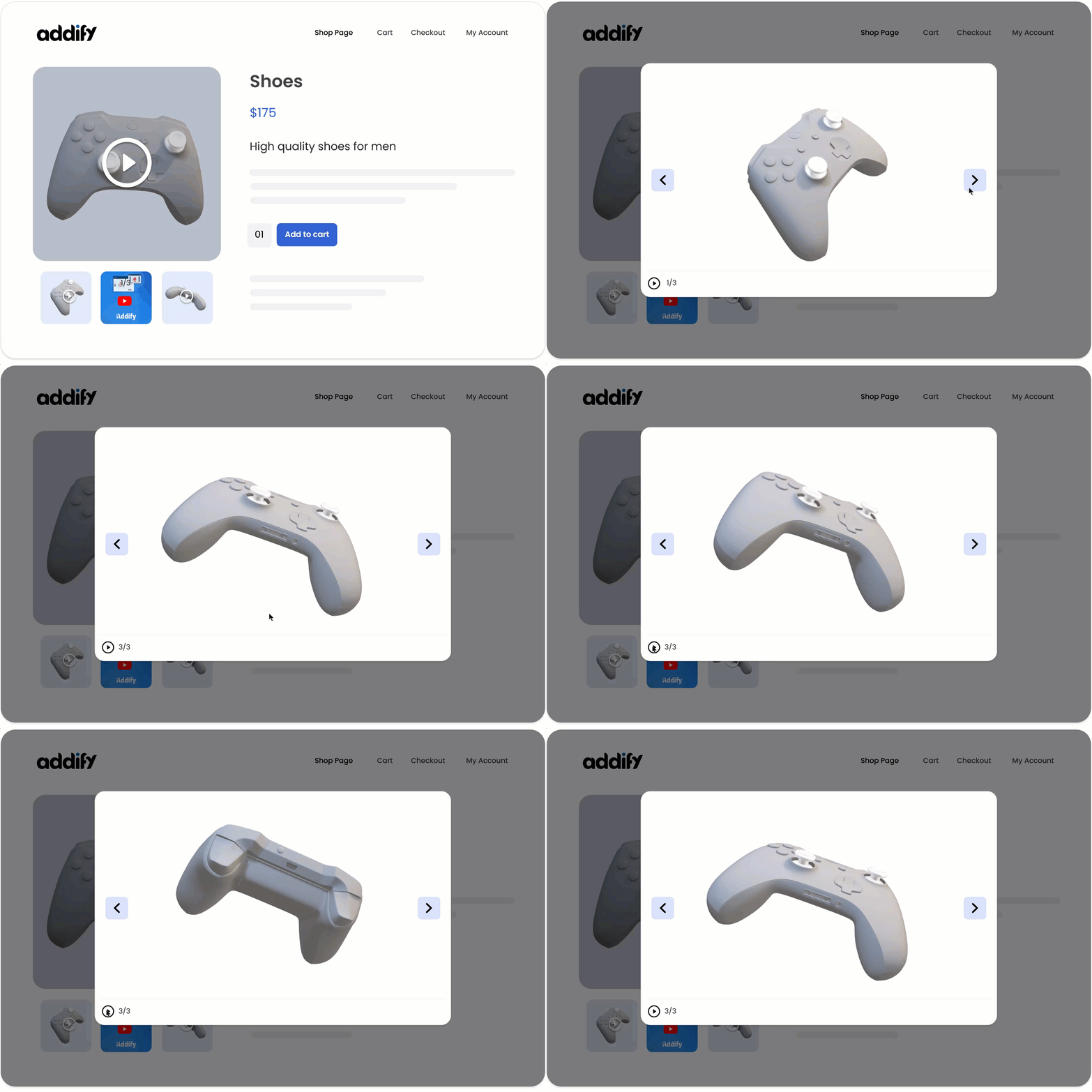
2) Woo Custom Gallery Template
Woo Custom Gallery Template enables you to display gallery images and videos in the featured box instead of showing them in a lightbox popup. You can choose to display gallery images at the top, bottom, right, or left side of the featured box and customize the number of gallery items to be displayed.
Attract attention right from the product listing pages! With the WooCommerce Product Video Extension, merchants can choose to show or hide any featured videos from listing pages. This extension will automatically display the existing featured image on the listing page if the merchant has configured the video to be displayed only on the product page.
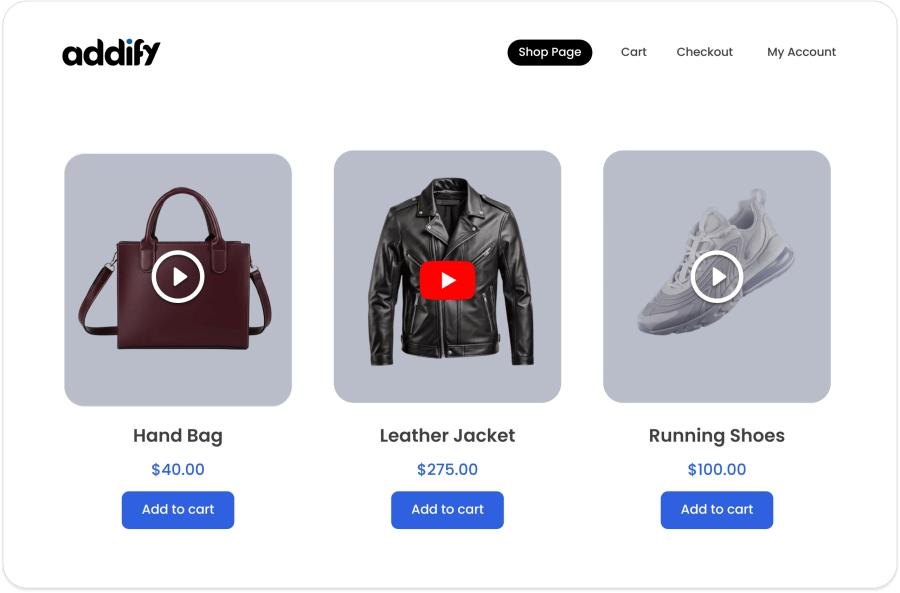
Merchants can choose to upload video or embed them from popular websites such as: YouTube, Vimeo, Dailymotion, Facebook, Instagram, and Tiktok. By default, the WooCommerce Video Product plugin allows you to upload videos in any format such as MP4, MKV, AVI, MOV, FLV, WMV, and many more.
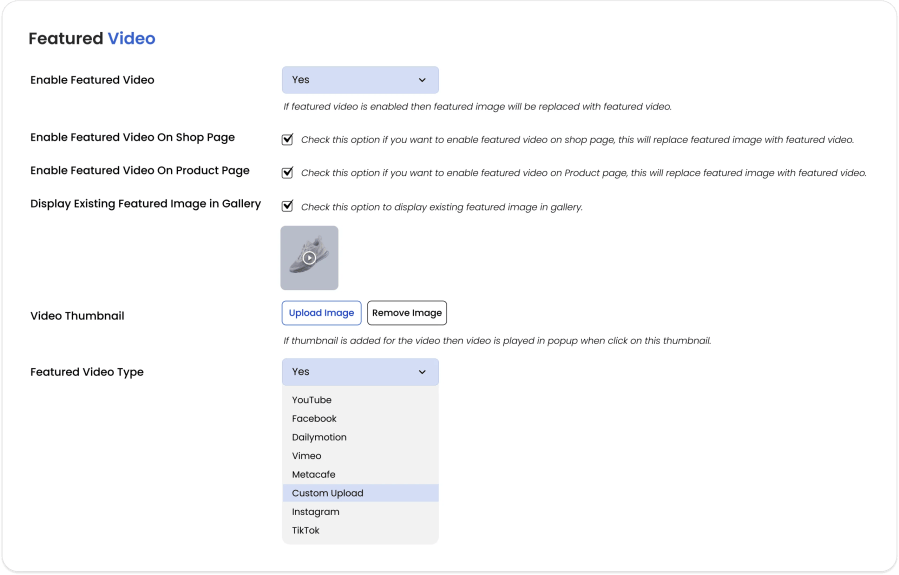
For every video you upload or attach, you can choose to add a custom thumbnail for it. The videos with the custom thumbnails are played in an attractive popup.
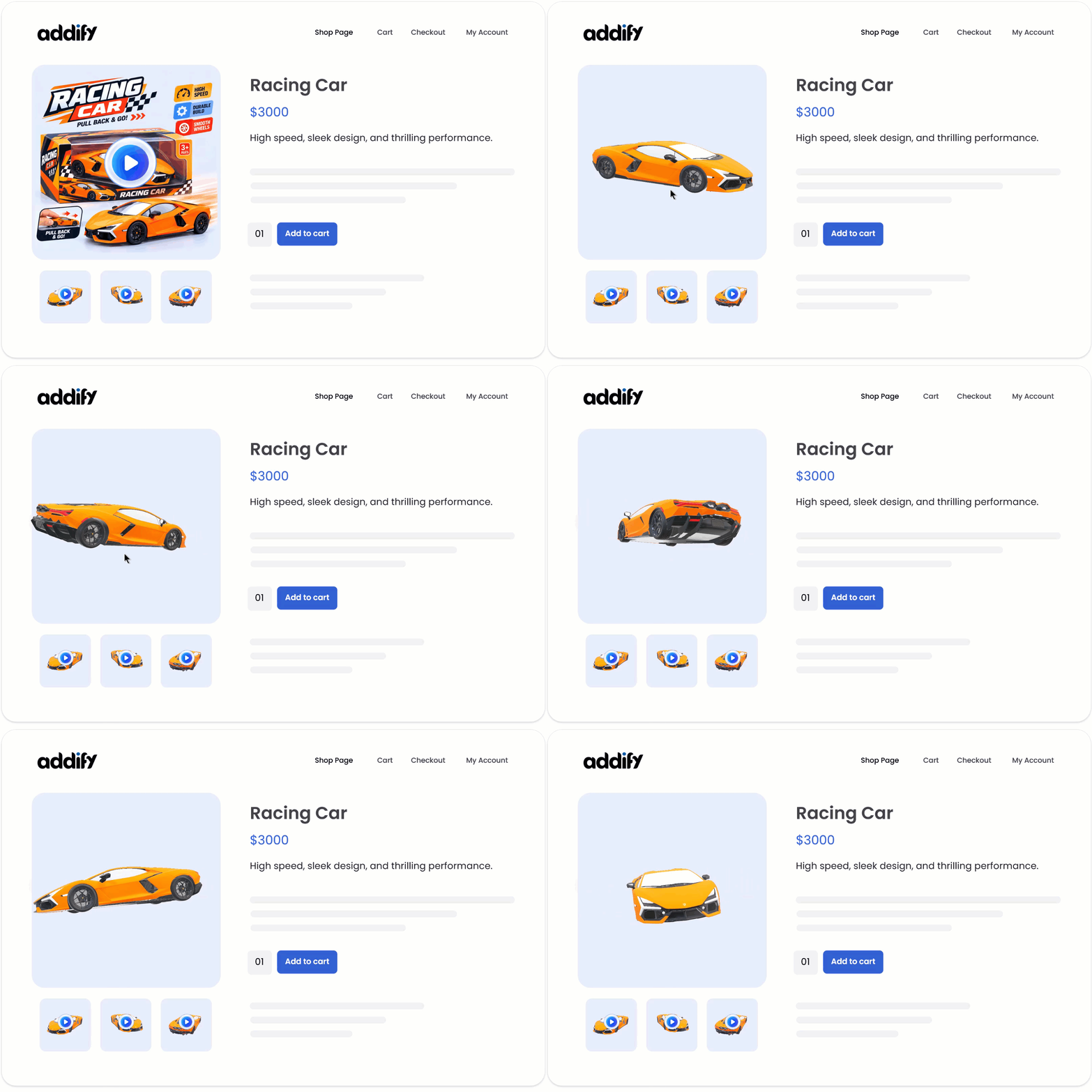
WooCommerce Product Video extension comes with an attractive popup that allows you to play videos in a lightbox. The gallery videos are always played in a popup; you can customize or use the default thumbnail image.
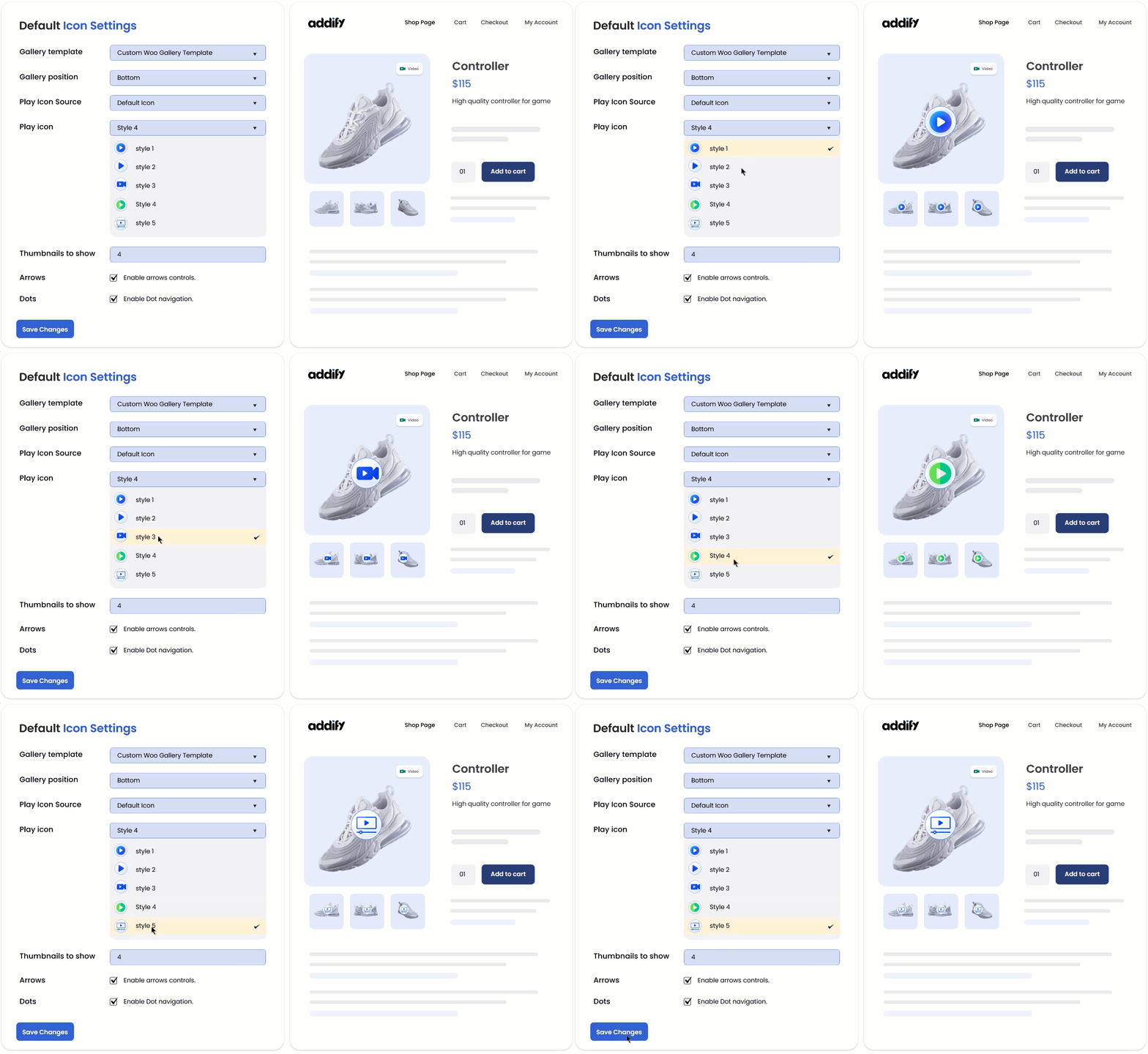
The extension allows you to customize the preview button by using the default styling or uploading a custom button image or icon from your gallery.
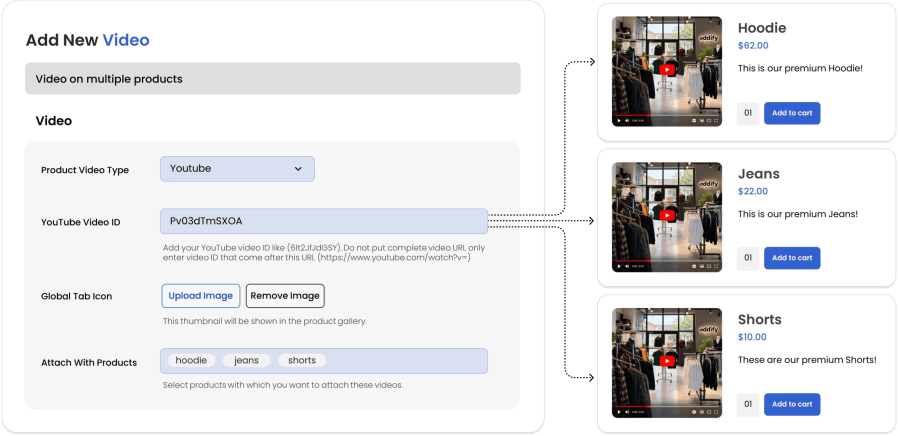
While adding a new gallery video, you can choose to add it to multiple products at once. However, for featured video, you can add it from each product page.
You can configure the following options for the featured videos uploaded from your local disk,
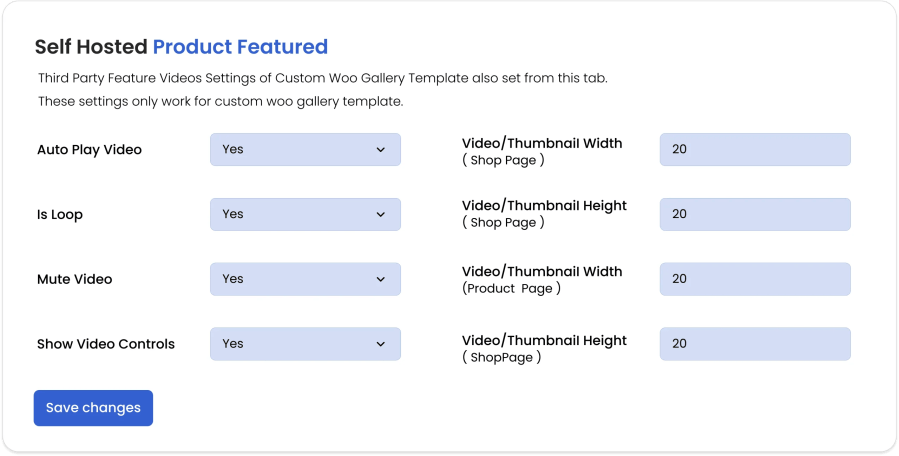
This WooCommerce Product Videos plugin by Addify provides you with separate settings for featured and gallery videos embedded from third-party websites.
Settings for Featured Video
You can configure the following options for third-party featured videos,
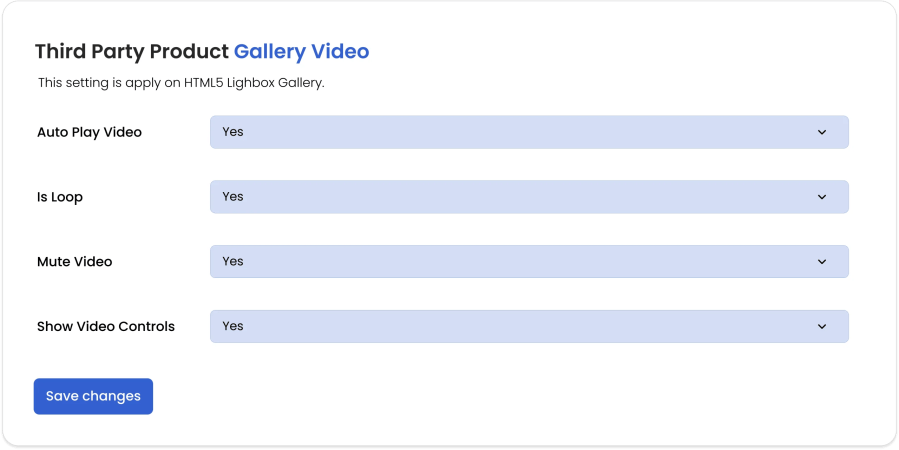
The plugin provides you with separate configurations for third-party gallery videos,
Categories
Extension information
Quality Checks
Countries