
Active installs
1K+
Product comparison
Subscription includes
Support
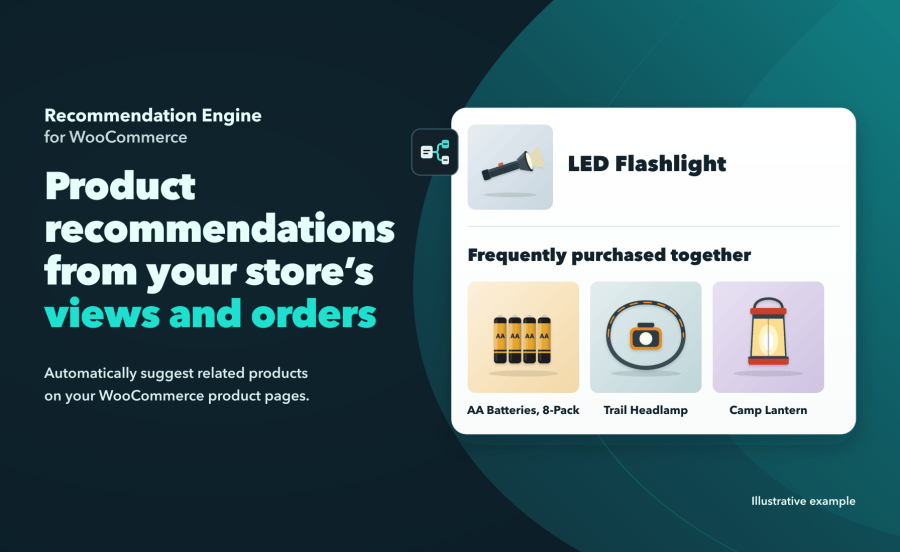
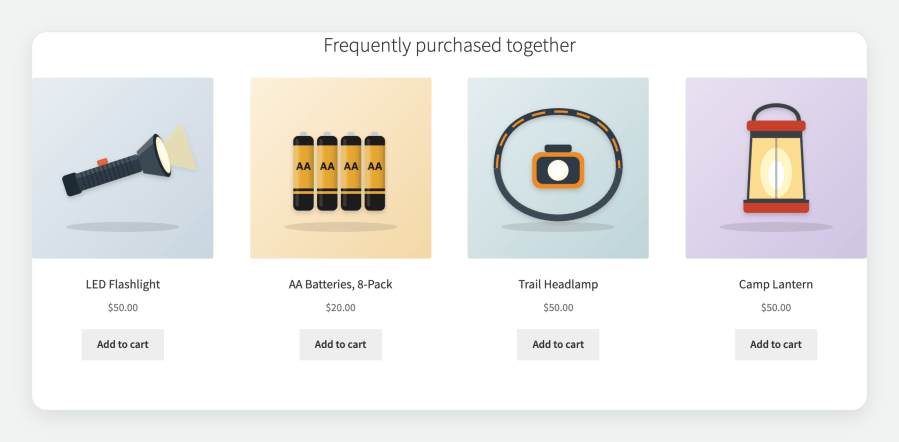
Recommendation Engine for WooCommerce learns which products your shoppers view together and buy together, then shows those products on every product page. Frequently bought together, customers also bought and customers also viewed sections build themselves from your store’s own views and orders.
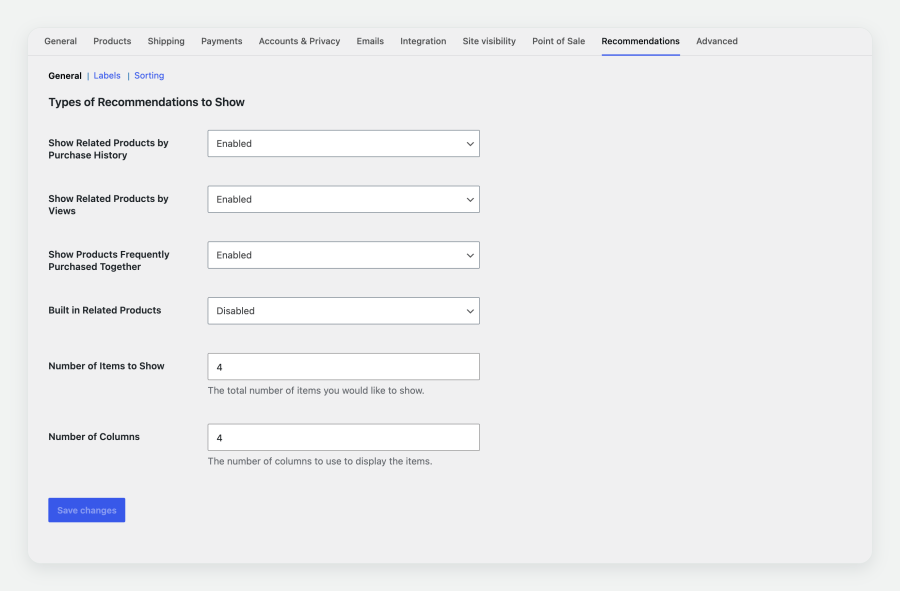
Turn each section on or off, write its heading, choose how many products it shows and set the order of the sections on the page.
Everything happens inside WooCommerce. The engine records views and orders in your WordPress database, builds its recommendations there and reads them from there. Your store works with no outside recommendation service, no account, no API key and no usage fees on top of your subscription.
Earlier versions were slow to build recommendations on large stores. That was the main complaint about this plugin, and it has been fixed.
wp wc_recommender_optimize runs the whole job off-peak.If you evaluated this plugin before July 2026, you were using a materially different product.
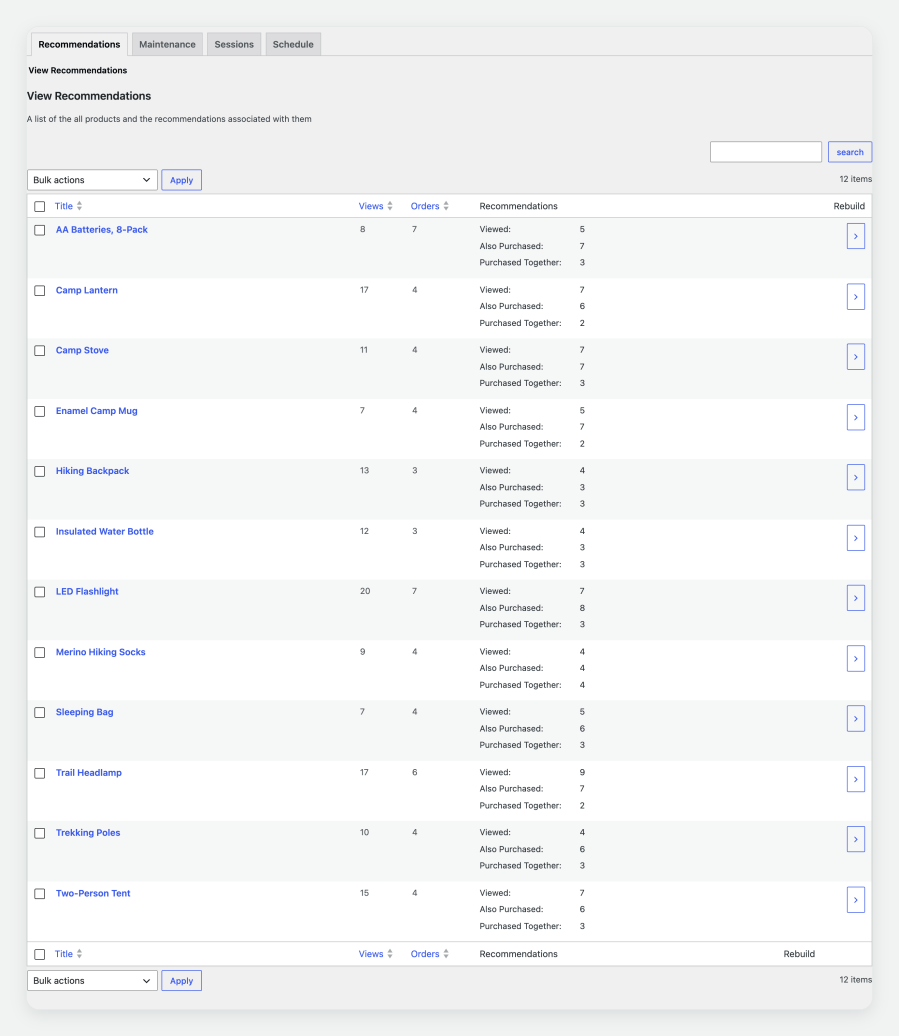
The Recommendations screen lists every product with its views, its orders and the number of recommendations of each type. Open a product to see the products recommended with it, and rebuild a single product with one click.
wp wc_recommender_rebuild and wp wc_recommender_install run rebuilds and imports from the command line or a server cron.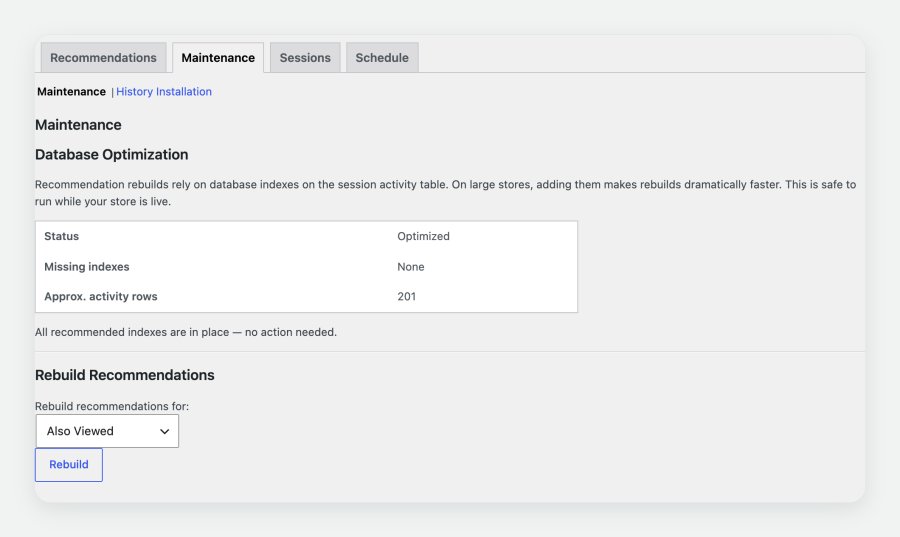
Recommendations come from real shopper behavior. An established store with daily traffic and a working order history gets useful recommendations quickly, and they sharpen as more views and orders are recorded. Import your order history after activation to start with the sales you already have.
Use Dynamic Pricing to discount the products your shoppers buy together, and the recommendation sections put those products in front of the next customer.
Override the section templates from your theme, filter which order statuses count as a purchase, and choose which views are recorded with a filter. The documentation lists the shortcodes, template paths, filters and WP-CLI commands.
Requirements: WordPress 6.5 or later, WooCommerce 9.0 or later and PHP 7.4 or later.
Support tickets are answered by the Recommendation Engine developer.
Yes. The Frequently purchased together section shows products that shoppers buy on the same order as the product being viewed. It builds from your completed orders.
Three. Frequently purchased together uses products bought on the same order. Customers also purchased uses products bought by the same customers over time. Customers also viewed uses products browsed by the same shoppers.
Recommendation Engine runs entirely on your own server. It reads the views and orders recorded in your WooCommerce database and stores its recommendations there. It works with no account, no API key and no usage fees.
Yes. Views, orders and recommendations are stored in your own WordPress database and stay there.
Yes. Go to WooCommerce > Recommendations > Maintenance and run History Installation, or run wp wc_recommender_install from WP-CLI. Then rebuild, and purchase recommendations draw on the orders your store already has.
Recommendations come from recorded views and orders, so an established store with regular orders gets useful recommendations quickly. A new store gains recommendations as shoppers browse and buy.
On the product page, below the product summary, in up to three sections. Two widgets show recommendations in a product page sidebar, and four shortcodes place them in page content.
Yes. Go to WooCommerce > Settings > Recommendations to turn each section on or off, set its heading, choose the number of products and columns, and set the order of the sections.
Yes. Set Built in Related Products to Disabled and the recommendation sections take the place of the related products and up-sells that a classic theme shows on the product page.
Yes. Orders placed through the Checkout block and the classic checkout are both recorded for purchase recommendations.
Twice a day with the scheduled rebuild. You can also rebuild one recommendation type from the Maintenance tab, rebuild a single product from the Recommendations list, or run wp wc_recommender_rebuild from WP-CLI.
Yes. The activity table carries performance indexes for fast rebuilds, and large stores add them with a one-click background optimization or the wp wc_recommender_optimize command. For large catalogs, run rebuilds from WP-CLI on a server cron.
Yes. Each section uses your theme's WooCommerce product grid, so products look the same as they do in your shop. Themes can override the section templates.
Yes. Go to WooCommerce > Recommendations to see each product's views, orders and number of recommendations of each type. Select a product to see the products recommended with it.
Open a ticket from your WooCommerce.com account. Support tickets are answered by the Recommendation Engine developer.
Extension information
Quality Checks
Countries