
Subscription includes
Support
Customers can create gift registries for weddings, baby showers, birthdays, and holidays in your store. Guests buy from the registry on your site instead of a third-party registry service.
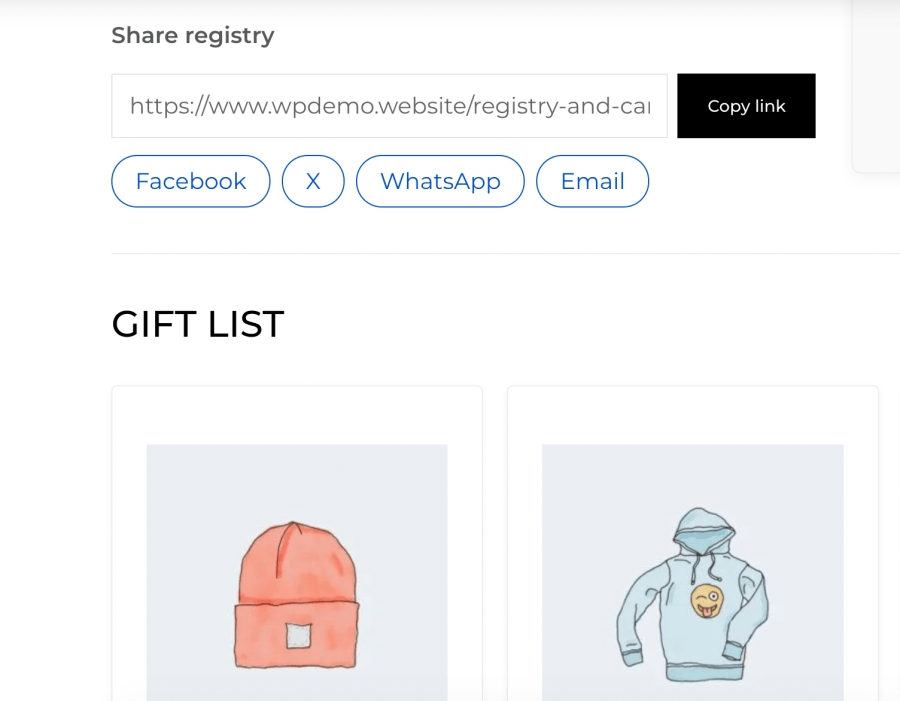
Registry and Cart Toolkit lets your customers create gift registries in your store and share them with friends and family. Guests can buy gifts or chip in together on bigger ones, all from your catalog and at your checkout. Any shopper can also share their cart with a link or save it for later.
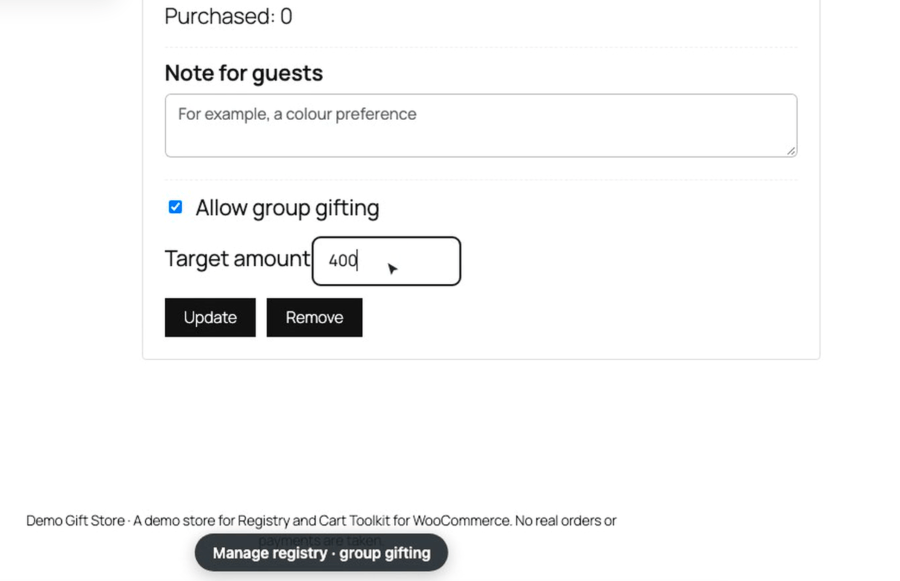
Group gifting lets several guests pay toward one product, so higher-priced items like a stand mixer, a stroller, or a sofa can be bought as a shared gift.
Not every purchase is a gift, but many are a group decision.
.pot file is included, and automatic translations from WooCommerce.com are supported.Yes. The Share cart and Save cart for later buttons appear on the Cart block. The gift options in the Checkout block use WooCommerce’s Additional Checkout Fields API, and the classic cart and checkout shortcodes are supported too.
Yes. The plugin declares HPOS compatibility.
Published, visible simple and variable products. Grouped and external/affiliate products can’t be bought from a registry, so they don’t show the Add to gift registry button.
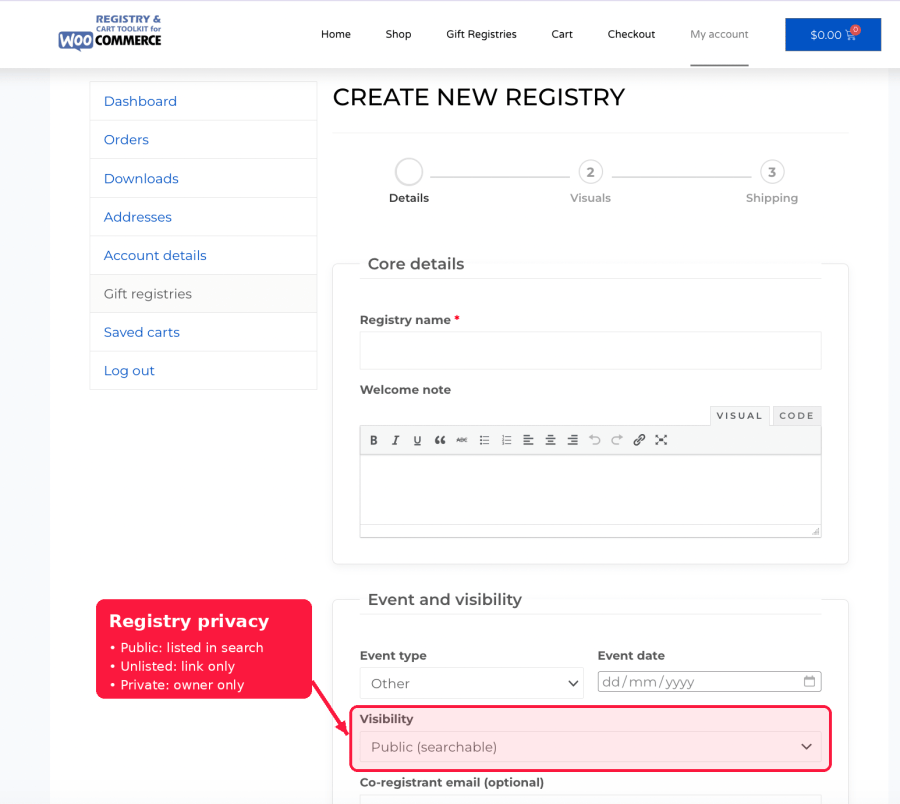
Yes. Each registry can be public (listed in search), unlisted (only people with the link) or private (only the owner, the co-registrant and store managers). Unlisted and private registries are kept out of search results, sitemaps and feeds.
No. Guests can ship a gift to the registry address without ever seeing it, at checkout or in their order details and emails. Store managers see the full address so they can fulfill the order.
Purchases are counted as soon as an order is paid, and cancelled or refunded orders are taken off again automatically. Guests also can’t add more of an item to their cart than is still needed.
The owner turns a registry item into a group gift and sets a target amount, and guests contribute any amount up to what’s still needed. When the target is reached, the owner is emailed a one-time coupon for the full amount. If a gift isn’t fully funded by the event date, you can choose to turn the contributions into store credit.
No. Guests can buy gifts, contribute to group gifts and share carts without an account. Customers need an account to create a registry or save a cart.
Yes. Copy any template to yourtheme/giftshare/ and edit it there, the same way you override WooCommerce templates. Developers also get filters, actions and a REST API.
It’s kept. Registries, contributions, saved carts and settings stay in place, so nothing is lost if you reinstall. The documentation explains how to remove everything if you want to.
Categories
Countries