

Product comparison
Subscription includes
Support
Repeat customers are the most valuable shoppers in any store, yet most stores make them dig through old orders and search for each product again. Repeat Order and Buy Again for WooCommerce removes that friction and makes the WooCommerce repeat order process effortless. Customers see everything they have bought before in one place and add it back to the cart in a single click.
The plugin brings Buy Again options to every point where a repeat sale can happen: the My Account page, order details, product pages, the cart, the thank you page, and order emails. Guest shoppers can join in too by verifying their email with a one-time code. With repeat orders, WooCommerce stores selling consumables, groceries, beauty products, supplements, pet supplies, or B2B stock can capture reorders that would otherwise go to a competitor.
You stay in control of every detail, from badge colors and button text to the columns in the Buy Again table, the order statuses it pulls from, and the user roles, products, and categories that can use it. The result is a WooCommerce buy again experience that feels native to your store and keeps customers coming back.
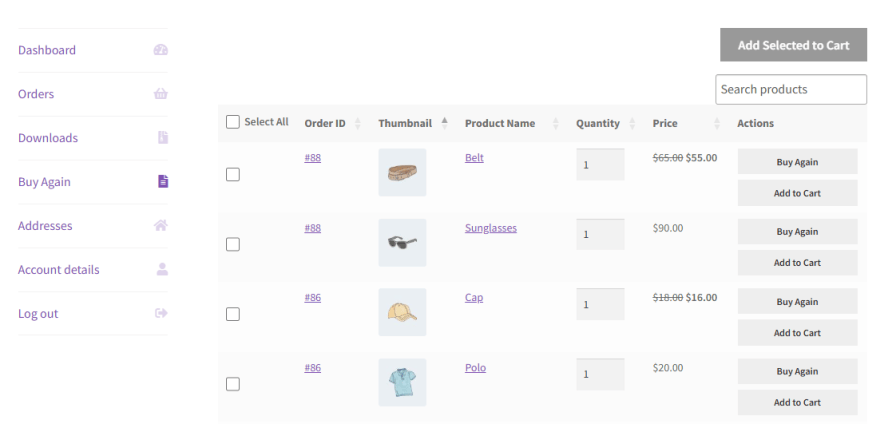
Buy Again for WooCommerce adds its own tab to the customer’s My Account page. It lists products from previous orders in a clean table, each with a Buy Again button, so regular buyers can find and reorder their usual items in seconds. Rename the tab and the button to suit your store, such as “Order Again” or “Restock”.
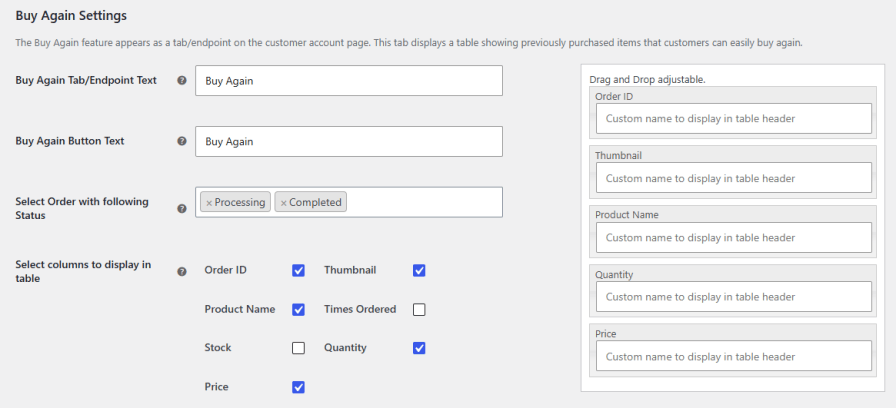
Select the columns to display and drag and drop them into the sequence you want:
Columns like Times Ordered and Stock help customers spot their regular items and see what is available before they reorder.
Choose which order statuses feed the Buy Again table. Only products from orders with the selected statuses appear, so you can, for example, list products from completed orders only.
Use the [buy_again_table size=”100%”] shortcode to show the Buy Again table anywhere on your website, such as a quick reorder page or a section for regular buyers. Change the size value to fit the table into your layout.

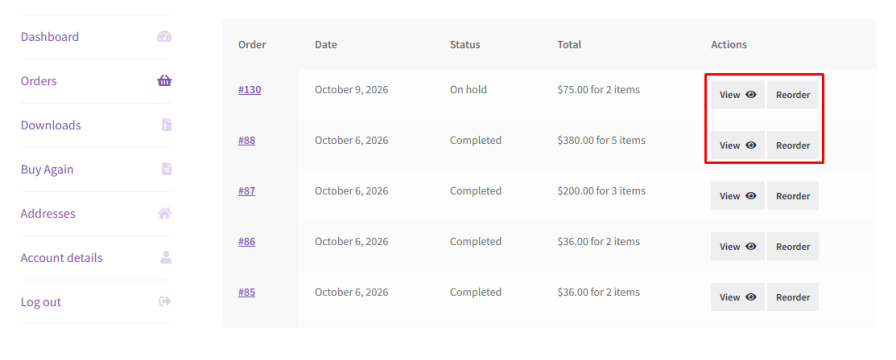
Some customers buy the same group of products again and again. Enable the Reorder button on the order details page, and they can reorder the entire order at once instead of adding each product back individually. It suits weekly, monthly, and bulk purchases.
Familiar products are easier to buy. Show returning customers the items they already know while they browse your store.
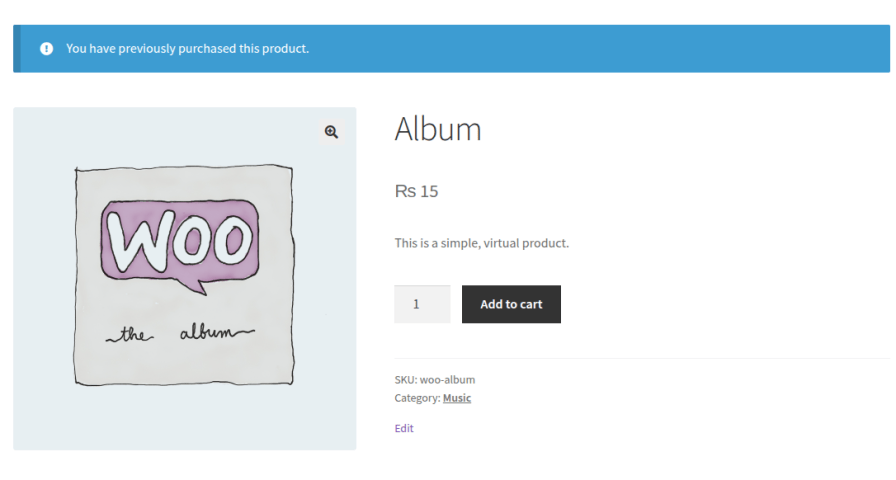
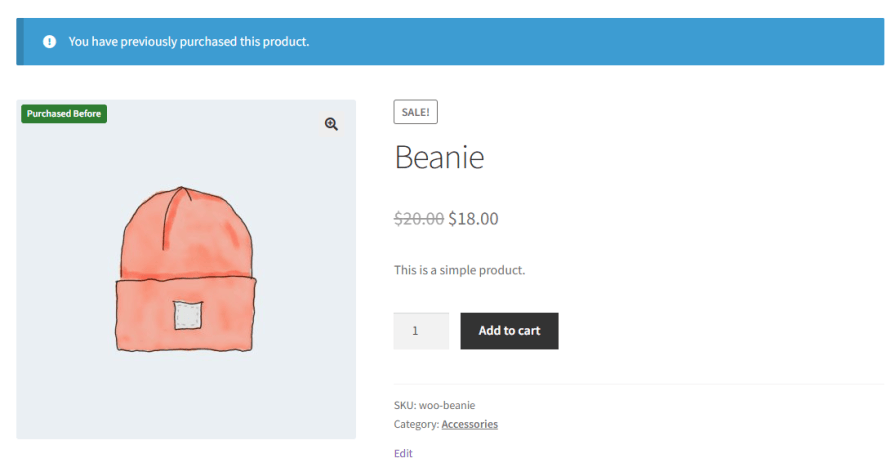
Display a notice on the product page when the customer has bought that item before. Write your own message, such as “You have purchased this before. Time to restock?”
Add a Purchased Before badge to items the customer has bought, on product, shop, and archive pages. Set the badge text, choose its background and text colors, and place it in one of four positions: Image Top Left, Image Top Right, Before Product Title, or After Price. Badges appear only for logged-in customers and verified guests, so each shopper sees their own purchase history.
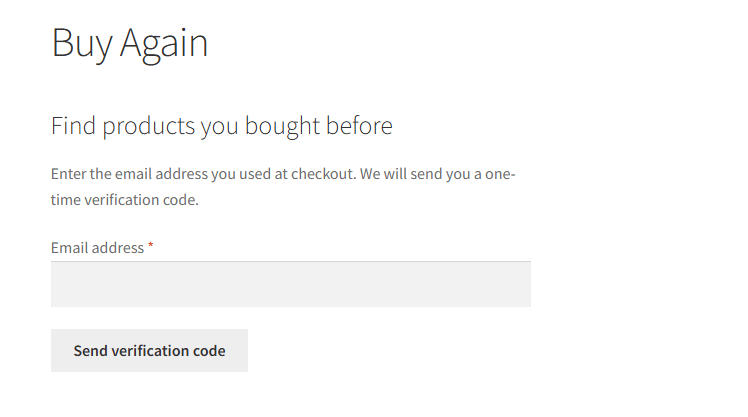
Not every customer creates an account. Guest Buy Again lets customers who checked out as guests view and reorder previous purchases after confirming their email with a one-time code. Orders are never displayed before verification, which keeps order history private.
Control how verification works:
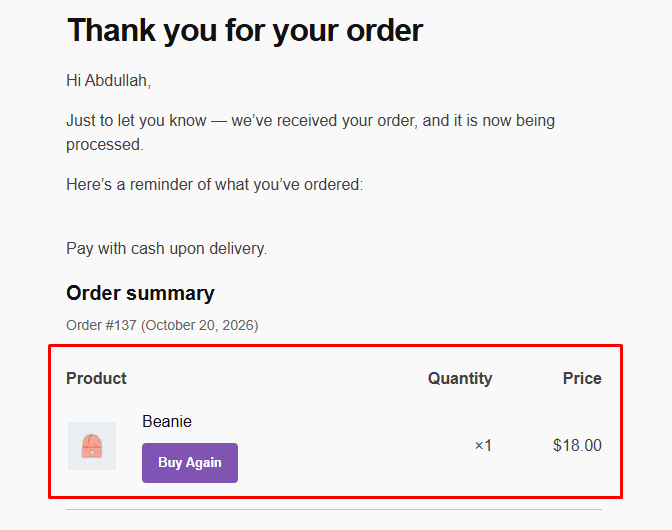
Remind customers of their regular items while they check out and right after they order.
Bring customers back straight from their inbox. Add a Buy Again button to customer order emails and customize its text, background color, and text color to match your branding.
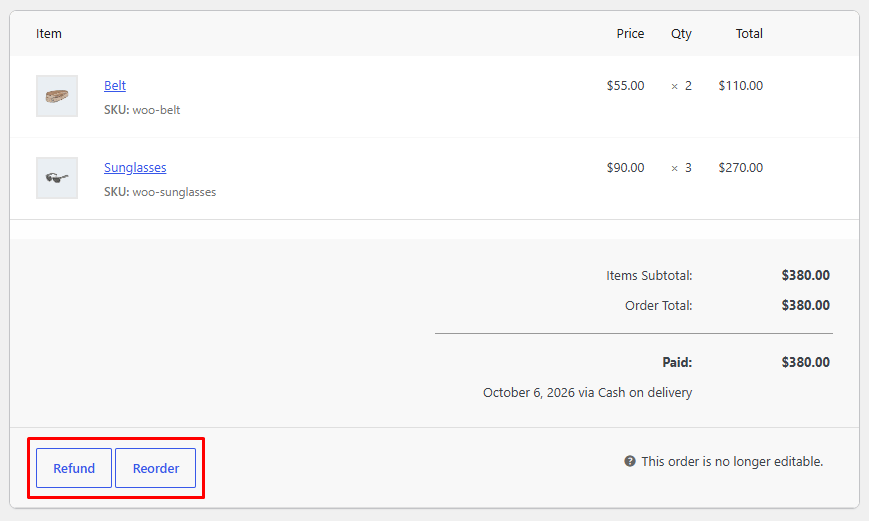
When a customer asks you to repeat an order by phone, email, or chat, you don’t need to build it from scratch. Enable the admin reorder button to add a reorder action to the admin order screen. Once you confirm, it creates a new pending order.
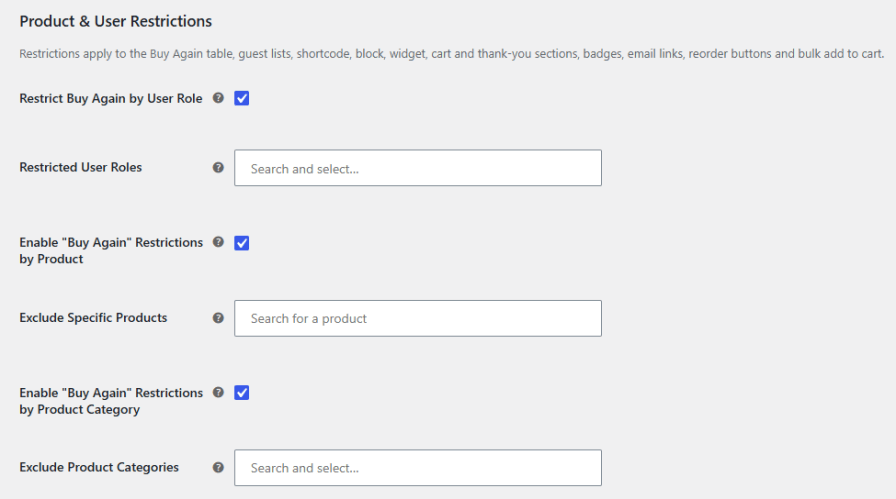
Keep repeat ordering in line with your business rules with three types of restrictions:
Restrictions cover the Buy Again table, shortcode, guest lists, badges, cart and thank you page sections, email links, and reorder buttons.
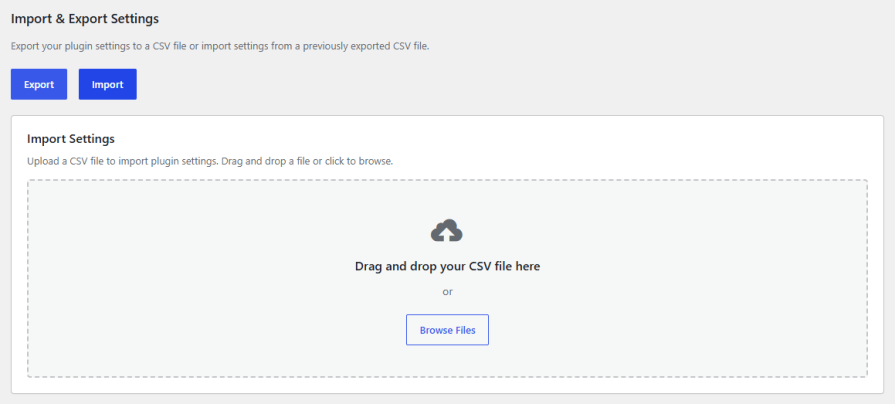
Export your plugin settings to a CSV file and import them on another store or a staging site. It speeds up setup across multiple stores and keeps a copy of your configuration on hand.
Yes. Enable the Reorder button, and customers can add every item from a previous order back to the cart in one click from the order details page.
Yes. With Guest Buy Again enabled, guests verify their email address with a one-time passcode and can then view and reorder their past purchases. Orders are never displayed before verification.
Yes. Use the [buy_again_table size="100%"] shortcode to display the table on any page and adjust the size value to fit your layout.
Yes. You can restrict Buy Again by user role and exclude specific products or product categories. Restrictions apply across the table, badges, emails, reorder buttons, and the cart and thank you page sections.
Yes. Enable the admin reorder button to add a reorder action to the admin order screen. After confirmation, it creates a new pending order.
Most reorder tools only add a single button to past orders. This plugin covers the full repeat purchase journey with a Buy Again tab, product page notices, Purchased Before badges, cart and thank you page recommendations, email buttons, guest reordering with OTP verification, admin reorders, and flexible restrictions.
Extension information
Quality Checks
Countries







