
Subscription includes
Support
Migrate or import your Shopify store data to WooCommerce with a simplified, four-step process. Transfer products, customers, orders, coupons, pages, and blog posts while controlling exactly what gets imported. Use advanced filters to select specific records, optimize product images automatically, preserve Shopify meta fields, and monitor every stage of the migration from a dedicated dashboard.
Move six types of Shopify store data into WooCommerce. Select the data you want to migrate and configure your import settings before starting.
Complete your migration through a simple four-step workflow.
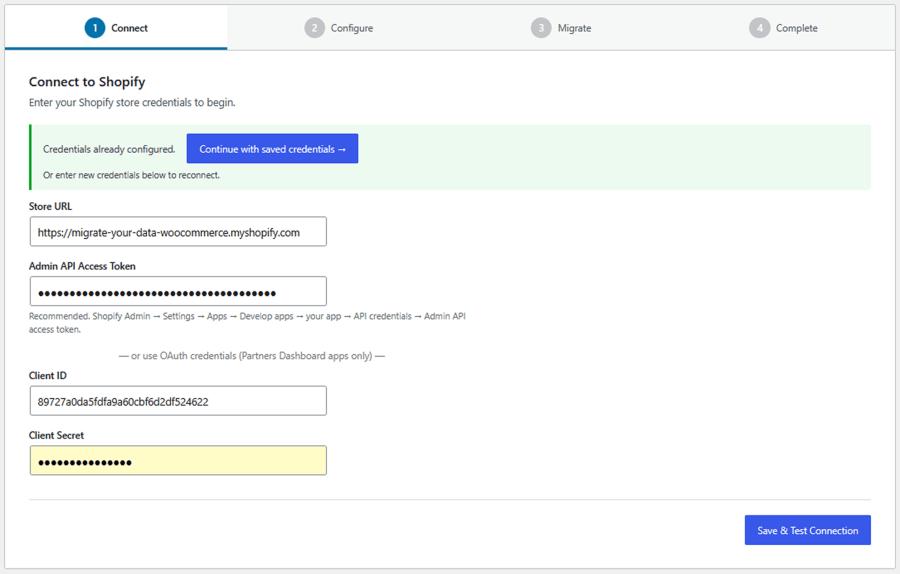 2. Configure: Choose the data you want to import, apply available filters, and configure your migration settings.
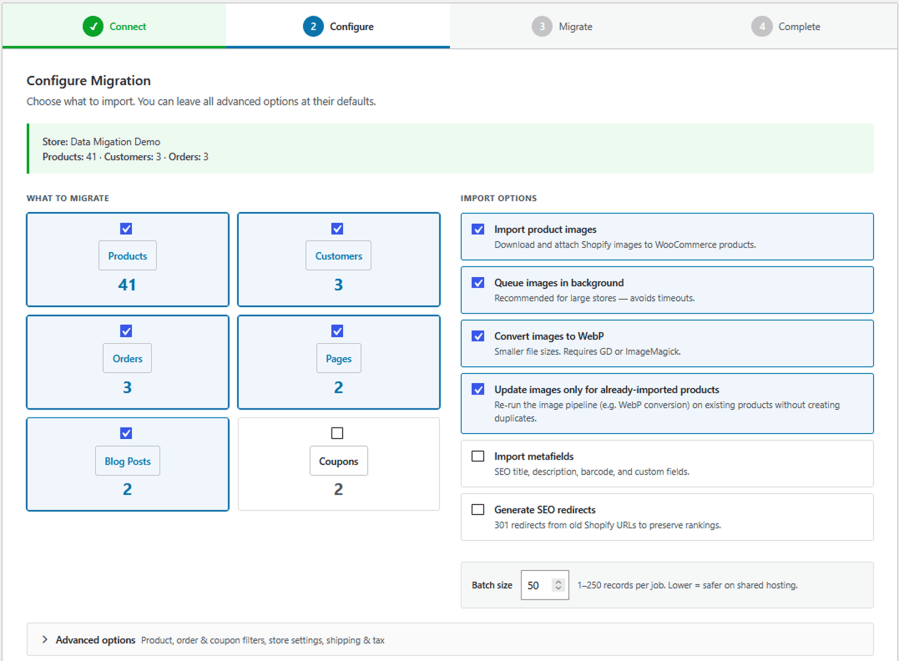 3. Migrate: Start the import and monitor its progress directly from your WooCommerce dashboard.
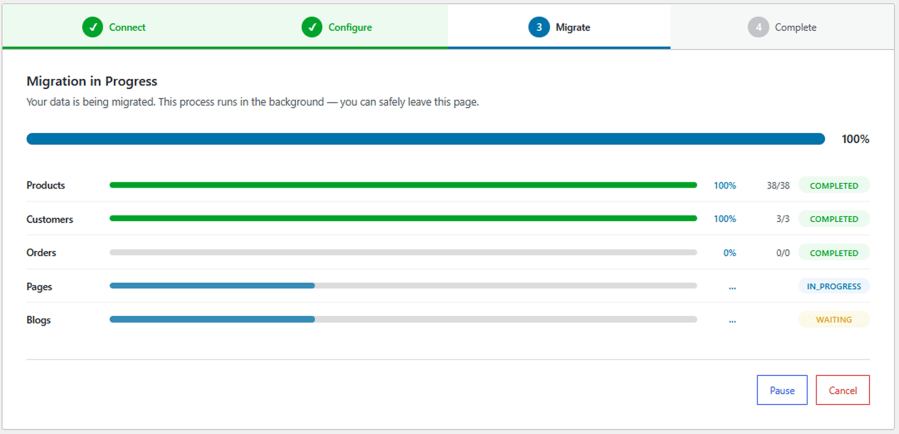
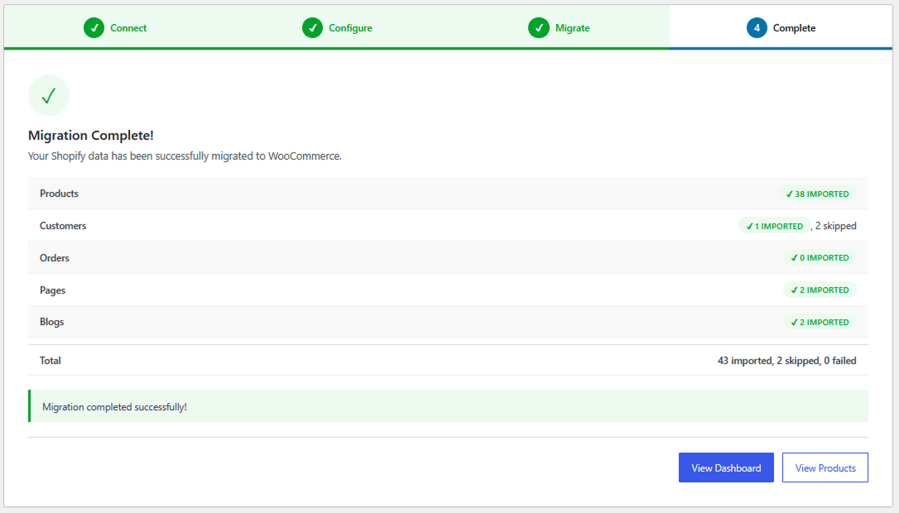
4. Done
Choose exactly which products to migrate using multiple filtering options. Import your complete catalog or select specific products based on their attributes and publishing information.
Select the historical orders you want to migrate using financial and fulfillment status filters.
Use these filters to control which Shopify orders are imported into WooCommerce.
Choose which Shopify coupons to transfer using date-based filtering options.
Transfer essential Shopify store configuration details into WooCommerce alongside your store data.
Customize your migration before importing data. Choose the information you want to transfer and adjust the available settings.
Import Shopify product images and manage how media files are transferred to WooCommerce.
Preserve additional product information during migration with Shopify metafield support.
Monitor your Shopify-to-WooCommerce migration from a centralized dashboard with detailed progress information and migration records.
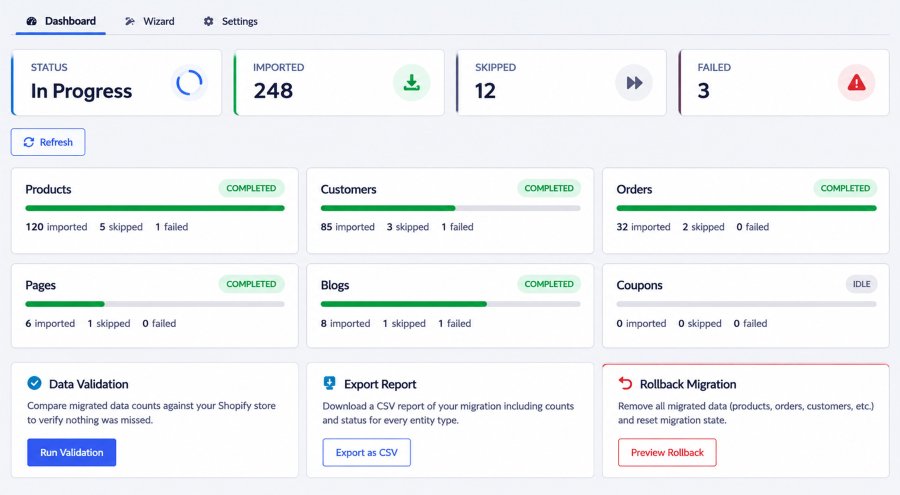
Follow your migration as it happens with built-in progress tracking. View import results, check individual data-type progress, and identify skipped or failed records through the migration dashboard.
Configure general migration preferences from one centralized settings section. Adjust batch processing, manage email notifications, and control how you’re informed about migration activities.
You can migrate six types of Shopify store data: products, customers, orders, coupons, pages, and blog posts. You can choose which data types to import based on your migration requirements.
No. The plugin offers a simple four-step migration process: Connect, Configure, Migrate, and Done. Its user-friendly dashboard makes it easy to configure, start, and monitor your migration.
Yes. You can use advanced product filters to import specific products based on status, product type, vendor, title, Product ID, creation date, or publication date. You can also upload a CSV file containing product IDs.
Yes. The plugin imports main product images, variation images, and product image galleries. It also supports background image downloads and automatic WebP conversion.
Yes. You can import Shopify metafields and map them to custom post fields. The plugin also supports integrations with custom-field solutions such as Advanced Custom Fields (ACF).
Yes. You can filter orders by financial status, including paid, pending, refunded, authorized, partially paid, and voided. You can also filter by fulfillment status and creation date.
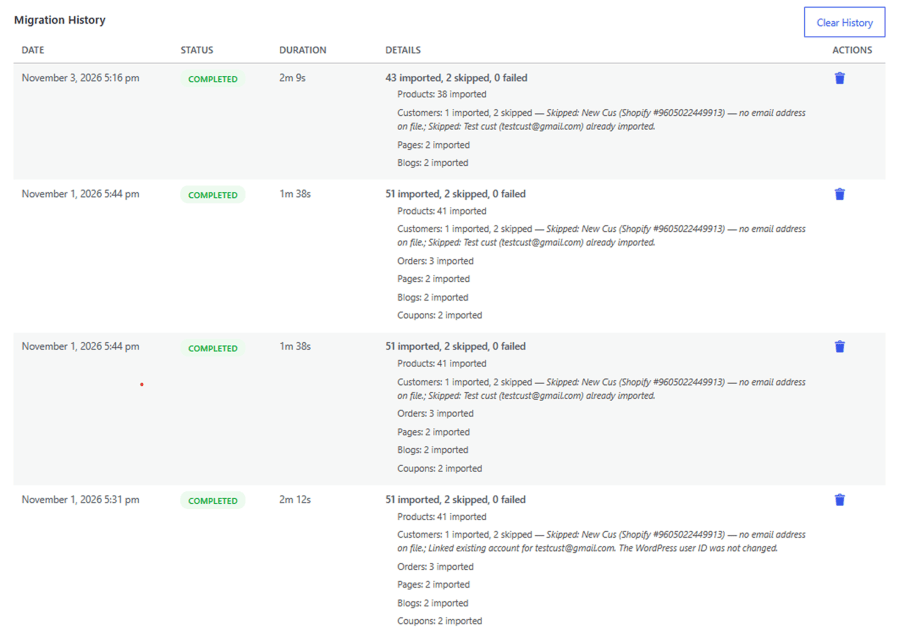
Yes. The Migration History section keeps a record of previous migration activities, allowing you to review migration details and track past import processes.
Categories
Quality Checks
Countries