
Product Icon

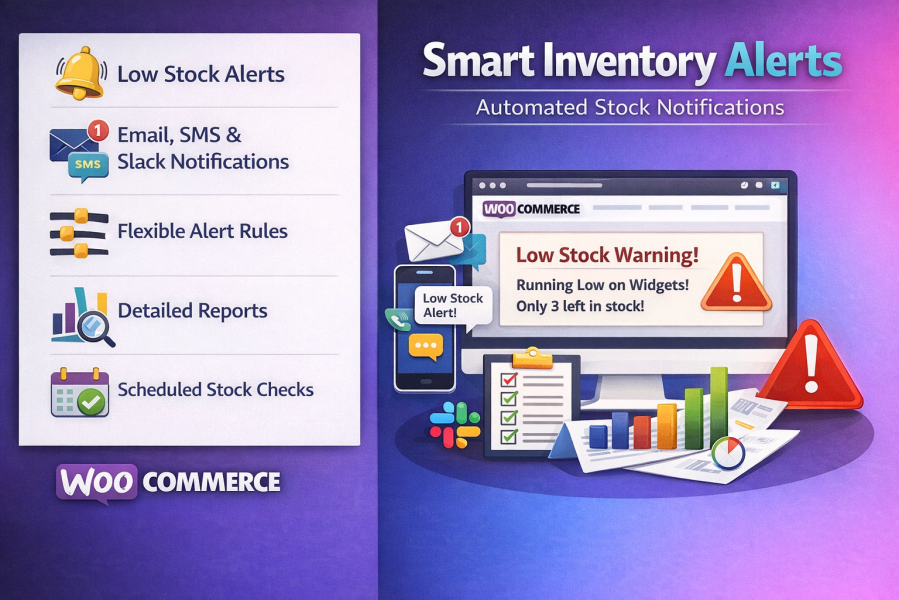
Smart Inventory Alerts for WooCommerce

Monitor WooCommerce stock with instant low inventory alerts via Email, SMS, and Slack. Prevent stockouts and automate inventory.
Choose a billing option
$29
Save 20%
$58 $46.40

Subscription includes

  • Product updates and improvements
  • Customer support
  • 30-day money-back guarantee

Smart Inventory Alerts for WooCommerce – Low Stock Notification & Inventory Management Plugin

Smart Inventory Alerts for WooCommerce helps you prevent stockouts and keep your inventory under control with intelligent low stock notifications. Receive instant alerts by Email, SMS, and Slack whenever products or variations reach your custom inventory thresholds.

Perfect for WooCommerce stores, wholesalers, retailers, warehouses, and multi-vendor marketplaces, this plugin automates inventory monitoring, reduces manual stock checks, and helps you restock products before you lose sales.

Why Choose Smart Inventory Alerts?

  • Never miss a low stock product again.
  • Receive instant inventory alerts by Email, SMS, and Slack.
  • Prevent lost sales caused by stock shortages.
  • Monitor simple and variable products automatically.
  • Create custom inventory rules for products and categories.
  • Track backorders and inventory history.
  • Easy setup with no coding required.
  • Fully compatible with WooCommerce HPOS.

Key Features

  • Instant Low Stock Alerts
    Receive notifications immediately when inventory reaches your defined threshold.
  • Multi-Channel Notifications
    Send alerts via Email, Slack, Twilio SMS, or Vonage SMS.
  • Product & Category Rules
    Create inventory rules globally or for individual products and categories.
  • Variation Inventory Monitoring
    Track stock levels for every WooCommerce product variation separately.
  • Backorder Monitoring
    Receive notifications when products enter backorder status.
  • Priority-Based Alert Rules
    Apply advanced inventory rules with flexible priorities.
  • Scheduled Inventory Checks
    Automatically scan inventory daily and send reports.
  • Notification History
    View complete logs of all stock notifications.
  • Weekly Inventory Reports
    Receive summaries showing low-stock products and inventory trends.
  • Multiple Recipients
    Notify store owners, warehouse staff, and purchasing teams simultaneously.
  • Cooldown Protection
    Avoid duplicate notifications with configurable alert intervals.
  • Fast & Lightweight
  • HPOS Compatible
  • Works with All WooCommerce Themes

Perfect For

  • WooCommerce Stores
  • Wholesale Businesses
  • Retail Stores
  • Multi-Vendor Marketplaces
  • Warehouse Managers
  • Inventory Teams
  • Dropshipping Stores
  • Large Product Catalogs
  • Manufacturers
  • B2B WooCommerce Stores

Benefits

  • Prevent costly stockouts.
  • Increase customer satisfaction.
  • Reduce manual inventory checks.
  • Improve inventory accuracy.
  • Restock products before they sell out.
  • Improve warehouse communication.
  • Automate inventory management.
  • Save time with intelligent stock notifications.

Why Store Owners Love Smart Inventory Alerts

Smart Inventory Alerts helps WooCommerce merchants stay ahead of inventory problems. Instead of manually checking stock levels every day, you’ll receive automatic alerts exactly when action is needed. Whether you manage hundreds or thousands of products, this plugin helps you prevent stockouts, improve inventory control, and maximize sales.


Frequently asked questions

Can I use multiple notification channels at the same time?

Absolutely! You can enable Email, SMS, and Slack simultaneously. Each alert rule can specify which channels to use.

How do I set up SMS notifications?

You’ll need an account with Twilio or Vonage (Nexmo). Obtain your API credentials from their dashboard and enter them in the SMS settings tab of the plugin.

How do I set up Slack notifications?
  • Go to Slack Incoming Webhooks.

  • Create a new app or use an existing one.

  • Enable Incoming Webhooks and create a webhook for your channel.

  • Copy the webhook URL and paste it into the Slack settings tab in the plugin.

How do priority rules work?

Rules are checked in order of priority. Lower numbers indicate higher priority. For example, a product rule with priority 1 is checked before a category rule with priority 10. The first matching rule’s settings are applied.

Does it support backorder notifications?

Yes, you can receive alerts when products go on backorder, ensuring you can manage restocking efficiently.

Can I view notification history and reports?

Absolutely. Smart Inventory Alerts keeps a detailed notification history and provides comprehensive reports and statistics for trend analysis and inventory planning.

Extension information

  • PHP version required: 7.4
  • Tested with WordPress: 7.0
  • Tested with WooCommerce: 10.9
  • Requires at least WordPress: 5.8
  • Requires at least WooCommerce: 5.0

Countries

  • Worldwide

Related Products

Price $279 annually
Rated 3.2 out of 5 stars
Price $79 annually
Rated 3.4 out of 5 stars
Price $59 annually
Rated 3.1 out of 5 stars
Price $49 annually
Rated 4.1 out of 5 stars
Price $109 annually
Rated 2.7 out of 5 stars
Price $109 annually
Rated 2 out of 5 stars
Price $109 annually
Rated 2.3 out of 5 stars
Price $39 annually
Rated 2.8 out of 5 stars
Price $109 annually
Rated 2.6 out of 5 stars
Use of your personal data
We and our partners process your personal data (such as browsing data, IP Addresses, cookie information, and other unique identifiers) based on your consent and/or our legitimate interest to optimize our website, marketing activities, and your user experience.




