Product Icon

Essential Trust Badges & Icons for WooCommerce

Add trust badges, feature icons, checkout reassurance strips, and promo banners to your WooCommerce store. No code.
Choose a billing option
$59
Save 20%
$118 $94.40

Subscription includes

  • Product updates and improvements
  • Customer support
  • 30-day money-back guarantee

Shoppers hesitate when they’re unsure about shipping, payment security, or returns. Trust Badges and Icons for WooCommerce lets you answer those doubts right where buying decisions happen — with trust badges, feature icon rows, checkout reassurance strips, coupon reminders, and promotional banners placed throughout your product, cart, and checkout pages.

Build a widget once in the live preview editor, then reuse it anywhere in your store: automatic WooCommerce placements, a Gutenberg block, or a simple shortcode.

Ready-made templates for every use case

Start from one of eight built-in templates and make it yours:

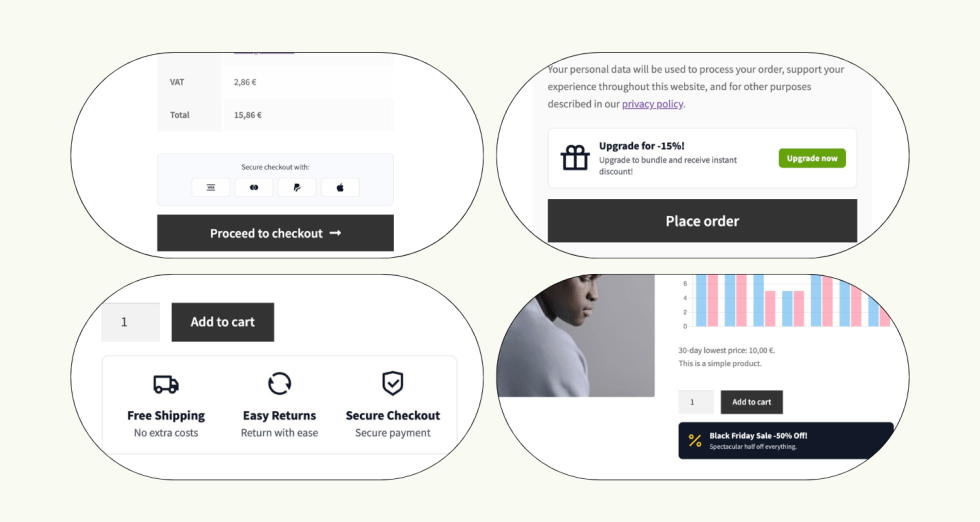
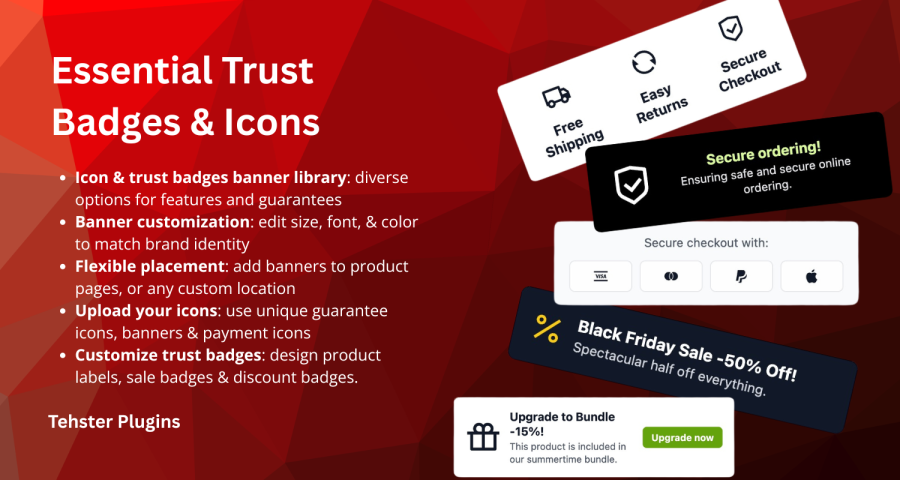
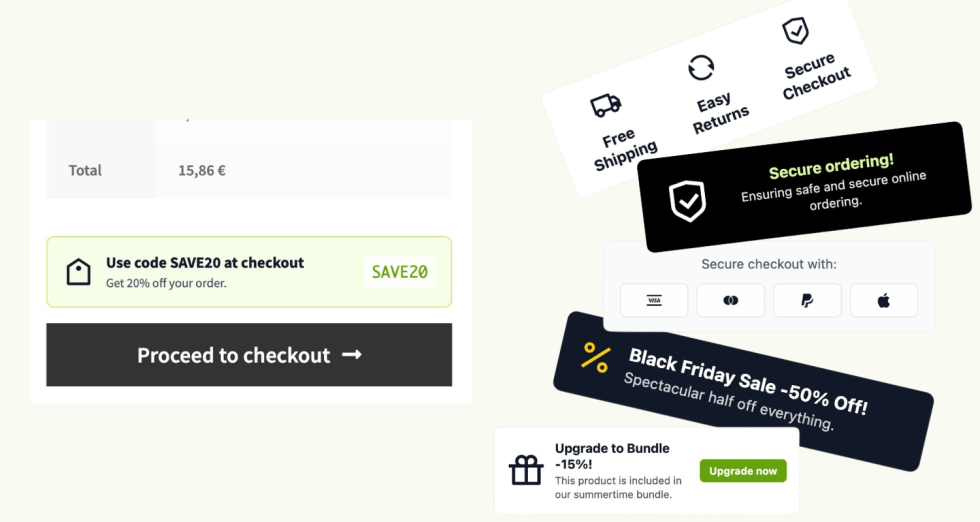
  • Feature icons row — highlight free shipping, guarantees, and support below the add to cart button.
  • Secure checkout strip — payment and security reassurance right where customers pay.
  • Sale banner — promote sales and campaigns like Black Friday.
  • Cart coupon banner — remind shoppers of an active discount code in cart and checkout.
  • Stacked guarantees — a vertical list of guarantees with icons.
  • Upsell banner — image, copy, and a call-to-action for bundles or related products.
  • Single icon banner — one large icon with a title and supporting text.
  • Single image — a full-width image banner with an optional link.

Place widgets exactly where they convert

Choose from automatic placements across the entire purchase flow — no code required:

  • Product page: above, below, or after the add to cart button, and after the product summary.
  • Cart: above or below the checkout button.
  • Checkout: above or below the place order button.
  • Shop archive: below the product button in the product grid.
  • WooCommerce Cart and Checkout Blocks: order summary slot.

Need a widget somewhere else? Insert it anywhere with the [trust_badges] shortcode or the dynamic Gutenberg block.

3,000+ icons, or bring your own images

Pick from a built-in library of more than 3,000 SVG icons, or upload your own images from the media library — payment logos, custom badges, brand graphics. Adjust colors, sizing, alignment, and maximum width per device so everything matches your theme.

Show the right message to the right shopper

Every widget supports targeting rules, so your messaging stays relevant:
  • Specific products, categories, or tags
  • Start and end dates for scheduled campaigns
  • Cart subtotal thresholds (e.g. “free shipping over $50” only when it applies)
  • Customer country and site language
  • Mobile or desktop visitors

Built the WordPress way

  • Live preview builder — see exactly what you’re creating as you edit.
  • Server-rendered output — consistent markup across shortcodes, blocks, and automatic placements, with no layout flicker.
  • WooCommerce Blocks support — works with the modern Cart and Checkout Blocks, not just classic templates.
  • Translation ready — all admin and frontend strings are translatable.

Get started in minutes

  1. Install and activate the plugin.
  2. Go to WooCommerce > Trust Badges.
  3. Pick a template, customize it in the live preview, and choose where it appears.


Frequently asked questions

Does it work with the WooCommerce Cart and Checkout Blocks?

Yes. The plugin integrates with the modern block-based cart and checkout through WooCommerce's block extension slots, in addition to the classic cart and checkout templates. You can show a reassurance strip or coupon reminder in the order summary area of the block checkout. Exact button-adjacent positions depend on the extension slots WooCommerce makes available.

Can I control exactly where a widget appears?

Yes, in three ways. Choose an automatic placement (above or below the add to cart button, around the cart and checkout buttons, in the shop grid, and more), insert the dynamic Gutenberg block in any post or page, or use the [trust_badges] shortcode anywhere shortcodes are supported. You can also limit each widget to specific products, categories, or tags, schedule it with start and end dates, and target by cart subtotal, country, language, or device.

Can I match the badges to my store's design and use my own images?

Yes. Every widget is built in a live preview editor where you control colors, sizing, alignment, and maximum width per device. You can pick from a library of over 3,000 icons or upload your own images from the media library — for example payment provider logos or custom guarantee badges. Output is rendered server-side, so it displays consistently with your theme.

Use of your personal data
We and our partners process your personal data (such as browsing data, IP Addresses, cookie information, and other unique identifiers) based on your consent and/or our legitimate interest to optimize our website, marketing activities, and your user experience.