

Subscription includes
Support
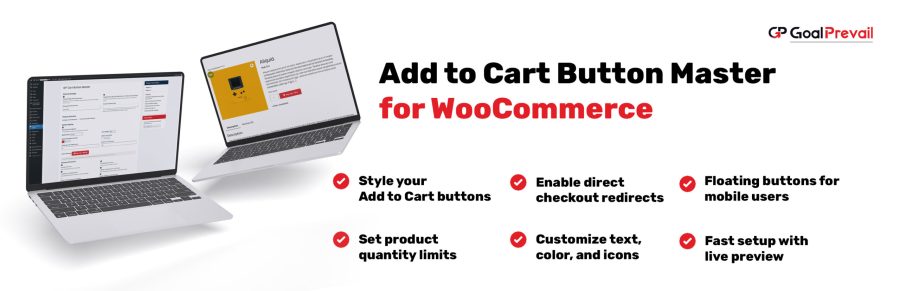
Boost conversions with smarter Add to Cart buttons. Create rule-based button text, redirects, styling, mobile floating buttons, and quantity limits, without touching theme files.
GP Cart Button Master is:
WooCommerce’s default Add to Cart button is the same everywhere. With Cart Button Master you can tailor button behavior and design per product group, and optionally apply changes on shop/category archives too.
For variable or out-of-stock products, Cart Button Master skips certain “general” changes, while styling may still apply.
| Capability | Default WooCommerce | GP Cart Button Master |
|---|---|---|
| Per-product rules | Limited | All products or selected products |
| Button text changes | Theme/plugin code | Rule-based button text control |
| Direct checkout | Not built-in | Redirect to checkout (or custom URL) |
| Styling controls | Theme CSS | Fonts, colors, size, radius + custom CSS |
| Mobile floating button | No | Optional floating Add to Cart |
| Quantity limits | Custom code | Max quantity per rule |
| Shop/category archives | One-size-fits-all | Choose what applies on archives |
Yes. Each rule can target all products or only selected products.
Yes. You can choose whether each rule applies on shop/category pages (archives) using the “Apply on archives” toggles.
General changes like button text, redirects, icon, and price display are skipped for variable or out-of-stock products. Styling can still apply.
Yes. Enable it in Advanced settings and it will appear on single product pages on mobile.
Yes. You can set a maximum quantity per product (per rule) in the Advanced tab.
Extension information
Quality Checks
Countries






