

Active installs
300+
Subscription includes
Support
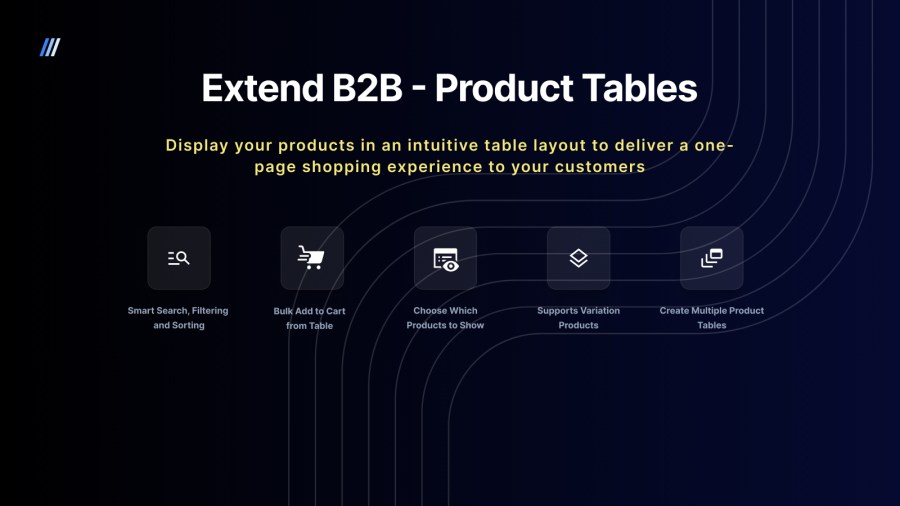
Deliver a seamless, one-page shopping experience and give a boost to conversions with Product Tables plugin for WooCommerce!
Extend B2B – Product tables for WooCommerce is a plugin that lets you add fully-customizable product tables on your online store so your customers can enjoy a simple, one-page shopping experience.
With product tables, you can display your products in an intuitive table layout as opposed to the default grid format of WooCommerce.
With options like Add to Cart buttons, checkboxes that allow multiple Add to Cart events with one click and full control on what product data is displayed, you can enable a one-page checkout experience your customers will surely enjoy. With support for variable products, your customers can even select product variations right from the product table and proceed to checkout.
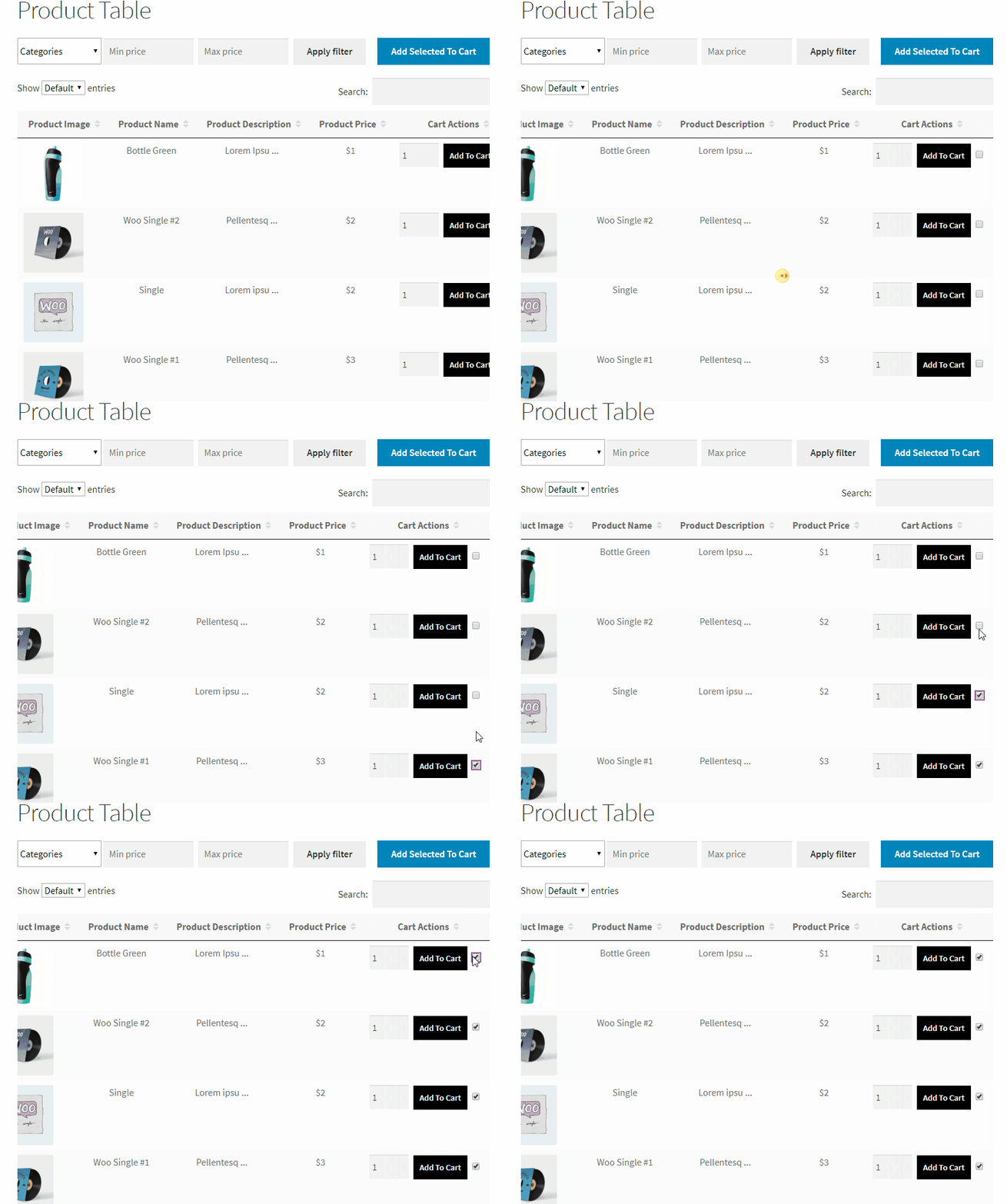
Product Tables make it easy for customers to find what they need and buy multiple products without visiting separate product pages. The easier and quicker it is, the higher the conversion rate.
The WooCommerce Product Table plugin lets you customize your product tables with a number of different options and settings so that you can perfectly streamline your customer experience and tailor it according to your business needs.
Product Tables can optimize a lot of online stores including wholesale B2B stores, restaurant sites, stores selling audio tracks and downloadable products, auto-parts stores, book stores, and more!
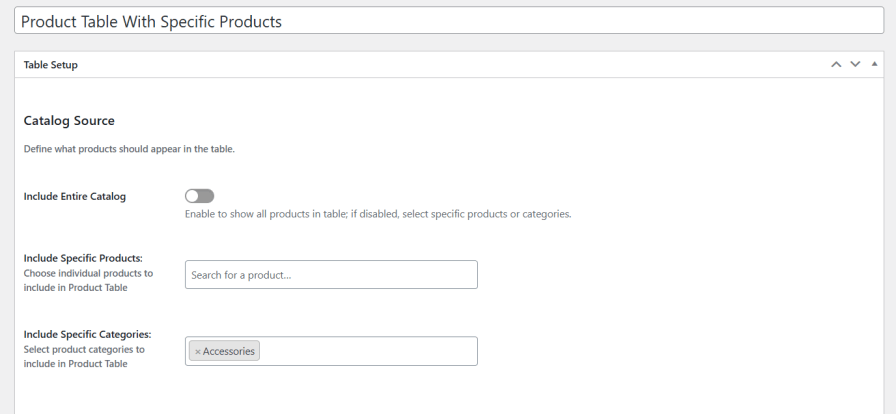
You’re not limited to a single global table. You can create multiple product tables and choose exactly what each one displays:
All products in your store
Selected products only
Specific categories
Each table can have its own layout, filters, and behavior — making it easy to build targeted buying experiences for different audiences, campaigns, or pages.
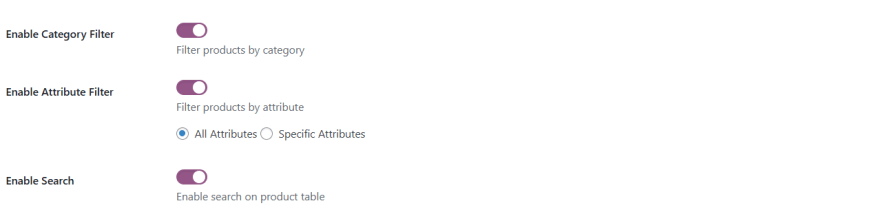
Large catalogs become easy to navigate with built-in tools that work instantly without page reloads:
Keyword search
Filter by category, price, or attributes
Customers can find exactly what they’re looking for in seconds — even in stores with hundreds or thousands of products.
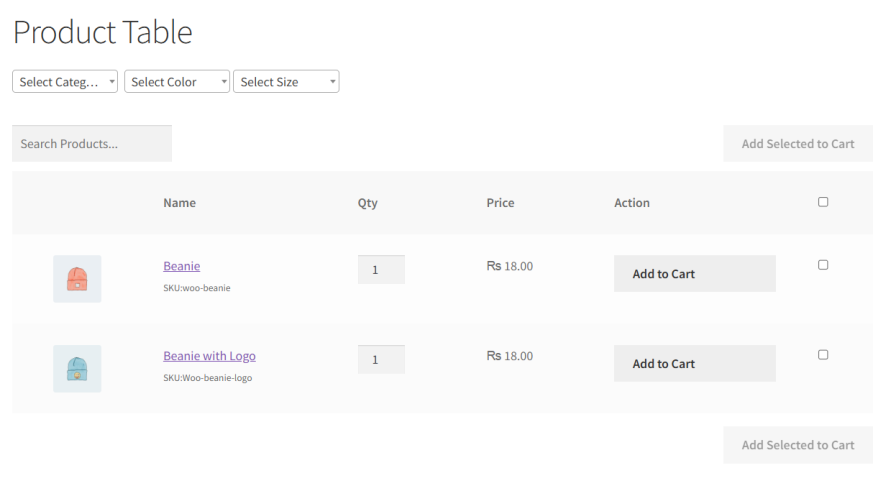
Not all stores handle variations the same way, so Extend B2B – Product Table gives you control. Choose how variants appear:
Grouped — Variants stay grouped under their parent product, keeping the table clean and compact while still allowing selection.
Ungrouped — Each variant appears as its own row, making it perfect for B2B, SKU-based ordering, or catalogs where each variant has meaningful differences in price or stock.
This ensures the product table works the way your customers expect.

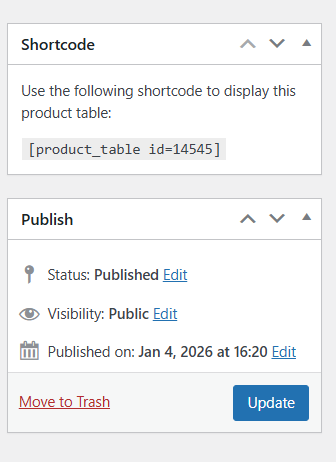
You can embed a product table on landing pages, category pages, content pages, or even inside blog posts — without touching code. Each shortcode represents a unique product table with its own layout, filters, and product selection rules.
This allows you to create tailored buying experiences for different audiences; for example, one table for wholesale buyers, another for seasonal promotions, and another for specific product categories.
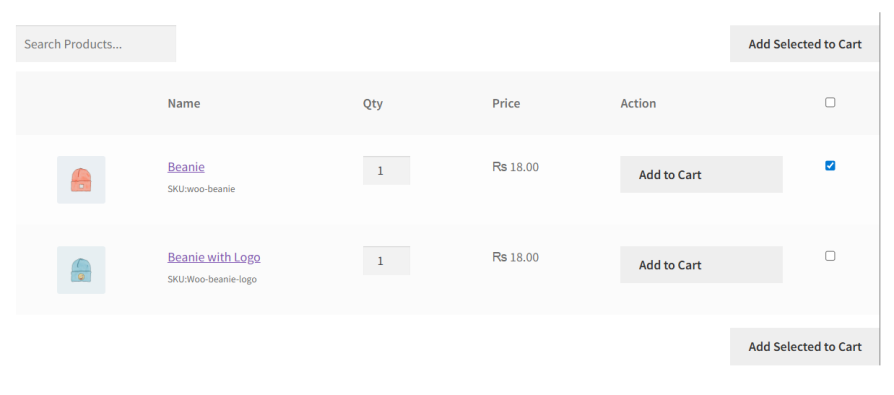
Extend B2B – Product Table is designed for speed and scale.
Customers can:
Add products using inline “Add to Cart” buttons
Select multiple products via checkboxes and add them all at once
Choose variations directly inside the table
This makes bulk ordering fast, intuitive, and frustration-free — ideal for wholesale, food suppliers, and repeat buyers.
Choose which products you want to display on the product table, it can be either all products or you can choose which product or product categories to display. With a multiple shortcode generator, you can create multiple product tables – each displaying different products.

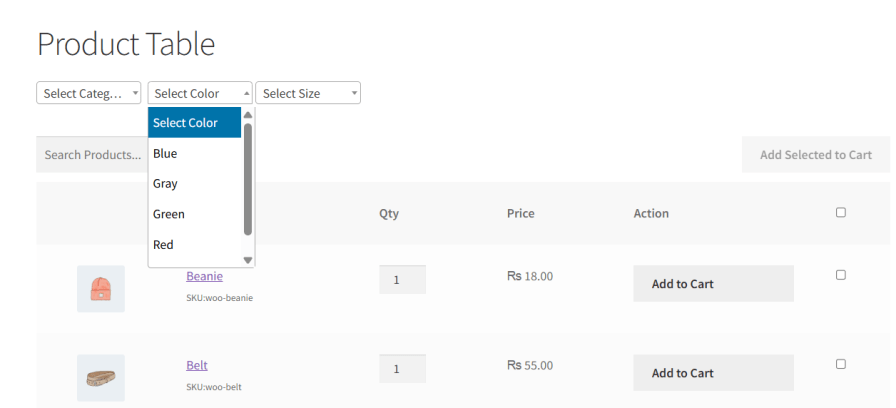
Allow your customers to filter products by variation attributes such as size, color, or any custom attribute you define.
Instead of scrolling through long lists, customers can quickly narrow down the table to exactly what they need — for example, only “Large” sizes, only “Red” products, or only a specific format or specification.
Grab the plugin now and enjoy watching your conversions grow!
Watch this demo video to see the plugin in action:
Categories
Extension information
Quality Checks
Countries










