

Product comparison
Subscription includes
Support
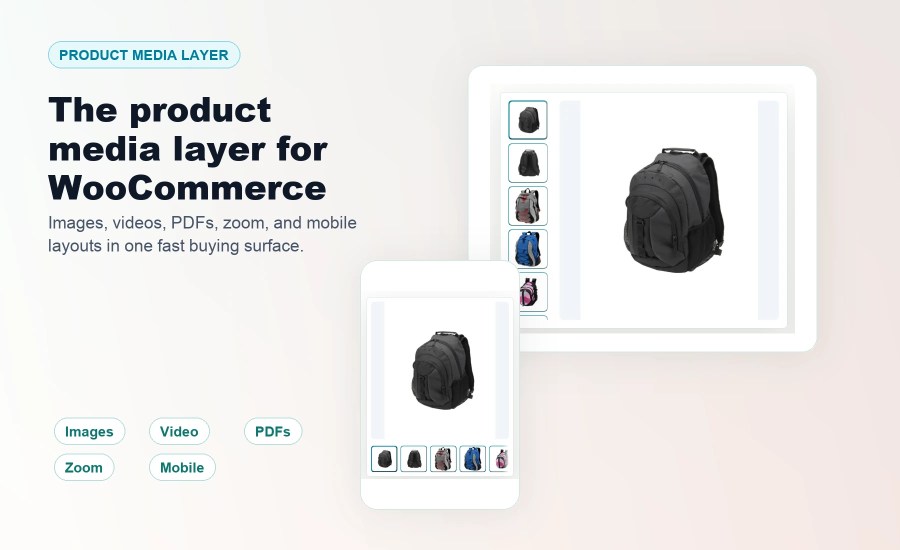
Ultimate Product Gallery replaces the standard WooCommerce product gallery with a fast mixed-media buying surface for images, video, PDFs, zoom, lightbox, and responsive layouts.
Most WooCommerce stores outgrow the default product gallery. Shoppers need close-up inspection, product videos, downloadable product proof, mobile-friendly browsing, and a gallery that still feels fast.
Ultimate Product Gallery turns each product page into a complete media surface for WooCommerce. Use your existing images and variation images, add videos and PDFs, choose responsive layouts, enable zoom and lightbox, and keep the experience consistent across the ways stores actually build product pages.
Product pages lose momentum when shoppers must leave the gallery to understand what they are buying. Ultimate Product Gallery keeps the important media beside the add-to-cart decision.
You do not need to rebuild every product page. Start with the existing WooCommerce featured image and product gallery, then add richer media only for the products that need it.
For each product, you can add media from the WordPress media library, paste remote media or embed URLs, attach PDFs, set posters and thumbnails, reorder items, hide selected gallery items, and override store defaults when one product needs a different setup.
Variable products can keep one shared gallery while syncing WooCommerce variation featured images into that gallery, or replace the gallery per variation when specific variations need their own media. In Replace the gallery per variation mode, each variation can have unlimited images in its own gallery. Variation settings inherit cleanly from global, builder/template, and parent-product settings, so stores can stay consistent without losing per-variation control.
Use the same product media system across classic WooCommerce templates, block themes, Site Editor templates, Elementor widgets, Divi modules, widgets, modules, and shortcode output.
Store-wide settings keep the default experience consistent. Per-product overrides let you tune layout, media order, captions, lightbox, zoom, spacing, and device-specific behavior where needed.
Some extensions add only video. Others focus on one gallery detail. Ultimate Product Gallery is designed as the full WooCommerce product media layer: images, variation images, video, PDFs, zoom, lightbox, responsive layouts, builder integrations, and performance-conscious storefront output in one place.
“I tested two other plugins before I gave UPG a chance. It integrated very well from the beginning. No custom code or tweaks were necessary. We stayed with it.”
You can add product images, self-hosted videos, YouTube/Vimeo embeds, and PDFs to one WooCommerce product gallery.
Yes. Ultimate Product Gallery is built to replace the default WooCommerce product gallery while continuing to use your existing featured image and product gallery images.
No. Start with existing WooCommerce product images, then add videos, PDFs, captions, posters, thumbnails, or per-product overrides only where needed.
On classic WooCommerce product templates, it replaces the default gallery automatically. You can also insert the block, Elementor widget, Divi module, or [upg_gallery] shortcode.
Yes. Variable products can keep one shared gallery that syncs WooCommerce variation featured images, or use replacement galleries when individual variations need their own media. Variation settings inherit from global, builder/template, and parent-product settings.
Yes. Ultimate Product Gallery includes an Elementor widget and a Divi module, plus support for block themes, Site Editor templates, widgets, and shortcode output.
Yes. PDFs can appear inside the product gallery, so size charts, manuals, warranties, spec sheets, and technical documents stay close to the buying decision.
Ultimate Product Gallery uses performance-conscious behavior such as poster-first video, lazy loading, responsive image handling, minimal frontend scripts, and no jQuery dependency.
Yes. Use global settings for the default gallery experience, then override individual products when a specific product needs a different layout, media order, or media mix.
Only when you add YouTube or Vimeo items. Those videos play through the selected provider, and thumbnails may be fetched from that platform. Self-hosted video, images, and PDFs stay on your site.
Categories
Extension information
Quality Checks
Countries







