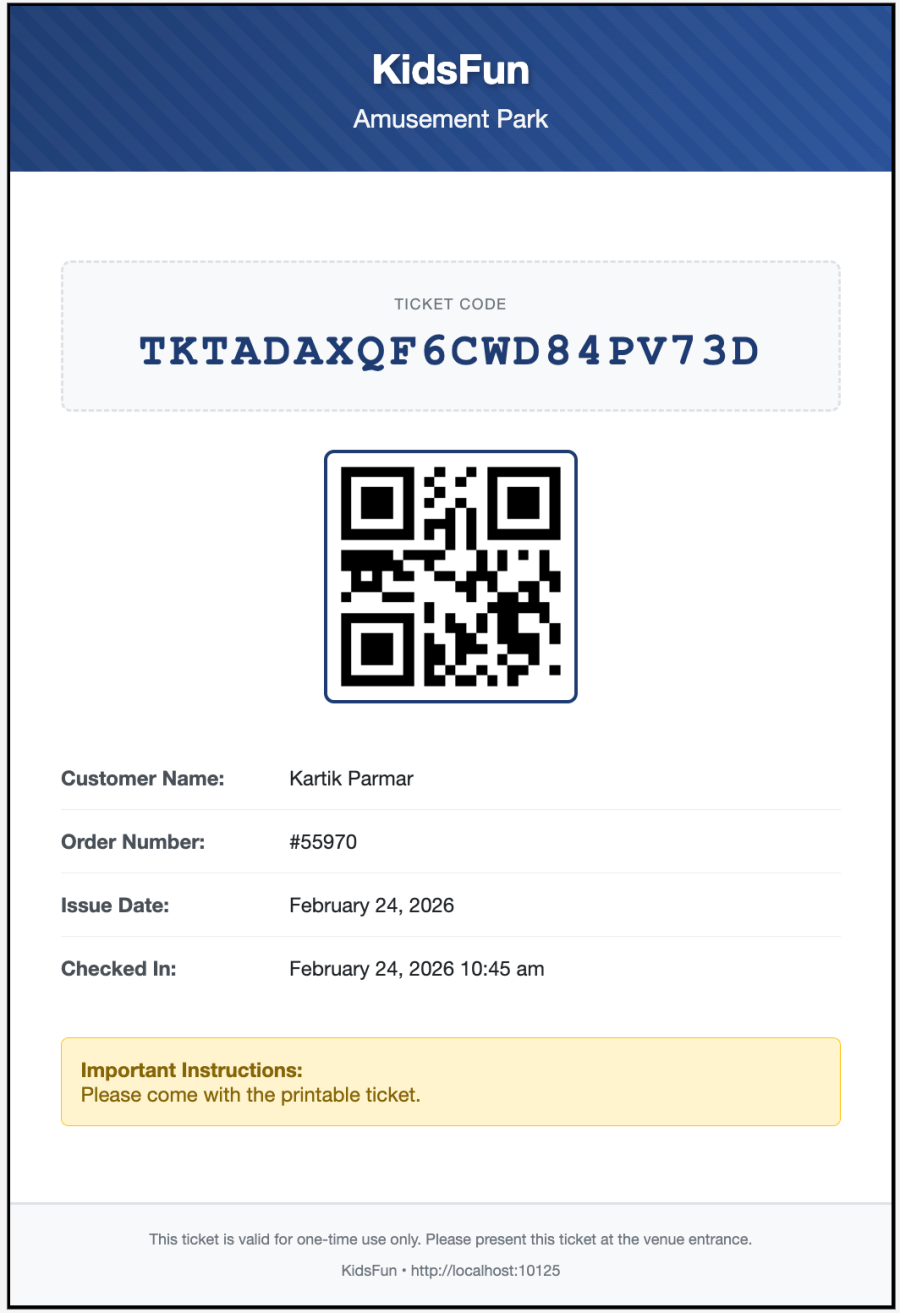
Transform Your WooCommerce Store into a Professional Ticketing System
Key Features
- QR Code Ticket Generation – Automatically generate tickets with unique QR codes upon order completion, with configurable order status triggers
- Check-in Types – 1. Single Check-in, 2. Single Check-in with Exit, 3. Multiple Check-ins, 4. Multiple Check-ins with Exit.
- Generation Mode – 1. Per Product – each product gets its own ticket. 2. Per Order – one ticket covers the entire order.
- Multiple Professional Ticket Templates – Choose from 12 professionally designed ticket layouts to match your brand. Uploading the custom template option is also there
- QR Code Camera Scanner – Scan and validate tickets instantly using a camera-based QR code scanner
- Ticket Check-in System – Perform individual or bulk check-ins, with role-based access control to restrict who can validate tickets
- Variable Product Support – Full compatibility with WooCommerce variable products, displaying selected variation details on tickets, PDFs, and emails
- Bulk Settings Management – Apply ticket settings across multiple products at once, targeting all products, specific categories, or hand-picked items
- Ticket Expiry Mode – Ticket can be expired after particular time of ticket purchased or it can be expired on specific date.
- Per-Product Ticket Customization – Configure ticket settings, instructions, and string formats individually at the product level
- My Tickets Page – Customers can view and manage their tickets directly from their WooCommerce account
- Enhanced Email Notifications – Automated email templates with embedded QR codes sent to customers
- CSV Export with Filtering – Export ticket data with advanced filtering options
- Ticket Listings Table – Searchable, filterable, and sortable ticket management table for admins, with options to manually mark tickets as invalid
- Ticket Transfer – Purchased Ticket can be transfer to the other.
- Mini Printer Support – Option to Print compact thermal receipt tickets on 58mm and 80mm paper with a dedicated mini ticket layout
- Dashboard Statistics & Reports – Built-in analytics widget and detailed reporting on ticket and check-in activity
- Audit Trail & Logs – Monitor all ticket activity including check-ins, emails, and changes
- Edit Ticket – Allow store admin to edit the ticket information.
- REST API Endpoints – Developer-friendly API for extending and integrating ticket functionality
- Webhooks – Ticket Created, Ticket Checked-in and Ticket Invalid webhooks are available to use.
- Modern, Mobile-Responsive Admin Interface – Clean admin UI optimized for both desktop and mobile use
- Frontend Check-in Page – Embed a ticket check-in form or QR code scanner anywhere on your site using shortcodes (
[ticket_checkin_form] and [ticket_scanner]), allowing door staff to check in attendees from a dedicated page without any access to the WordPress admin or WooCommerce backend
- Check-in by role — restrict who can scan tickets by WordPress user role (e.g. only a custom “Ticket Checker” role)
Perfect For
- Events & Conferences: Concerts, festivals, workshops, seminars, webinars
- Venues & Attractions: Museums, theme parks, tours, attractions, exhibitions
How It Works
- Customer Purchases: Customer buys a ticket product from your WooCommerce store
- Automatic Generation: Unique QR code ticket is generated automatically when order is processed/completed
- Email Delivery: Beautiful HTML email with QR code ticket is sent to customer instantly
- Check-in: Scan QR codes at your event or venue to validate tickets in real-time
Features
Automatic Ticket Generation
- Tickets generated automatically when orders reach configured status (default: Completed)
- Each product quantity creates a unique ticket with its own QR code
- Order 3 tickets? Get 3 unique tickets, each individually checkable
- Unique ticket codes ensure security and prevent fraud
- Works with all WooCommerce product types (Simple, Variable)
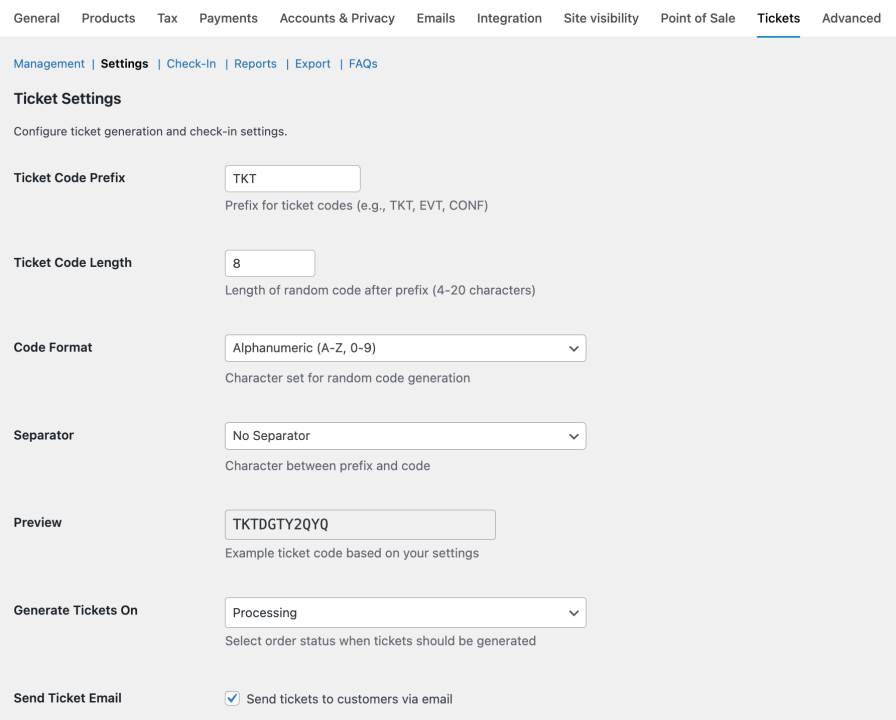
Professional Ticket Templates
- 12 beautiful pre-designed ticket templates included
- Modern, professional designs suitable for any event type
- Customize colors, fonts, and layouts to match your brand
- Add your logo and business information
- Include venue information, terms and conditions
- Mobile-responsive designs look perfect on any device
Email Integration
- Beautiful HTML emails sent automatically with ticket attachment
- QR codes embedded directly in email for quick access
- Downloadable PDF ticket attached to email
- Customizable email templates and messaging
- Resend tickets from order page with one click
Multiple Check-in Methods
- QR Code Scanning: Use any device camera to scan QR codes instantly
- Manual Code Entry: Type ticket codes for manual verification
- Bulk Check-in: Upload a list of ticket codes for batch processing
- Mobile-Friendly Interface: Works perfectly on smartphones and tablets
- Offline Mode: Check-in without an internet connection (coming soon)
- Real-time Validation: Instant verification prevents duplicate check-ins
- Frontend Check-in: Checkin can be done from front-end page by adding shortcode
Customer Experience
- Customers access tickets from My Account → My Tickets page
- Download tickets as PDF anytime
- Print tickets from email or account page
- View ticket status (valid, used, expired)
Comprehensive Reporting
- Real-time ticket sales dashboard
- Track check-ins vs. total tickets sold
- Generate custom reports by date range
- Export data to CSV for external analysis
Advanced Features
- Per Product Ticket Settings: Tickets can be configured per product
- Format Ticket Code: Option to format the ticket code to match your brand
- Ticket Expiration: Set global or per-product expiration dates
- Validity Period: Tickets are valid for the specified days
Security & Fraud Prevention
- Unique ticket codes generated using cryptographic algorithms
- QR codes cannot be duplicated or forged
- One-time use prevention – tickets can’t be scanned twice
Use Case
Music Festival / Amusement Park
A music festival sells General Admission ($50), VIP ($150), and Backstage Pass ($300) tickets. At the festival entrance, staff scan QR codes with tablets to validate entry. The dashboard shows real-time attendance numbers.
Compatibility
Additional Features
- Logs to report the activities on Tickets
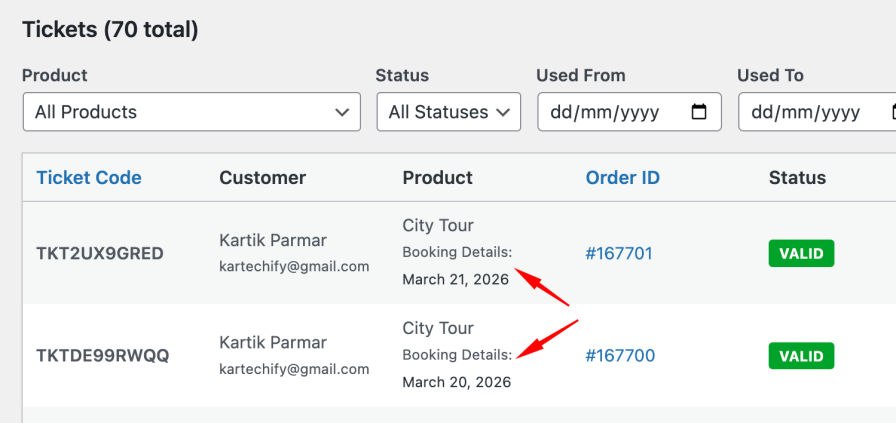
- Tickets Meta Box on Product Edit page to display the Ticket listing of that particular product
- Apply Bulk Ticket Settings to Product from single place.
Upcoming features
- Progressive Web App (PWA)
Purchase now and start selling tickets in minutes!